conda环境下安装依赖包报错:failed with initial frozen solve. Retrying with flexible solve
·
安装pyemd依赖包时与python版本不兼容
当前安装环境
Anaconda:2022.10
Python版本:3.13.2
在anaconda环境中,基于python=3.13.2版本下安装pyemd依赖包

安装Pyemd依赖包运行错误
- 查询conda中pyemd的可用包版本:
conda search pyemd
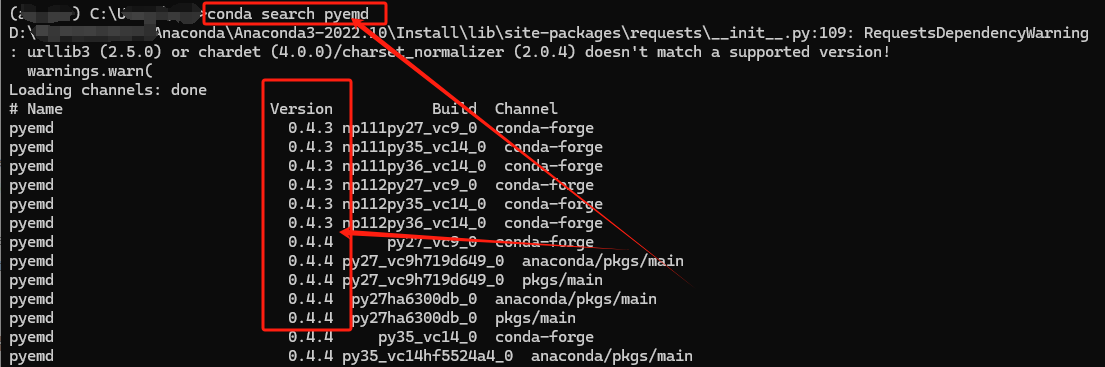
- 安装pyemd可用版本:
conda install pyemd=1.0.0
-
安装运行错误:
failed with initial frozen solve. Retrying with flexible solve.
failed with repodata from current_repodata.json, will retry with next repodata source.
D:\******\Anaconda\Anaconda3-2022.10\Install\lib\site-packages\requests\__init__.py:109: RequestsDependencyWarning: urllib3 (2.5.0) or chardet (4.0.0)/charset_normalizer (2.0.4) doesn't match a supported version! warnings.warn( Collecting package metadata (current_repodata.json): done
Solving environment: failed with initial frozen solve. Retrying with flexible solve.
Solving environment: failed with repodata from current_repodata.json, will retry with next repodata source.

-
解决方案:
可能python版本不兼容导致;python版本较高,pyemd 及其依赖可能尚未提供与较新python版本(python=3.13.2)的适配兼容,可通过降低python版本尝试再次conda install pyemd;
降低python版本:conda install python=3.12.11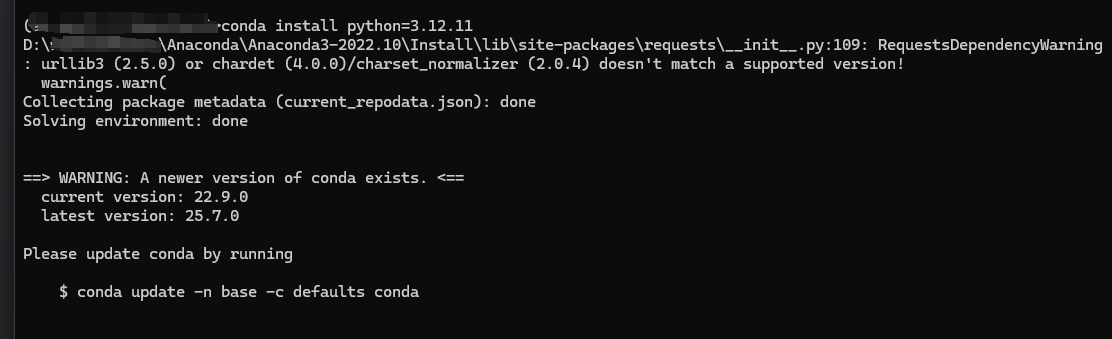
conda install pyemd=1.0.0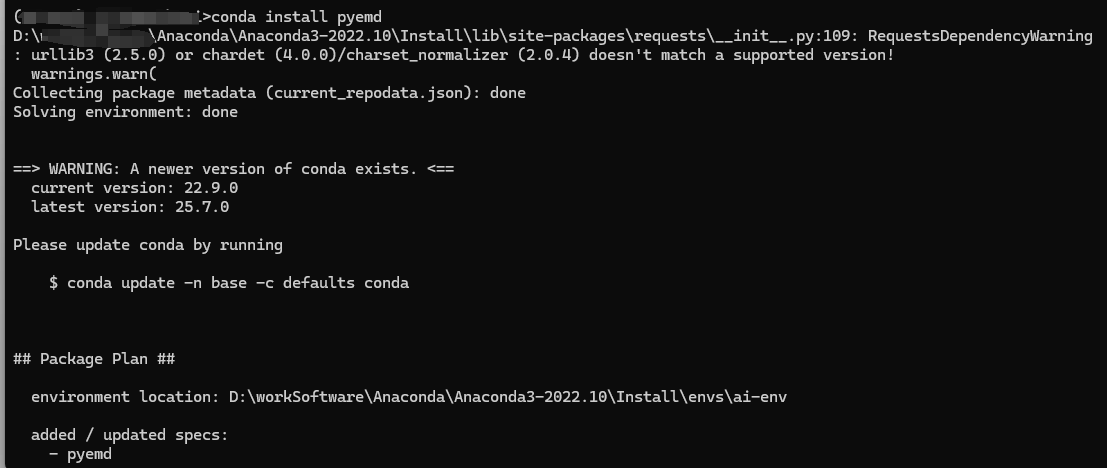
注: 创建python环境时尽量不要使用最新版本!!!

有“AI”的1024 = 2048,欢迎大家加入2048 AI社区
更多推荐


 4
4 0
0- 0


 已为社区贡献1条内容

所有评论(0)