Android集成最新OpenCV – 4.8.0(一)
·
1、OpenCV官网
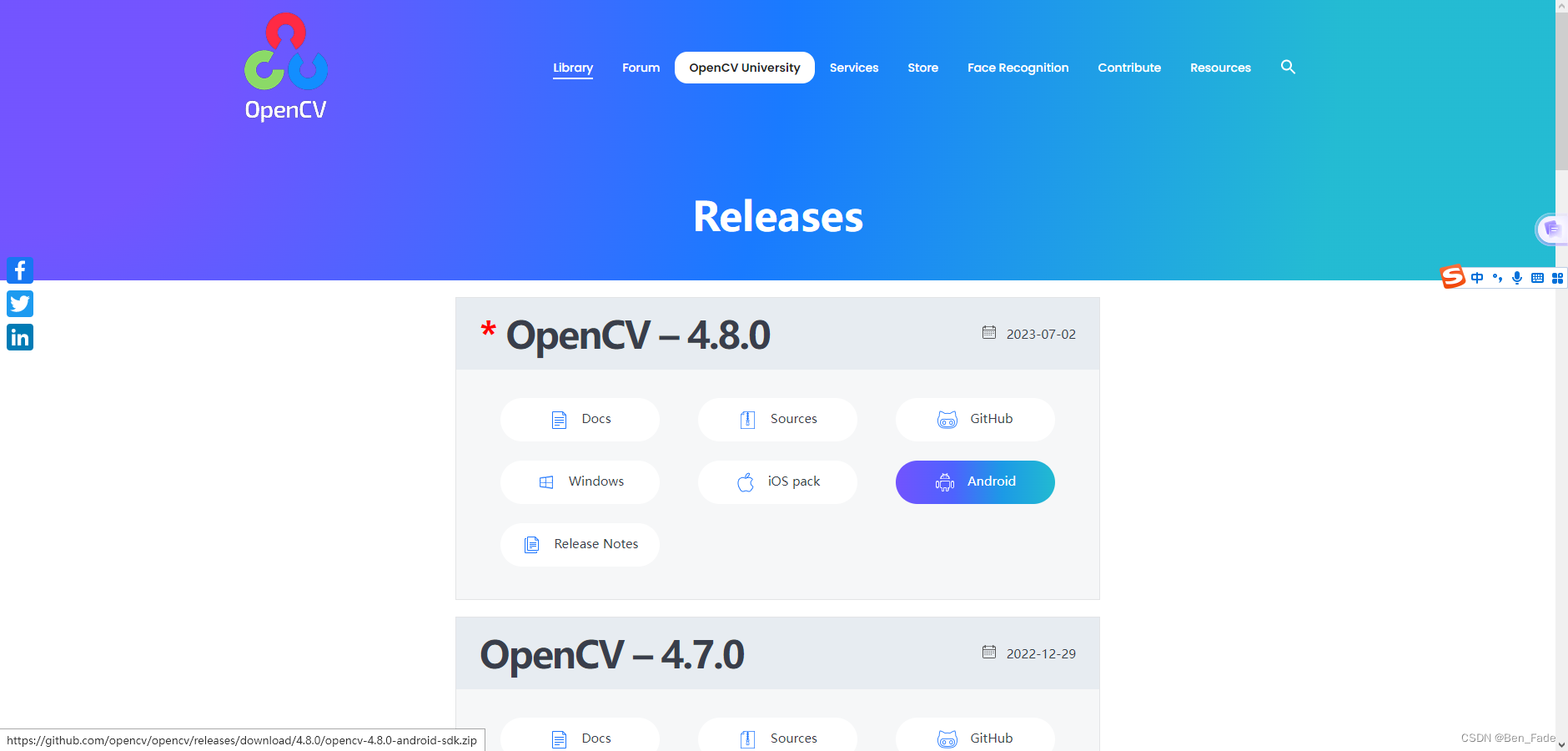
2、最新下载地址及版本
Releases - OpenCV https://opencv.org/releases/
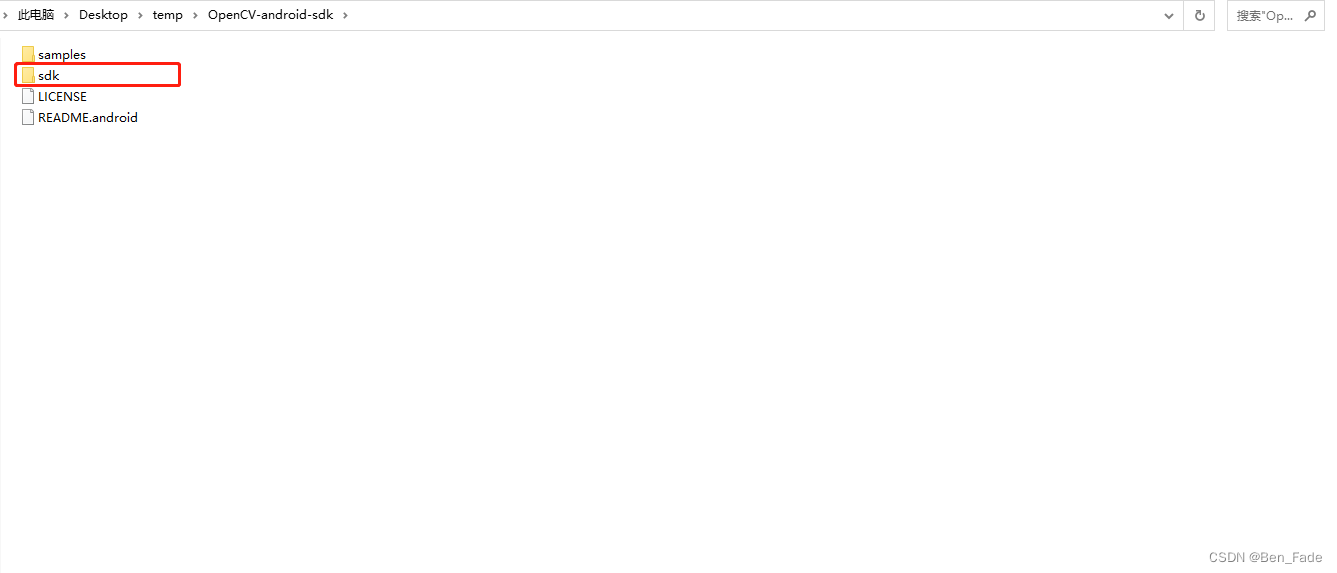
3、下载后解压得到如下文件
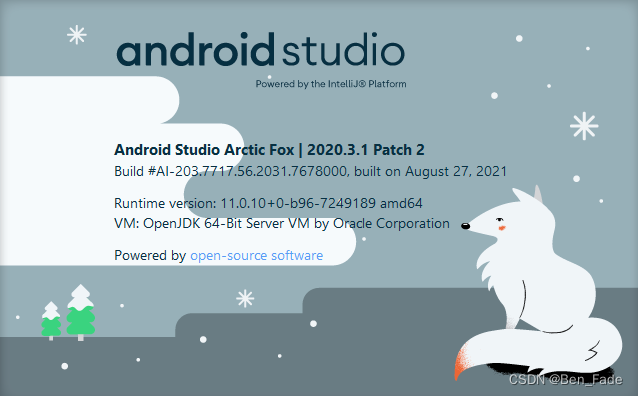
4、打开Android studio,版本如下
5、新建项目,并复制 第3步sdk文件夹到如下目录
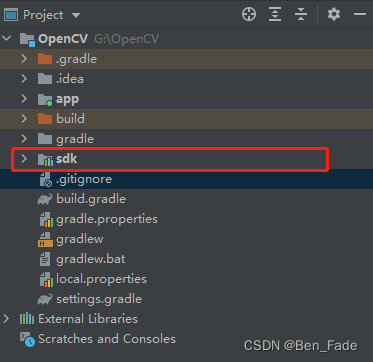
6、切换Android开发模式,引入sdk

7、 在该文件增加
apply plugin: 'kotlin-android-extensions'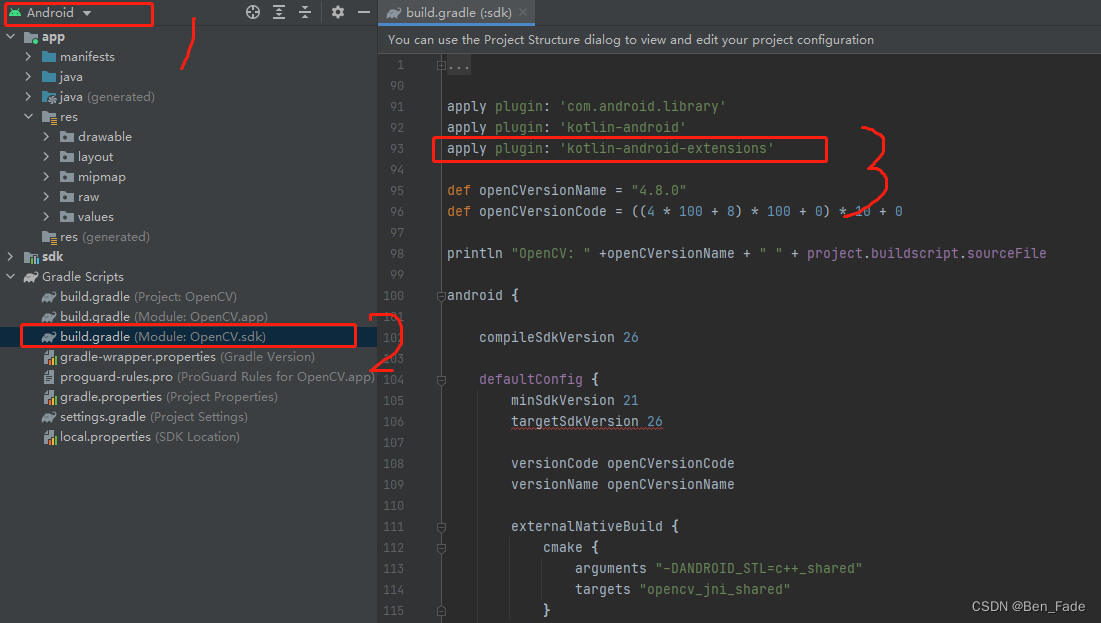
8、在该文件增加
implementation project(':sdk')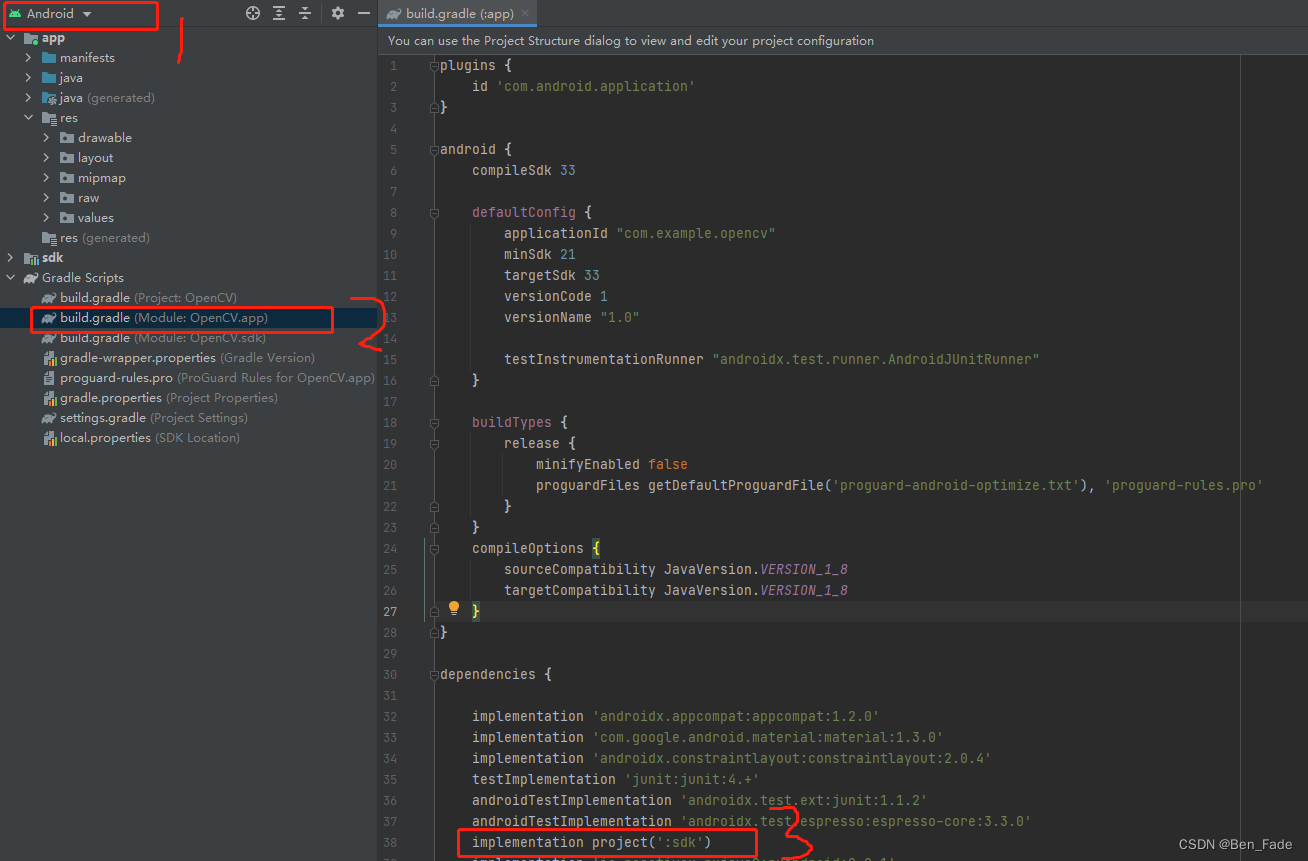

有“AI”的1024 = 2048,欢迎大家加入2048 AI社区
更多推荐

 0
0 0
0- 0


 已为社区贡献2条内容

所有评论(0)