50天50个小项目 (React19 + Tailwindcss V4) ✨| FeedbackUiDesign(评价反馈组件)
使用React19 和 TailwindCSS构建的用户满意度评分组件。该组件提供三种表情选项(Unhappy/Neutral/Satisfied)供用户选择,点击提交后显示感谢界面。
📅 今天我们继续 50 个小项目挑战!——FeedbackUiDesign组件
仓库地址:https://gitee.com/hhm-hhm/50days50projects.git
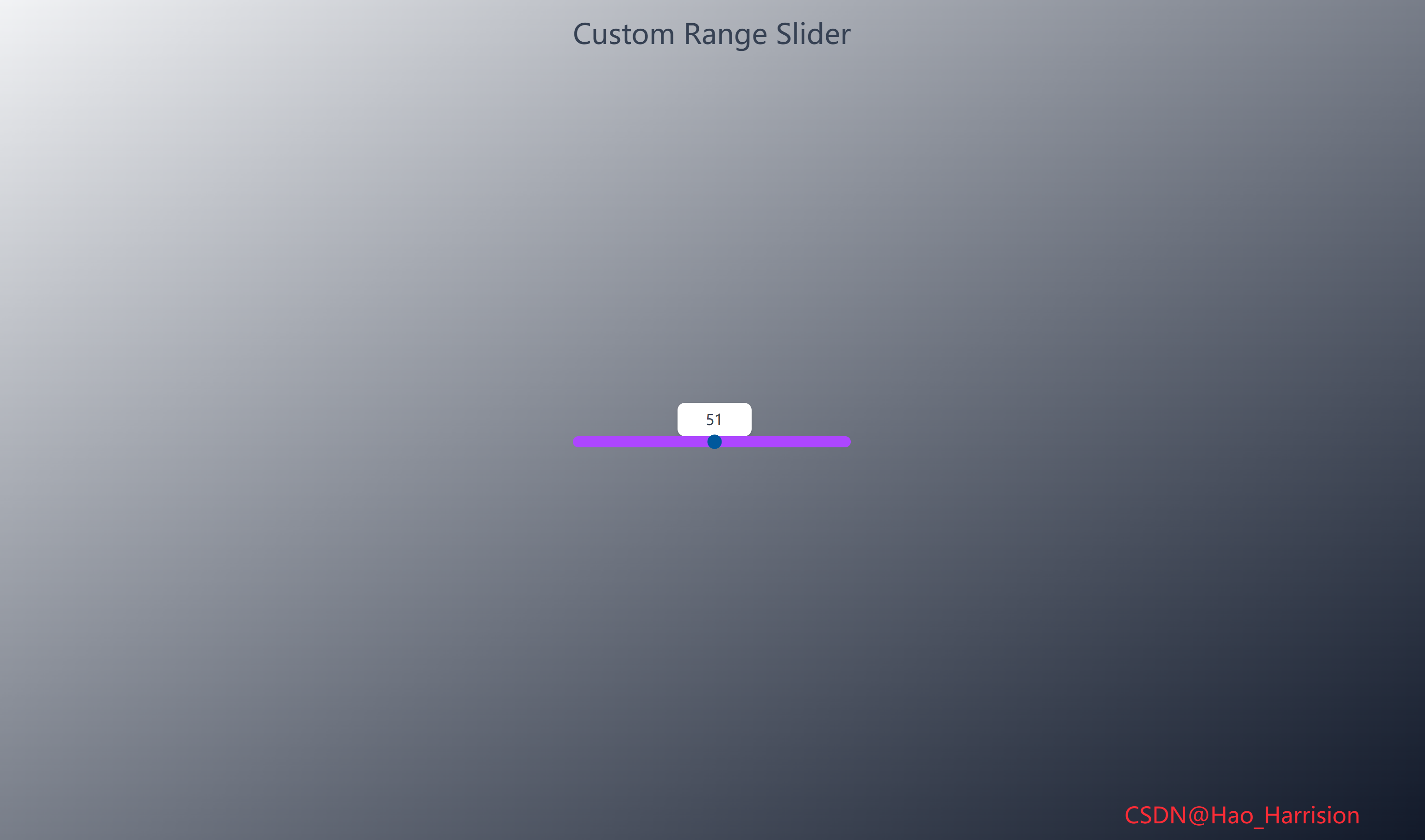
构建一个美观且交互性强的用户满意度评分组件。这个组件允许用户通过点击表情图标来选择他们的满意度等级,并在提交后显示感谢信息,非常适合用于收集客户反馈、产品评价或服务评分。
让我们开始吧!🚀
🌀 组件目标
- 实现可点击的评分选项,支持视觉反馈(悬停、选中效果)
- 展示提交前后的不同界面状态
- 利用 Tailwind CSS 快速构建现代化、响应式的 UI
- 提供流畅的用户体验和动画效果
🔧 FeedbackUiDesign.tsx组件实现
import React, { useState } from 'react'

// 定义评分选项类型
interface RatingOption {
    id: number
    imgUrl: string
    label: string
    value: string
}

const FeedbackUiDesign: React.FC = () => {
    // 状态管理
    const [selectedRating, setSelectedRating] = useState<string>('Satisfied') // 默认选中
    const [isSubmitted, setIsSubmitted] = useState<boolean>(false)

    // 评分选项数据
    const ratings: RatingOption[] = [
        {
            id: 1,
            imgUrl: 'https://img.icons8.com/external-neu-royyan-wijaya/64/000000/external-emoji-neumojis-smiley-neu-royyan-wijaya-17.png',
            label: 'Unhappy',
            value: 'Unhappy',
        },
        {
            id: 2,
            imgUrl: 'https://img.icons8.com/external-neu-royyan-wijaya/64/000000/external-emoji-neumojis-smiley-neu-royyan-wijaya-3.png',
            label: 'Neutral',
            value: 'Neutral',
        },
        {
            id: 3,
            imgUrl: 'https://img.icons8.com/external-neu-royyan-wijaya/64/000000/external-emoji-neumojis-smiley-neu-royyan-wijaya-30.png',
            label: 'Satisfied',
            value: 'Satisfied',
        },
    ]

    // 选择评分
    const selectRating = (value: string) => {
        setSelectedRating(value)
    }

    // 提交反馈
    const submitFeedback = () => {
        setIsSubmitted(true)
    }

    return (
        <div className="flex min-h-screen items-center justify-center bg-gray-900 p-4 font-sans">
            {/* 主面板(未提交) */}
            {!isSubmitted ? (
                <div className="w-full max-w-md rounded-lg bg-white p-8 text-center shadow-md">
                    <strong className="leading-relaxed text-gray-800">
                        How satisfied are you with our
                        <br />
                        customer support performance?
                    </strong>

                    {/* 评分选项容器 */}
                    <div className="my-8 flex justify-center">
                        {ratings.map((rating) => (
                            <div
                                key={rating.id}
                                onClick={() => selectRating(rating.value)}
                                className={`flex cursor-pointer flex-col items-center rounded-md p-5 transition-all duration-200 ${
                                    selectedRating === rating.value
                                        ? 'scale-110 bg-white shadow-lg'
                                        : 'hover:bg-gray-50'
                                }`}
                                role="button"
                                tabIndex={0}
                                onKeyDown={(e) => {
                                    if (e.key === 'Enter' || e.key === ' ') {
                                        selectRating(rating.value)
                                    }
                                }}
                                aria-pressed={selectedRating === rating.value}
                                aria-label={`Select ${rating.label} rating`}>
                                <img
                                    src={rating.imgUrl}
                                    alt={rating.label}
                                    className="mb-3 h-10 w-10"
                                    loading="lazy"
                                />
                                <small className="text-gray-600">{rating.label}</small>
                            </div>
                        ))}
                    </div>

                    {/* 提交按钮 */}
                    <button
                        onClick={submitFeedback}
                        className="cursor-pointer rounded-md bg-gray-800 px-8 py-3 text-white transition-all duration-200 hover:bg-gray-700 focus:ring-2 focus:ring-gray-600 focus:ring-offset-2 focus:outline-none active:scale-98">
                        Send Review
                    </button>
                </div>
            ) : (
                /* 提交后的感谢面板 */
                <div className="w-full max-w-md rounded-lg bg-white p-8 text-center shadow-md">
                    {/* 使用 Heroicons 或内联 SVG 替代 Font Awesome(避免额外依赖) */}
                    <div className="mb-4 text-4xl text-red-500">❤️</div>
                    <strong className="mb-1 block text-xl text-gray-800">Thank You!</strong>
                    <strong className="mb-2 text-gray-700">Feedback: {selectedRating}</strong>
                    <p className="text-sm text-gray-500">
                        We'll use your feedback to improve our customer support
                    </p>
                </div>
            )}
            <div className="fixed right-20 bottom-5 z-100 text-2xl text-red-500">
                CSDN@Hao_Harrision
            </div>
        </div>
    )
}

export default FeedbackUiDesign
🔄 关键差异总结
🔄 关键差异总结
| 功能 | Vue 3 | React + TS |
|---|---|---|
| 状态 | ref() |
useState() |
| 条件渲染 | v-if |
{condition ? A : B} |
| 列表渲染 | v-for |
.map() |
| 动态类 | :class 对象/数组 |
模板字符串 |
| 事件传参 | @click="fn(val)" |
onClick={() => fn(val)} |
| 类型安全 | — | interface + 泛型 |
| 无障碍 | 手动添加 | 显式增强(推荐) |
🔁 转换说明
1. 状态管理:ref → useState
| Vue | React |
|---|---|
const selectedRating = ref('Satisfied') |
const [selectedRating, setSelectedRating] = useState('Satisfied') |
const isSubmitted = ref(false) |
const [isSubmitted, setIsSubmitted] = useState(false) |
✅ 使用 useState 实现响应式状态。
2. 数据结构:静态数组 → TypeScript 接口
- 定义
RatingOption接口确保类型安全; ratings不需要响应式,直接定义为常量数组。
interface RatingOption {
  id: number;
  imgUrl: string;
  label: string;
  value: string;
}
3. 条件渲染:v-if → 三元表达式或逻辑与
{!isSubmitted ? <MainPanel /> : <ThankYouPanel />}✅ 清晰表达两种 UI 状态。
4. 事件处理:@click → onClick
- Vue:
@click="selectRating(rating.value)" - React:
onClick={() => selectRating(rating.value)}
✅ 注意:必须使用箭头函数传递参数,否则会立即执行。
5. 动态类名::class → 模板字符串或 clsx
使用模板字符串实现条件类:
className={`... ${selectedRating === rating.value ? 'scale-110 bg-white shadow-lg' : 'hover:bg-gray-50'}`}若项目复杂,可引入
clsx或tailwind-merge,但此处简单场景无需依赖。
6. 无障碍支持(a11y)增强
- 添加
role="button"和tabIndex={0}使 div 可聚焦; onKeyDown支持键盘交互(Enter/Space);aria-pressed表示当前选中状态;aria-label描述操作意图;- 按钮添加
focus:ring样式。
✅ 提升可访问性,符合 WCAG 标准。
7. 图标处理:移除 Font Awesome 依赖
- 原 Vue 使用
<i class="fas fa-heart">(需引入 Font Awesome); - React 版本改用 原生 emoji ❤️ 或可替换为 SVG;
- 避免在简单项目中引入额外 CSS 库。
如需保持一致性,可安装
@heroicons/react并使用<HeartIcon />。
8. 图片优化
- 添加
loading="lazy"提升性能; alt属性使用label,语义清晰。
✅ 注意事项
- 不要直接绑定函数调用:
onClick={selectRating(rating.value)}会立即执行 ❌; - key 使用唯一 ID:
rating.id是稳定 key; - 默认选中状态:初始化
selectedRating为'Satisfied'与 Vue 一致; - 无副作用:此组件纯 UI,无需
useEffect。
💡 可选优化
- 使用
useCallback包裹selectRating(非必需,因无子组件 memo); - 将评分项提取为独立组件
<RatingOption />; - 添加动画过渡(如
framer-motion)。
🎨 TailwindCSS 样式重点讲解
| 类名 | 作用 |
|---|---|
flex |
启用 Flexbox 布局 |
min-h-screen |
最小高度为视口高度,确保内容垂直居中 |
items-center / justify-center |
Flex 项目在主轴和交叉轴上居中 |
bg-gray-100 |
浅灰色背景 |
p-4 |
内边距 |
font-sans |
无衬线字体 |
w-full max-w-md |
宽度占满,但最大宽度限制为 md (28rem) |
rounded-lg |
中等圆角 |
bg-white |
白色背景 |
p-8 |
较大的内边距 |
text-center |
文本居中 |
shadow-md |
中等阴影 |
leading-relaxed |
较宽松的行高 |
text-gray-800 / text-gray-600 / text-gray-500 / text-gray-700 |
不同深浅的灰色文字 |
my-8 |
上下外边距 |
justify-center |
Flex 容器内项目居中对齐 |
cursor-pointer |
鼠标指针变为手型 |
flex-col |
Flex 方向为垂直 |
p-5 |
内边距 |
transition-all duration-200 |
所有属性变化在 200ms 内平滑过渡 |
scale-110 |
放大到 110% |
bg-white shadow-lg |
选中时的背景和更强阴影 |
hover:bg-gray-50 |
悬停时的浅灰色背景 |
mb-3 |
下边距 |
h-10 w-10 |
图标固定大小 |
rounded-md |
按钮圆角 |
bg-gray-800 / bg-gray-700 |
按钮背景色及悬停色 |
px-8 py-3 |
按钮内边距 |
text-white |
白色文字 |
hover:bg-gray-700 |
悬停时按钮颜色变浅 |
active:scale-98 |
按下时轻微缩小 |
text-4xl |
大号文字(爱心图标) |
text-red-500 |
红色文字 |
block |
块级元素 |
text-xl |
大号文字 |
🦌 路由组件 + 常量定义
router/index.tsx 中 children数组中添加子路由
{
    path: '/',
    element: <App />,
    children: [
       ...
        {
                path: '/FeedbackUiDesign',
                lazy: () =>
                    import('@/projects/FeedbackUiDesign').then((mod) => ({
                        Component: mod.default,
                    })),
            },
    ],
 },
constants/index.tsx 添加组件预览常量
import demo44Img from '@/assets/pic-demo/demo-44.png'
省略部分....
export const projectList: ProjectItem[] = [
    省略部分....
      {
        id: 44,
        title: 'Feedback Ui Design',
        image: demo44Img,
        link: 'FeedbackUiDesign',
    },
]
🚀 小结
通过这篇文章,我们使用 React19 和 TailwindCSS 创建了一个直观、美观且交互性良好的用户反馈评分组件。
想要让你的反馈组件更加强大?考虑以下扩展功能:
✅ 提交到后端:在 submitFeedback 函数中添加 fetch 或 axios 请求,将 selectedRating 发送到服务器保存。
✅ 输入框收集详细反馈:在提交前,增加一个 <textarea> 让用户输入更详细的反馈意见。
✅ 动画效果:为面板切换或图标添加更丰富的动画(例如使用 vue-transition)。
✅ 自定义图标:使用本地 SVG 图标或不同的图标库替换现有的表情图片。
✅ 评分重置:在感谢面板添加一个“再次评分”按钮,允许用户重新选择。
✅ 本地存储:使用 localStorage 记住用户之前的评分(如果需要)。
📅 明日预告: 我们将完成NetflixMobileNavigation组件,一个模仿Netflix移动端的导航样式。🚀
感谢阅读,欢迎点赞、收藏和分享 😊
原文链接:https://blog.csdn.net/qq_44808710/article/details/149782861
每天造一个轮子,码力暴涨不是梦!🚀

有“AI”的1024 = 2048,欢迎大家加入2048 AI社区
更多推荐


 12
12 0
0- 0


 已为社区贡献43条内容

所有评论(0)