Spring Boot Actuator基础使用及Actuator未授权访问处理
·
SpringBoot项目引入Actuator监控
- pom.xml
<dependency>
    <groupId>org.springframework.boot</groupId>
    <artifactId>spring-boot-starter-actuator</artifactId>
    <version>2.7.13</version>
</dependency>
- bootstrap.yml
management:
  server:
    #管理端口
    port: 8091
  endpoints:
    web:
      exposure:
        #暴露的端点,*表示全部,如果想要开放指定的端点,可以以逗号分割,指定开放,如info,health就表示开放info,health两个端点
        include: '*'
- 测试
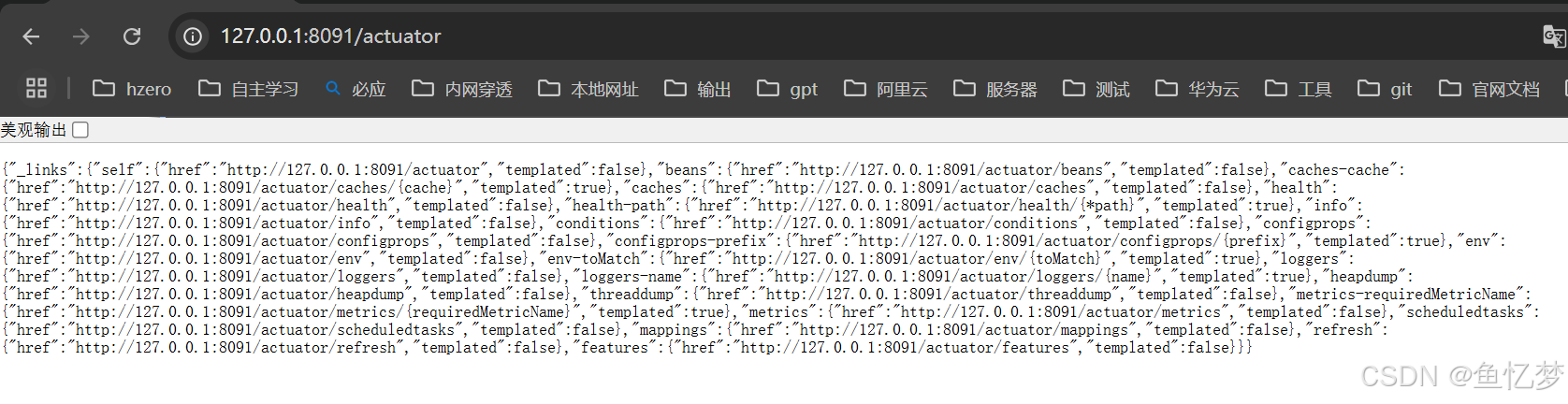
启动后访问本地actuator端点列表接口 http://127.0.0.1:8091/actuator
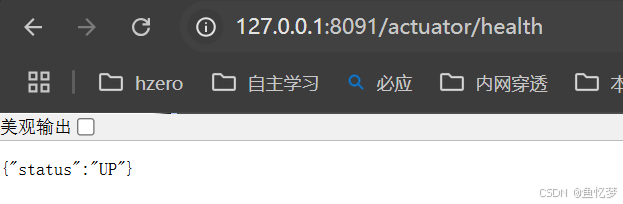
访问一个开放的端点,如health
代码定位
以health为例,health的端点实现方法为org.springframework.boot.actuate.health.HealthEndpoint#health()
@ReadOperation
public HealthComponent health() {
    HealthComponent health = this.health(ApiVersion.V3, EMPTY_PATH);
    return (HealthComponent)(health != null ? health : DEFAULT_HEALTH);
}
其余端点可以去org.springframework.boot.actuate包下对应端点的包名中寻找响应的Endpoint类即可
自定义端点扩展
- 新建hello的endpoint
@Component
@Endpoint(id = "hello")
public class HelloEndpoint {

    @ReadOperation
    public String hello() {
        return "hello";
    }
}
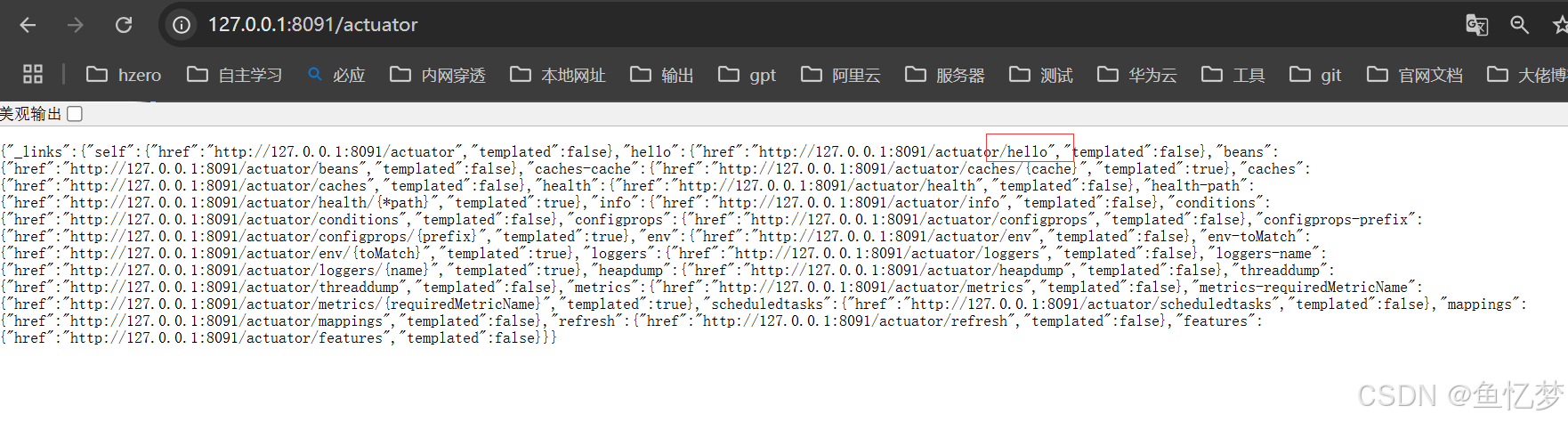
- 运行项目,访问 http://127.0.0.1:8091/actuator
发现hello端点出现在列表中
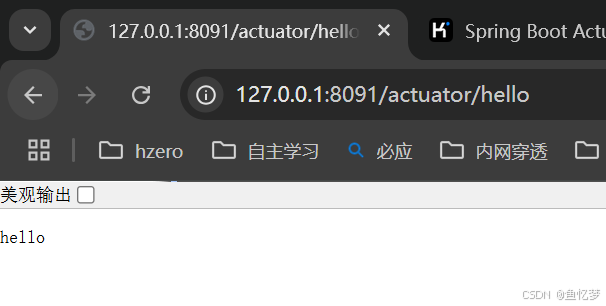
- 访问hello端点 http://127.0.0.1:8091/actuator/hello
添加认证
在实际的项目中,如果未进行特殊处理,actuator往往会触发Actuator未授权访问漏洞,
这种时候需要进行修复,下面推荐几种修复方式
- 借助security进行授权
pom中引入security的依赖
<dependency>
    <groupId>org.springframework.boot</groupId>
    <artifactId>spring-boot-starter-security</artifactId>
</dependency>
编写认证代码
@Configuration
@Order(66)
public class SecurityConfiguration {

    @Bean
    public SecurityFilterChain filterChain(HttpSecurity http) throws Exception {
        http.csrf().disable()
                // 配置对/actuator/的请求进行拦截
                .authorizeRequests()
                // 仅允许10.9网段及本地访问端点
                .antMatchers("/actuator/**").access("hasIpAddress('10.9.0.0/16') or hasIpAddress('127.0.0.1')")
                .and()
                // 配置一个自定义的访问拒绝处理器(可选,但推荐用于明确的403响应)
                .exceptionHandling().accessDeniedHandler((request, response, accessDeniedException) -> response.sendError(HttpServletResponse.SC_FORBIDDEN, "You are not allowed to access!"));
        return http.build();
    }
}
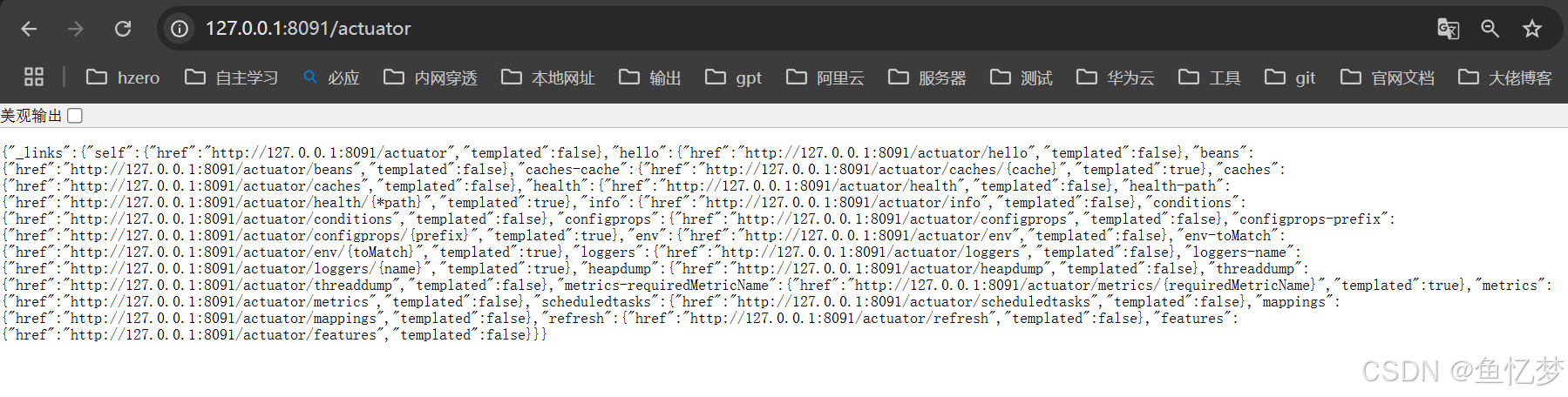
访问 http://127.0.0.1:8091/actuator
,发现可正常返回
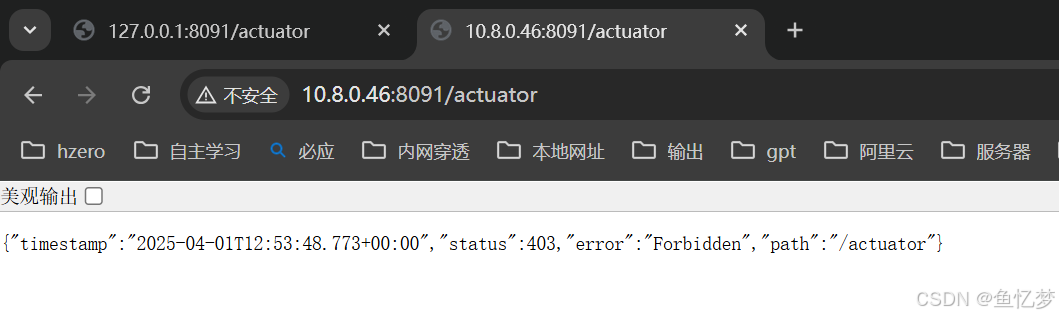
访问 http://10.8.0.46:8091/actuator
,返回403
- 仅开放部分端点
在部分要求不严格的环境中,可以只开放部分不敏感的端点,如
management:
  server:
    port: 8091
  endpoints:
    web:
      exposure:
        include: health,info

有“AI”的1024 = 2048,欢迎大家加入2048 AI社区
更多推荐



 6
6 0
0- 0


 已为社区贡献1条内容

所有评论(0)