M1 macOS Qt环境搭建 + Qt5.15源码编译 + Homebrew QtCreator 8
【代码】M1 macOS Qt环境搭建 + Qt5.15源码编译 + Homebrew QtCreator 8。编译Qt源码,编译Qt文档,添加Qt源码调试。适配M1
·
how_to_build_qt_creator_for_macos_arm64_a_guide/
https://www.cnblogs.com/wqcwood/p/15138983.html
Installing Clang for QDoc
Notice !! This only build Qt for arm64 version. Not universal. you can read this article for universal
1. Install Xcode
please google
2. Install Homebrew
please google
3. Install others need
- Get Qt build dependencies (using homebrew)
brew install pcre2 harfbuzz freetype
- Get Qt Creator dependencies (using homebrew)
brew install cmake ninja python
brew install --build-from-source llvm
4. Get Qt5.15.5 source code
- qt-everywhere-opensource-src-5.15.5.tar.xz
unzip it !
for me is : ~/Downloads/qt-everywhere-src-5.15.5
5. Install Clang for QDoc
- check llvm is install
llvm-config

- Find llvm install path
which llvm-config
out: /opt/homebrew/opt/llvm/bin/llvm-config
- Specify Clang location manually
$ export LLVM_INSTALL_DIR=/opt/homebrew/opt/llvm
6. Build Qt for mac (m1)
- open terminal and chang dir to ~/Downloads/qt-everywhere-src-5.15.5
then
./configure -debug-and-release -prefix ./out QMAKE_APPLE_DEVICE_ARCHS=arm64 -skip qt3d -skip qtvirtualkeyboard
skip qt3d skip qtvirtualkeyboard because of build error! https://bugreports.qt.io/browse/QTBUG-98826
- If Error Message: You cannot configure qt separately within a top-level build
Making two blank files named .qmake.stash and .qmake.super
then go on configure. FUXXING QT!!!
touch .qmake.stash
touch .qmake.super
- Then choose open source, and choose yes.
!!!Check QDoc is config yes to install.!!!
then
make
If error occurred!: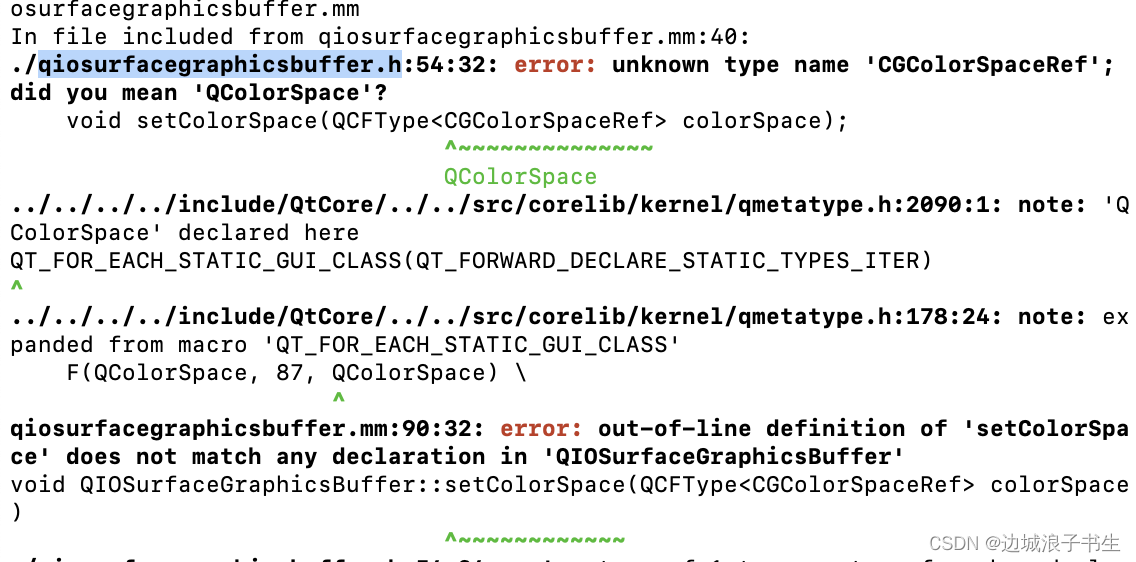
!!! open qiosurfacegraphicsbuffer.h then include :
#include <CoreGraphics/CGColorSpace.h>
#include <IOSurface/IOSurface.h>
- like:
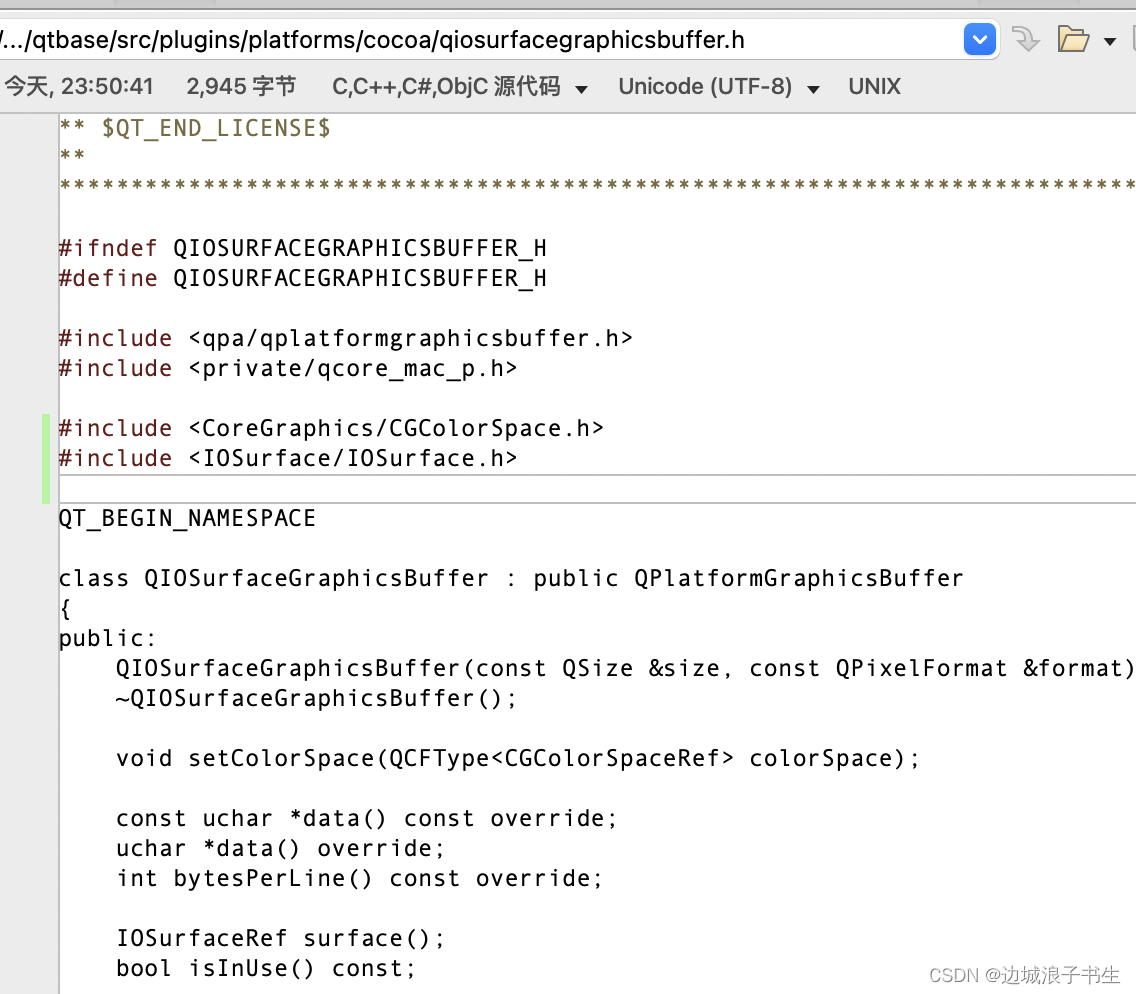
- Make again and make install
make
make install
- If there are other errors, please follow the prompts and solve them one by one!!!
if build success,you will find lib in path:
~/Downloads/qt-everywhere-src-5.15.5/out
check bin/qdoc has build succeeed. it will build qt doc for qt assistant
- make docs
make docs
make install_docs
- out->bin:
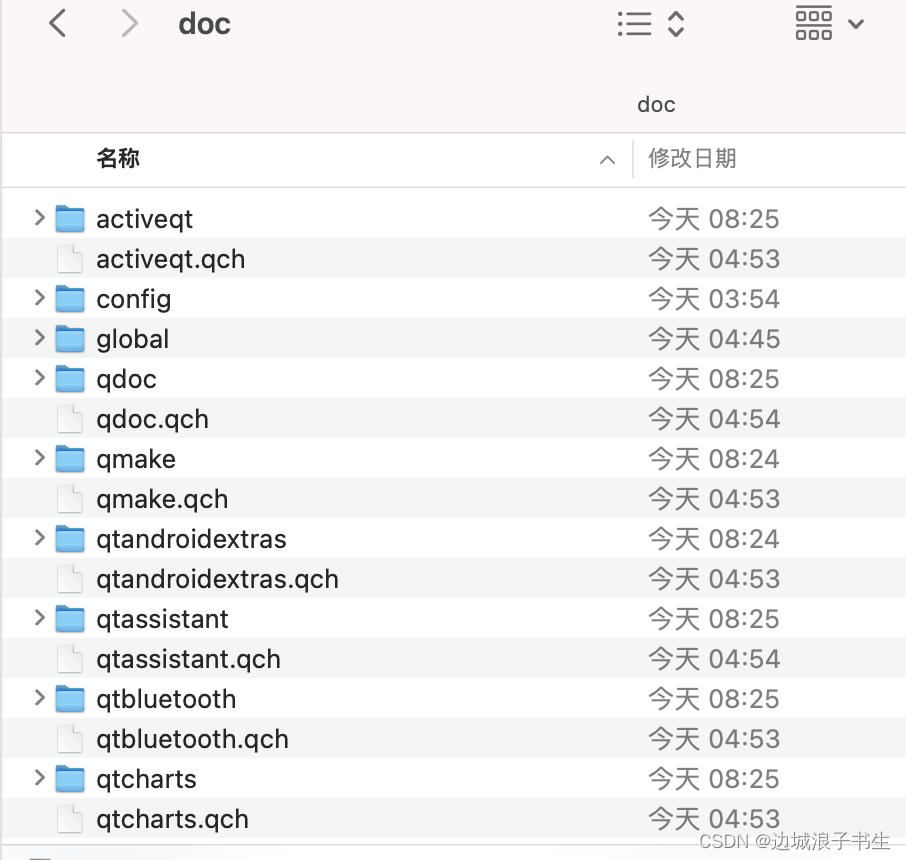
7. Install Qt creator use Homebrew
- Use homebrew (You can also use brew to install qt, but is newest. Not Qt5~)
brew install Qt Creator

8 Config Qt Creator
- You will found .qch will be auto detected.if not you can add by youself.
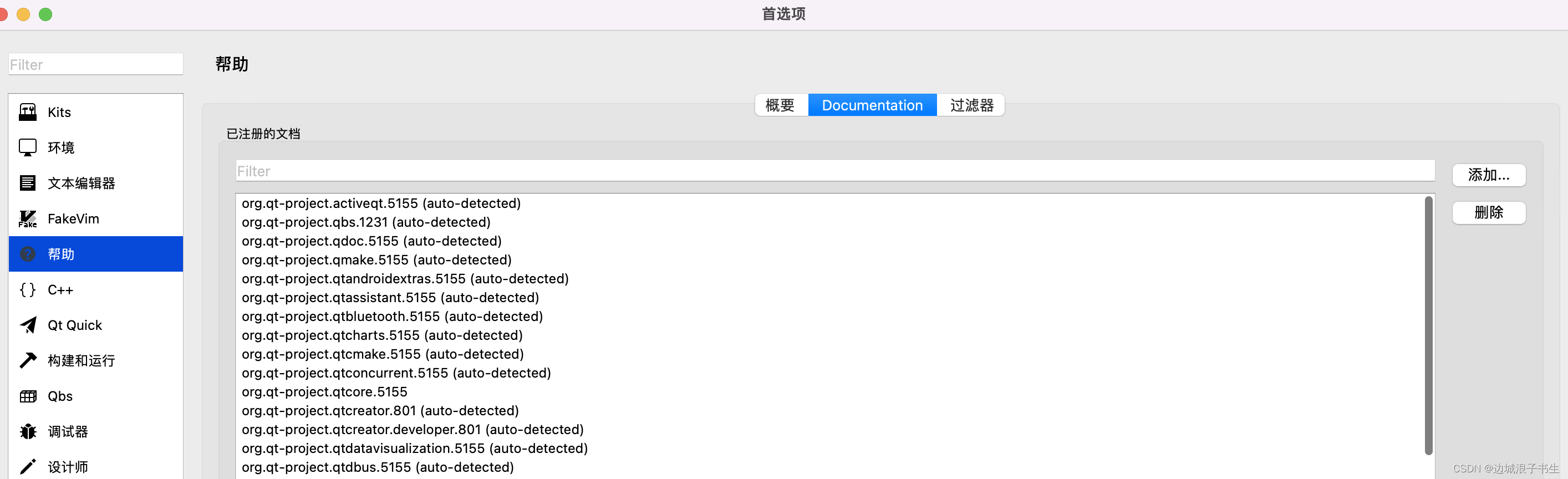
- Config Qt version
find you qmake path ,and set it
- config kits
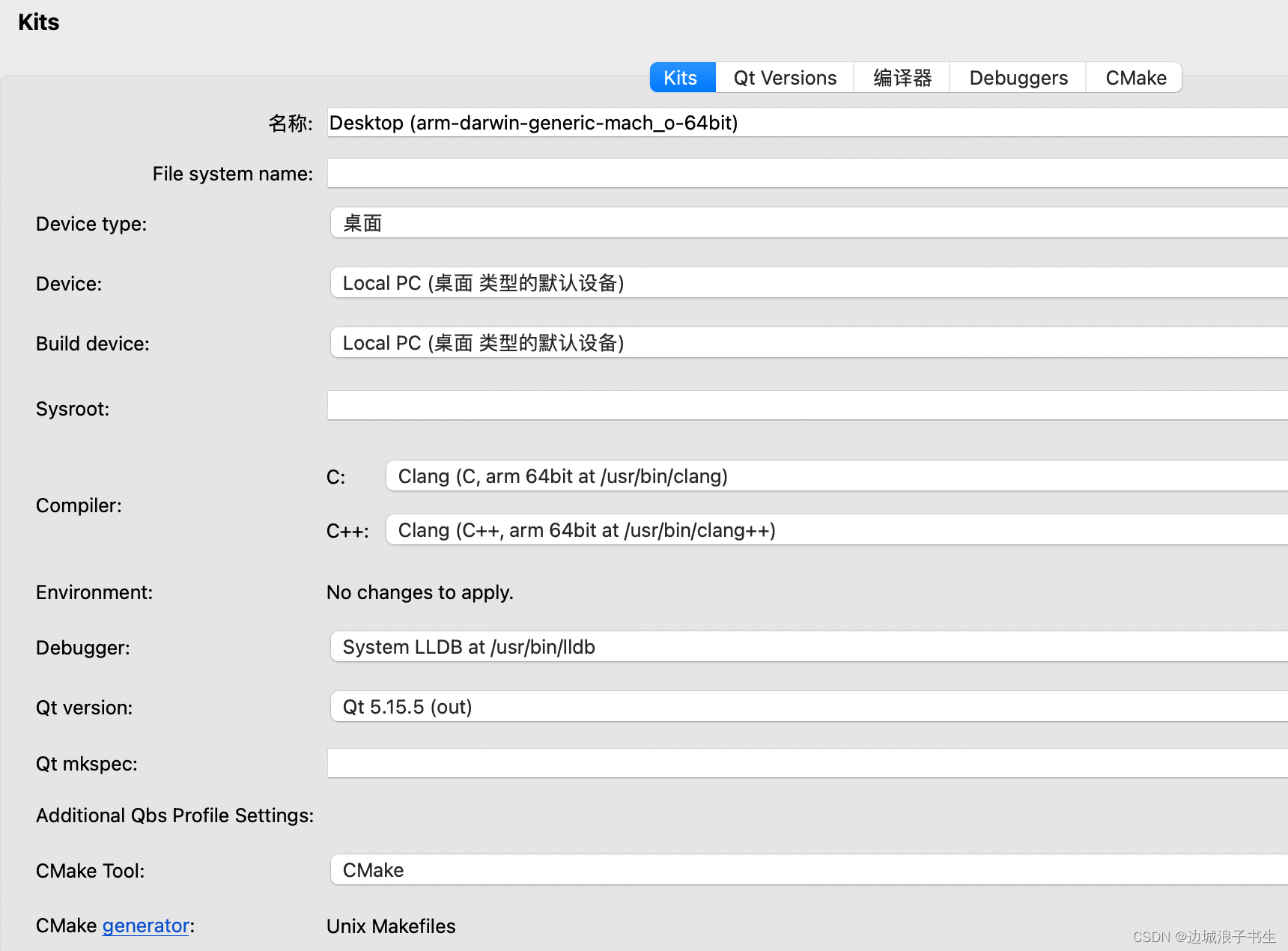
- Open examples maybe get some trouble. x86_64 set in .pro
QMAKE_APPLE_DEVICE_ARCHS=arm64
Debug into Qt source see:

有“AI”的1024 = 2048,欢迎大家加入2048 AI社区
更多推荐


 0
0 0
0- 0


 已为社区贡献2条内容

所有评论(0)