Android Studio||普通弹窗dialog/致电页面跳转(内含源代码
·
step by step.
目录
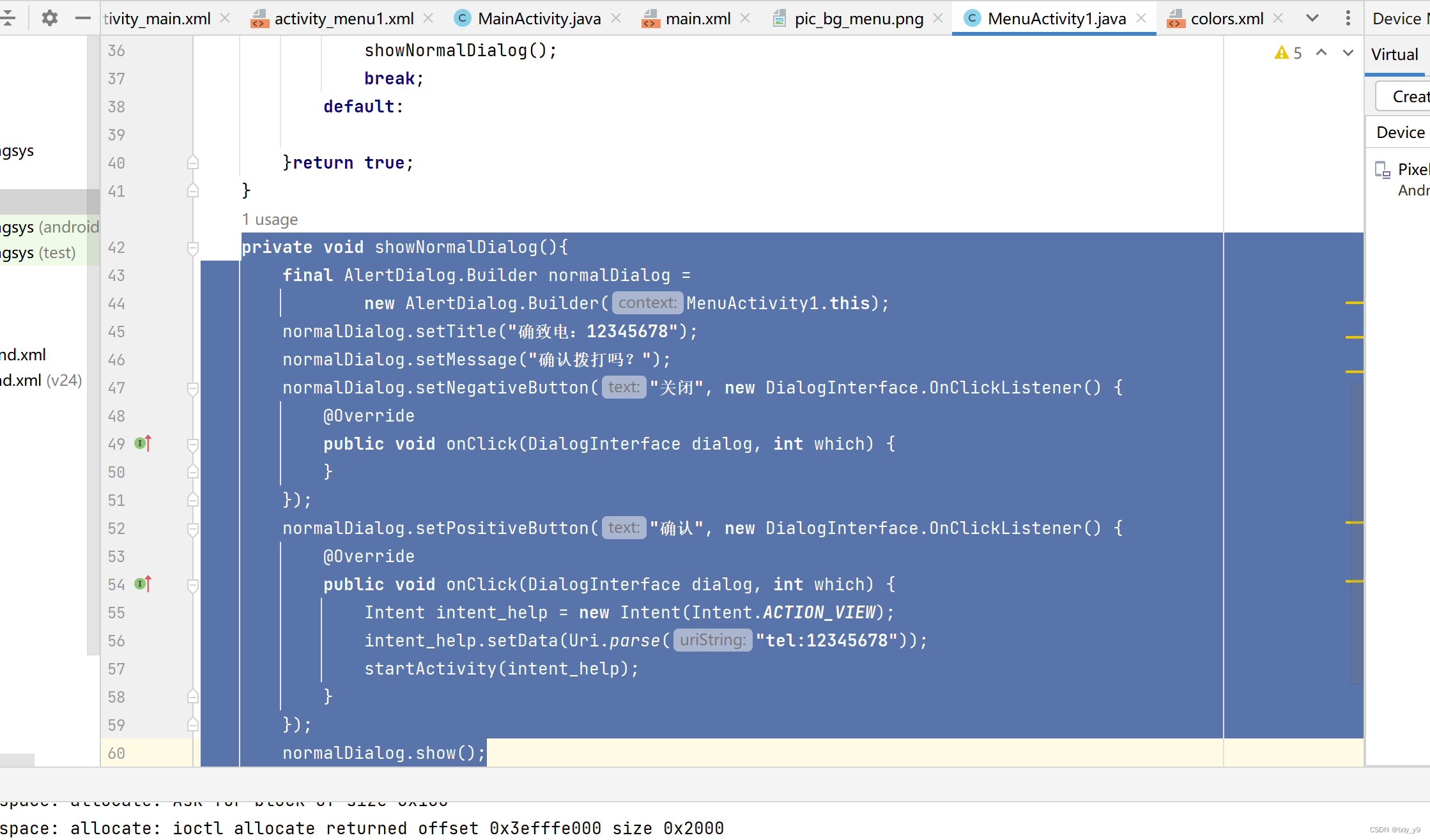
在所涉及的java添加方法:
 private void showNormalDialog(){
        final AlertDialog.Builder normalDialog =
                new AlertDialog.Builder(MenuActivity1.this);
        normalDialog.setTitle("确致电:12345678");
        normalDialog.setMessage("确认拨打吗?");
        normalDialog.setNegativeButton("关闭", new DialogInterface.OnClickListener() {
            @Override
            public void onClick(DialogInterface dialog, int which) {
            }
        });
        normalDialog.setPositiveButton("确认", new DialogInterface.OnClickListener() {
            @Override
            public void onClick(DialogInterface dialog, int which) {
                Intent intent_help = new Intent(Intent.ACTION_VIEW);
                intent_help.setData(Uri.parse("tel:12345678"));
                startActivity(intent_help);
            }
        });
        normalDialog.show();
    }
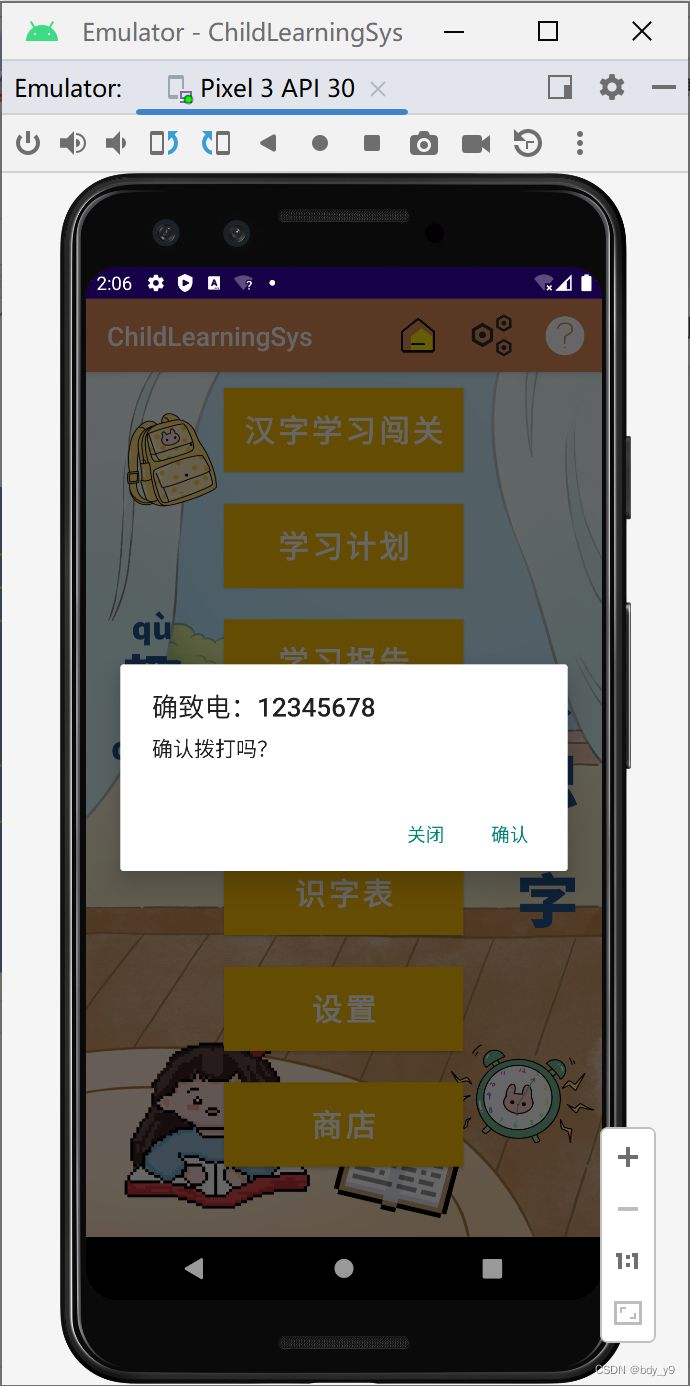
效果图:
确认则跳转;取消则关闭该弹窗(方法内不用写任何语句)
整个menu的代码:
package com.example.childlearningsys;

import androidx.appcompat.app.AlertDialog;
import androidx.appcompat.app.AppCompatActivity;

import android.content.DialogInterface;
import android.content.Intent;
import android.net.Uri;
import android.os.Bundle;
import android.view.Menu;
import android.view.MenuItem;
import android.widget.Toast;

public class MenuActivity1 extends AppCompatActivity {

    @Override
    protected void onCreate(Bundle savedInstanceState) {
        super.onCreate(savedInstanceState);
        setContentView(R.layout.activity_menu1);
    }
    @Override
    public boolean onCreateOptionsMenu(Menu menu){
        getMenuInflater().inflate(R.menu.main,menu);
        return true;
    }
    @Override
    public boolean onOptionsItemSelected( MenuItem item){
        switch (item.getItemId()){
            case R.id.home_item:
                Toast.makeText(this,"已在主页面", Toast.LENGTH_SHORT).show();
                break;
            case R.id.setting_item:
                Toast.makeText(this,"setting",Toast.LENGTH_SHORT).show();
                break;
            case R.id.help:
                showNormalDialog();
                break;
            default:

        }return true;
    }
    private void showNormalDialog(){
        final AlertDialog.Builder normalDialog =
                new AlertDialog.Builder(MenuActivity1.this);
        normalDialog.setTitle("确致电:12345678");
        normalDialog.setMessage("确认拨打吗?");
        normalDialog.setNegativeButton("关闭", new DialogInterface.OnClickListener() {
            @Override
            public void onClick(DialogInterface dialog, int which) {
            }
        });
        normalDialog.setPositiveButton("确认", new DialogInterface.OnClickListener() {
            @Override
            public void onClick(DialogInterface dialog, int which) {
                Intent intent_help = new Intent(Intent.ACTION_VIEW);
                intent_help.setData(Uri.parse("tel:12345678"));
                startActivity(intent_help);
            }
        });
        normalDialog.show();
    }
}
有“AI”的1024 = 2048,欢迎大家加入2048 AI社区
更多推荐

 0
0 0
0- 0


 已为社区贡献3条内容

所有评论(0)