pycharm清华镜像源使用
·
国内pip源:清华大学 https://pypi.tuna.tsinghua.edu.cn/simple/
打开pycharm如下图所示
1.终端
在pip install后加-i https://pypi.tuna.tsinghua.edu.cn/simple 即可
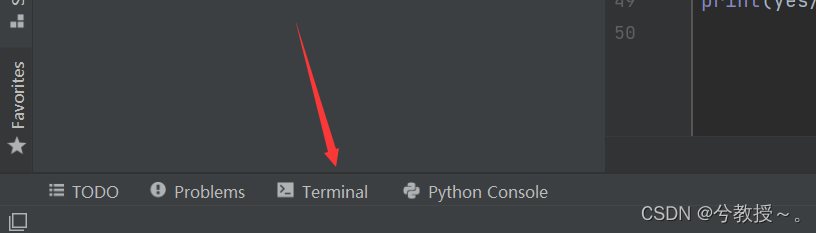
安装tensorflow
pip install -i https://pypi.tuna.tsinghua.edu.cn/simple tensorflow
or
pip install tensorflow -i https://pypi.tuna.tsinghua.edu.cn/simple
2.
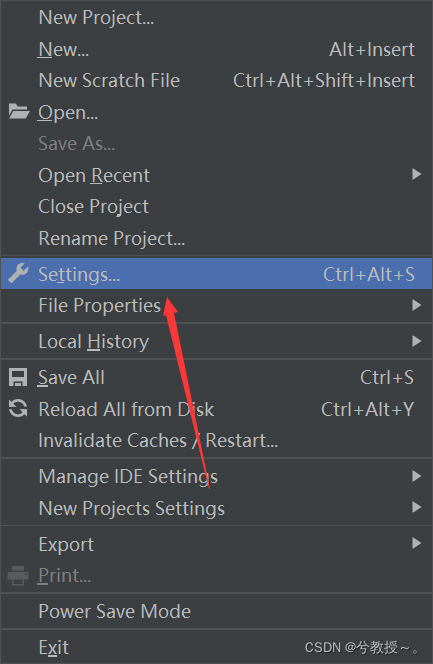
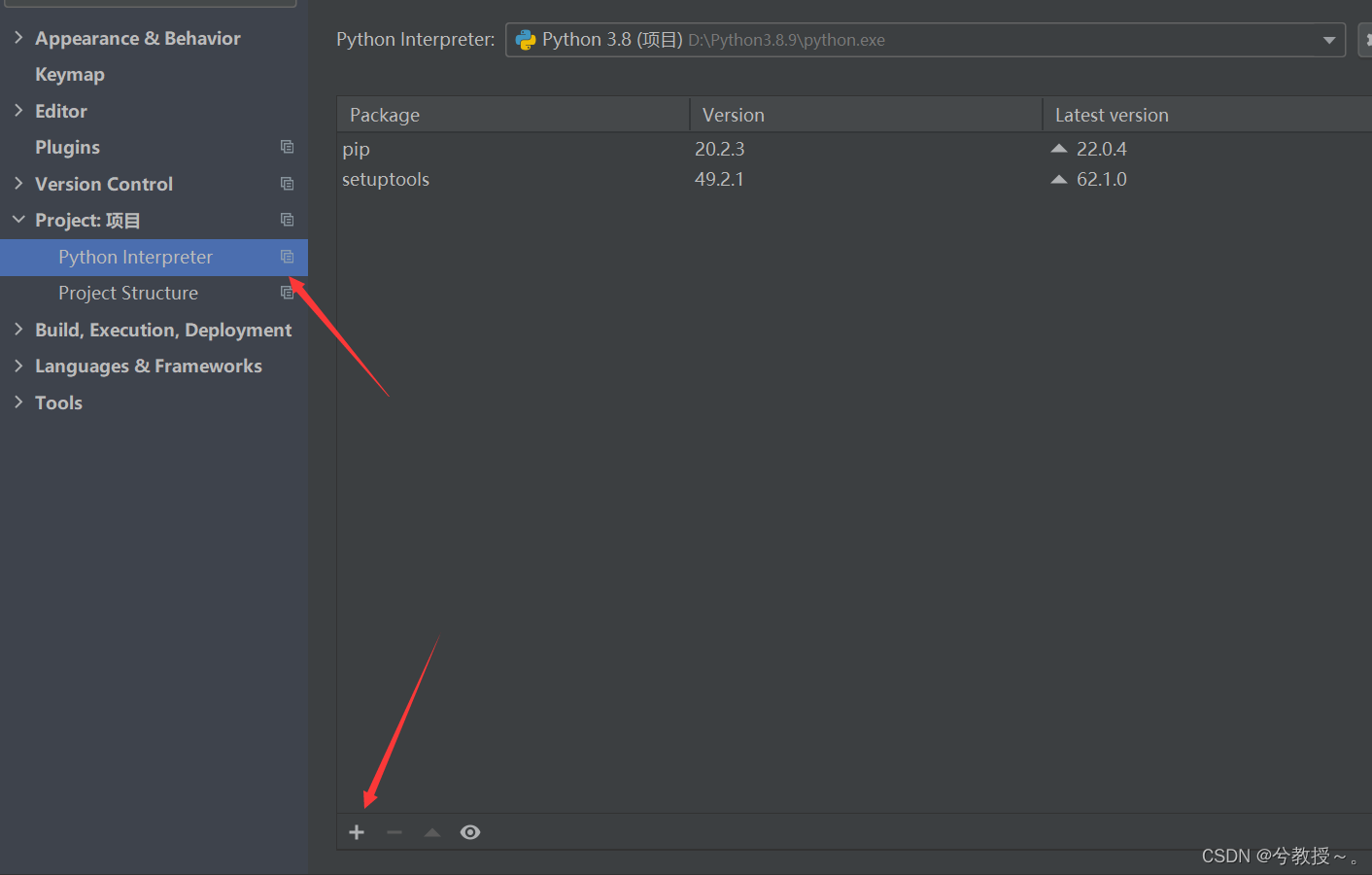
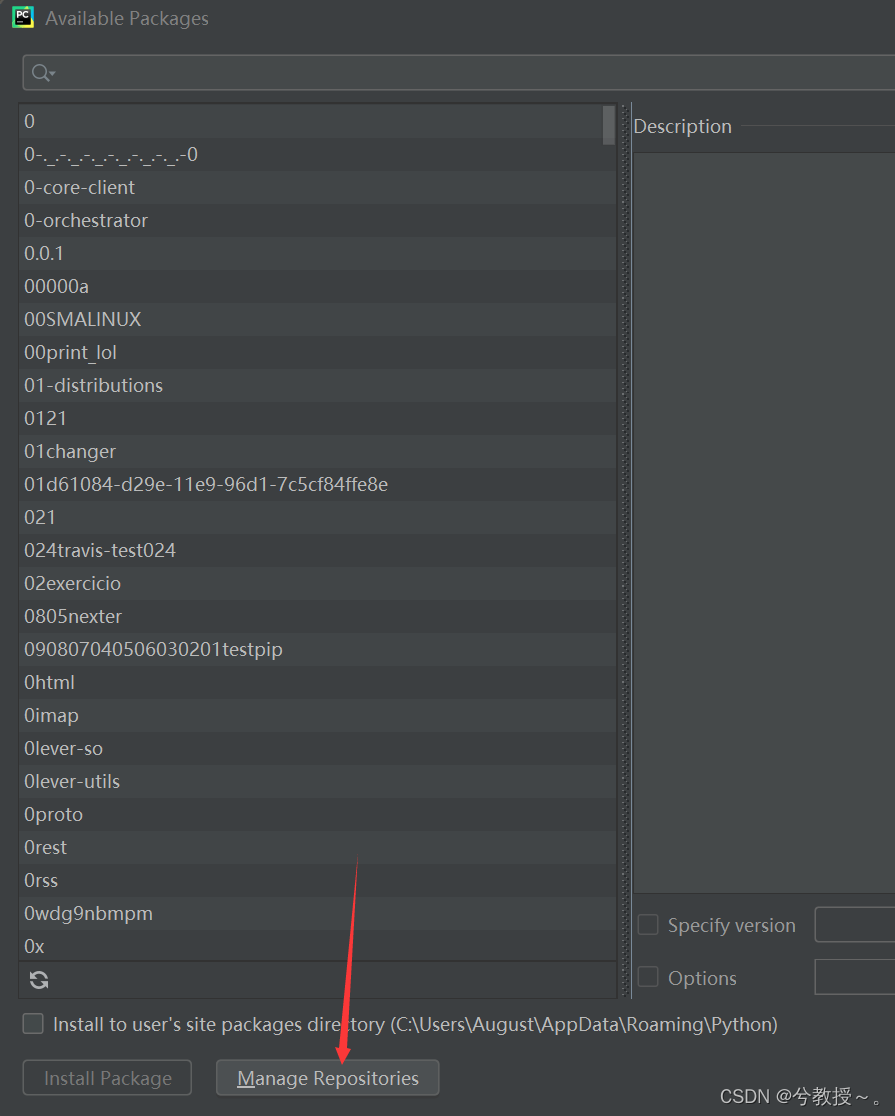
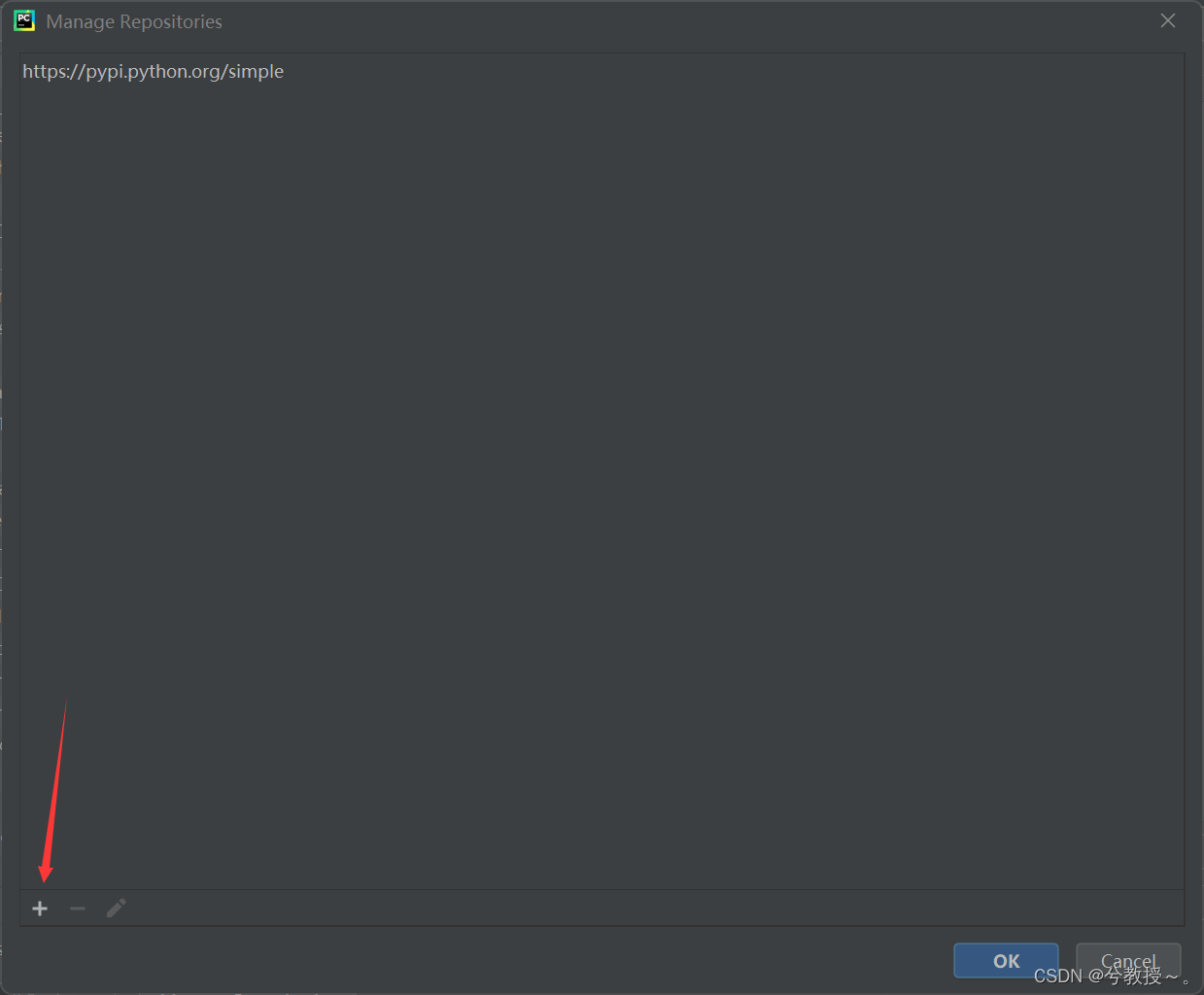
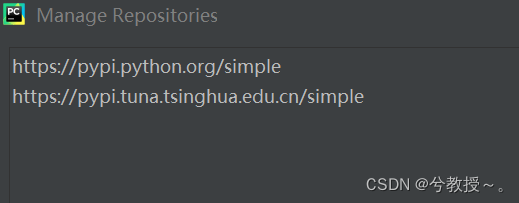
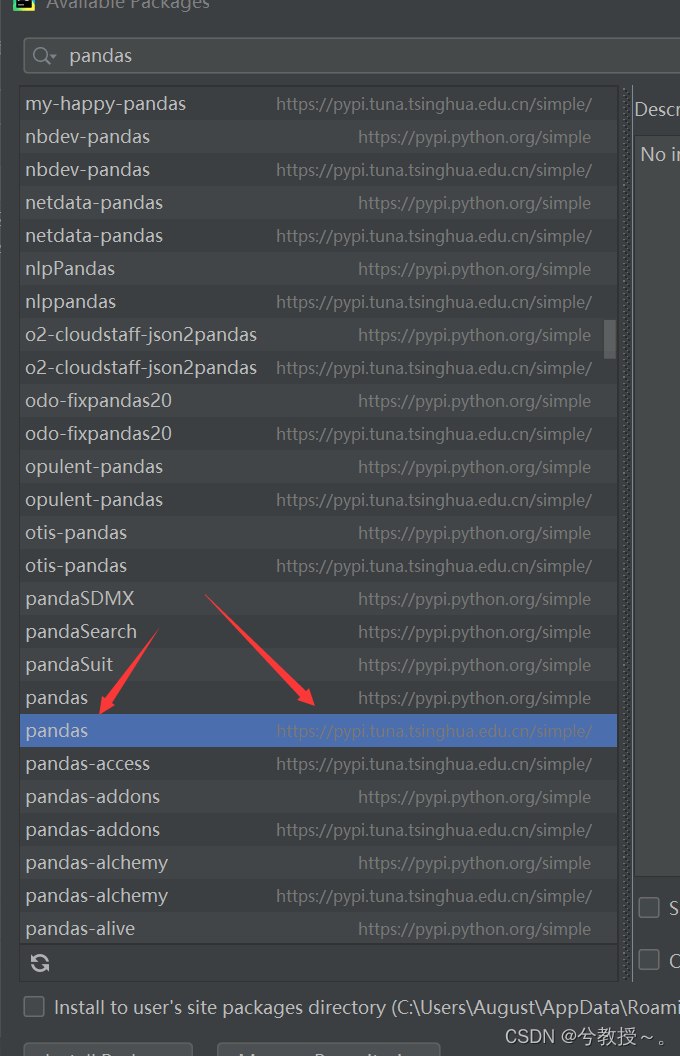
复制如下地址添加(第二个)

有“AI”的1024 = 2048,欢迎大家加入2048 AI社区
更多推荐


 13
13 0
0- 0


 已为社区贡献4条内容

所有评论(0)