Qwen3.5更小尺寸来了,消费级显卡可部署!
·
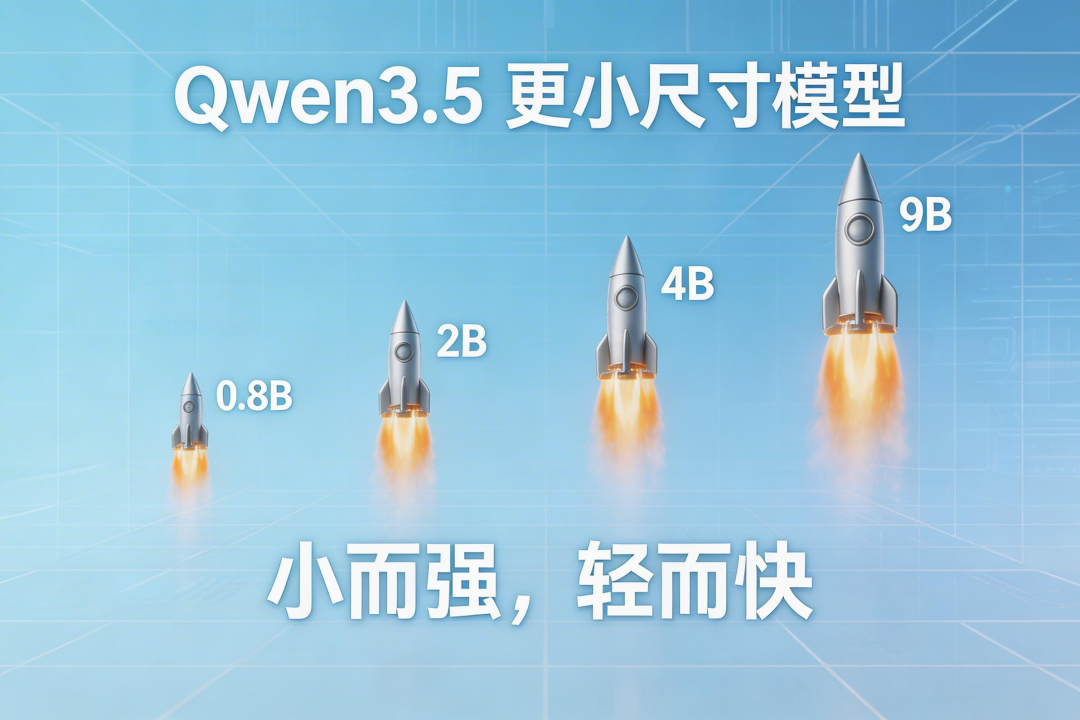
小伙伴们,Qwen3.5更小尺寸来了,阿里正式推出 Qwen3.5 更小尺寸模型:0.8B / 2B / 4B / 9B 小而强,轻而快!
全系基于 Qwen3.5 统一基座,Apache 2.0 开源可商用,支持 LoRA/全量微调,消费级显卡即可启动任务适配,助力你快速验证创意、低成本落地垂直场景。
• 0.8B / 2B → 极致轻量、快速响应,端侧设备首选
• 4B → 轻量级 Agent 的惊喜之选,多模态能力出众
• 9B → 体量精简,实力已逼近更大规模模型
本地部署
我们以qwen3.5 2b 为例
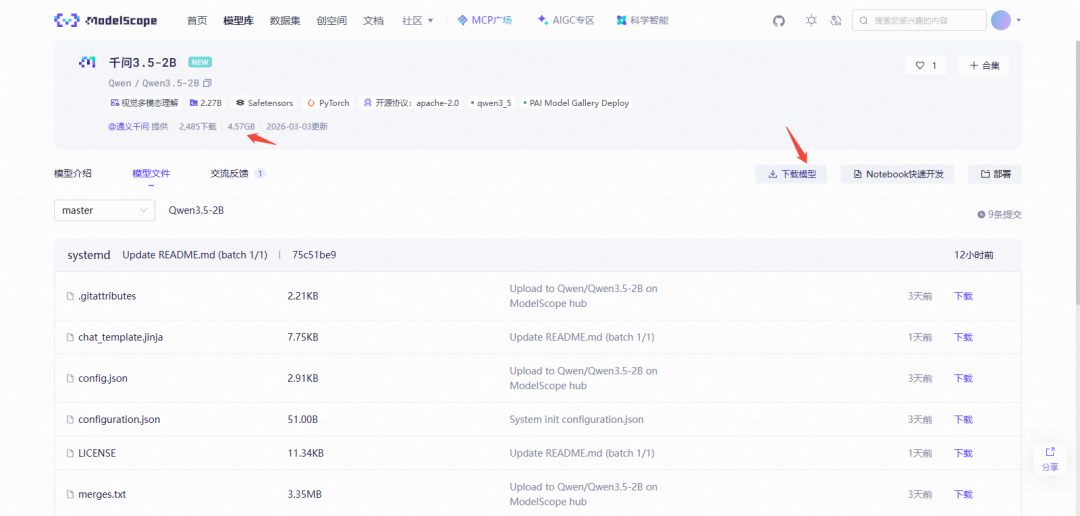
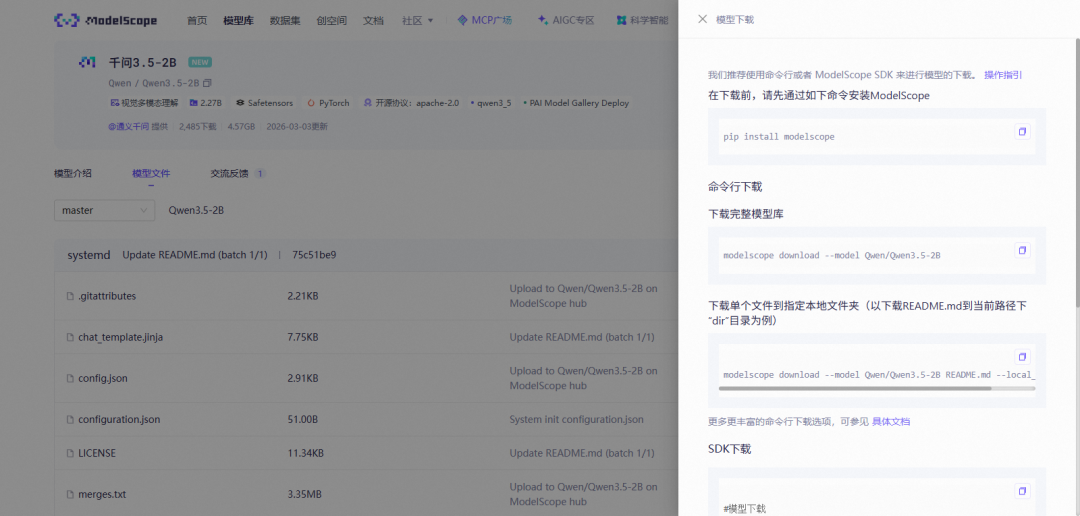
点击下载模型
AI辅助自动部署
打开qwen
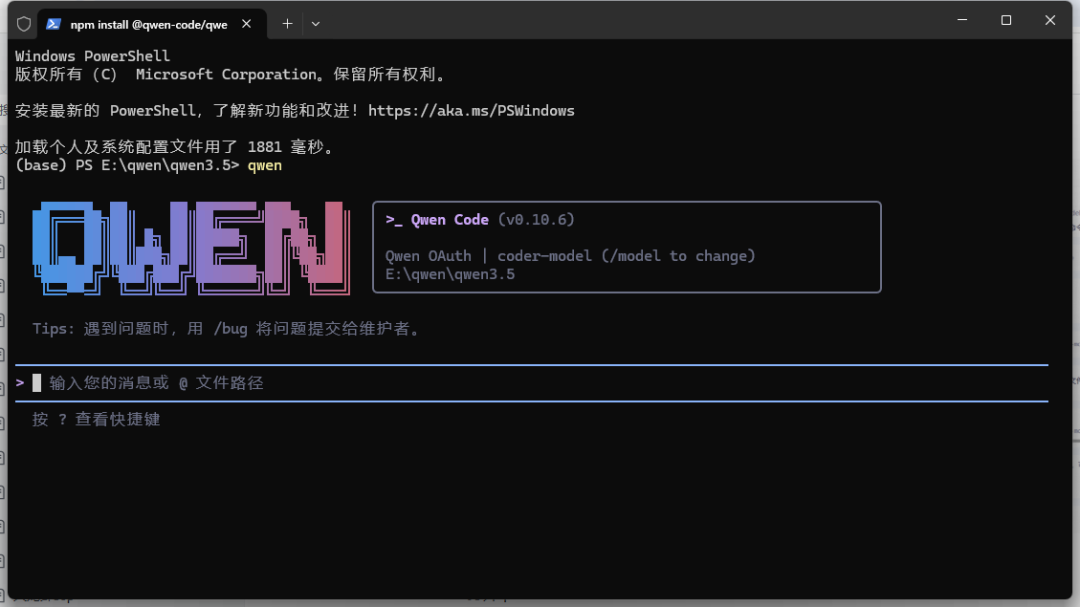
输入
请帮忙将qwen3.5 2b 部署到本地 链接地址:https://modelscope.cn/models/Qwen/Qwen3.5-2B 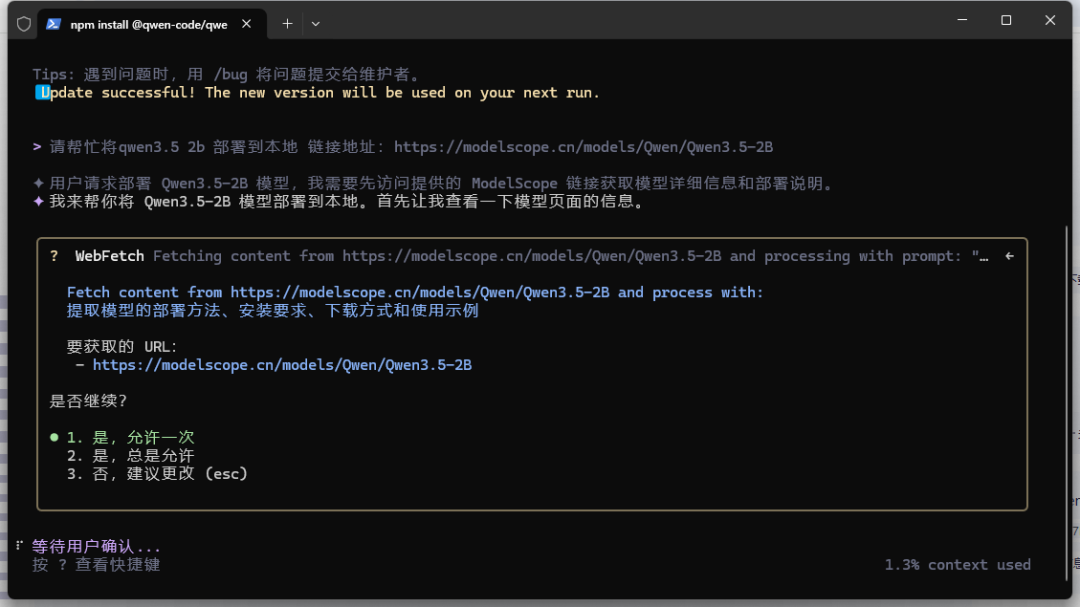
生成待办事项
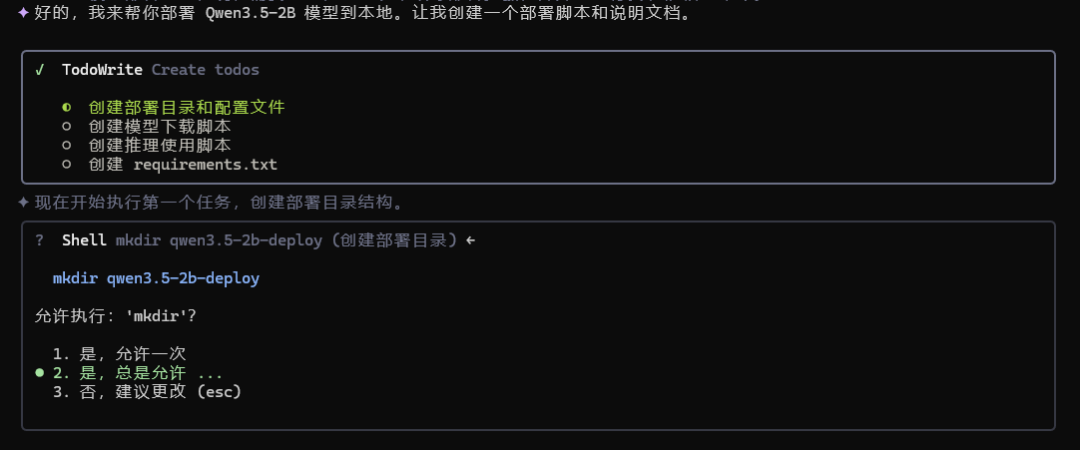
完成部署脚本
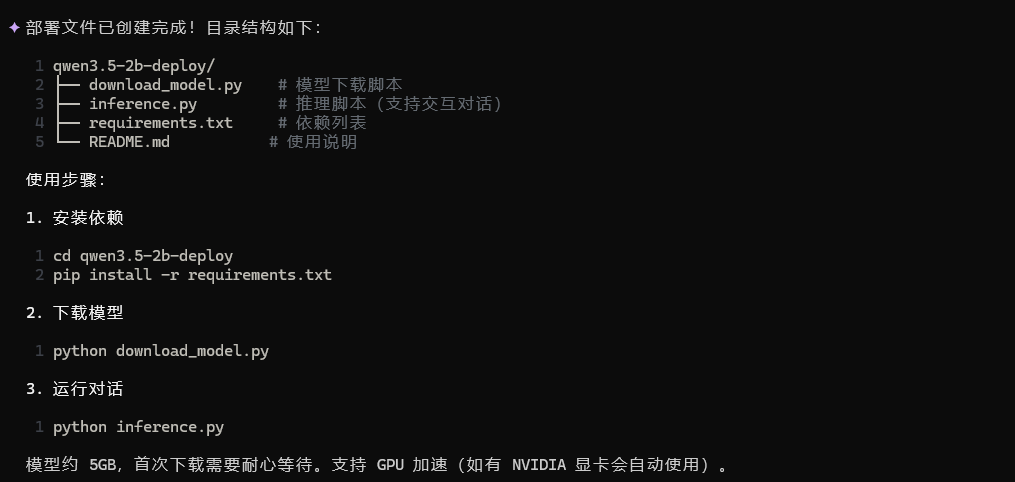
进入目录安装依赖
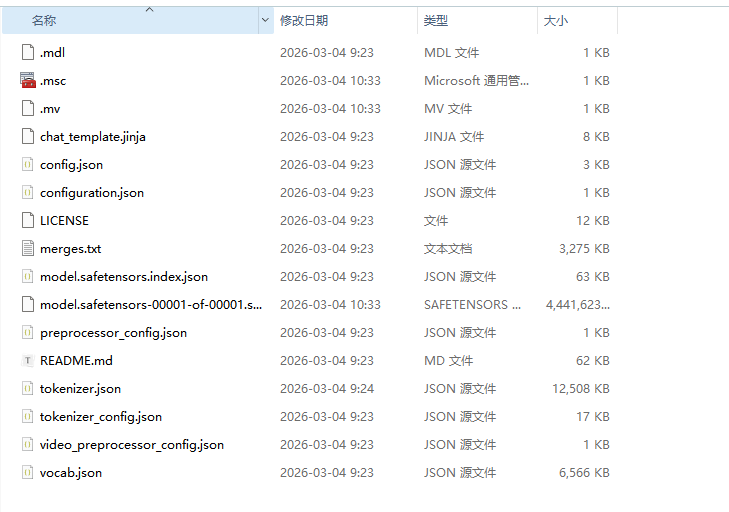
pip install -r requirements.txt下载模型
python download_model.py缓存路径
C:\Users\Administrator\.cache\modelscope\hub\models\Qwen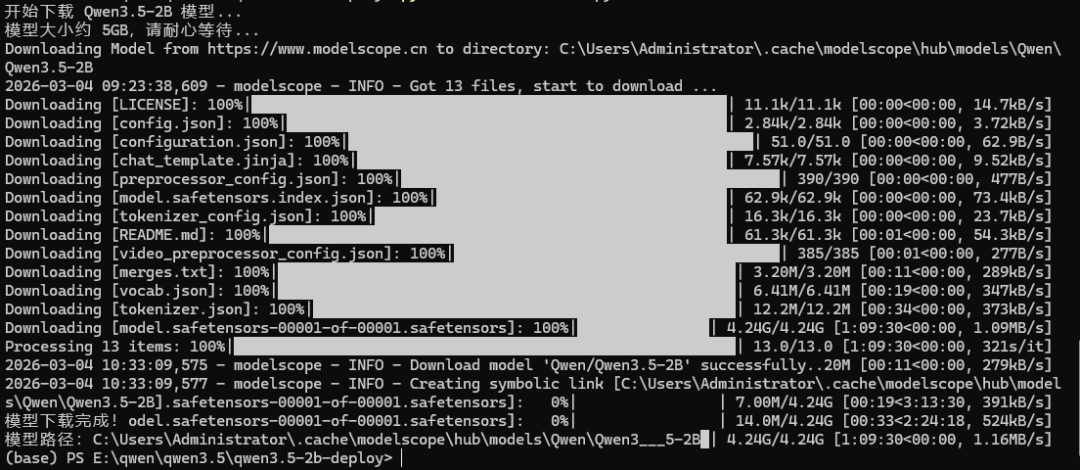
运行对话
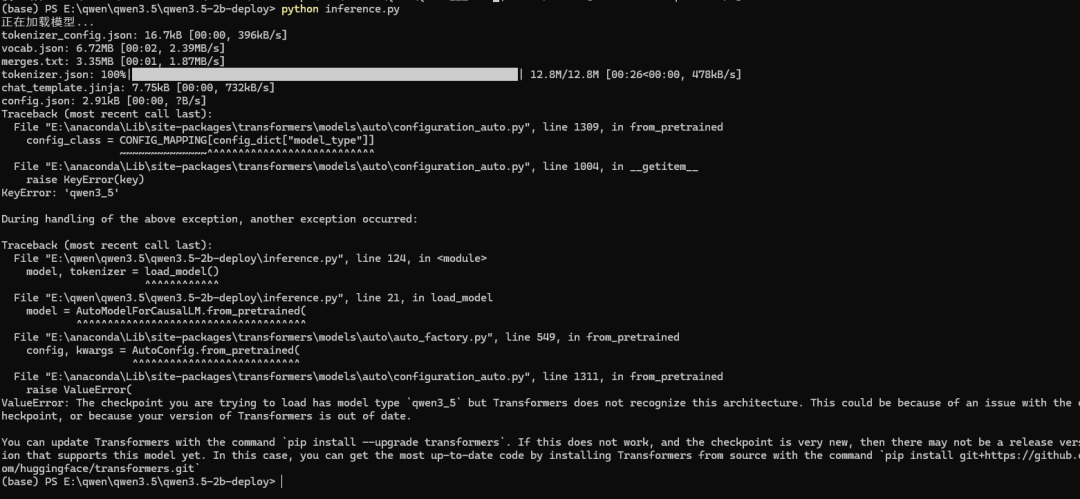
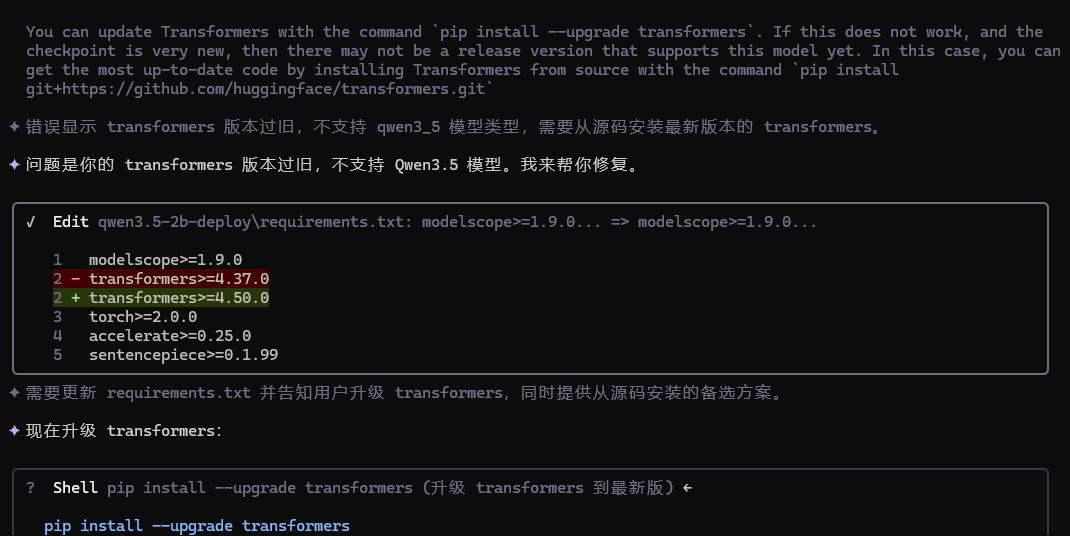
python inference.py遇到报错丢给qwen解决
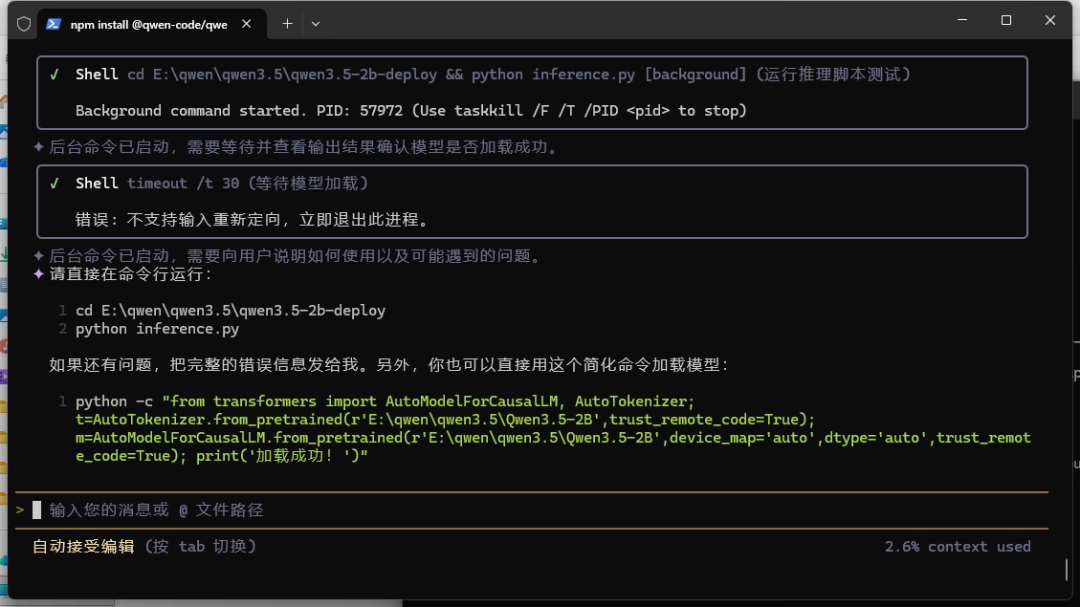
再次运行
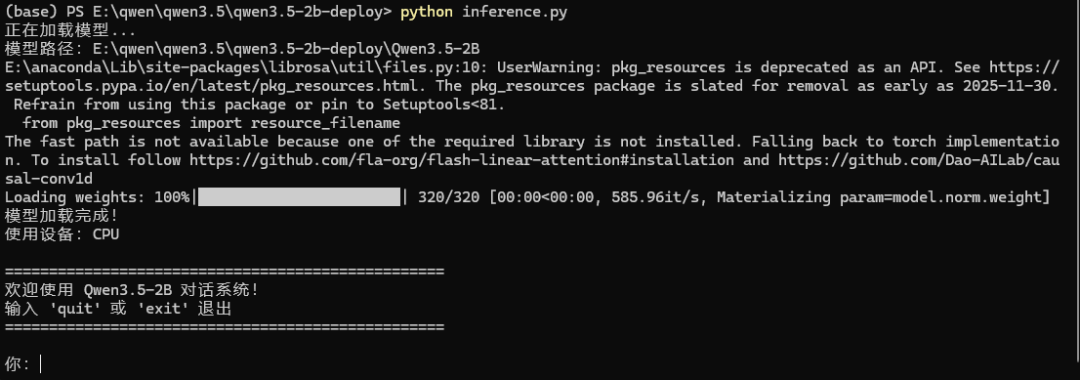
现在可以对话了
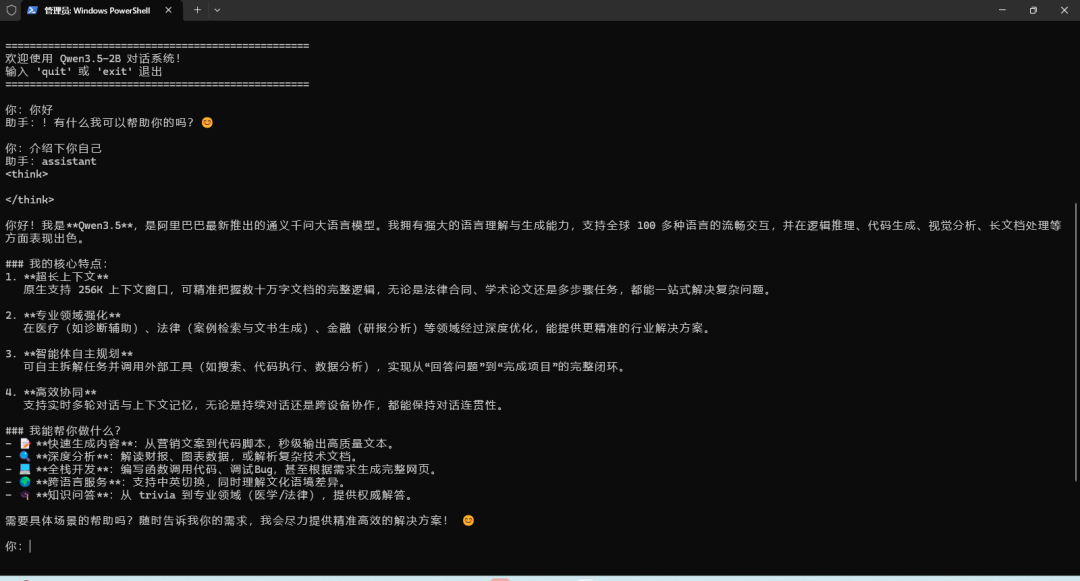
最简部署方案
使用 Ollama 部署
下载 Ollama
访问 https://ollama.com/download
下载 Windows 版并安装
运行模型
ollama run qwen3.5:2b
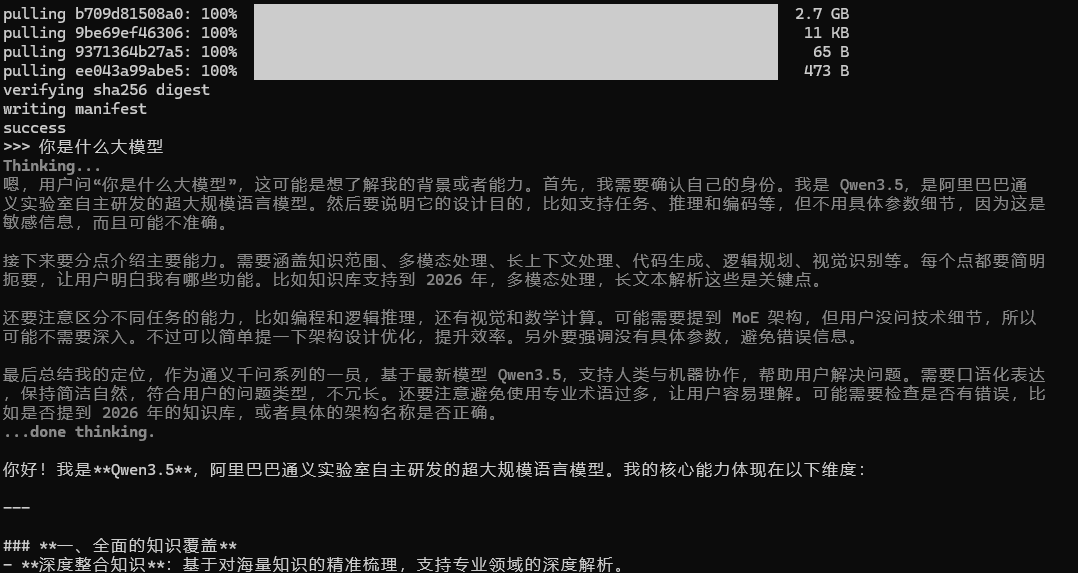
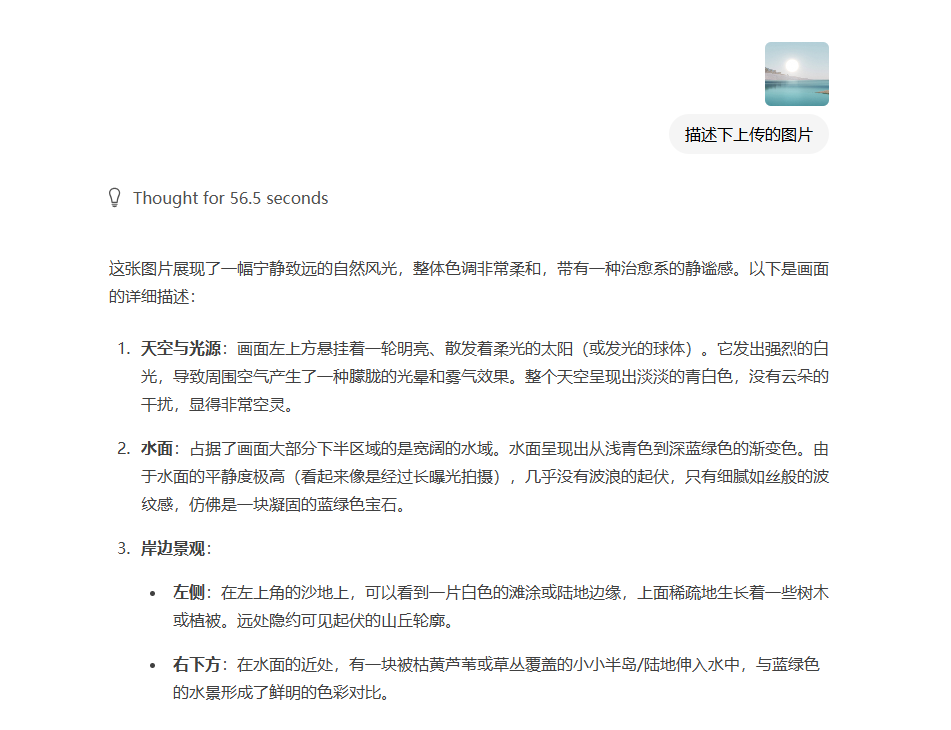
测试python脚本
纯文本输入
from openai import OpenAI
# Configured by environment variables
client = OpenAI()

messages = [
    {"role": "user", "content": "Give me a short introduction to large language models."},
]

chat_response = client.chat.completions.create(
    model="Qwen3.5-2B",
    messages=messages,
    max_tokens=32768,
    temperature=1.0,
    top_p=1.0,
    presence_penalty=2.0,
    extra_body={
        "top_k": 20,
    },
)
print("Chat response:", chat_response)
图像输入
from openai import OpenAI
# Configured by environment variables
client = OpenAI()

messages = [
    {
        "role": "user",
        "content": [
            {
                "type": "image_url",
                "image_url": {
                    "url": "https://qianwen-res.oss-accelerate.aliyuncs.com/Qwen3.5/demo/RealWorld/RealWorld-04.png"
                }
            },
            {
                "type": "text",
                "text": "Where is this?"
            }
        ]
    }
]

chat_response = client.chat.completions.create(
    model="Qwen3.5-2B",
    messages=messages,
    max_tokens=32768,
    temperature=0.7,
    top_p=0.8,
    presence_penalty=1.5,
    extra_body={
        "top_k": 20,
    },
)
print("Chat response:", chat_response)
视频输出
from openai import OpenAI
# Configured by environment variables
client = OpenAI()

messages = [
    {
        "role": "user",
        "content": [
            {
                "type": "video_url",
                "video_url": {
                    "url": "https://qianwen-res.oss-accelerate.aliyuncs.com/Qwen3.5/demo/video/N1cdUjctpG8.mp4"
                }
            },
            {
                "type": "text",
                "text": "Summarize the video content."
            }
        ]
    }
]

# When vLLM is launched with `--media-io-kwargs '{"video": {"num_frames": -1}}'`,
# video frame sampling can be configured via `extra_body` (e.g., by setting `fps`).
# This feature is currently supported only in vLLM.
#
# By default, `fps=2` and `do_sample_frames=True`.
# With `do_sample_frames=True`, you can customize the `fps` value to set your desired video sampling rate.
chat_response = client.chat.completions.create(
    model="Qwen3.5-2B",
    messages=messages,
    max_tokens=32768,
    temperature=0.7,
    top_p=0.8,
    presence_penalty=1.5,
    extra_body={
        "top_k": 20,
        "mm_processor_kwargs": {"fps": 2, "do_sample_frames": True},
    },
)

print("Chat response:", chat_response)
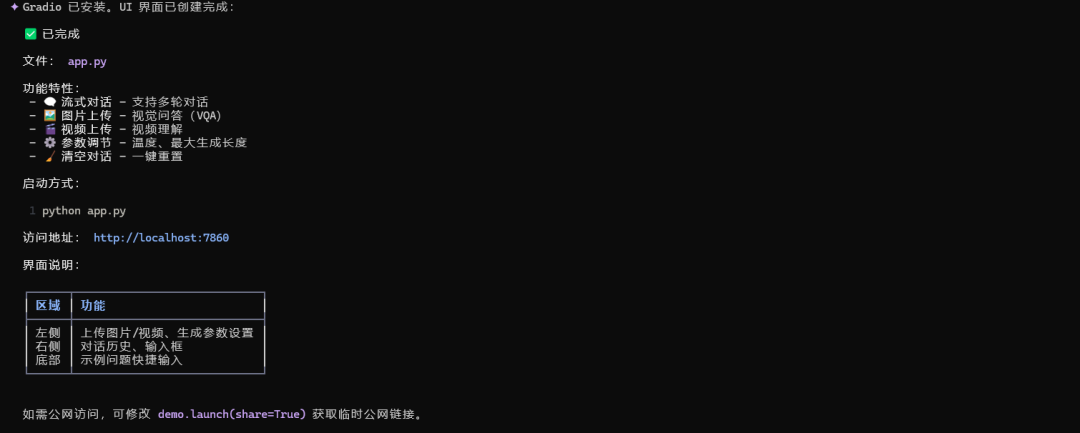
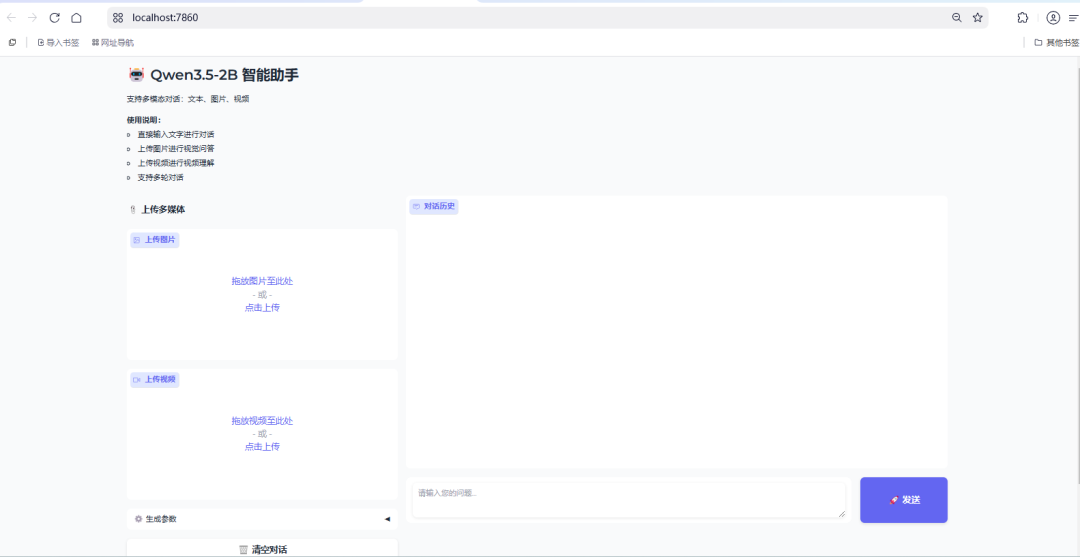
基于Gradio小助手开发
基于Gradio 开发一个UI界面,调用本地已下载的大模型(Qwen3.5-2B 目录中) ,用户进行对话流式输出,用户可上传图片、视频 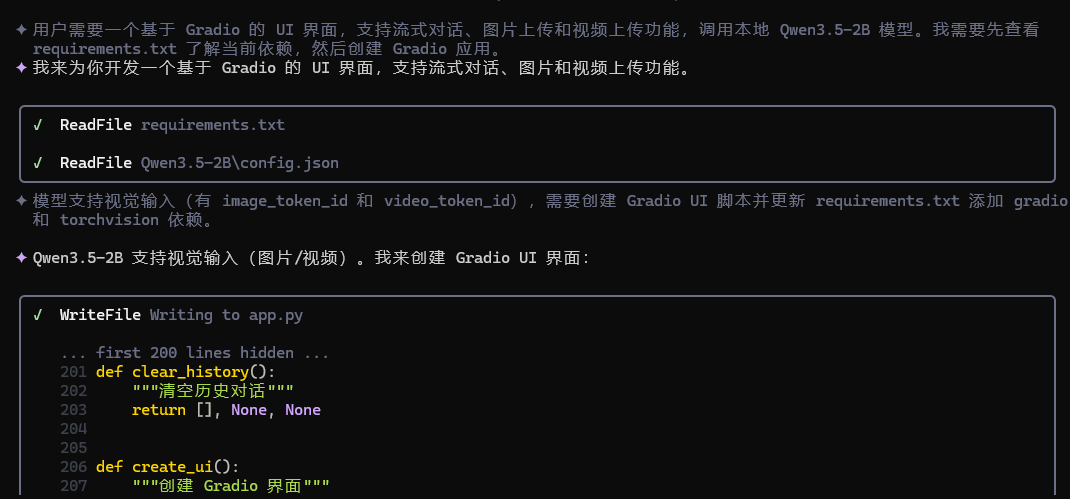
体验地址:
Hugging Face: https://huggingface.co/collections/Qwen/qwen35 ModelScope: https://modelscope.cn/collections/Qwen/Qwen35
感谢大家的点赞和关注,我们下期见!

有“AI”的1024 = 2048,欢迎大家加入2048 AI社区
更多推荐

 4
4 0
0- 0


 已为社区贡献22条内容

所有评论(0)