flask基于python的美食探店分享网站设计与实现-vue pycharm django
技术栈选择与分工
后端框架:Flask(轻量级,适合快速开发RESTful API)
前端框架:Vue.js(组件化开发,响应式数据绑定)
开发工具:PyCharm(Python开发)、VSCode(Vue开发)
数据库:MySQL/PostgreSQL(关系型数据库存储核心数据)
数据库设计
用户表(users):user_id, username, password_hash, email, avatar, registration_date
美食店铺表(restaurants):restaurant_id, name, address, phone, avg_rating, cover_image
探店记录表(reviews):review_id, user_id, restaurant_id, content, rating, photos, create_time
收藏表(bookmarks):bookmark_id, user_id, restaurant_id, create_time
后端实现步骤
安装Flask及相关扩展:
pip install flask flask-sqlalchemy flask-cors flask-jwt-extended
创建核心应用结构:
from flask import Flask
from flask_sqlalchemy import SQLAlchemy

app = Flask(__name__)
app.config['SQLALCHEMY_DATABASE_URI'] = 'mysql://user:password@localhost/food_review'
db = SQLAlchemy(app)
实现JWT认证模块:
from flask_jwt_extended import JWTManager

app.config['JWT_SECRET_KEY'] = 'your-secret-key'
jwt = JWTManager(app)
构建RESTful API路由:
@app.route('/api/restaurants', methods=['GET'])
def get_restaurants():
    page = request.args.get('page', 1, type=int)
    per_page = 10
    restaurants = Restaurant.query.paginate(page=page, per_page=per_page)
    return jsonify([r.to_dict() for r in restaurants.items])
前端实现步骤
创建Vue项目:
vue create food-review-frontend
cd food-review-frontend
npm install axios vue-router vuex element-ui
配置路由(router/index.js):
const routes = [
  {
    path: '/',
    name: 'Home',
    component: Home
  },
  {
    path: '/restaurant/:id',
    name: 'RestaurantDetail',
    component: RestaurantDetail
  }
]
实现店铺列表组件:
<template>
  <div class="restaurant-list">
    <el-card v-for="item in list" :key="item.id">
      <img :src="item.cover" class="cover">
      <h3>{{ item.name }}</h3>
      <el-rate v-model="item.rating" disabled></el-rate>
    </el-card>
  </div>
</template>
前后端联调
配置axios全局实例:
import axios from 'axios'
axios.defaults.baseURL = 'http://localhost:5000/api'
axios.interceptors.request.use(config => {
  if (localStorage.token) {
    config.headers.Authorization = `Bearer ${localStorage.token}`
  }
  return config
})
实现跨域支持(Flask端):
from flask_cors import CORS
CORS(app, resources={r"/api/*": {"origins": "*"}})
关键功能实现
用户认证流程:
@app.route('/api/login', methods=['POST'])
def login():
    data = request.get_json()
    user = User.query.filter_by(email=data['email']).first()
    if user and user.check_password(data['password']):
        access_token = create_access_token(identity=user.id)
        return jsonify(access_token=access_token)
图片上传处理:
@app.route('/api/upload', methods=['POST'])
@jwt_required()
def upload_file():
    if 'file' not in request.files:
        return jsonify({'error': 'No file part'}), 400
    file = request.files['file']
    if file.filename == '':
        return jsonify({'error': 'No selected file'}), 400
    if file and allowed_file(file.filename):
        filename = secure_filename(file.filename)
        file.save(os.path.join(app.config['UPLOAD_FOLDER'], filename))
        return jsonify({'url': f'/static/uploads/{filename}'})
测试与部署
单元测试配置:
import unittest
from app import create_app, db

class BasicTests(unittest.TestCase):
    def setUp(self):
        self.app = create_app('testing')
        self.client = self.app.test_client()
        with self.app.app_context():
            db.create_all()
生产环境部署:
# 安装gunicorn
pip install gunicorn

# 启动服务
gunicorn -w 4 -b 0.0.0.0:5000 "app:create_app()"
前端构建:
npm run build
项目时间规划
需求分析:1-2天
数据库设计:1天
后端核心功能:3-5天
前端页面开发:5-7天
联调测试:2-3天
部署上线:1天
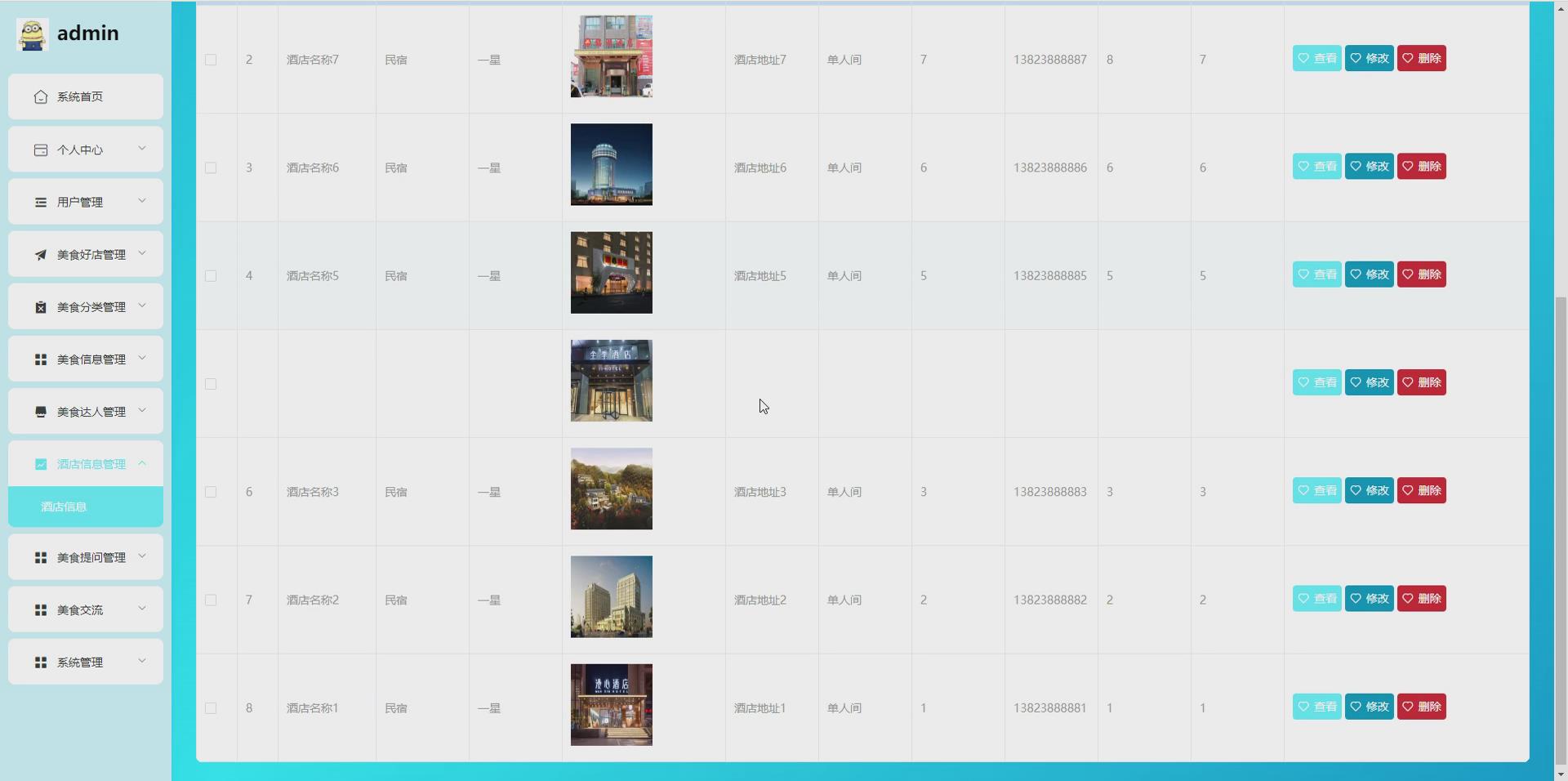
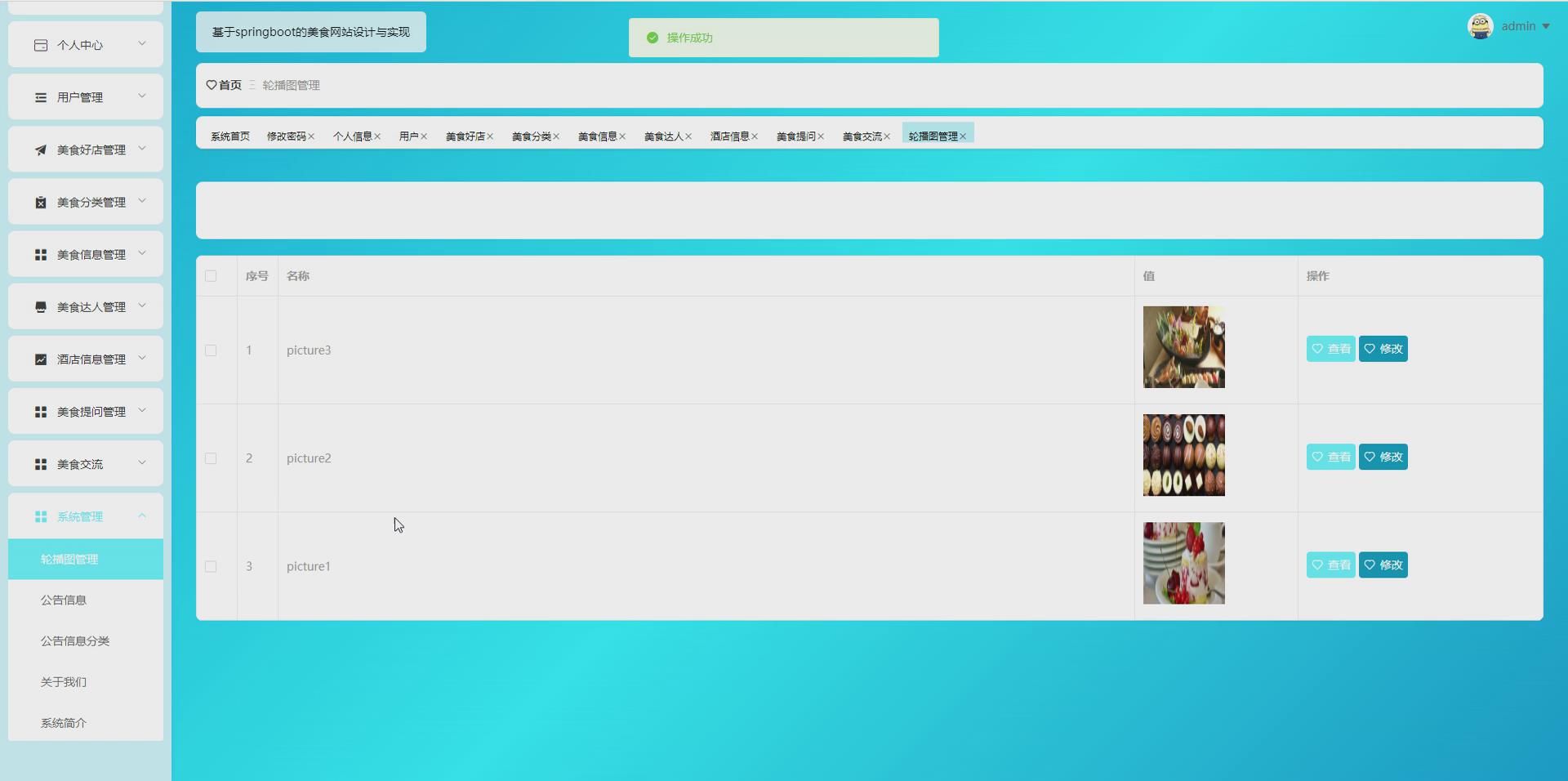
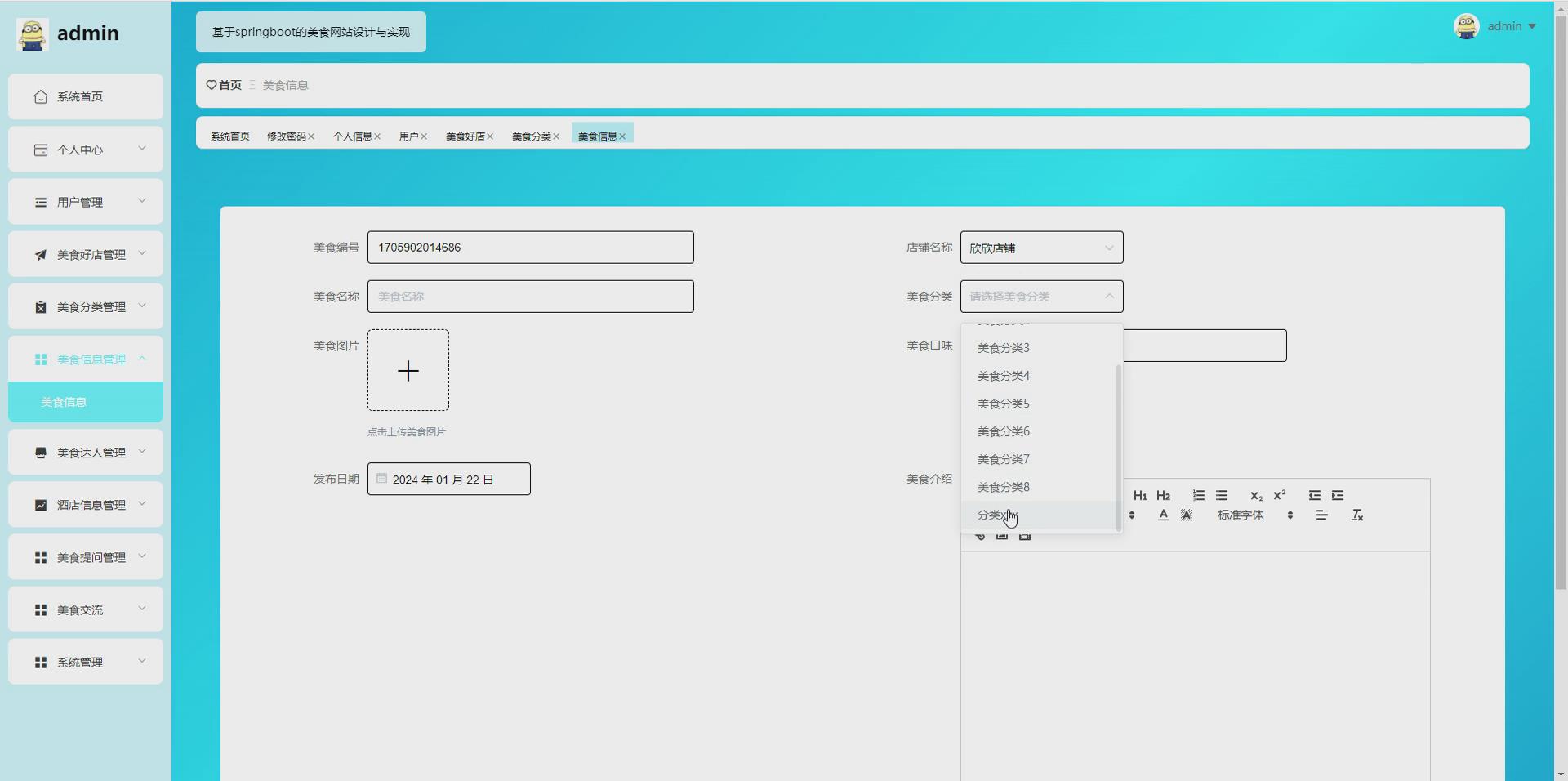

开发技术路线
开发语言:Python
框架:flask/django
开发软件:PyCharm/vscode
数据库:mysql
数据库工具:Navicat for mysql
前端开发框架:vue.js
数据库 mysql 版本不限本系统后端语言框架支持: 1 java(SSM/springboot)-idea/eclipse 2.Nodejs+Vue.js -vscode 3.python(flask/django)--pycharm/vscode 4.php(thinkphp/laravel)-hbuilderx
源码lw获取/同行可拿货,招校园代理 :文章底部获取博主联系方式!
需要成品或者定制,文章最下方名片联系我即可~ 所有项目都经过测试完善,本系统包修改时间和标题,包安装部署运行调试,不满意的可以定制

有“AI”的1024 = 2048,欢迎大家加入2048 AI社区
更多推荐

 3
3 0
0- 0


 已为社区贡献141条内容

所有评论(0)