领导要求用Java接千问,我本想建议招Python工程师,直到发现了Spring AI
Java程序员学习Spring AI的最初级入门
·
欢迎访问我的GitHub
这里分类和汇总了欣宸的全部原创(含配套源码):https://github.com/zq2599/blog_demos
午夜被锤
- 凌晨1点,小宝收到CTO的钉钉消息:“下周上线智能客服,你用Java对接下千问”
- 小宝盯着屏幕懵了——我一个Java后端,难道要去学Python?去啃Flask?去折腾那些pip install的依赖地狱?
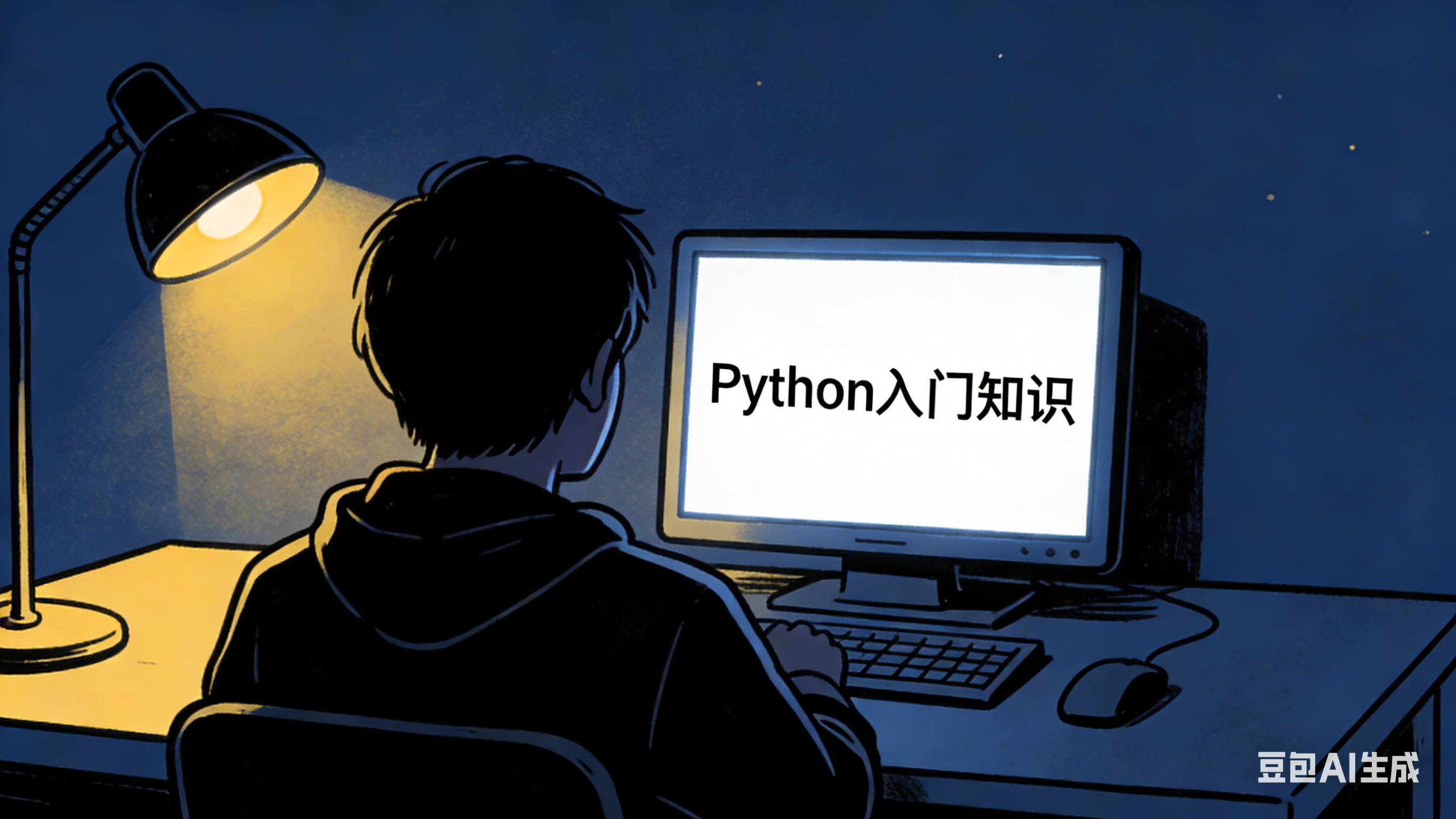
- 正当他准备打开Boss直聘时,GitHub Trending上高排名的仓库映入眼帘:Spring AI —— 一个让Java程序员不用写一行Python,就能驾驭大模型的框架。
- 两天后,小宝用纯Java搭好了生产级的RAG知识库,CTO看完Demo后说:“原来Java才是AI工程化的最佳语言。”
- 以上是个虚构故事,用来说明Spring AI对java程序员在大模型时代的帮助
Java程序员的AI困境
- 大模型席卷业界,但Java程序员似乎被排除在狂欢之外
方案A:直接调OpenAI API,用RestTemplate硬拼JSON,代码丑陋且无法复用
方案B:用Python写AI服务,Java通过Feign调用,系统复杂度翻倍
方案C:学Spring Cloud Alibaba AI,但是社区活跃度不足,文档也不够丰富 - Java程序员想要的很简单:在工程中像操作数据库一样操作大模型
Spring AI:Java的"AI救世主"
- Spring AI是Spring官方出品的AI应用框架,核心理念是可移植性——今天千问明天换OpenAI?改个配置就行。
- 五大核心能力:
- 统一API:屏蔽底层模型差异(OpenAI、Azure、Ollama、文心一言)
- Prompt模板:类似Thymeleaf的Templating引擎
- 结构化输出:直接映射为Java POJO,告别JSON解析
- 向量存储:开箱即用的RAG(检索增强生成)
- 函数调用:让大模型能调用你的Java方法(Function Calling)
5分钟接入实战(保姆级代码)
- 接下来极速开发一个Spring AI应用,体验Java版本的LLM对话应用
- 我这边的环境情况
- JDK版本:21
- springboot版本:3.3.0
- maven版本:3.9.9
-
请您准备好大模型的API Key,我这里用的是千问qwen-max
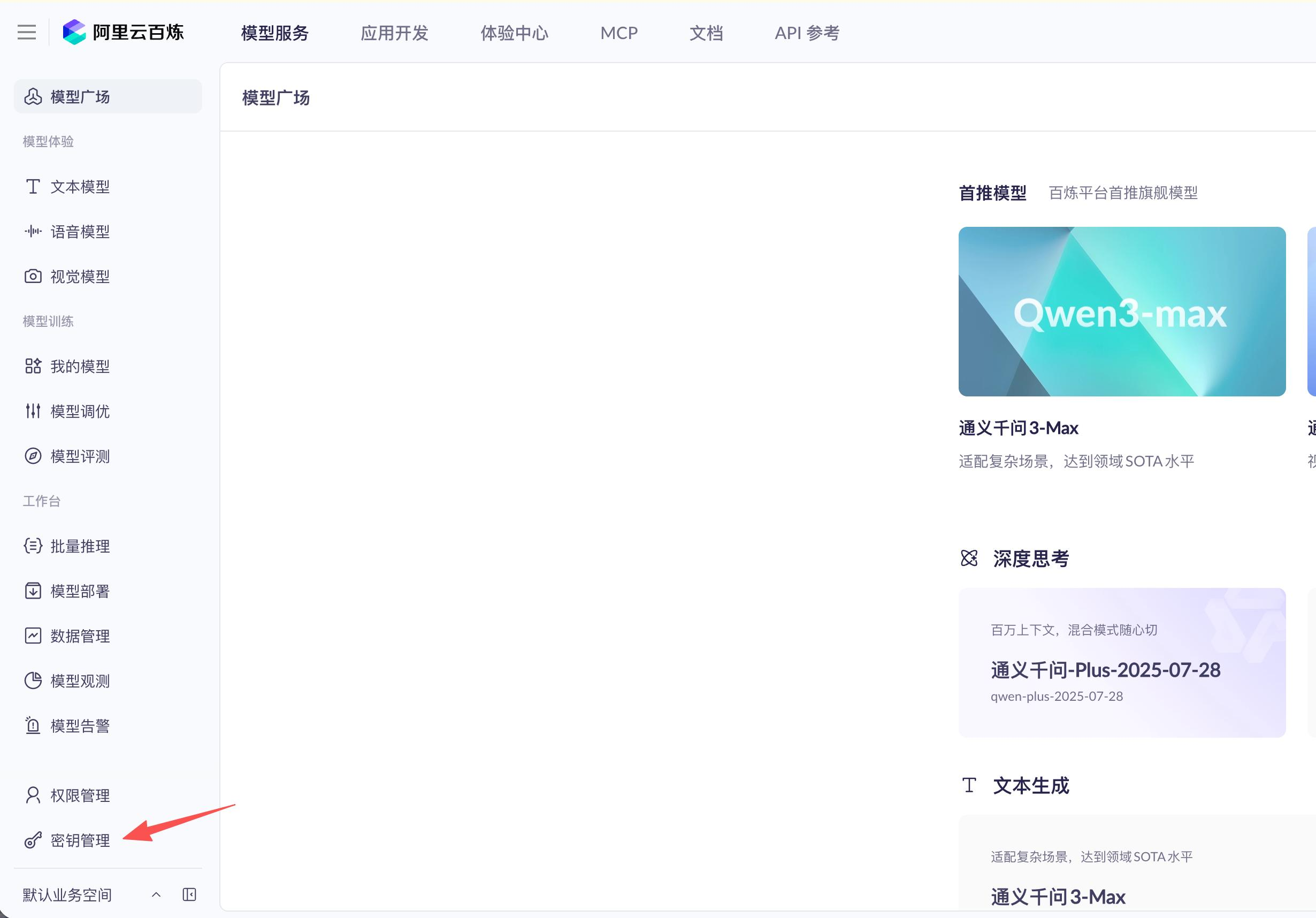
-
首先是maven的pom.xml文件,先增加依赖管理
  <dependencyManagement>
        <dependencies>
            <dependency>
                <groupId>org.springframework.ai</groupId>
                <artifactId>spring-ai-bom</artifactId>
                <version>${spring-ai.version}</version>
                <type>pom</type>
                <scope>import</scope>
            </dependency>
        </dependencies>
    </dependencyManagement>
- 添加必要的依赖,千问支持openai兼容模式,因此这里依赖了openai的库
<dependency>
	<groupId>org.springframework.ai</groupId>
  <artifactId>spring-ai-starter-model-openai</artifactId>
</dependency>
- 再把配置准备好,重要的三个配置如下
# 这里是您自己的千问API Key
spring.ai.openai.api-key=your-api-key

# 使用 DashScope 的 OpenAI 兼容模式端点
spring.ai.openai.base-url=https://dashscope.aliyuncs.com/compatible-mode

# 模型配置
spring.ai.openai.chat.options.model=qwen-max
- 然后是关键代码,共有两部分,首先是配置,这里要能支持处理octet-strea格式的LLM响应
package com.bolingcavalry.helloworld.config;

import org.springframework.context.annotation.Bean;
import org.springframework.context.annotation.Configuration;
import org.springframework.http.MediaType;
import org.springframework.http.converter.json.MappingJackson2HttpMessageConverter;
import org.springframework.web.client.RestClient;

import java.util.List;

@Configuration
public class RestClientConfig {

    @Bean
    public RestClient.Builder restClientBuilder() {
        return RestClient.builder()
                .messageConverters(converters -> {
                    // 查找并修改现有的MappingJackson2HttpMessageConverter
                    for (var converter : converters) {
                        if (converter instanceof MappingJackson2HttpMessageConverter jacksonConverter) {
                            // 添加对application/octet-stream的支持
                            jacksonConverter.setSupportedMediaTypes(List.of(
                                    MediaType.APPLICATION_JSON,
                                    MediaType.APPLICATION_OCTET_STREAM
                            ));
                        }
                    }
                });
    }
}
- 第二关键是使用Spring AI的ChatClient,以极简的代码实现LLM对话,如下,可见通过依赖注入能得到chatClientBuilder实例,参数配置也被封装了无需关注,至于LLM对话就更简单了:调用chatClient的API即可
package com.bolingcavalry.helloworld.controller;

import org.springframework.ai.chat.client.ChatClient;
import org.springframework.http.ResponseEntity;
import org.springframework.web.bind.annotation.PostMapping;
import org.springframework.web.bind.annotation.RequestBody;
import org.springframework.web.bind.annotation.RestController;
import lombok.Data;

@RestController
public class ChatController {

    private final ChatClient chatClient;

    public ChatController(ChatClient.Builder chatClientBuilder) {
        this.chatClient = chatClientBuilder.build();
    }

    @Data
    static class PromptRequest {
        private String prompt;
    }

    @Data
    static class Response {
        private String result;

        public Response(String result) {
            this.result = result;
        }
    }

    @PostMapping("/chat")
    public ResponseEntity<Response> chat(@RequestBody PromptRequest request) {
        try {
            String content = chatClient.prompt()
                    .user(request.getPrompt())
                    .call()
                    .content();

            return ResponseEntity.ok(new Response(content));
        } catch (Exception e) {
            e.printStackTrace();
            return ResponseEntity.internalServerError().body(new Response("Error: " + e.getMessage()));
        }
    }
}
- 就这么简单!不需要处理HTTP客户端,不需要手动拼接JSON,不需要管理连接池
- 运行起来试试吧,启动命令是mvn spring-boot:run
- 发起http请求试试,我这里用的是vscode的Rest Client插件
### POST 请求测试 (如果接口支持POST)
POST http://localhost:8080/chat
Content-Type: application/json
Accept: application/json

{
  "prompt": "两百字介绍刘备"
}
- 收到的响应如下
HTTP/1.1 200 OK
Content-Type: application/json
Transfer-Encoding: chunked
Date: Fri, 13 Feb 2026 15:22:44 GMT
Connection: close

{
  "result": "刘备,字玄德,东汉末年至三国时期蜀汉的开国皇帝,出生于涿郡(今河北涿州),是汉室宗亲。他以仁德著称,善于用人,与关羽、张飞结为兄弟,共同起兵讨伐黄巾军,后三顾茅庐请得诸葛亮出山辅佐,形成“隆中对”战略构想。在赤壁之战中联合孙权击败曹操,奠定了三国鼎立的基础。刘备一生致力于复兴汉室,最终建立了蜀汉政权,成为一代英主。其故事被广泛记载于《三国志》等史书中,并通过《三国演义》等文学作品流传至今,在中国乃至东亚文化圈内享有极高的知名度和深远影响。"
}
- 生产环境不能等AI全部生成完再返回,用户体验太差。Spring AI支持SSE(Server-Sent Events),参考代码如下,配合前端对EventSource的响应处理,就能实现ChatGPT那种"打字机效果":
@GetMapping(value = "/stream", produces = MediaType.TEXT_EVENT_STREAM_VALUE)
public Flux<String> stream(@RequestParam String message) {
    return chatClient.prompt()
            .user(message)
            .stream()
            .content();
}
- 您也可以这里直接下载源码:https://github.com/zq2599/blog_demos/tree/master/tutorials/springai-1.1.2-tutorials
避坑指南(血泪经验)
- 实际使用时有些要注意的地方总结如下:
- 版本陷阱:Spring AI目前稳定版是1.x.x,别用0.8.x的旧版本,API差异巨大
- 线程模型:大模型响应慢,务必开启虚拟线程(spring.threads.virtual.enabled=true),否则并发一上来就卡死
结尾(争议/转发点)
- 写完这个Demo后,我把代码发到了技术群里,有懂Python的工程师说:“Java搞AI就是脱裤子放屁,直接用LangChain不香吗?”
- 我回了他一句:“当业务系统已经是Java生态,当需要事务、安全、监控、灰度发布时(这些可能也积累了业务特性,非开源方案可以直接替换),Python怎么接?再结合生产机的稳定性和开发效率呢一起考虑呢?”
- Java也许不是AI训练的最佳语言,但却是AI工程化的高优选择。
- 你觉得Java在AI时代还有竞争力吗?评论区说出你的看法。
你不孤单,欣宸原创一路相伴

有“AI”的1024 = 2048,欢迎大家加入2048 AI社区
更多推荐
 1
1 0
0- 0


 已为社区贡献35条内容

所有评论(0)