Difference Between tortoiseGit and tortoiseSVN (tortoise icon overlays icons, icon not displayed)
The main difference between TortoiseGit and TortoiseSVN lies in the underlying version control system they’re designed for:https://tortoisesvn.net/https://tortoisegit.org/Both tools provide similar GU
文章目录
Difference Between TortoiseGit and TortoiseSVN
The main difference between TortoiseGit and TortoiseSVN lies in the underlying version control system they’re designed for:
TortoiseSVN
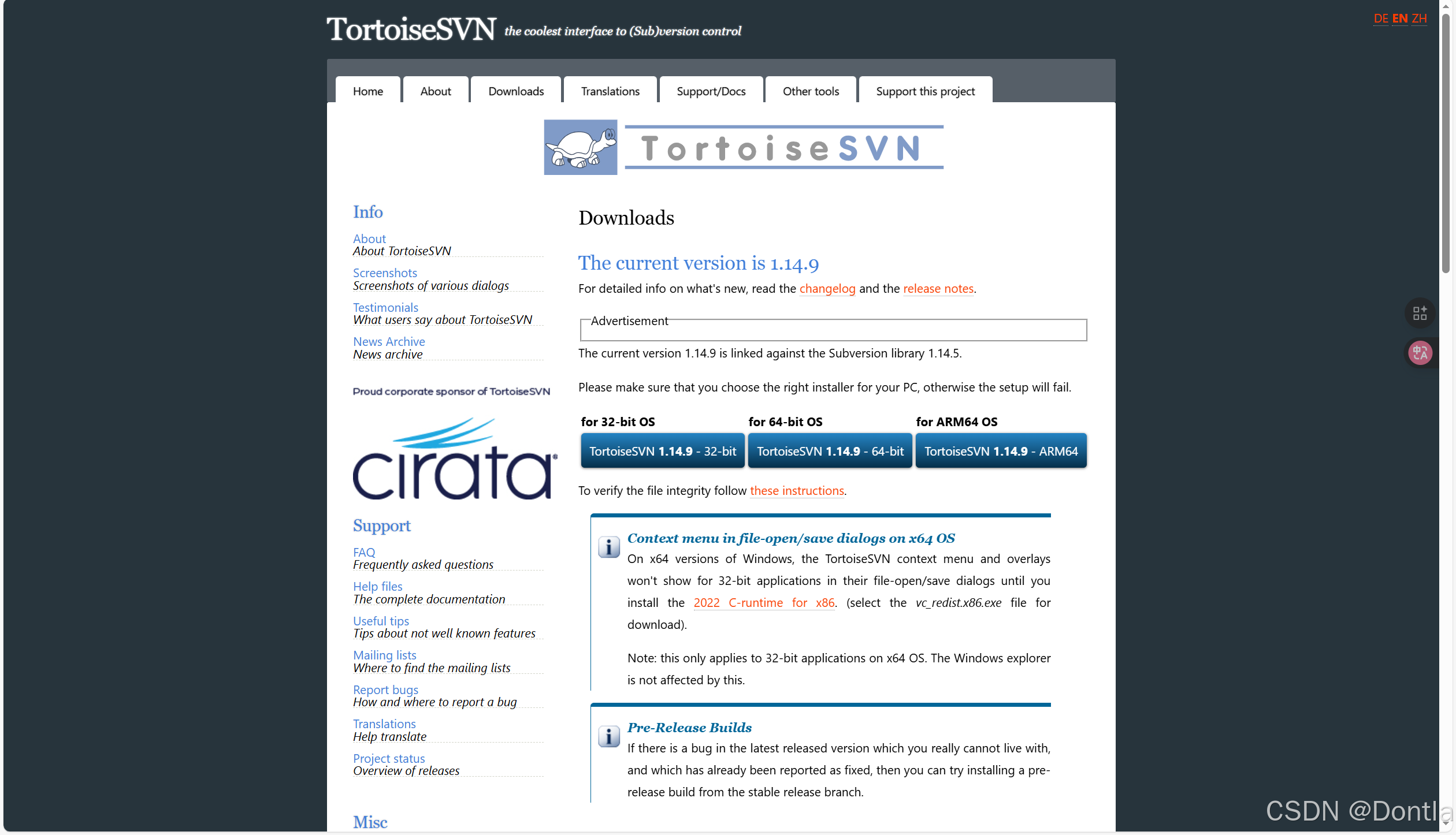
- For: Subversion (SVN) - a centralized version control system
- How it works: All versions are stored on a central server. Developers must connect to this server to get code and submit changes.
- Key characteristics:
- Requires network connection for most operations (except with local repositories)
- Simpler branch management (create and merge branches)
- Better for teams that prefer a single source of truth
- SVN has a gentler learning curve for beginners
- “Time machine” feature (can restore any historical version)
TortoiseGit
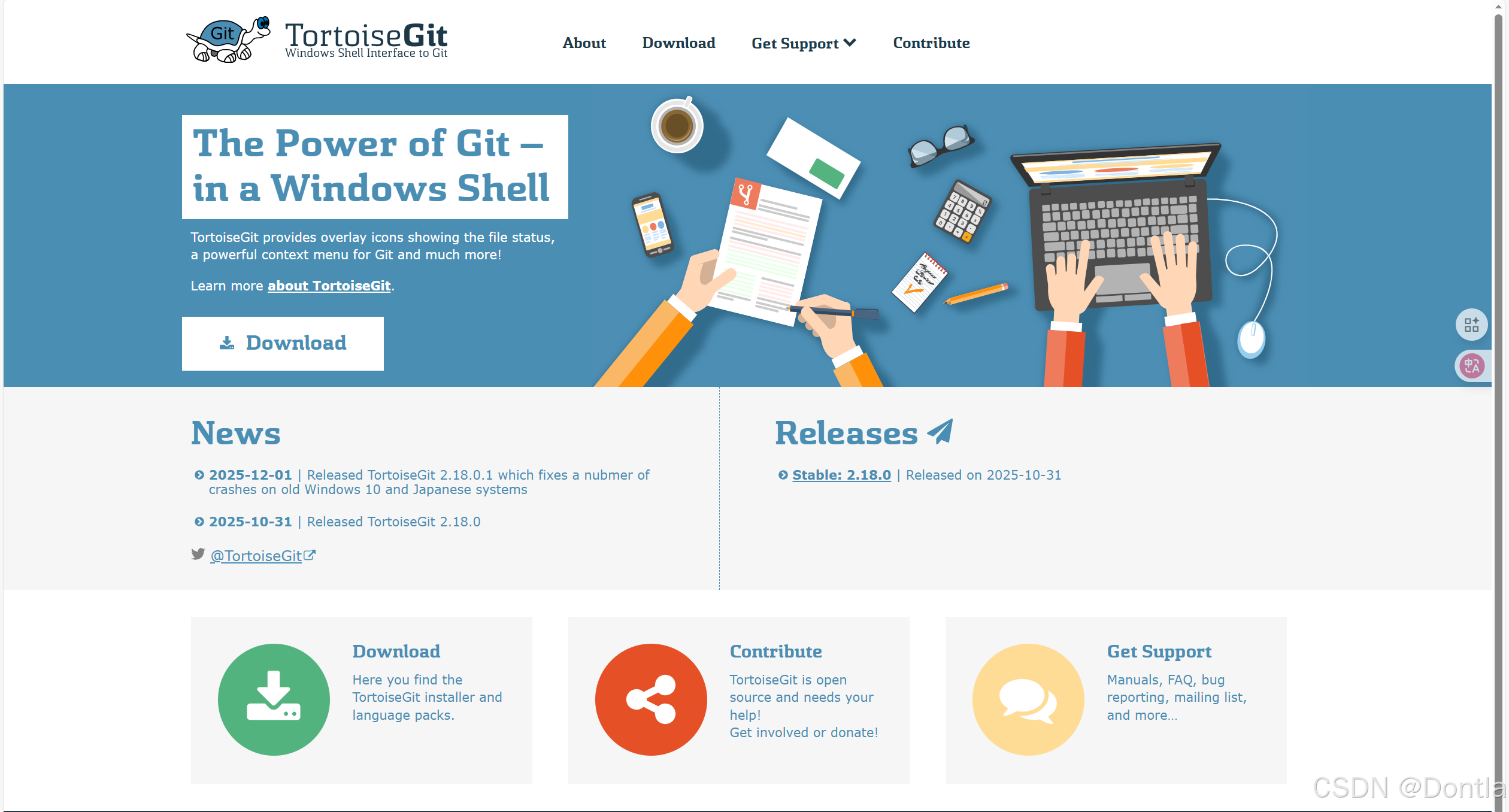
- For: Git - a distributed version control system
- How it works: Each developer has a complete copy of the repository. Changes can be committed locally before pushing to a central repository.
- Key characteristics:
- Works offline (most operations are local)
- More flexible and powerful branching capabilities
- Better performance for large projects
- Requires cloning (creating a local copy) before working
- More complex for beginners but offers greater flexibility
Practical Differences
- With TortoiseSVN: You work directly on the project copy and submit to the server
- With TortoiseGit: You first clone the repository (create a local copy), then work on it
Both tools provide similar GUI interfaces integrated with Windows Explorer (right-click context menus), but they serve different version control systems with fundamentally different architectures. TortoiseSVN is ideal for centralized workflows, while TortoiseGit is better suited for distributed development with Git’s powerful branching model.
Ps. As long as you’ve installed tortoiseGit, reboot your device follow the given steps, the overlay icons will be shown. Except your git repository is not configured properly.
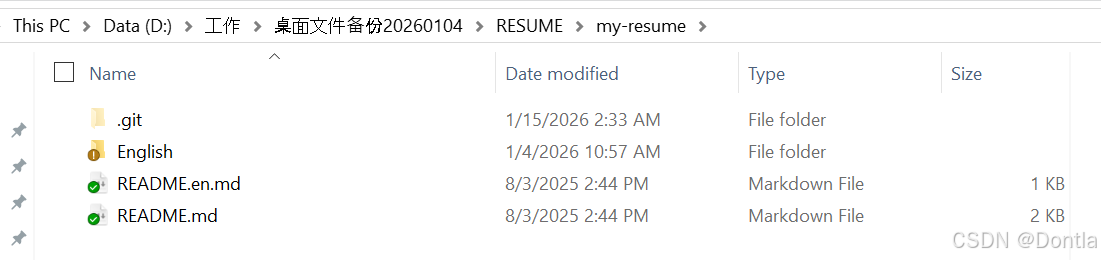
reference article: Git error: fatal: detected dubious ownership in repository at xxx

有“AI”的1024 = 2048,欢迎大家加入2048 AI社区
更多推荐
 9
9 0
0- 0


 已为社区贡献383条内容

所有评论(0)