基于SSM的流浪动物领养系统的设计与实现
本文介绍了一个基于SSM框架的流浪动物领养系统开发项目。系统采用Java语言开发,整合SSM+Vue前后端分离技术,MySQL数据库存储数据。系统功能包括:普通用户注册登录、查看/收藏动物信息、提交领养申请;志愿者管理动物照料和资源分配;管理员进行系统维护。文章展示了系统核心代码片段和运行效果图,并指出当前系统在数据分析处理和线下协作方面的不足,提出未来将通过AI、物联网等技术优化系统功能,提升流
收藏关注不迷路!!
🌟文末获取源码+数据库🌟
感兴趣的可以先收藏起来,还有大家在毕设选题(免费咨询指导选题),项目以及论文编写等相关问题都可以给我留言咨询,希望帮助更多的人
文章目录
一、项目技术
开发语言:Java
框架:ssm
JDK版本:JDK1.8
服务器:tomcat7
数据库:mysql
数据库工具:Navicat11
开发软件:eclipse/myeclipse/idea
Maven包:Maven
二、项目内容和功能介绍
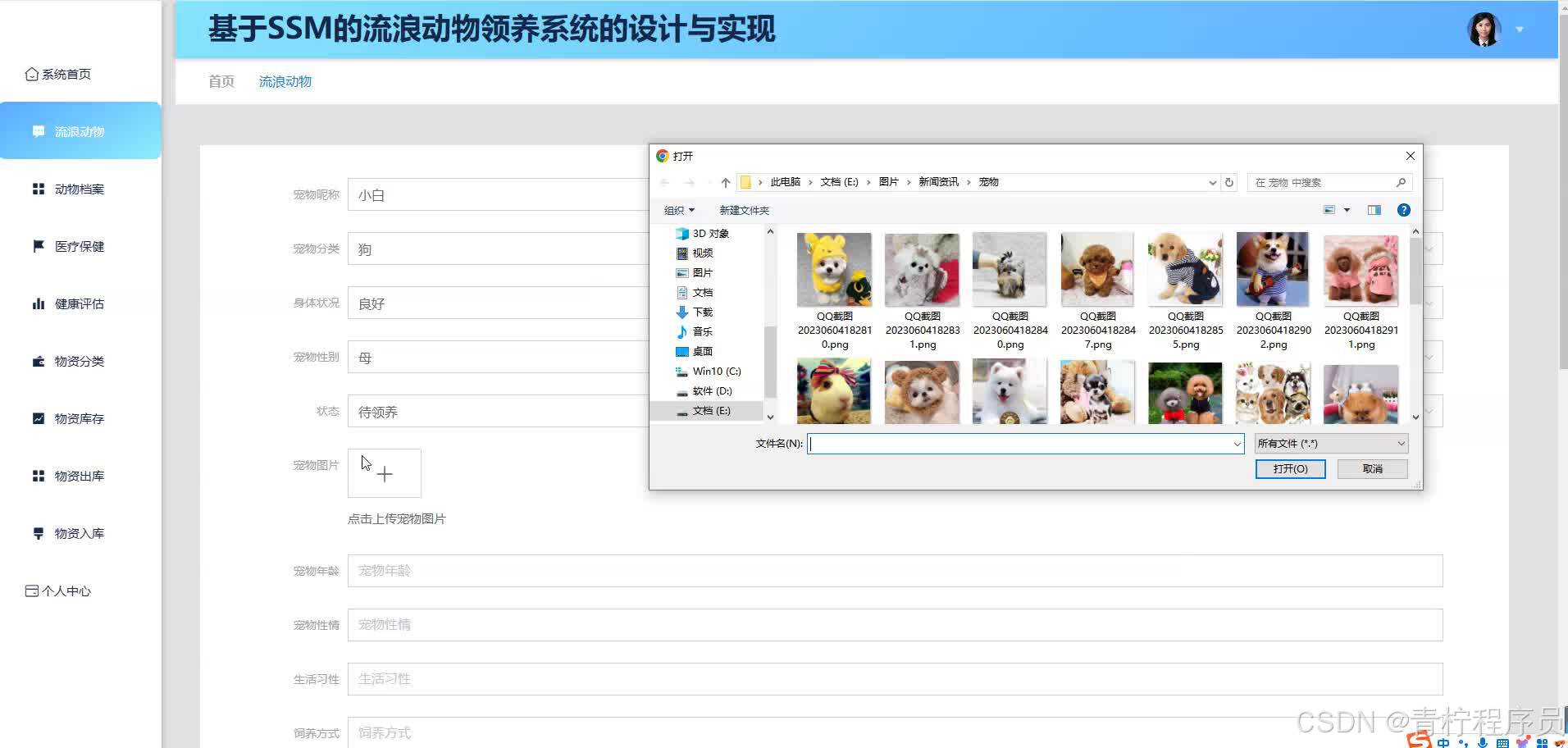
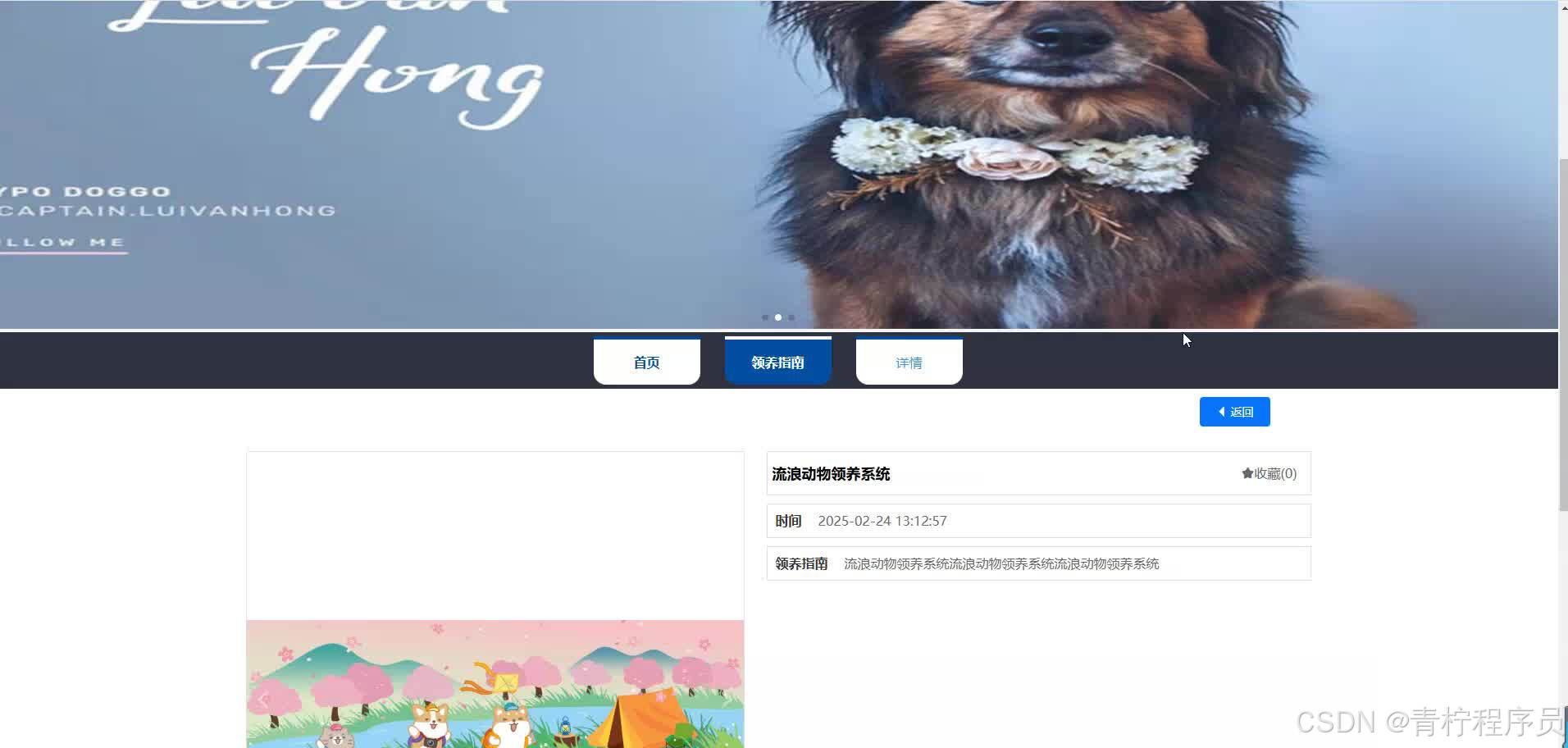
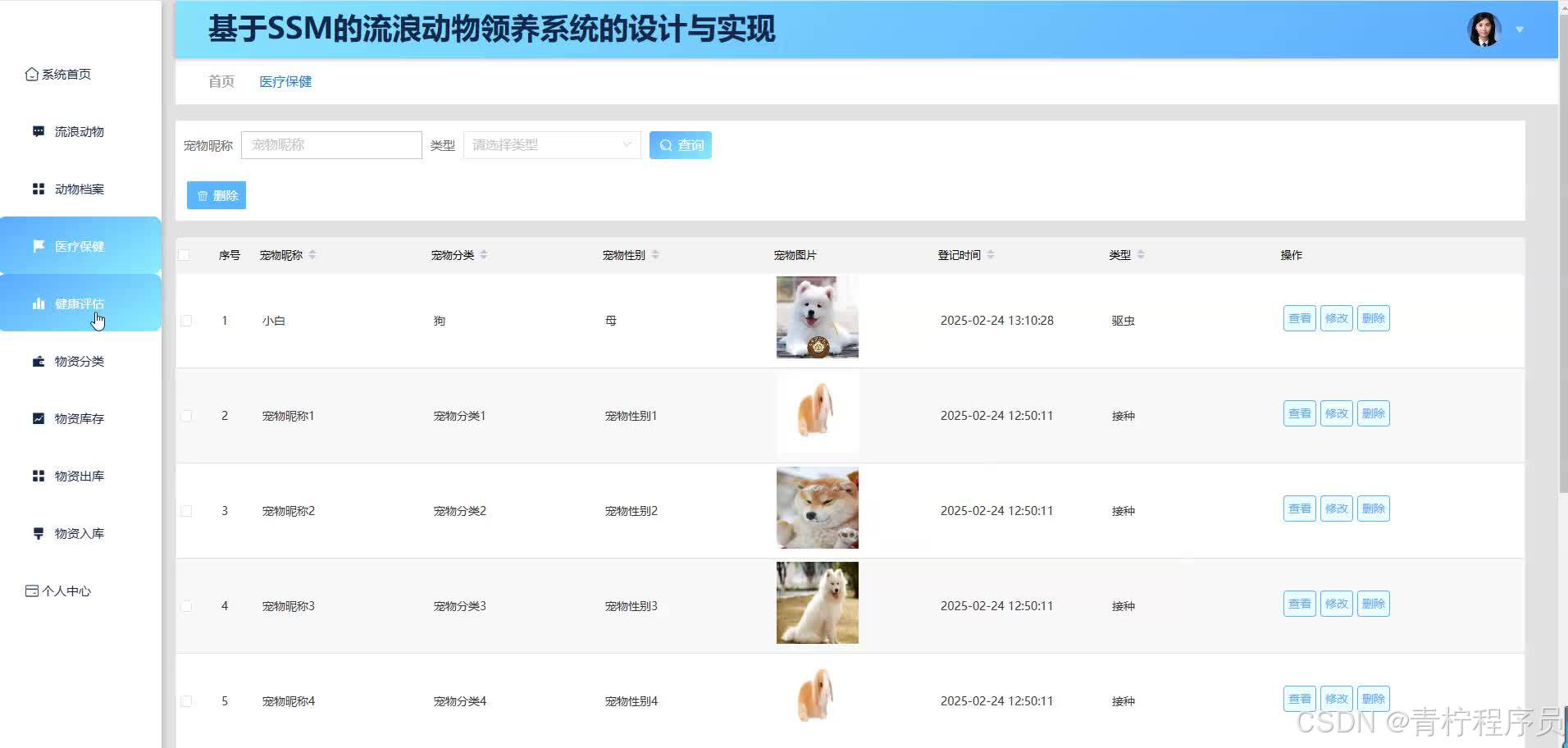
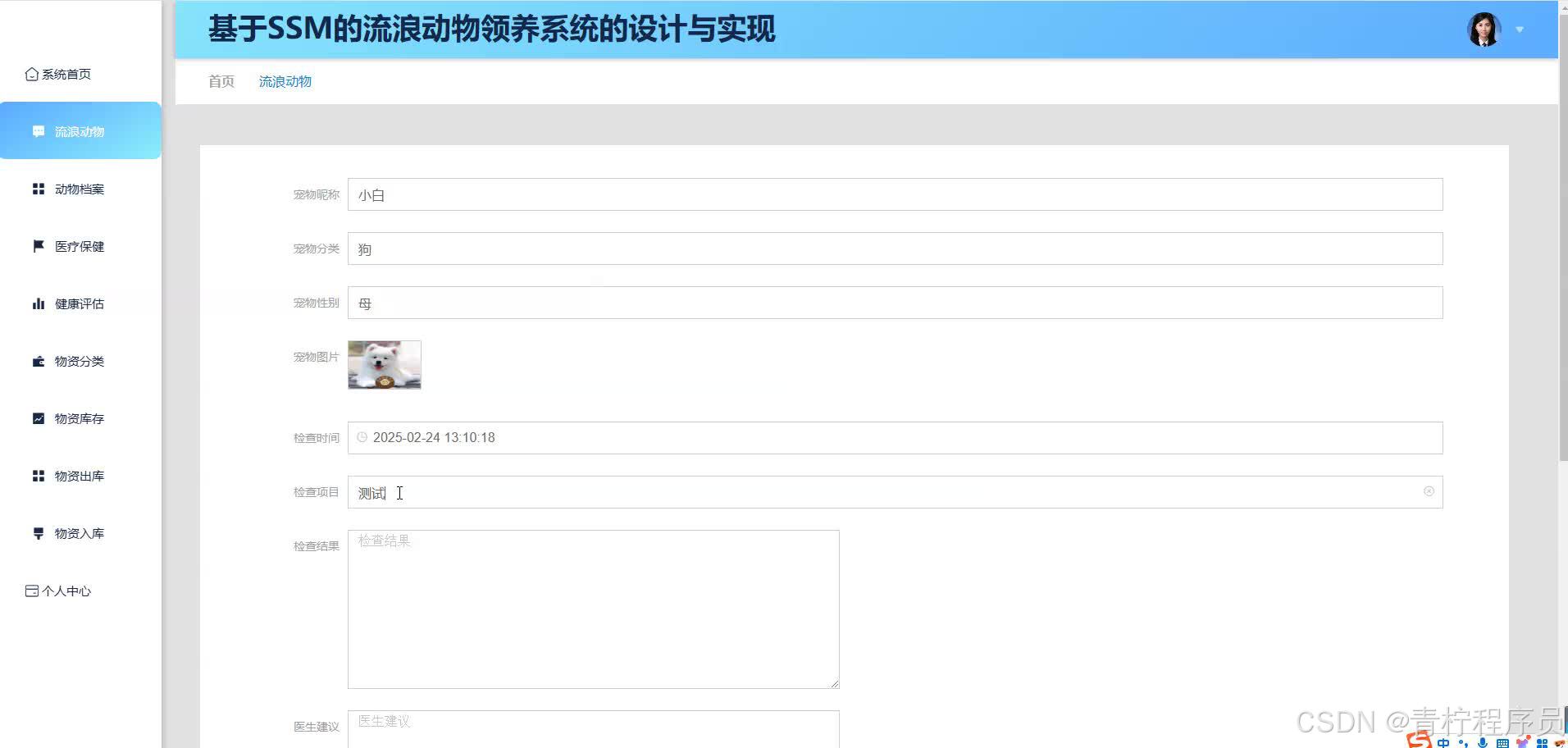
在流浪动物日益增多的情况下,传统救助手段存在不少弊端,该文研究解决这一问题,建立利用SSM技术的流浪动物收养平台,同时实现流浪动物收养问题,推动动物救助事业的发展。本系统涵盖多种角色的功能模块,包括一般群众、志愿者以及管理人员,分别实现注册登录、查看动物信息、收藏动物信息、获取帮助并发起领养信息等操作;志愿者实现对流浪动物的照料以及对流浪动物资源的分配;管理员实现对本系统的运行和系统数据的维护等。技术方面采取SSM+Vue前后端分离框架,其中SSM框架整合各功能模块,Vue框架增强了互动性,并利用数据库MySQL完成数据存储与管理等功能。通过对本系统进行实测,验证了系统的各项功能完整、运行稳定,性能、兼容性以及安全性均良好,能够满足实际应用要求。
不足是系统对于数据分析处理以及线下机构的协作等还存在局限,下一步通过人工智能、物联网等前沿技术,后续功能的不断拓展,加大与社会各界的合作,使领养服务的质量越来越高,从而推进流浪动物的救助事业。
功能需求分析可是系统开发的关键部分,目的就是了解系统的功能,了解满足不同用户的实际需要。基于SSM的流浪动物领养系统,主要包括普通用户、管理员和志愿者,他们各自的功能需求如下:
用户先注册、登录,这样系统就能记录用户的基本信息,也可以随时修改自己的信息。登录之后,就能看到系统里流浪动物的各种信息,方便大家根据自己的喜好和实际情况挑选合适的动物。喜欢的动物可以先收藏起来,方便后面再看、再比较。系统会根据用户的浏览记录、收藏记录这些行为数据,分析用户的喜好,给用户推荐更合适的动物,提高领养匹配的成功率。用户确定领养了,就可以在线提交领养申请,把家庭条件、养宠经验这些信息填上。
三、核心代码
部分代码:
package com.controller;


import java.util.Arrays;
import java.util.Map;

import org.springframework.beans.factory.annotation.Autowired;
import org.springframework.web.bind.annotation.PathVariable;
import org.springframework.web.bind.annotation.PostMapping;
import org.springframework.web.bind.annotation.RequestBody;
import org.springframework.web.bind.annotation.RequestMapping;
import org.springframework.web.bind.annotation.RequestParam;
import org.springframework.web.bind.annotation.RestController;

import com.annotation.IgnoreAuth;
import com.baomidou.mybatisplus.mapper.EntityWrapper;
import com.entity.ConfigEntity;
import com.service.ConfigService;
import com.utils.MPUtil;
import com.utils.PageUtils;
import com.utils.R;
import com.utils.ValidatorUtils;

/**
 * 登录相关
 */
@RequestMapping("config")
@RestController
public class ConfigController{

	@Autowired
	private ConfigService configService;

	/**
     * 列表
     */
    @RequestMapping("/page")
    public R page(@RequestParam Map<String, Object> params,ConfigEntity config){
        EntityWrapper<ConfigEntity> ew = new EntityWrapper<ConfigEntity>();
    	PageUtils page = configService.queryPage(params, MPUtil.sort(MPUtil.between(MPUtil.likeOrEq(ew, config), params), params));
        return R.ok().put("data", page);
    }

	/**
     * 列表
     */
    @IgnoreAuth
    @RequestMapping("/list")
    public R list(@RequestParam Map<String, Object> params,ConfigEntity config){
        EntityWrapper<ConfigEntity> ew = new EntityWrapper<ConfigEntity>();
    	PageUtils page = configService.queryPage(params, MPUtil.sort(MPUtil.between(MPUtil.likeOrEq(ew, config), params), params));
        return R.ok().put("data", page);
    }

    /**
     * 信息
     */
    @RequestMapping("/info/{id}")
    public R info(@PathVariable("id") String id){
        ConfigEntity config = configService.selectById(id);
        return R.ok().put("data", config);
    }

    /**
     * 详情
     */
    @IgnoreAuth
    @RequestMapping("/detail/{id}")
    public R detail(@PathVariable("id") String id){
        ConfigEntity config = configService.selectById(id);
        return R.ok().put("data", config);
    }

    /**
     * 根据name获取信息
     */
    @RequestMapping("/info")
    public R infoByName(@RequestParam String name){
        ConfigEntity config = configService.selectOne(new EntityWrapper<ConfigEntity>().eq("name", "faceFile"));
        return R.ok().put("data", config);
    }

    /**
     * 保存
     */
    @PostMapping("/save")
    public R save(@RequestBody ConfigEntity config){
//    	ValidatorUtils.validateEntity(config);
    	configService.insert(config);
        return R.ok();
    }

    /**
     * 修改
     */
    @RequestMapping("/update")
    public R update(@RequestBody ConfigEntity config){
//        ValidatorUtils.validateEntity(config);
        configService.updateById(config);//全部更新
        return R.ok();
    }

    /**
     * 删除
     */
    @RequestMapping("/delete")
    public R delete(@RequestBody Long[] ids){
    	configService.deleteBatchIds(Arrays.asList(ids));
        return R.ok();
    }
}
四、效果图



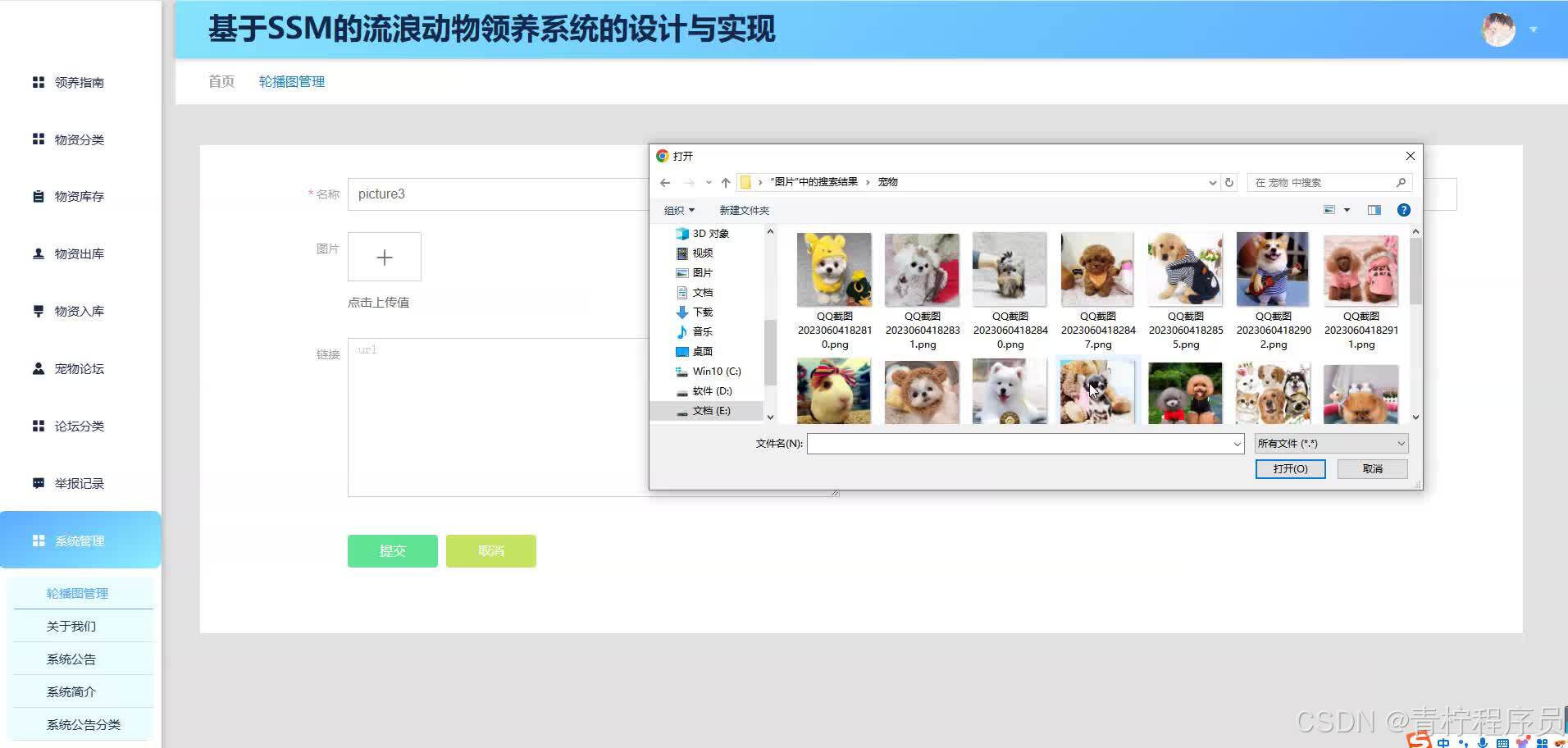
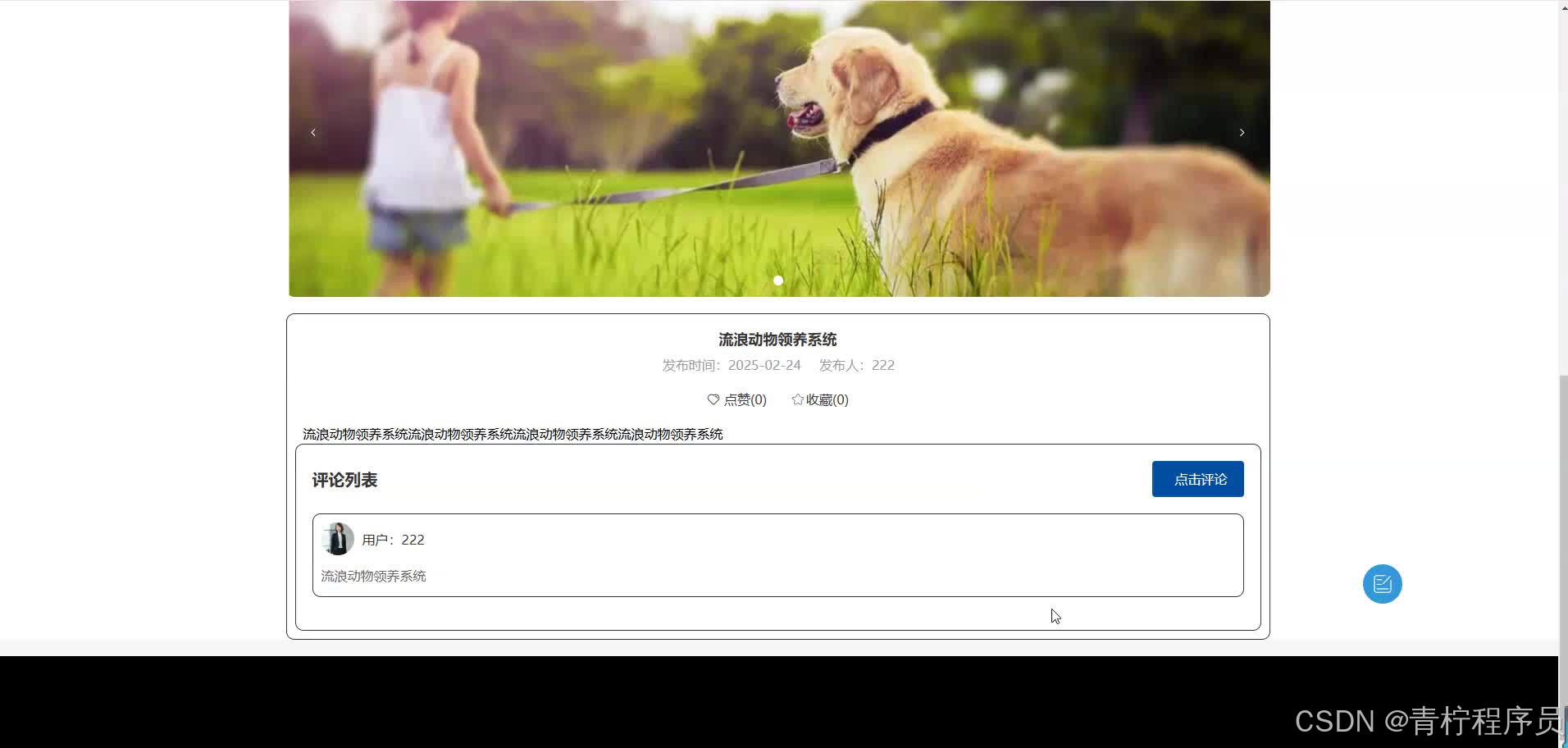
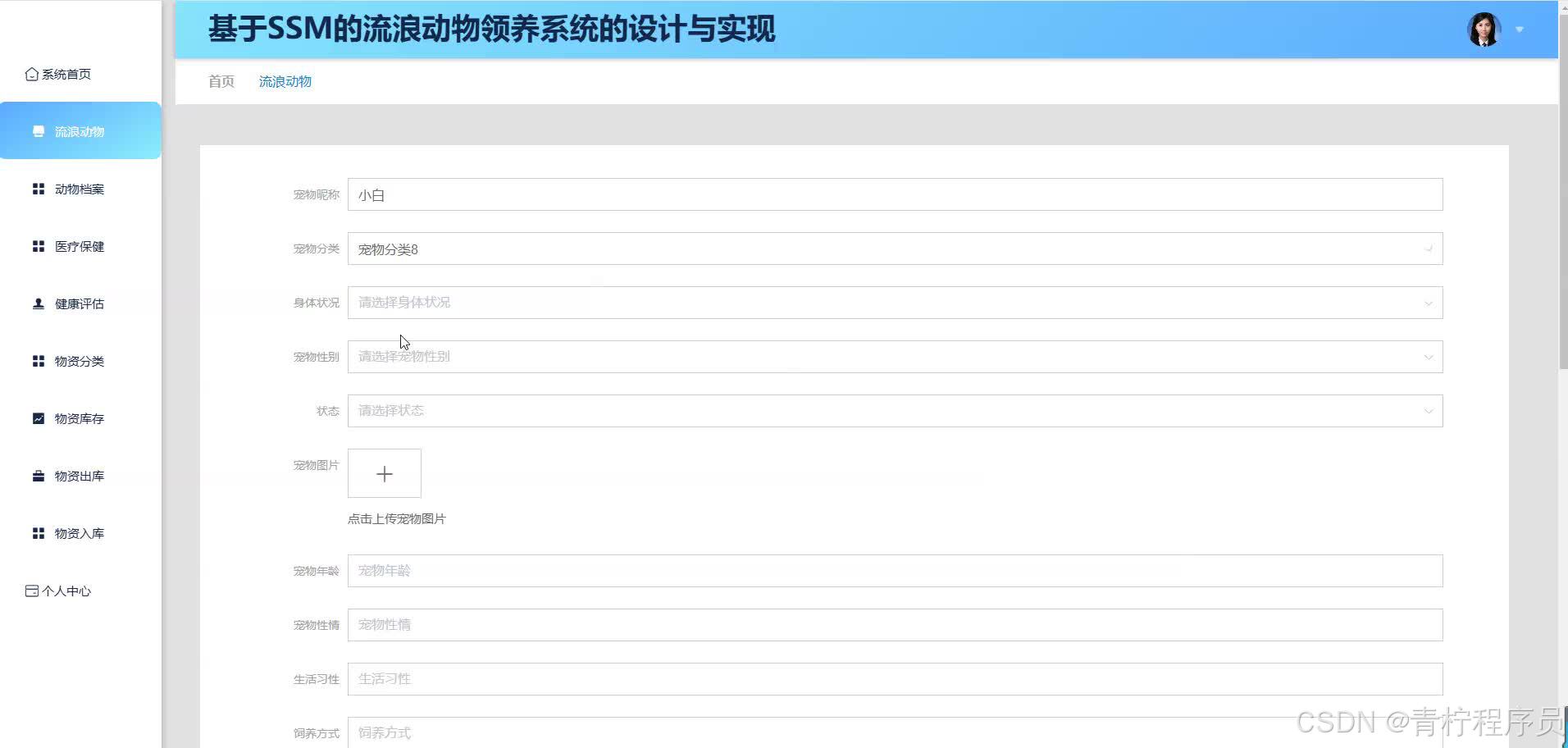
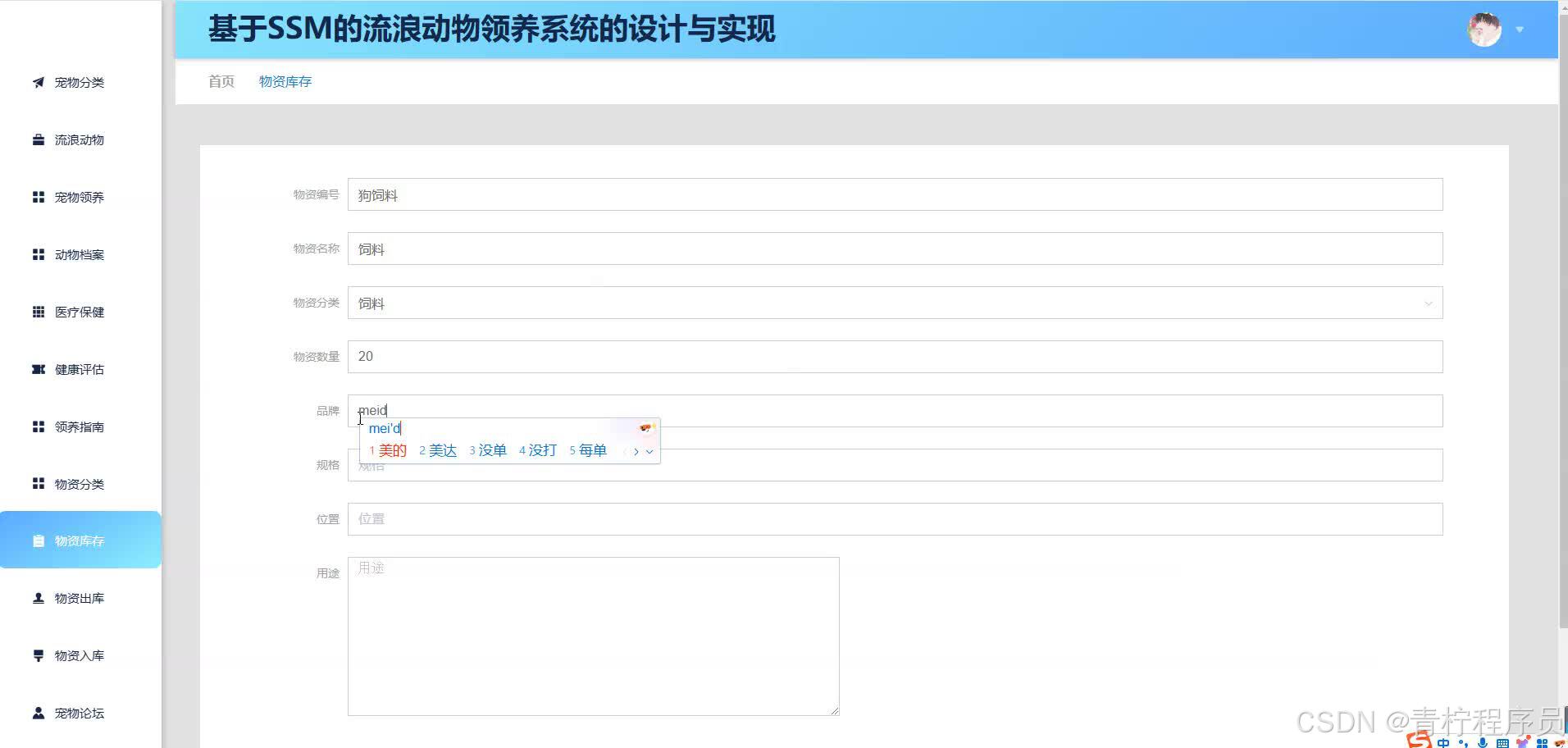
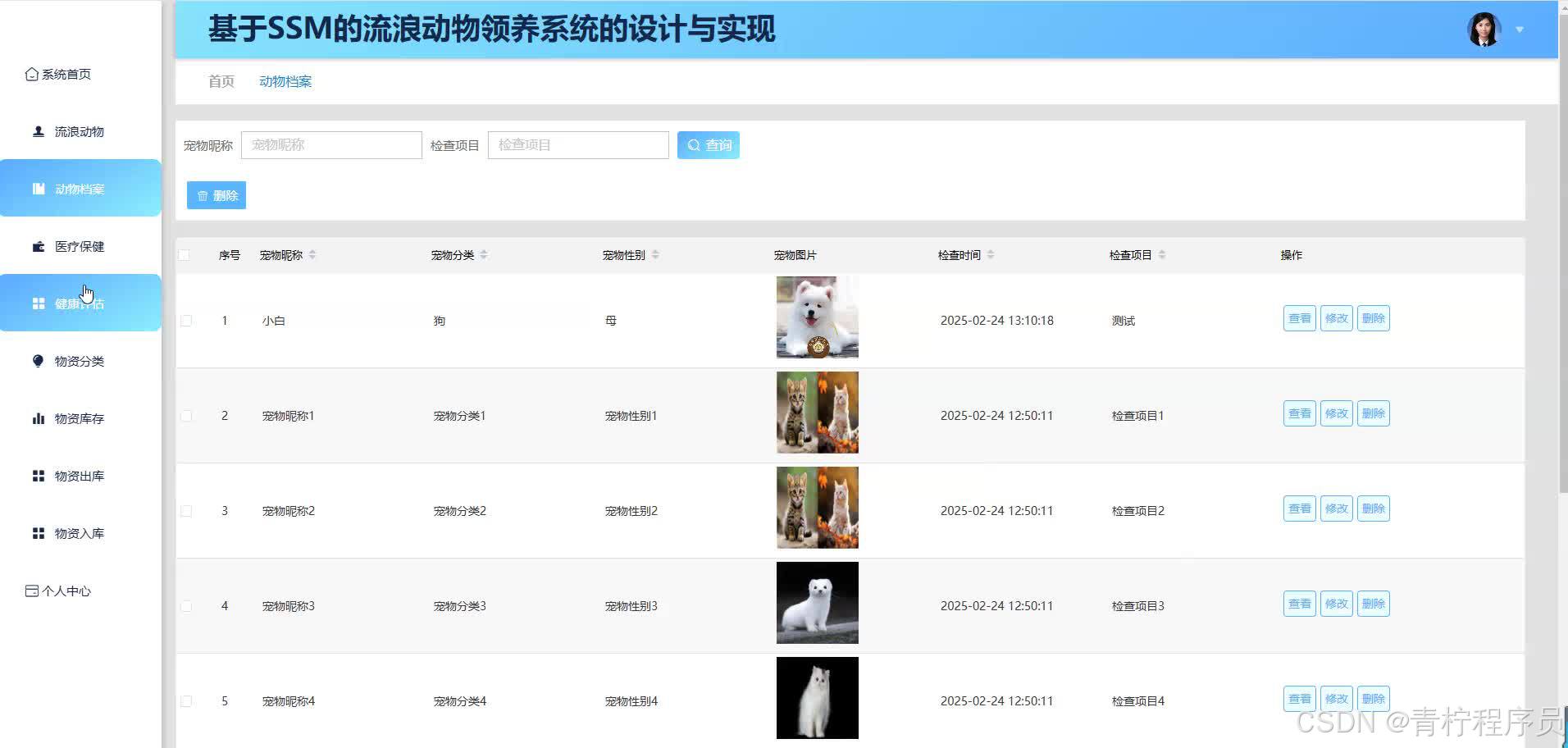
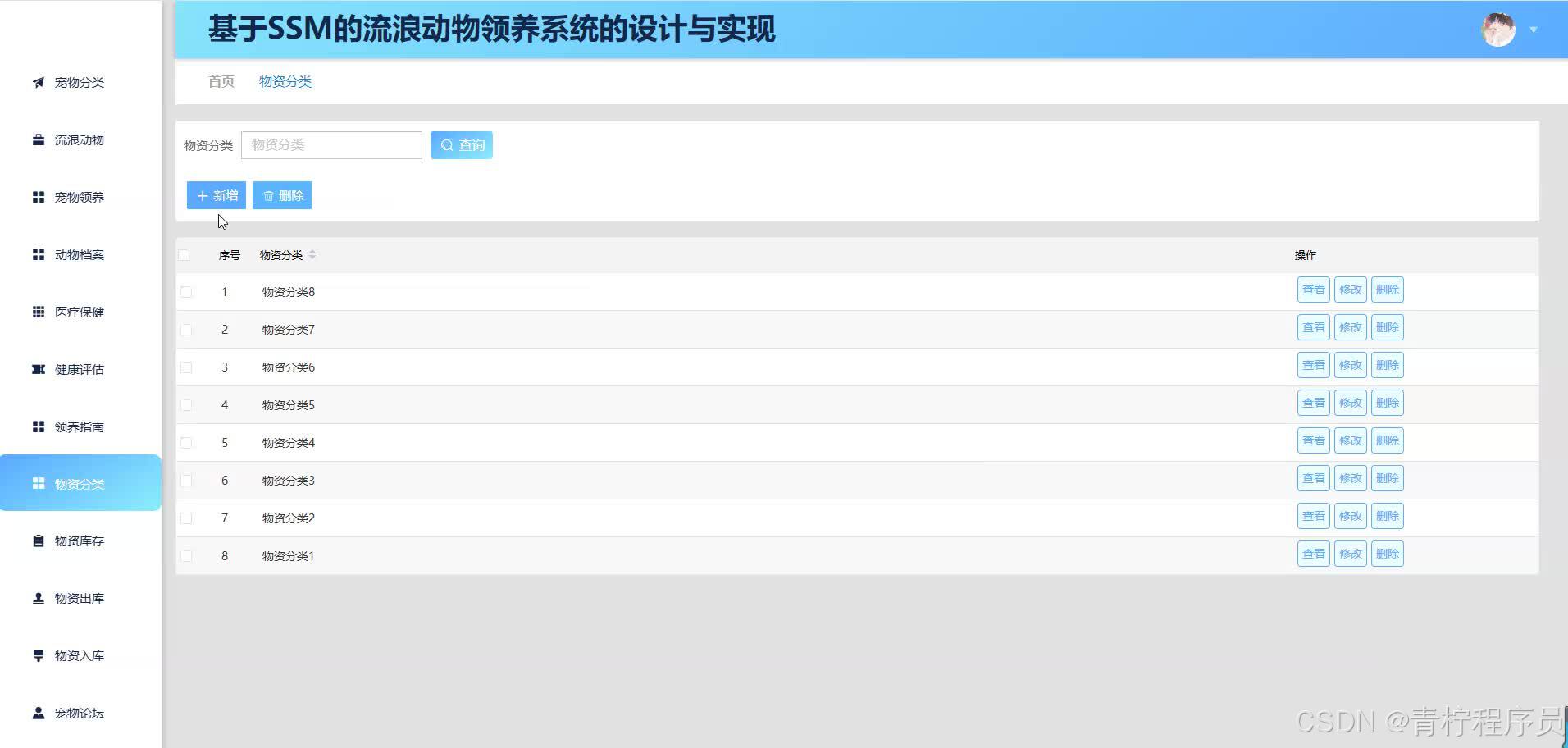
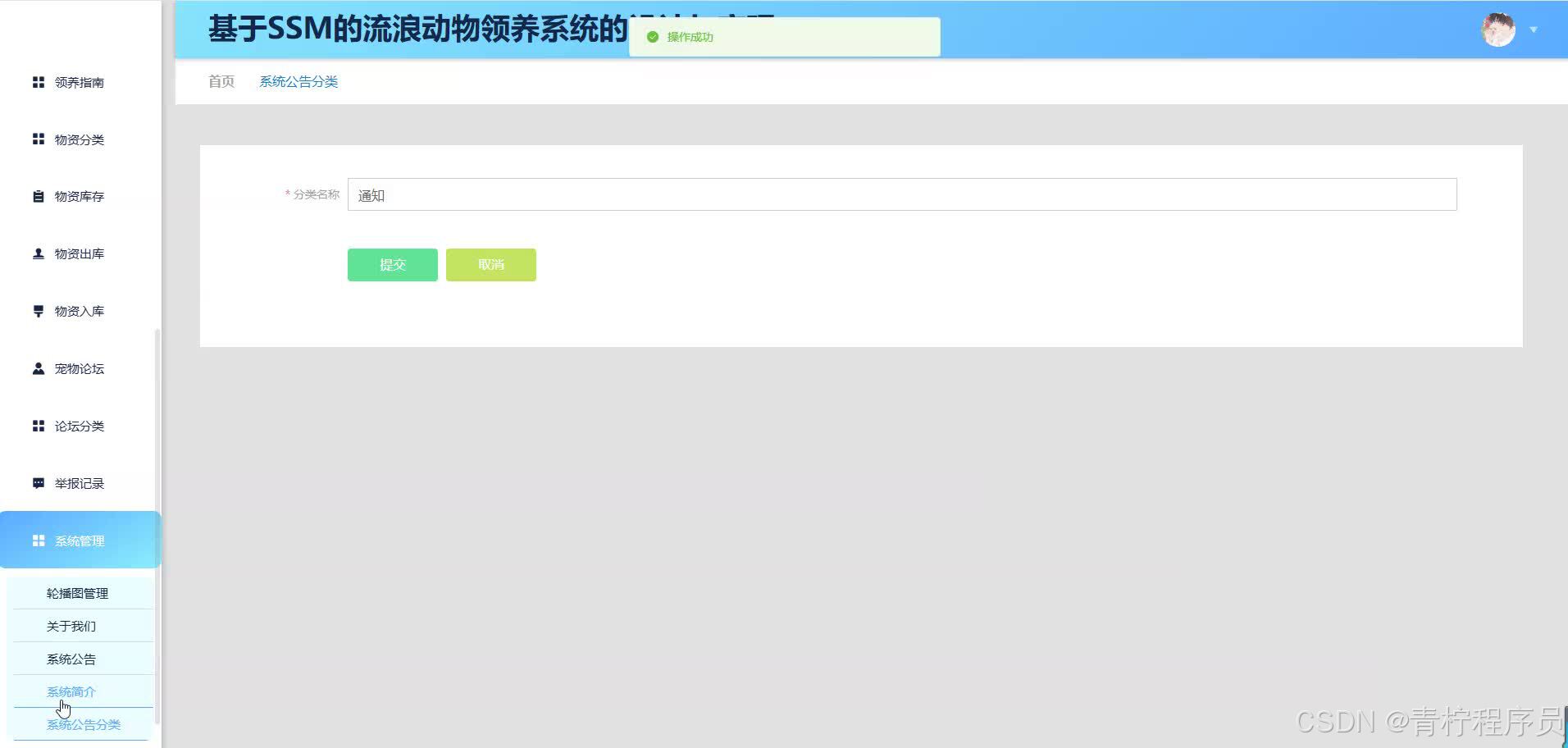
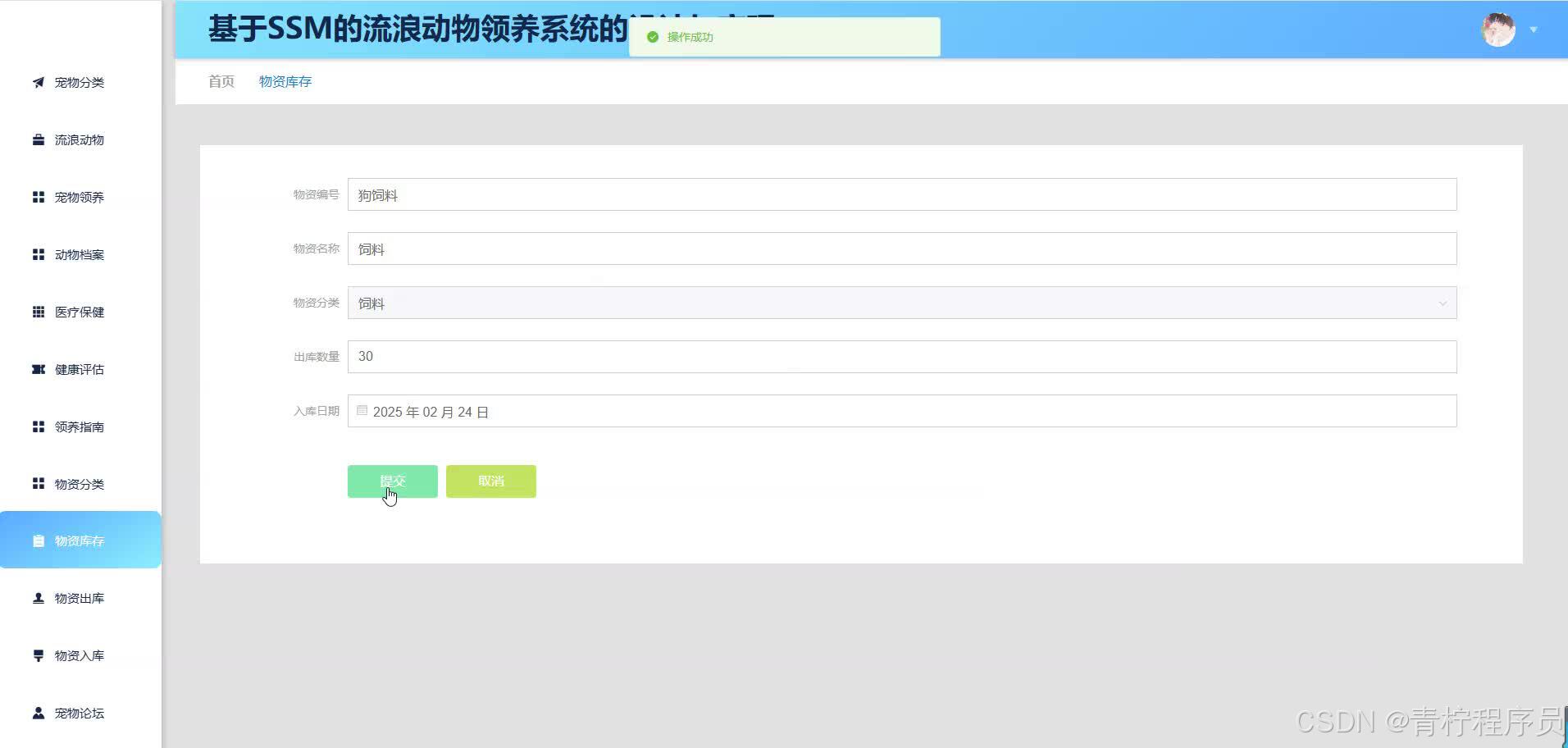
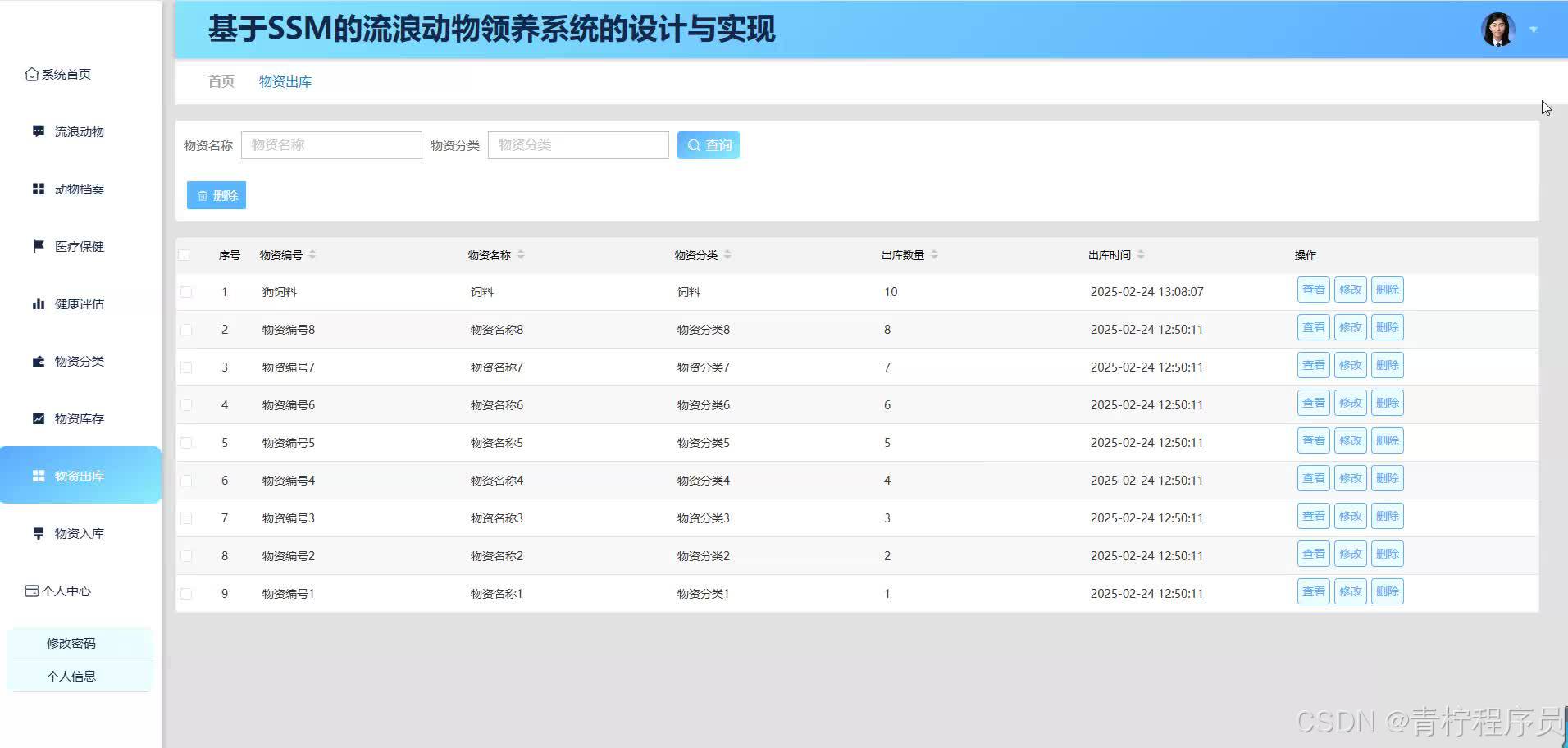
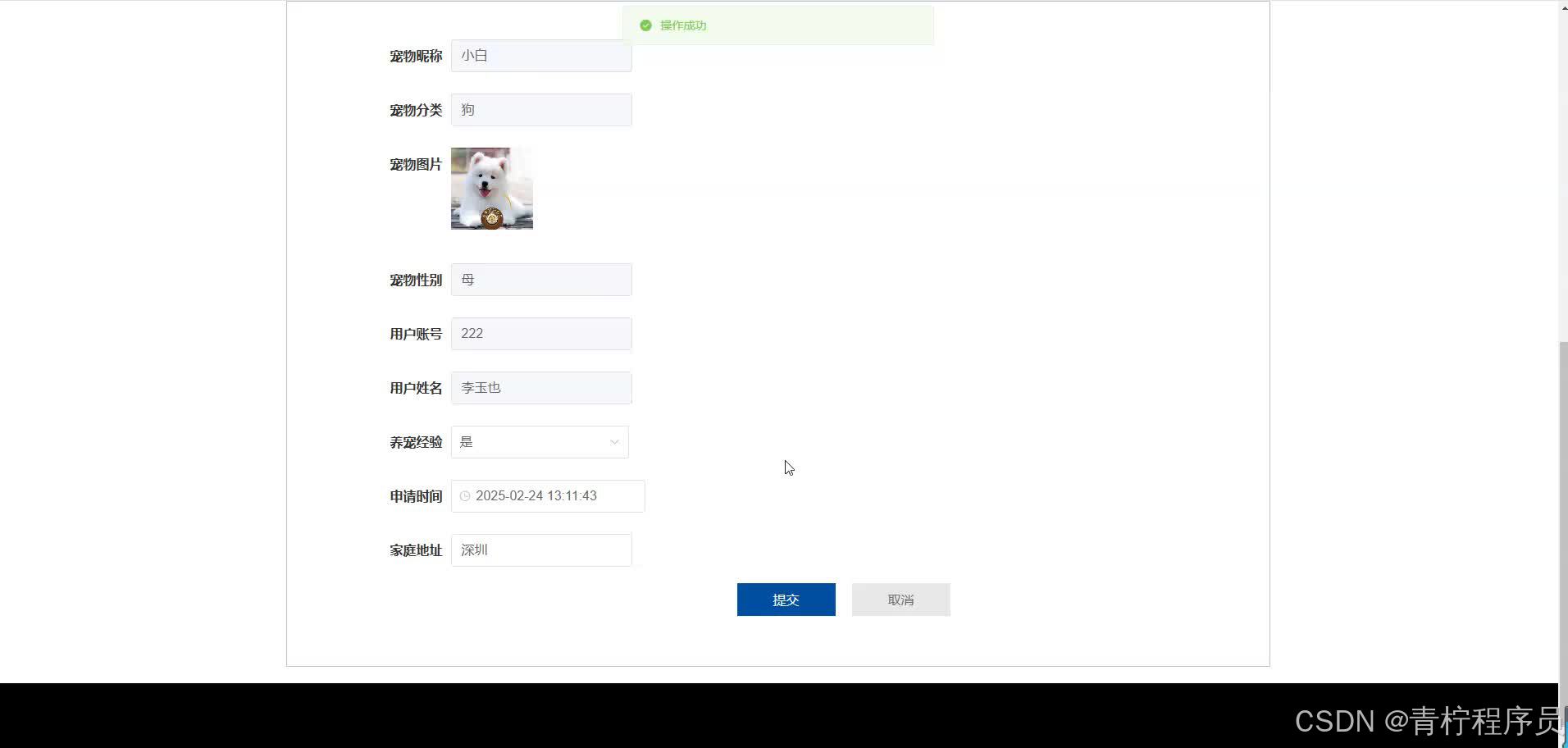
五 、资料获取
文章下方名片联系我即可~
精彩专栏推荐订阅:在下方专栏👇🏻
毕业设计精品实战案例
收藏关注不迷路!!
🌟文末获取设计🌟

有“AI”的1024 = 2048,欢迎大家加入2048 AI社区
更多推荐


 19
19 0
0- 0


 已为社区贡献57条内容

所有评论(0)