【硬核干货】从零开始用Rust构建AI Agent!支持任意LLM,性能炸裂,大模型开发者的新选择
本文详细介绍了如何使用Rust语言构建高性能AI Agent,包括Plan→Act→Observe循环、工具调用、短期和长期记忆系统等核心组件。通过trait抽象实现LLM可替换、工具可扩展、记忆可插拔的架构,支持并发执行、限流重试等工程化特性。相比Python,Rust在高并发、资源可控、长期稳定运行场景下更具优势,适合高吞吐任务编排和长期运行的自动化系统。
过去一年“Agent”这个词被说烂了:会思考、会调用工具、能自己拆解任务并持续执行。
大多数教程都用 Python 写,但在需要高并发、可控资源、长期运行稳定的场景里(爬取、自动化运营、链上监控、日志分析、交易风控),Rust 反而更合适:性能强、内存安全、可观测性好、部署简单。
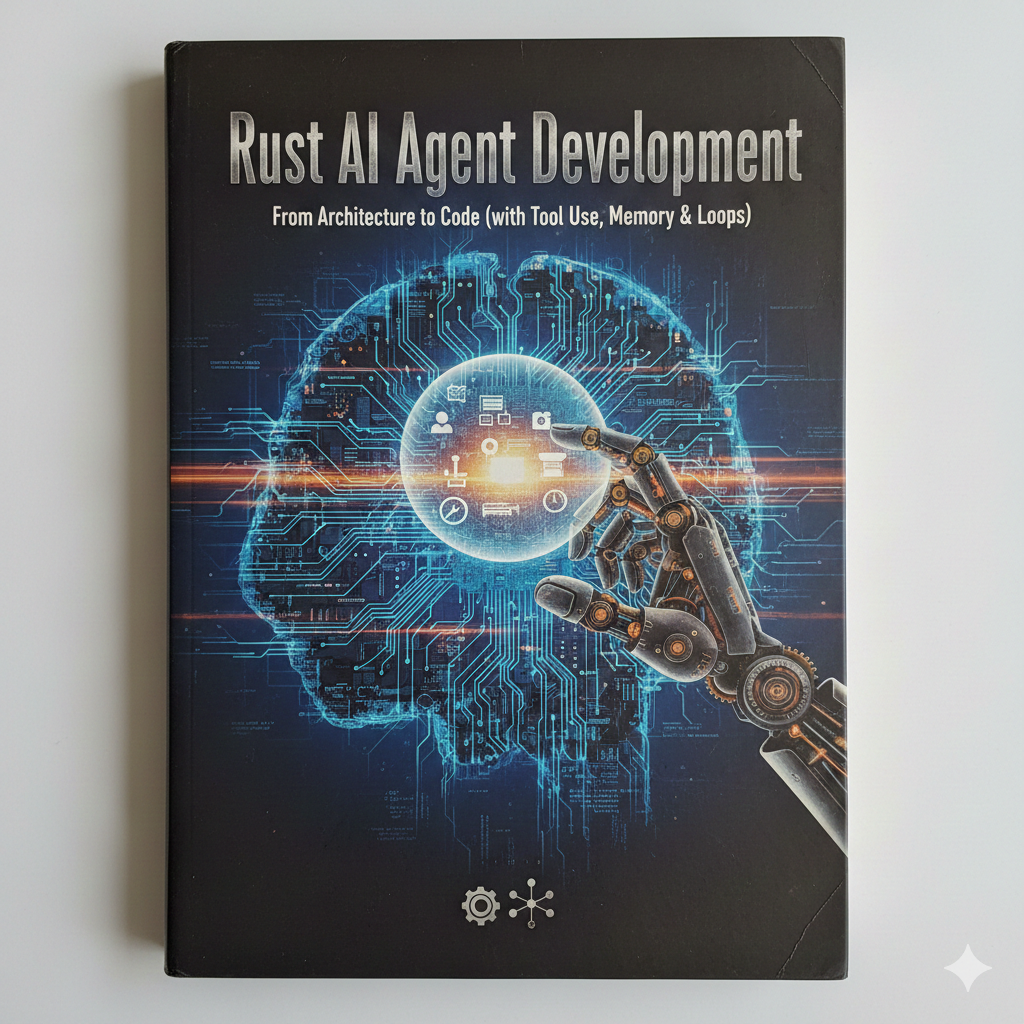
这篇文章带你用 Rust 写一个“能跑起来”的 Agent:
- 有 Plan → Act → Observe 循环
- 会 工具调用(Tool Calling)
- 有 短期记忆(对话上下文) + 长期记忆(本地存储/向量库接口预留)
- 支持 并发执行工具、限流、重试
- • 结构清晰,方便你后续接入任意 LLM 提供商
注:本文不绑定某一家模型厂商,接口用“可替换的 LLM Client”封装。你可以接 OpenAI、Azure、Anthropic、火山、通义、智谱等。
Agent 到底是什么?
一个实用 Agent 通常有这几个部件:
- LLM(大脑):负责推理、生成行动指令
- Tools(手脚):HTTP 请求、数据库、搜索、代码执行、链上 RPC、发邮件等
- Memory(记忆):保存历史信息,避免“鱼类记忆”
- Loop(循环):反复执行“规划-行动-观察”,直到完成或触发停止条件
- Safety & Guardrails(护栏):避免无限循环、越权调用、危险操作
我们要实现的最小可用版本(MVP):
- 输入一个目标:比如“查一下我项目的错误日志并总结原因,给出修复建议”
- Agent 自动拆解:需要查询日志 → 提取关键错误 → 归类 → 给建议
- 每次行动都是调用一个 tool,然后把结果喂回 LLM 继续下一步
Rust 项目结构:把复杂度关进笼子
建议用这样的目录结构:
agent-rs/ src/ main.rs agent/mod.rs agent/loop.rs llm/mod.rs tools/mod.rs tools/http.rs tools/fs.rs memory/mod.rs memory/short_term.rs memory/long_term.rs types.rs
核心思想:
- Agent 不直接依赖某个模型厂商(llm 模块可替换)
- Tools 用 trait 抽象(你能无限加工具)
- Memory 可插拔(本地文件、SQLite、Redis、向量库都行)
定义核心数据结构:Message、Tool、Action
先把“协议”定下来:LLM 怎么告诉我们要调用工具?工具返回什么?循环怎么停止?
// src/types.rsuse serde::{Deserialize, Serialize};#[derive(Debug, Clone, Serialize, Deserialize)]pub struct ChatMessage { pub role: String, // "system" | "user" | "assistant" | "tool" pub content: String, pub name: Option<String>, // tool name if role == "tool"}#[derive(Debug, Clone, Serialize, Deserialize)]pub struct ToolSpec { pub name: String, pub description: String, pub input_schema: serde_json::Value, // JSON Schema}#[derive(Debug, Clone, Serialize, Deserialize)]#[serde(tag = "type")]pub enum AgentAction { // LLM 要求调用工具 ToolCall { tool_name: String, input: serde_json::Value, }, // LLM 认为任务完成 Final { answer: String, },}
这里我们用一个简单约定:让 LLM 输出 JSON,解析成 AgentAction。
(很多厂商支持原生 tool calling;但用 JSON 输出更通用。)
Tools:用 trait 抽象“手脚”,把能力模块化
// src/tools/mod.rsuse async_trait::async_trait;use serde_json::Value;use anyhow::Result;#[async_trait]pub trait Tool: Send + Sync { fn name(&self) -> &str; fn spec(&self) -> crate::types::ToolSpec; async fn call(&self, input: Value) -> Result<Value>;}pub struct ToolRegistry { tools: std::collections::HashMap<String, std::sync::Arc<dyn Tool>>,}impl ToolRegistry { pub fn new() -> Self { Self { tools: Default::default() } } pub fn register<T: Tool + 'static>(&mut self, tool: T) { self.tools.insert(tool.name().to_string(), std::sync::Arc::new(tool)); } pub fn list_specs(&self) -> Vec<crate::types::ToolSpec> { self.tools.values().map(|t| t.spec()).collect() } pub fn get(&self, name: &str) -> Option<std::sync::Arc<dyn Tool>> { self.tools.get(name).cloned() }}
两个工具:HTTP GET + 读文件(你后面可扩展到 DB / RPC / Kafka 等)
// src/tools/http.rsuse async_trait::async_trait;use serde_json::{json, Value};use anyhow::{Result, anyhow};pub struct HttpGetTool;#[async_trait]impl crate::tools::Tool for HttpGetTool {    fn name(&self) -> &str { "http_get" }    fn spec(&self) -> crate::types::ToolSpec {        crate::types::ToolSpec {            name: self.name().into(),            description: "Send HTTP GET request and return response text".into(),            input_schema: json!({              "type": "object",              "properties": {                "url": {"type":"string"}              },              "required": ["url"]            }),        }    }    async fn call(&self, input: Value) -> Result<Value> {        let url = input.get("url").and_then(|v| v.as_str()).ok_or_else(|| anyhow!("missing url"))?;        let resp = reqwest::get(url).await?.text().await?;        Ok(json!({ "text": resp }))    }}
``````plaintext
// src/tools/fs.rsuse async_trait::async_trait;use serde_json::{json, Value};use anyhow::{Result, anyhow};pub struct ReadFileTool;#[async_trait]impl crate::tools::Tool for ReadFileTool {    fn name(&self) -> &str { "read_file" }    fn spec(&self) -> crate::types::ToolSpec {        crate::types::ToolSpec {            name: self.name().into(),            description: "Read a local text file (UTF-8)".into(),            input_schema: json!({              "type":"object",              "properties": { "path": {"type":"string"} },              "required":["path"]            }),        }    }    async fn call(&self, input: Value) -> Result<Value> {        let path = input.get("path").and_then(|v| v.as_str()).ok_or_else(|| anyhow!("missing path"))?;        let text = tokio::fs::read_to_string(path).await?;        Ok(json!({ "text": text }))    }}
Memory:短期 + 长期,两层更好用
短期记忆:就是对话上下文(消息列表),注意要做窗口裁剪,否则 tokens 爆掉。
// src/memory/short_term.rsuse crate::types::ChatMessage;pub struct ShortTermMemory { pub messages: Vec<ChatMessage>, pub max_messages: usize,}impl ShortTermMemory { pub fn new(max_messages: usize) -> Self { Self { messages: vec![], max_messages } } pub fn push(&mut self, msg: ChatMessage) { self.messages.push(msg); if self.messages.len() > self.max_messages { let overflow = self.messages.len() - self.max_messages; self.messages.drain(0..overflow); } } pub fn all(&self) -> &[ChatMessage] { &self.messages }}
长期记忆:先做一个最简单的本地 JSONL 追加写(后续你可换 SQLite/向量库)。
// src/memory/long_term.rsuse anyhow::Result;use serde_json::Value;use tokio::io::AsyncWriteExt;pub struct LongTermMemory { path: String,}impl LongTermMemory { pub fn new(path: impl Into<String>) -> Self { Self { path: path.into() } } pub async fn append_event(&self, event: &Value) -> Result<()> { let mut f = tokio::fs::OpenOptions::new() .create(true).append(true) .open(&self.path).await?; f.write_all(event.to_string().as_bytes()).await?; f.write_all(b"\n").await?; Ok(()) }}
LLM Client:用 trait 隔离供应商差异
// src/llm/mod.rsuse async_trait::async_trait;use anyhow::Result;use crate::types::{ChatMessage, ToolSpec};#[async_trait]pub trait LlmClient: Send + Sync { async fn complete( &self, system_prompt: &str, messages: &[ChatMessage], tools: &[ToolSpec], ) -> Result<String>;}
你可以实现一个 OpenAIClient / AnthropicClient / LocalModelClient。
本文重点是 Agent 架构,所以这里先不展开厂商细节(只要返回一个字符串即可)。
最关键:Agent Loop(Plan → Act → Observe)
我们让 LLM 每轮输出严格 JSON:
{"type":"ToolCall","tool_name":"read_file","input":{"path":"..."}}- 或
{"type":"Final","answer":"..."}
// src/agent/loop.rsuse anyhow::{Result, anyhow};use serde_json::Value;use crate::types::{AgentAction, ChatMessage};pub struct AgentLoop<L: crate::llm::LlmClient> { pub llm: std::sync::Arc<L>, pub tools: crate::tools::ToolRegistry, pub short_memory: crate::memory::short_term::ShortTermMemory, pub long_memory: crate::memory::long_term::LongTermMemory, pub system_prompt: String, pub max_steps: usize,}impl<L: crate::llm::LlmClient> AgentLoop<L> { pub async fn run(&mut self, user_goal: &str) -> Result<String> { self.short_memory.push(ChatMessage { role: "user".into(), content: user_goal.into(), name: None, }); for step in 0..self.max_steps { let tool_specs = self.tools.list_specs(); let raw = self.llm .complete(&self.system_prompt, self.short_memory.all(), &tool_specs) .await?; let action: AgentAction = serde_json::from_str(&raw) .map_err(|e| anyhow!("LLM output is not valid AgentAction JSON: {e}. raw={raw}"))?; match action { AgentAction::Final { answer } => { self.long_memory.append_event(&serde_json::json!({ "type":"final", "step": step, "answer": answer })).await?; return Ok(answer); } AgentAction::ToolCall { tool_name, input } => { let tool = self.tools.get(&tool_name) .ok_or_else(|| anyhow!("tool not found: {tool_name}"))?; let out = tool.call(input).await?; // 记录工具返回到短期记忆(供下一轮推理) self.short_memory.push(ChatMessage { role: "tool".into(), name: Some(tool_name.clone()), content: out.to_string(), }); // 也可记到长期记忆里,方便追溯 self.long_memory.append_event(&serde_json::json!({ "type":"tool_result", "step": step, "tool": tool_name, "output": out })).await?; } } } Err(anyhow!("max_steps reached without Final")) }}
System Prompt:决定 Agent “像不像人”
一个好用的 system prompt 通常要做到:
- 约束输出格式(必须 JSON)
- 告诉它何时调用工具、何时结束
- 强调“工具输入要符合 schema”
- 防止无限循环(如果没进展要总结并结束)
示例:
const SYSTEM_PROMPT: &str = r#"You are a helpful AI agent.You MUST respond in valid JSON that matches one of:1) {"type":"ToolCall","tool_name": "...", "input": {...}}2) {"type":"Final","answer":"..."}Rules:- Use tools when you need external data.- Tool input MUST follow the tool's JSON schema.- If you have enough information, end with Final.- If repeated tool calls do not improve progress, summarize and Final."#;
main.rs:把一切组装起来
// src/main.rsmod types;mod llm;mod tools;mod memory;mod agent;use tools::{ToolRegistry};use tools::http::HttpGetTool;use tools::fs::ReadFileTool;#[tokio::main]async fn main() -> anyhow::Result<()> { // 1) LLM client(你自己实现一个) let llm = std::sync::Arc::new(MyLlmClient::new_from_env()?); // 2) tools let mut registry = ToolRegistry::new(); registry.register(HttpGetTool); registry.register(ReadFileTool); // 3) memory let short_memory = memory::short_term::ShortTermMemory::new(30); let long_memory = memory::long_term::LongTermMemory::new("agent_events.jsonl"); // 4) agent loop let mut agent = agent::loop_::AgentLoop { llm, tools: registry, short_memory, long_memory, system_prompt: SYSTEM_PROMPT.into(), max_steps: 20, }; let goal = "Read ./README.md and summarize it, then fetch https://example.com and compare topics."; let answer = agent.run(goal).await?; println!("{answer}"); Ok(())}
工程化建议:让 Agent “能长期跑”
写出 MVP 不难,难的是“上线跑一个月不崩”。给你几个关键点:
① 工具调用要有:超时、重试、限流
reqwest配超时- 重试用
tokio-retry或自己写指数退避 - 限流可以用
governor(你如果做过 Tokio 并发控制,会很顺)
② 并发工具执行(可选)
当 LLM 一次规划多个独立动作时,你可以并发执行:tokio::join! / FuturesUnordered。
注意:并发后要合并 observation,并保持输出可追溯(step id)。
③ 观测性:日志 + trace
tracing+tracing-subscriber- 每次 tool call 打 span:tool_name、latency、payload size、error
④ Guardrails:防止“跑飞”
- max_steps
- “重复调用同一工具且结果相似”就强制 Final
- 对高风险工具(写文件/转账/删库)做 allowlist + 人类确认
⑤ 记忆不要无脑塞上下文
长期记忆最好做:
- 事件流(JSONL) + 摘要(定期压缩)
- 需要时再检索(RAG/向量库),而不是全塞进 prompt
结语
Rust Agent 适合哪些场景?如果你要做的是:
- 高吞吐任务编排(大量工具调用、IO 密集)
- 需要稳定长期运行的自动化系统
- 对成本敏感(更高效、更少资源)
- 或者你想把 Agent 当成“基础设施”长期迭代
如何学习大模型 AI ?
由于新岗位的生产效率,要优于被取代岗位的生产效率,所以实际上整个社会的生产效率是提升的。
但是具体到个人,只能说是:
“最先掌握AI的人,将会比较晚掌握AI的人有竞争优势”。
这句话,放在计算机、互联网、移动互联网的开局时期,都是一样的道理。
我在一线互联网企业工作十余年里,指导过不少同行后辈。帮助很多人得到了学习和成长。
我意识到有很多经验和知识值得分享给大家,也可以通过我们的能力和经验解答大家在人工智能学习中的很多困惑,所以在工作繁忙的情况下还是坚持各种整理和分享。但苦于知识传播途径有限,很多互联网行业朋友无法获得正确的资料得到学习提升,故此将并将重要的AI大模型资料包括AI大模型入门学习思维导图、精品AI大模型学习书籍手册、视频教程、实战学习等录播视频免费分享出来。

第一阶段(10天):初阶应用
该阶段让大家对大模型 AI有一个最前沿的认识,对大模型 AI 的理解超过 95% 的人,可以在相关讨论时发表高级、不跟风、又接地气的见解,别人只会和 AI 聊天,而你能调教 AI,并能用代码将大模型和业务衔接。
- 大模型 AI 能干什么?
- 大模型是怎样获得「智能」的?
- 用好 AI 的核心心法
- 大模型应用业务架构
- 大模型应用技术架构
- 代码示例:向 GPT-3.5 灌入新知识
- 提示工程的意义和核心思想
- Prompt 典型构成
- 指令调优方法论
- 思维链和思维树
- Prompt 攻击和防范
- …
第二阶段(30天):高阶应用
该阶段我们正式进入大模型 AI 进阶实战学习,学会构造私有知识库,扩展 AI 的能力。快速开发一个完整的基于 agent 对话机器人。掌握功能最强的大模型开发框架,抓住最新的技术进展,适合 Python 和 JavaScript 程序员。
- 为什么要做 RAG
- 搭建一个简单的 ChatPDF
- 检索的基础概念
- 什么是向量表示(Embeddings)
- 向量数据库与向量检索
- 基于向量检索的 RAG
- 搭建 RAG 系统的扩展知识
- 混合检索与 RAG-Fusion 简介
- 向量模型本地部署
- …
第三阶段(30天):模型训练
恭喜你,如果学到这里,你基本可以找到一份大模型 AI相关的工作,自己也能训练 GPT 了!通过微调,训练自己的垂直大模型,能独立训练开源多模态大模型,掌握更多技术方案。
到此为止,大概2个月的时间。你已经成为了一名“AI小子”。那么你还想往下探索吗?
- 为什么要做 RAG
- 什么是模型
- 什么是模型训练
- 求解器 & 损失函数简介
- 小实验2:手写一个简单的神经网络并训练它
- 什么是训练/预训练/微调/轻量化微调
- Transformer结构简介
- 轻量化微调
- 实验数据集的构建
- …
第四阶段(20天):商业闭环
对全球大模型从性能、吞吐量、成本等方面有一定的认知,可以在云端和本地等多种环境下部署大模型,找到适合自己的项目/创业方向,做一名被 AI 武装的产品经理。
- 硬件选型
- 带你了解全球大模型
- 使用国产大模型服务
- 搭建 OpenAI 代理
- 热身:基于阿里云 PAI 部署 Stable Diffusion
- 在本地计算机运行大模型
- 大模型的私有化部署
- 基于 vLLM 部署大模型
- 案例:如何优雅地在阿里云私有部署开源大模型
- 部署一套开源 LLM 项目
- 内容安全
- 互联网信息服务算法备案
- …
学习是一个过程,只要学习就会有挑战。天道酬勤,你越努力,就会成为越优秀的自己。
如果你能在15天内完成所有的任务,那你堪称天才。然而,如果你能完成 60-70% 的内容,你就已经开始具备成为一名大模型 AI 的正确特征了。
这份完整版的大模型 AI 学习资料已经上传CSDN,朋友们如果需要可以微信扫描下方CSDN官方认证二维码免费领取【保证100%免费】


有“AI”的1024 = 2048,欢迎大家加入2048 AI社区
更多推荐

 17
17 0
0- 0


 已为社区贡献582条内容

所有评论(0)