CrewAI智能体开发:Stagehand 工具
Stagehand 与 CrewAI 集成的 Web 自动化工具,用于浏览器交互和自动化。StagehandTool 将 Stagehand 框架与 CrewAI 集成,使代理能够通过自然语言指令与网站交互并自动执行浏览器任务。
StagehandTool 将 Stagehand 框架与 CrewAI 集成,使代理能够通过自然语言指令与网站交互并自动执行浏览器任务。
概述Stagehand 是一个由 Browserbase 构建的强大浏览器自动化框架,它允许 AI 代理:
- 导航到网站
- 点击按钮、链接和其他元素
- 填写表单
- 从网页中提取数据
- 观察和识别元素
- 执行复杂的工作流
StagehandTool 封装了 Stagehand Python SDK,通过三个核心原语为 CrewAI 代理提供浏览器控制能力:
- 执行 (Act):执行点击、输入或导航等操作
- 提取 (Extract):从网页中提取结构化数据
- 观察 (Observe):识别和分析页面上的元素
先决条件在使用此工具之前,请确保您拥有:
- 一个带有 API 密钥和项目 ID 的 Browserbase 账户
- 一个 LLM(OpenAI 或 Anthropic Claude)的 API 密钥
- 已安装 Stagehand Python SDK
安装所需的依赖项
pip install stagehand-py
用法
基本实现StagehandTool 可以通过两种方式实现:
1. 使用上下文管理器(推荐)
建议使用上下文管理器方法,因为它确保即使发生异常也能正确清理资源。
from crewai import Agent, Task, Crew
from crewai_tools import StagehandTool
from stagehand.schemas import AvailableModel

# Initialize the tool with your API keys using a context manager
with StagehandTool(
    api_key="your-browserbase-api-key",
    project_id="your-browserbase-project-id",
    model_api_key="your-llm-api-key",  # OpenAI or Anthropic API key
    model_name=AvailableModel.CLAUDE_3_7_SONNET_LATEST,  # Optional: specify which model to use
) as stagehand_tool:
    # Create an agent with the tool
    researcher = Agent(
        role="Web Researcher",
        goal="Find and summarize information from websites",
        backstory="I'm an expert at finding information online.",
        verbose=True,
        tools=[stagehand_tool],
    )

    # Create a task that uses the tool
    research_task = Task(
        description="Go to https://www.example.com and tell me what you see on the homepage.",
        agent=researcher,
    )

    # Run the crew
    crew = Crew(
        agents=[researcher],
        tasks=[research_task],
        verbose=True,
    )

    result = crew.kickoff()
    print(result)
2. 手动资源管理
from crewai import Agent, Task, Crew
from crewai_tools import StagehandTool
from stagehand.schemas import AvailableModel

# Initialize the tool with your API keys
stagehand_tool = StagehandTool(
    api_key="your-browserbase-api-key",
    project_id="your-browserbase-project-id",
    model_api_key="your-llm-api-key",
    model_name=AvailableModel.CLAUDE_3_7_SONNET_LATEST,
)

try:
    # Create an agent with the tool
    researcher = Agent(
        role="Web Researcher",
        goal="Find and summarize information from websites",
        backstory="I'm an expert at finding information online.",
        verbose=True,
        tools=[stagehand_tool],
    )

    # Create a task that uses the tool
    research_task = Task(
        description="Go to https://www.example.com and tell me what you see on the homepage.",
        agent=researcher,
    )

    # Run the crew
    crew = Crew(
        agents=[researcher],
        tasks=[research_task],
        verbose=True,
    )

    result = crew.kickoff()
    print(result)
finally:
    # Explicitly clean up resources
    stagehand_tool.close()
命令类型StagehandTool 支持三种不同的命令类型,用于特定的 Web 自动化任务:
1. Act 命令act 命令类型(默认)支持网页交互,例如点击按钮、填写表单和导航。
# Perform an action (default behavior)
result = stagehand_tool.run(
    instruction="Click the login button",
    url="https://example.com",
    command_type="act"  # Default, so can be omitted
)

# Fill out a form
result = stagehand_tool.run(
    instruction="Fill the contact form with name 'John Doe', email '[email protected]', and message 'Hello world'",
    url="https://example.com/contact"
2. Extract 命令extract 命令类型从网页中检索结构化数据。
# Extract all product information
result = stagehand_tool.run(
    instruction="Extract all product names, prices, and descriptions",
    url="https://example.com/products",
    command_type="extract"
)

# Extract specific information with a selector
result = stagehand_tool.run(
    instruction="Extract the main article title and content",
    url="https://example.com/blog/article",
    command_type="extract",
    selector=".article-container"  # Optional CSS selector
)
3. Observe 命令observe 命令类型识别和分析网页元素。
# Find interactive elements
result = stagehand_tool.run(
    instruction="Find all interactive elements in the navigation menu",
    url="https://example.com",
    command_type="observe"
)

# Identify form fields
result = stagehand_tool.run(
    instruction="Identify all the input fields in the registration form",
    url="https://example.com/register",
    command_type="observe",
    selector="#registration-form"
)
配置选项使用这些参数自定义 StagehandTool 行为:
stagehand_tool = StagehandTool(
    api_key="your-browserbase-api-key",
    project_id="your-browserbase-project-id",
    model_api_key="your-llm-api-key",
    model_name=AvailableModel.CLAUDE_3_7_SONNET_LATEST,
    dom_settle_timeout_ms=5000,  # Wait longer for DOM to settle
    headless=True,  # Run browser in headless mode
    self_heal=True,  # Attempt to recover from errors
    wait_for_captcha_solves=True,  # Wait for CAPTCHA solving
    verbose=1,  # Control logging verbosity (0-3)
)
最佳实践
- 具体化:提供详细说明以获得更好的结果
- 选择合适的命令类型:为您的任务选择正确的命令类型
- 使用选择器:利用 CSS 选择器提高准确性
- 分解复杂任务:将复杂的工作流分解为多个工具调用
- 实施错误处理:为潜在问题添加错误处理
故障排除常见问题及解决方案
- 会话问题:验证 Browserbase 和 LLM 提供商的 API 密钥
- 元素未找到:对于较慢的页面,增加
dom_settle_timeout_ms - 操作失败:首先使用
observe识别正确的元素 - 数据不完整:优化说明或提供特定选择器
附加资源有关 CrewAI 集成的问题:
- 加入 Stagehand 的 Slack 社区
- 在 Stagehand 存储库 中提出问题
- 访问 Stagehand 文档
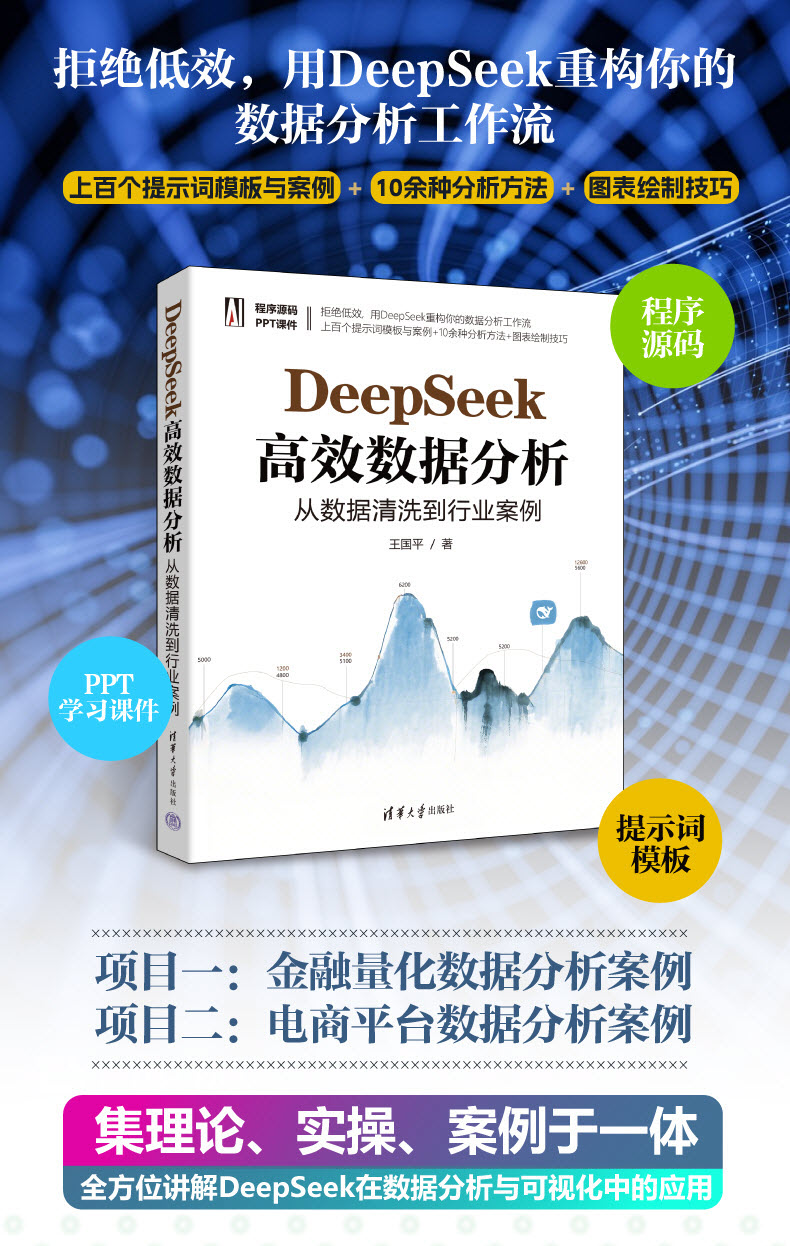
《DeepSeek高效数据分析:从数据清洗到行业案例》聚焦DeepSeek在数据分析领域的高效应用,是系统讲解其从数据处理到可视化全流程的实用指南。作者结合多年职场实战经验,不仅深入拆解DeepSeek数据分析的核心功能——涵盖数据采集、清洗、预处理、探索分析、建模(回归、聚类、时间序列等)及模型评估,更通过金融量化数据分析、电商平台数据分析等真实行业案例,搭配报告撰写技巧,提供独到见解与落地建议。助力职场人在激烈竞争中凭借先进技能突破瓶颈,实现职业进阶,开启发展新篇。

有“AI”的1024 = 2048,欢迎大家加入2048 AI社区
更多推荐
 22
22 0
0- 0


 已为社区贡献42条内容

所有评论(0)