uniapp开发微信公众号使用fixed固定定位,苹果手机出现内容不显示问题
摘要:针对苹果手机底部固定定位按钮显示异常问题,封装了一个可复用的组件MyFixedContainer。该组件通过计算高度和动态样式处理,确保底部按钮正常显示。主要特性包括:支持top/bottom两种定位模式、可配置zIndex和背景色、自动计算填充高度防止内容遮挡。使用时只需包裹目标组件并设置mode属性即可。组件内部通过uni-app的API获取元素高度,并采用固定定位+占位容器的方案解决i
·
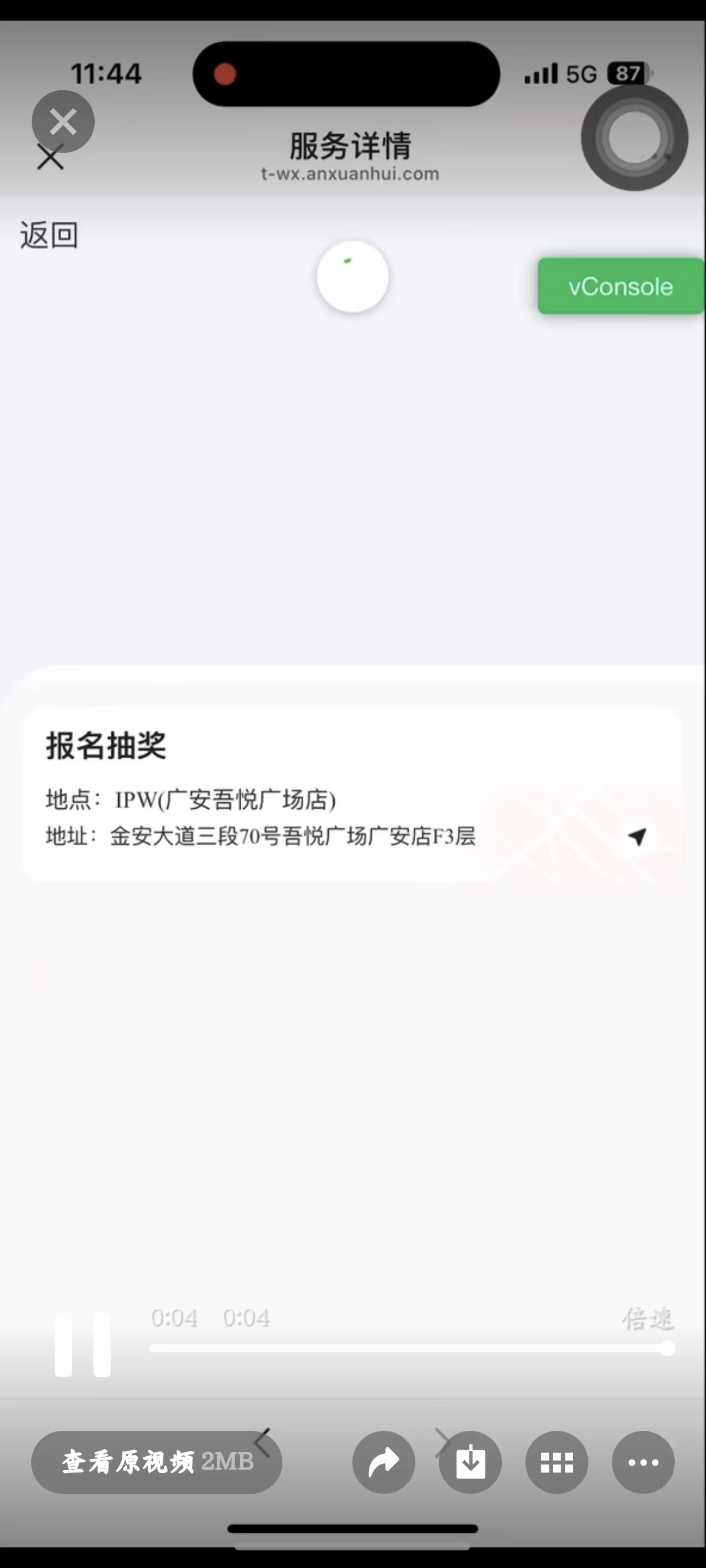
客户使用苹果手机,出现底部固定定位按钮看不见问题。是渲染了的,下拉的时候能看到有,正常页面上没有看见
解决封装成一个组件方便后续使用。
代码:
<template>
	<view class="my-fixed-container">
		<view ref="refNode" class="fixed-container" id="fixed-container" :style="fixedStyle">
			<slot></slot>
		</view>
		<view class="fill-container" :style="fillStyle"></view>
	</view>
</template>

<script setup name="MyFixedContainer">
	import {
		defineProps,
		computed,
		ref,
		onMounted,
		getCurrentInstance,
		watch,
		nextTick
	} from "vue"

	const refNode = ref(null)
	const height = ref(0)

	const props = defineProps({
		mode: {
			type: String,
			default: 'top',
			validator: (value) => {
				return ['top', 'bottom'].includes(value)
			}
		},
		// position: {
		// 	type: String,
		// 	default: 'absolute'
		// },
		zIndex: {
			type: Number,
			default: 100
		},
		background: {
			type: String,
			default: 'rgba(0,0,0,0)'
		},
		fill: {
			type: Boolean,
			default: true
		}
	})

	const fixedStyle = computed(() => {
		const styleParams = {
			[props.mode]: '0rpx',
			zIndex: props.zIndex,
			background: props.background,
			// position: props.position
		}
		return styleParams
	})

	const fillStyle = computed(() => {
		const styleParams = {
			height: height.value + 'px'
		}
		return styleParams
	})

	const computedHeight = () => {
		if (!props.fill) {
			height.value = 0
			return
		}
		nextTick(() => {
			const instance = getCurrentInstance()
			const query = uni.createSelectorQuery()
			query.select('#fixed-container').boundingClientRect((res) => {
				height.value = res.height
			}).exec()
		})
	}

	watch(
		() => props.fill,
		() => {
			computedHeight()
		}, {
			immediate: true
		}
	)
</script>

<style lang="scss">
	.my-fixed-container {
		width: 100%;
		overflow: hidden;

		.fixed-container {
			position: fixed;
			width: 100%;
			left: 0rpx;
		}

		.fill-container {
			position: relative;
			left: 100vw;
			top: 0;
		}
	}
</style>
使用:
	  <!-- 底部 -->
      <my-fixed-container mode="bottom">
        <Bottom :detailData="socialDetail" @contact="showContactUs = true" @toSocialConfig="toSocialConfig" />
      </my-fixed-container>
错误:往下划拉时能看到按钮出现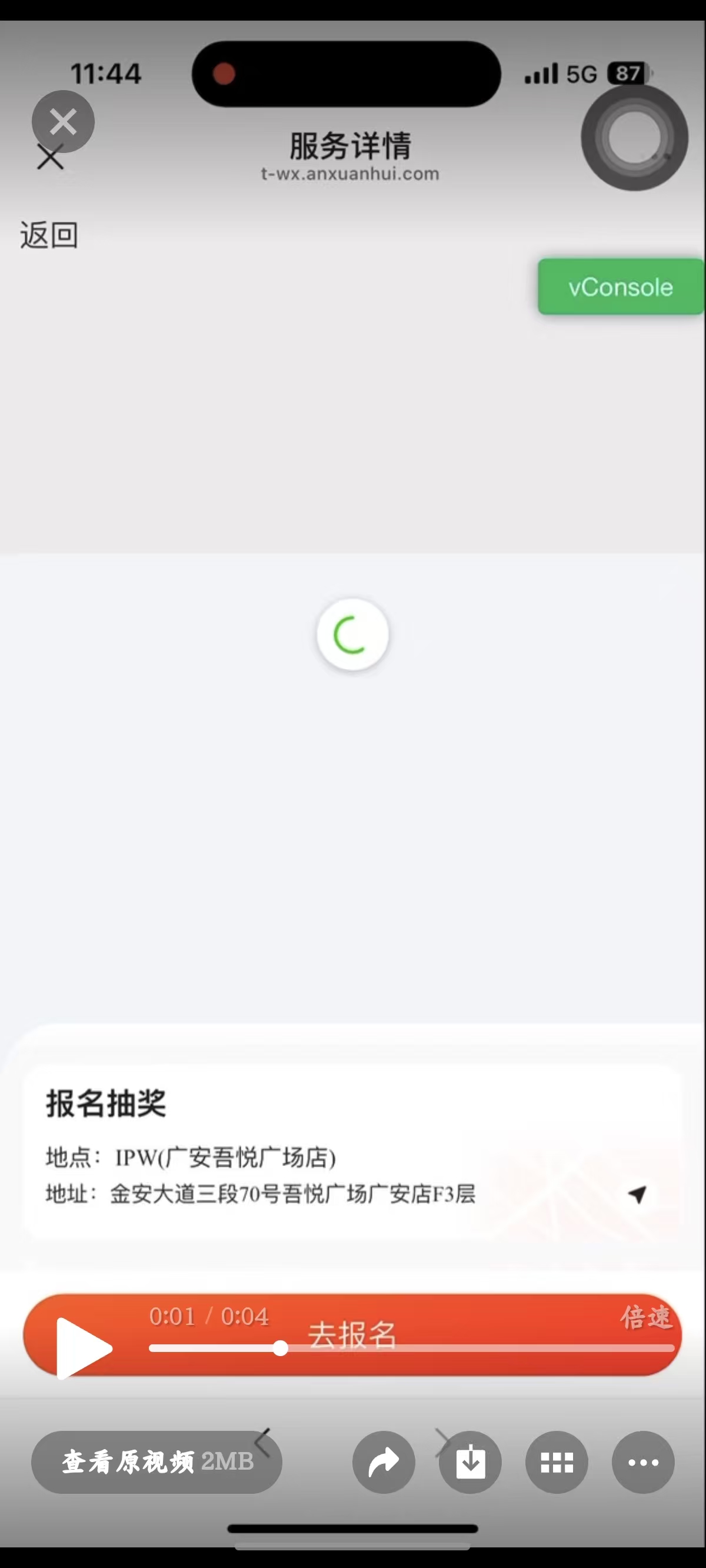

有“AI”的1024 = 2048,欢迎大家加入2048 AI社区
更多推荐
 18
18 0
0- 0


 已为社区贡献3条内容

所有评论(0)