python基础回顾
一、第一章
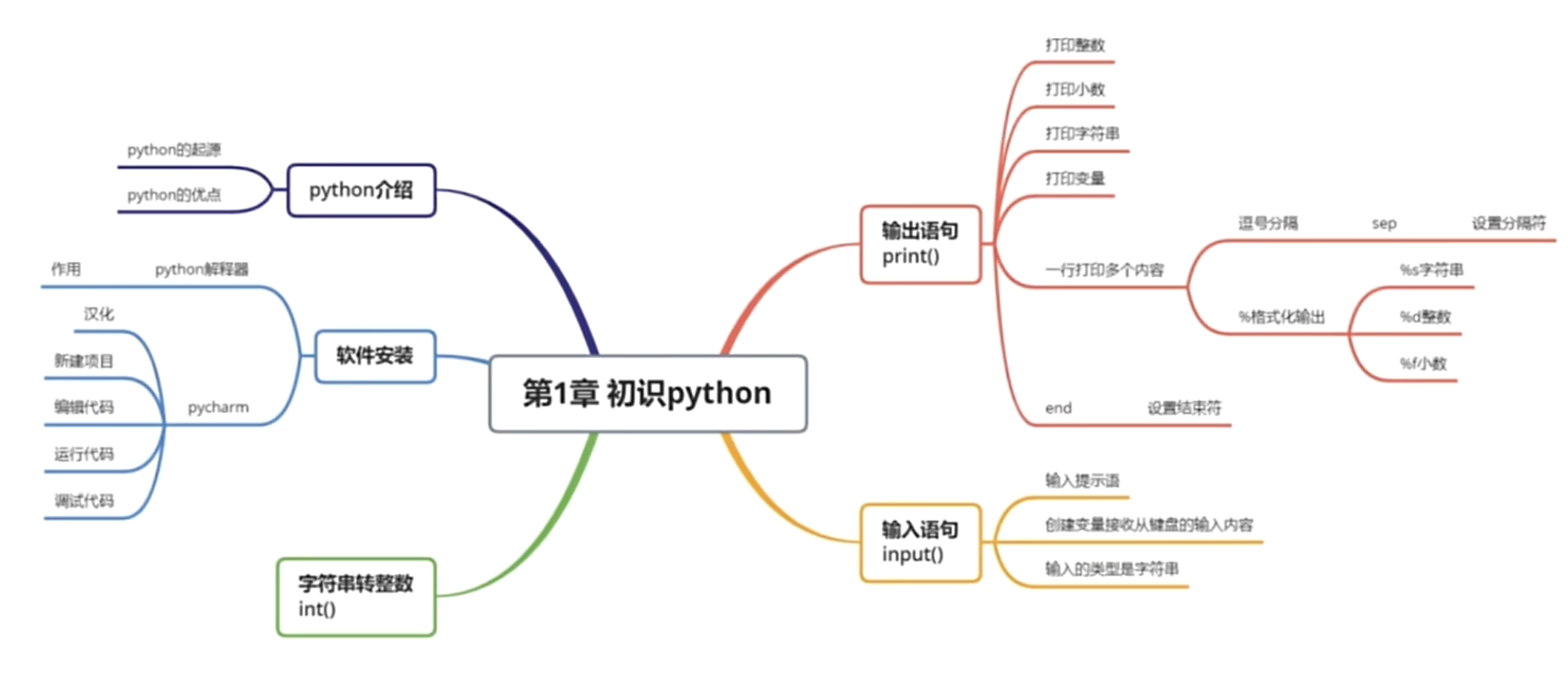
输入输出
name=input("Enter your name:")
enprise=input("Enter your enprise:")
mail=input("Enter your mail:")
birthday=input("Enter your birthday:")
money=int(input("Enter your money:"))
print("*"*20)
print("姓名:",name,"公司:",enprise,sep="-逗号间隔-")
print("邮箱 %s"%mail,end="\n空格一行\n")
print("生日 %s"%birthday)
print("资产 %02d"%money)
print("*"*20)
Enter your name:xjx
Enter your enprise:gjc
Enter your mail:123@163.com
Enter your birthday:2002.2.5
Enter your money:2
********************
姓名:-逗号间隔-xjx-逗号间隔-公司:-逗号间隔-gjc
邮箱 123@163.com
空格一行
生日 2002.2.5
资产 02
********************
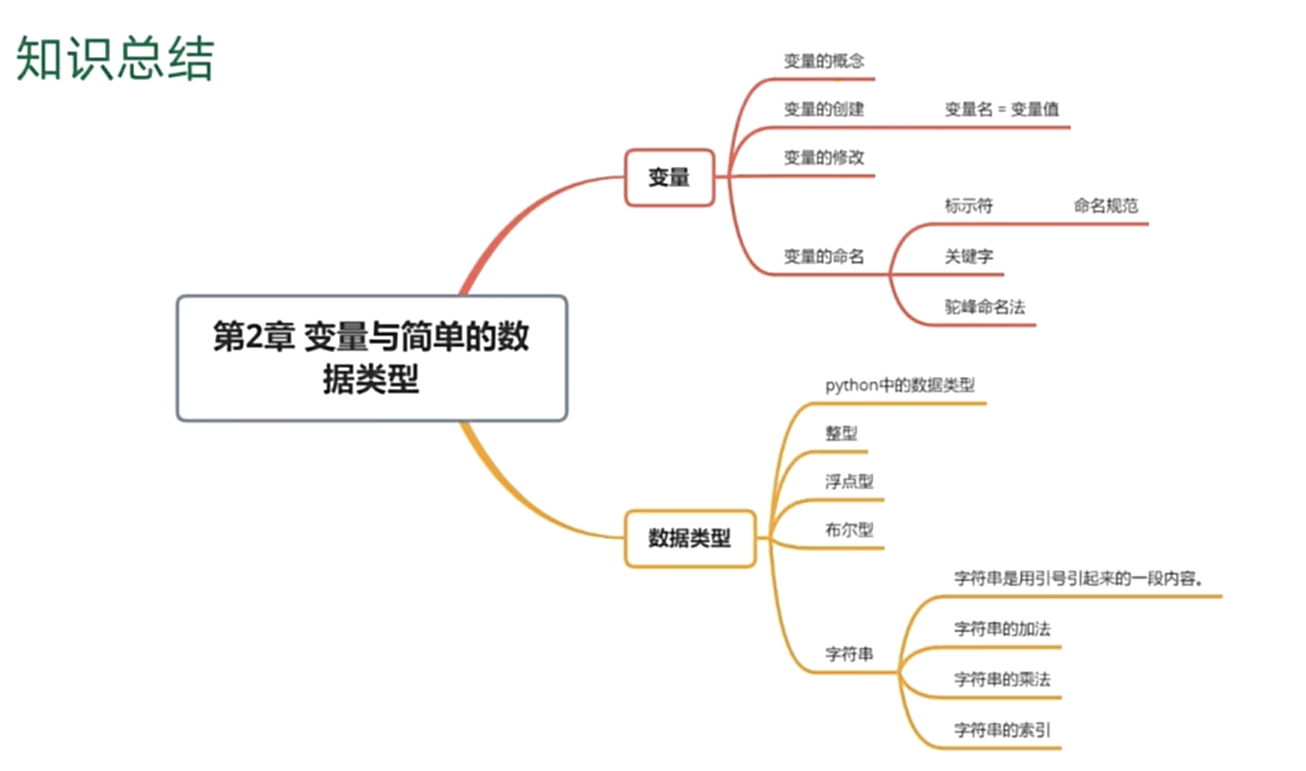
二、第二章
字符串
# 字符串加法  乘法
s1="ssss"
s2="@"
print(s1+s2)
print(s2*2)
# 字符串索引   0 - 末尾   倒数 -1 - 开头   [开始:结束+1:步数]
# 开始默认0   结束默认到末尾   步数默认1   开始-结束 [作闭右开)
s3="123456789"
print(s3[0])
print(s3[-1])
# 奇数
print(s3[0::2])
# 偶数
print(s3[1::2])
ssss@
@@
1
9
13579
2468
类型转换
# 主要注意字符串转布尔  默认判空
s1="0000"
s2=""
print(bool(s1))
print(bool(s2))
True
False
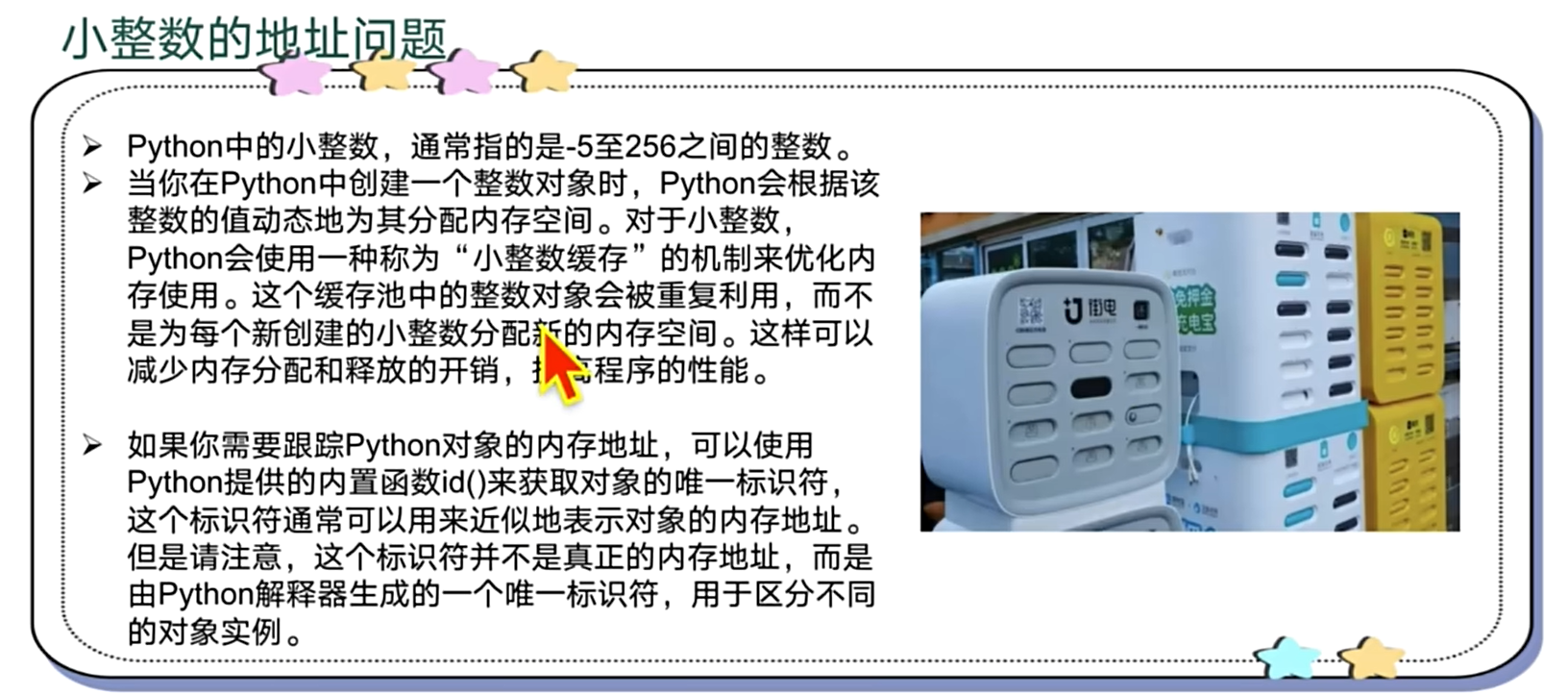
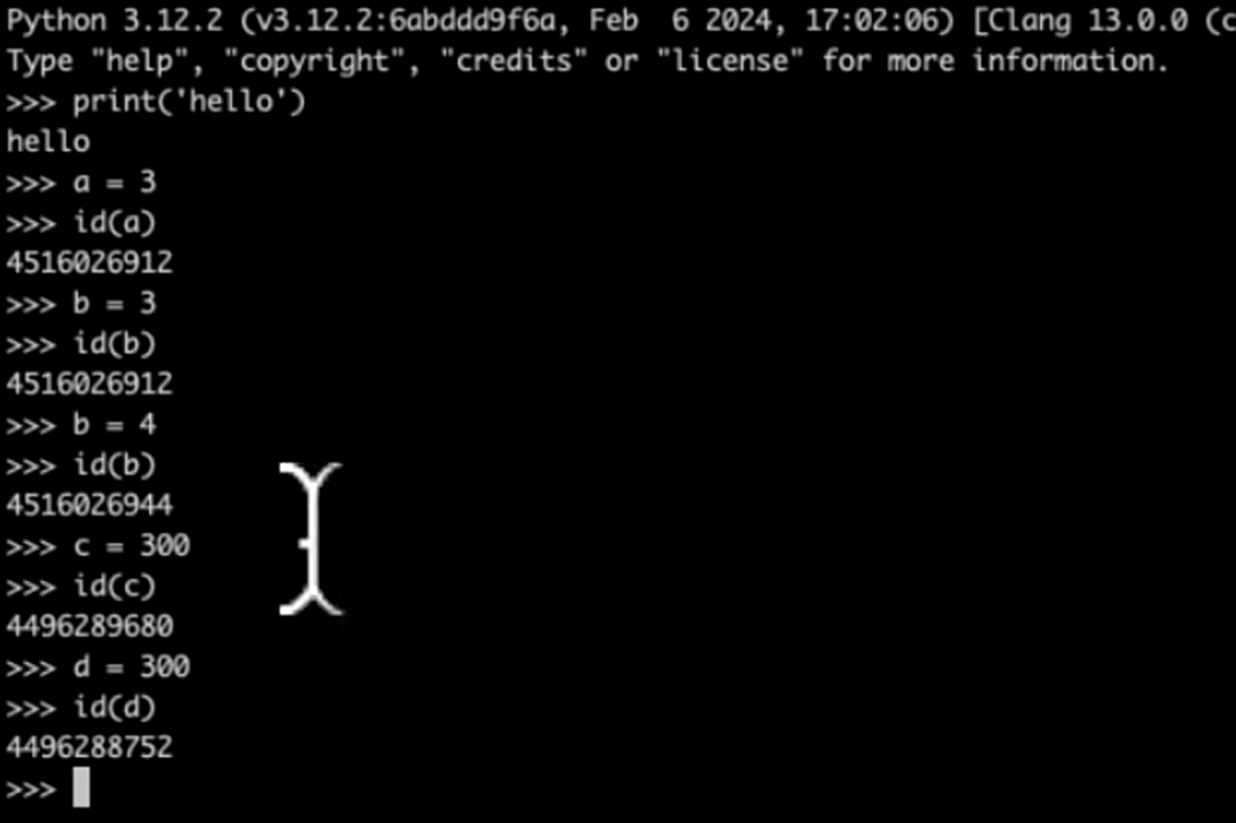
小整数地址问题 (-5至256)
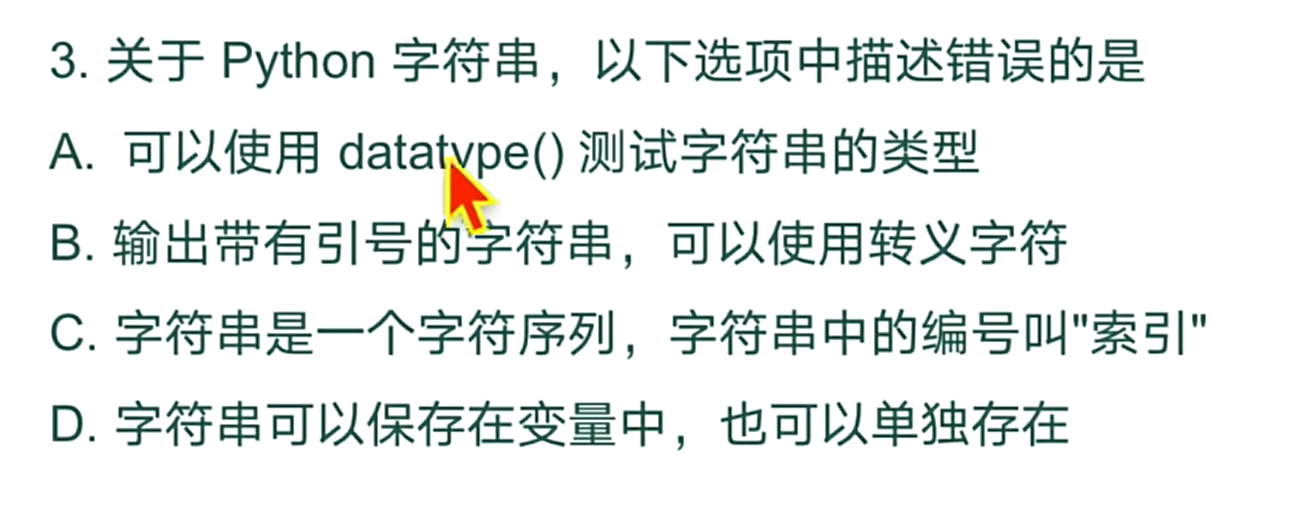
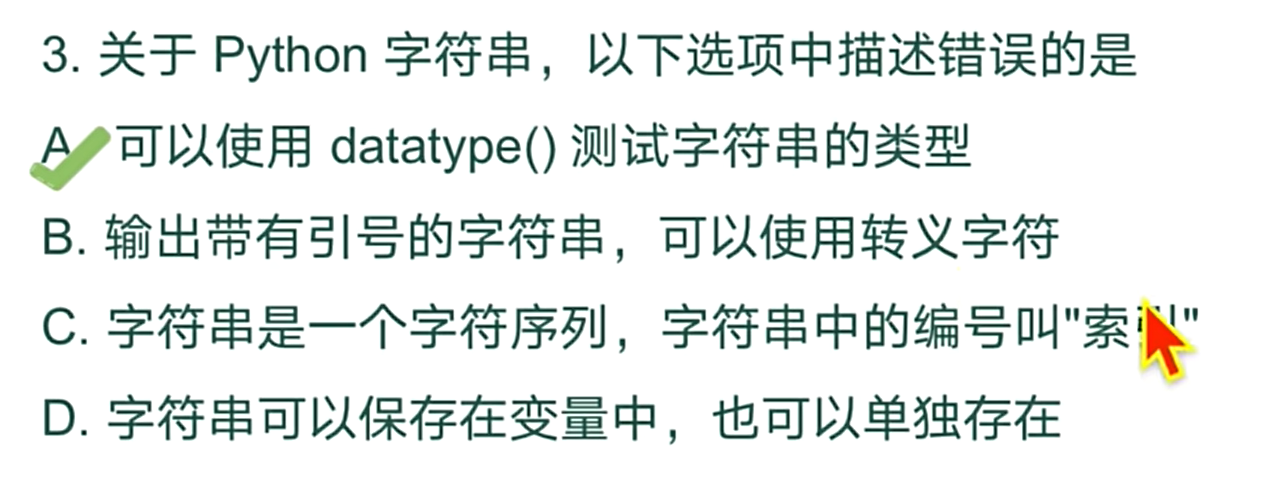
练习
三、第三章
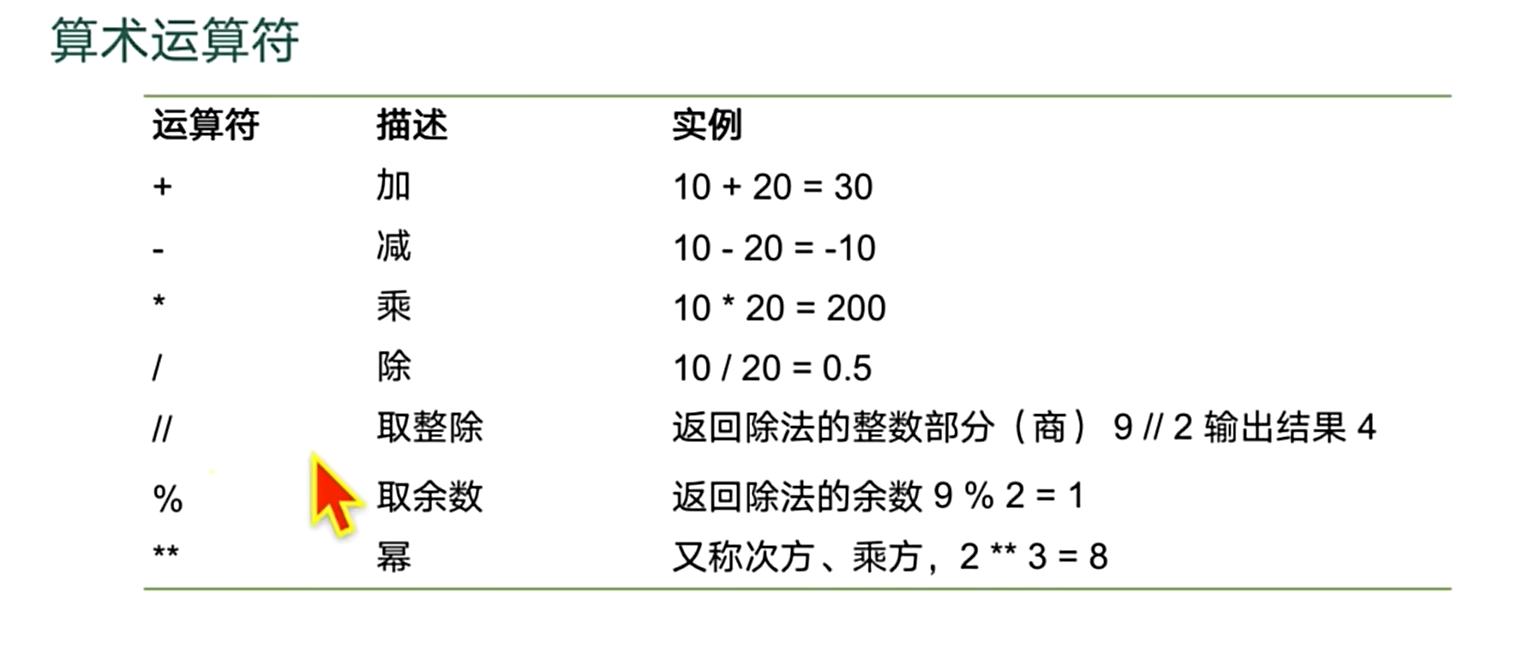
算术运算符
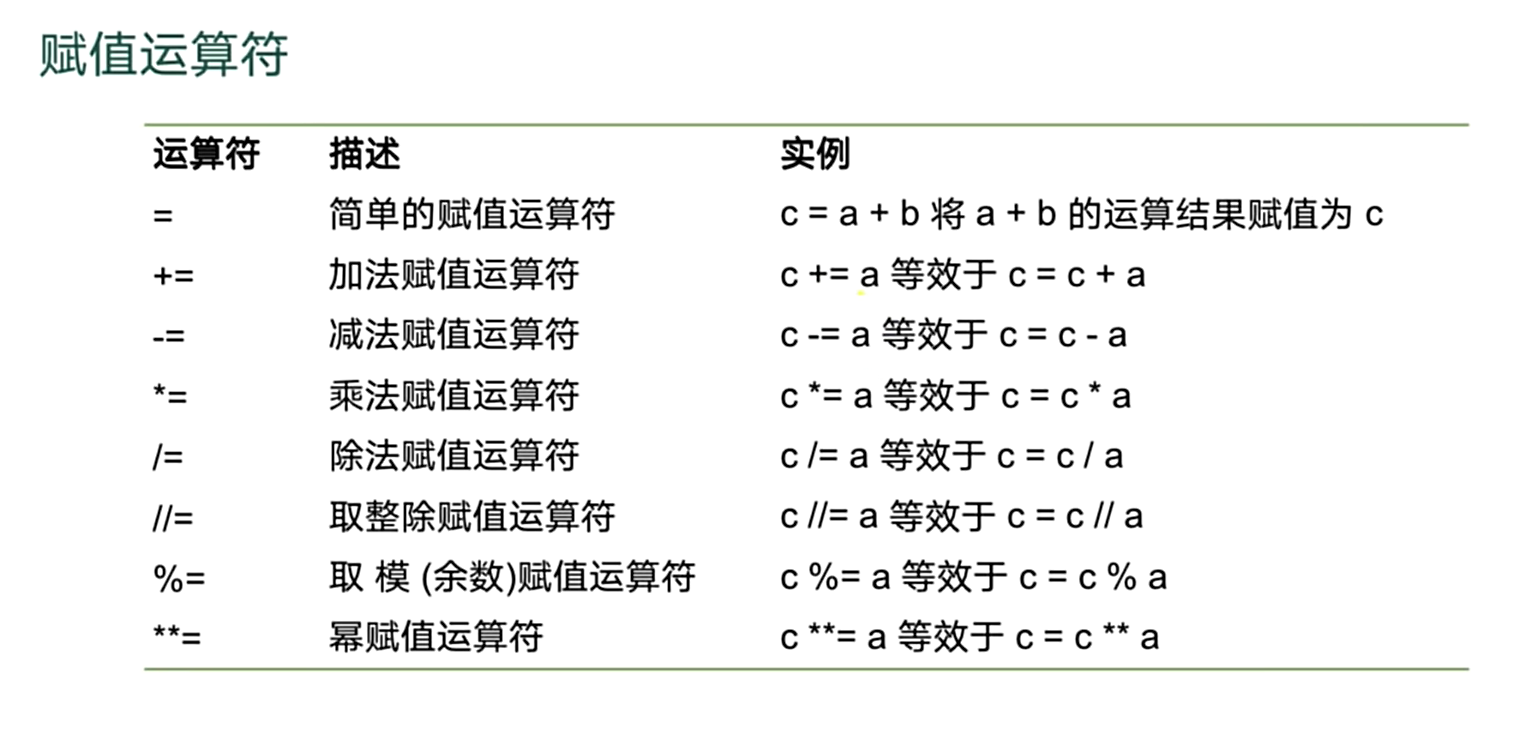
赋值运算符
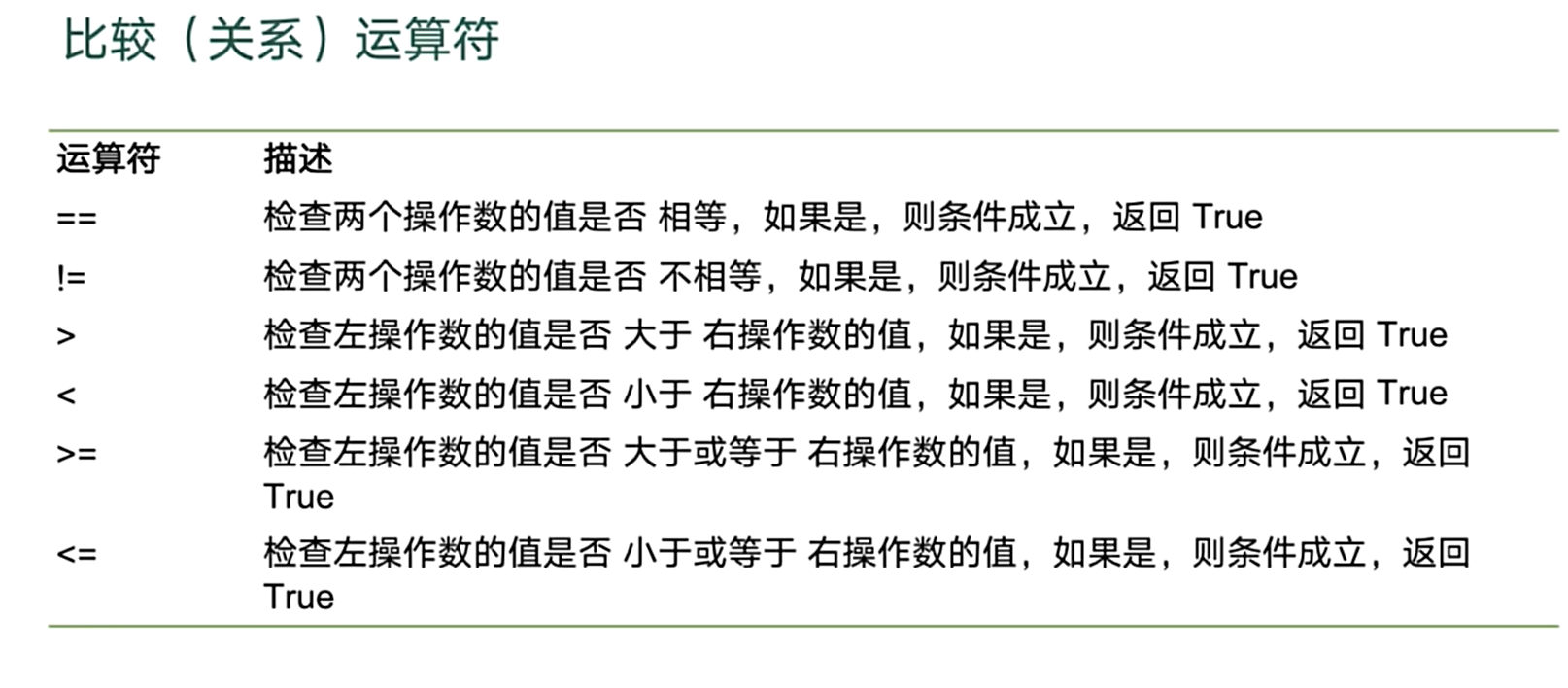
比较运算符
逻辑运算符
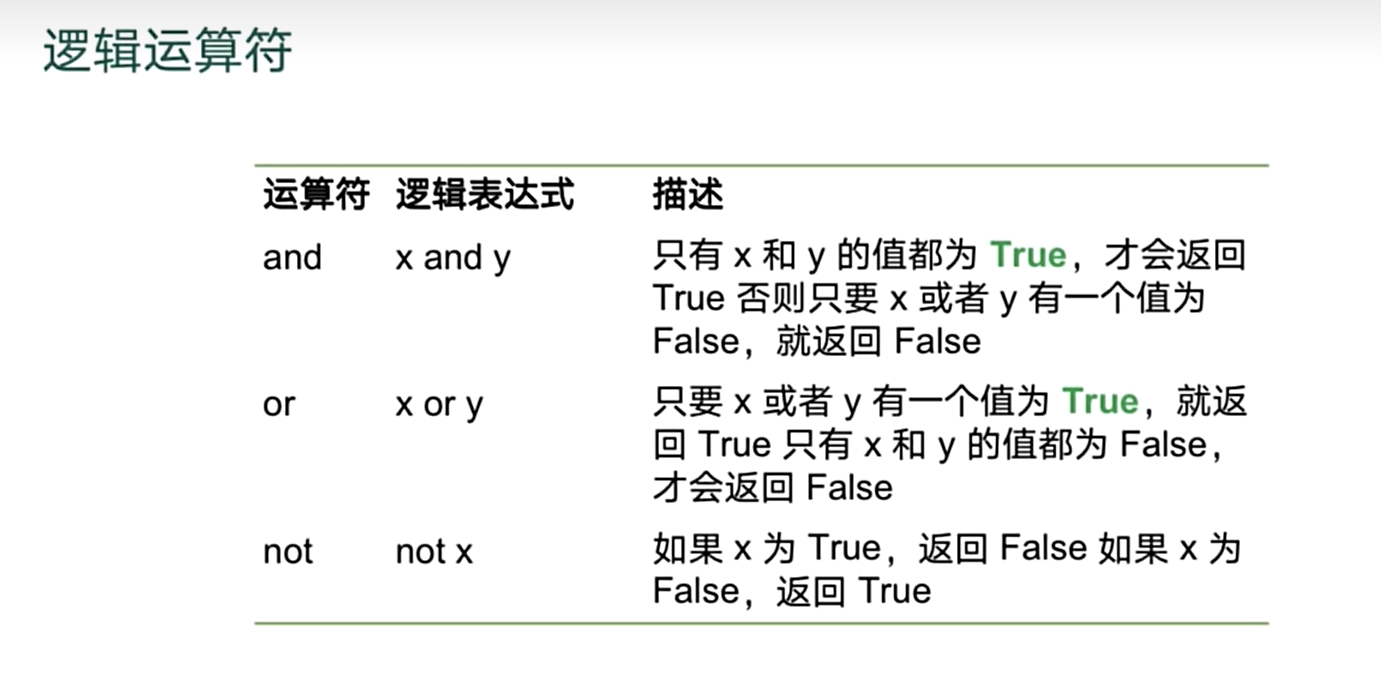
# 与
print(1==1 and True and 2<3)
# 短路运算
print("hello" and "hi") #    依赖于后面表达式的值
print("" and "hi")   # 因为第一个表达式已经为false 后续不计算则直接返回了空
print( False and "hi")
print( 0 and "hi")
print( 1 and "result")
# 或
print( True or False or  False )
# 短路
print( 0 or  1 or  2)  # 计算到1已经为true 则直接返回结果
# 非  结果只有true false
print(not 0)

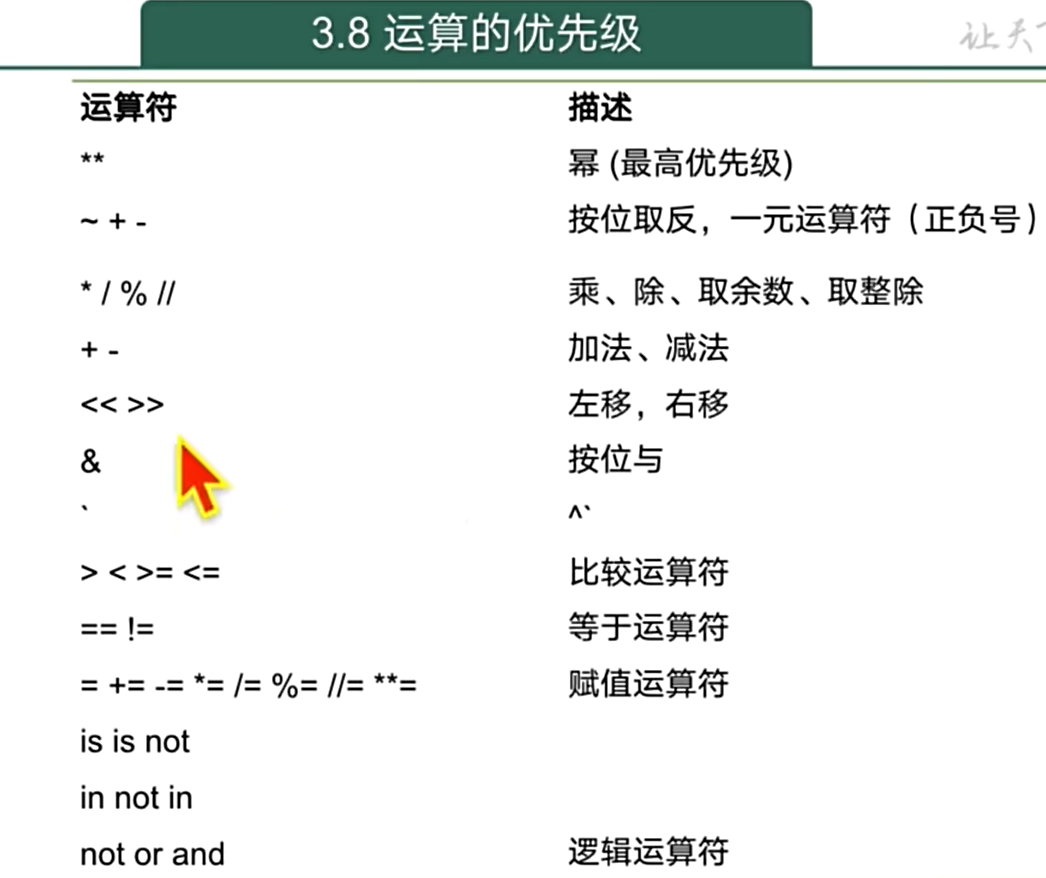
# 优先级  not > and > or
print(True and True and not 1)
print(True or False and False)
True
hiFalse
0
result
True
1
TrueFalse
True
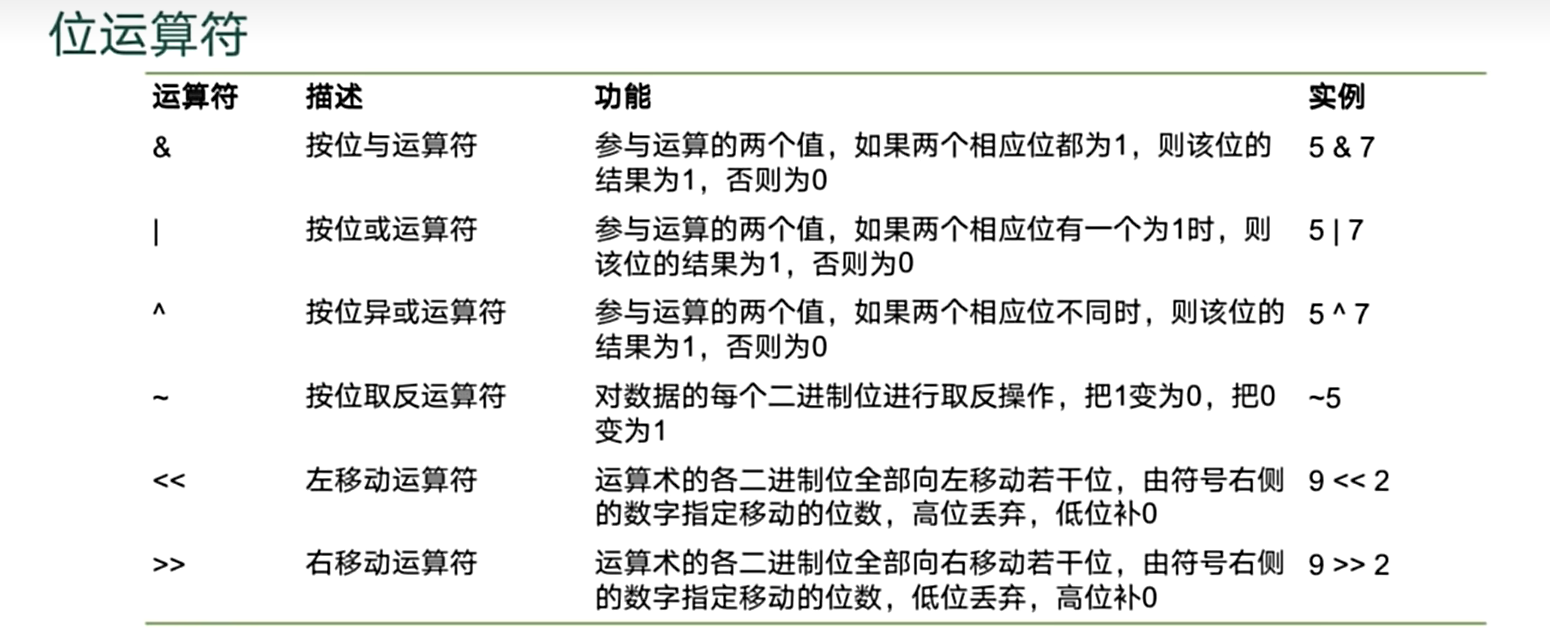
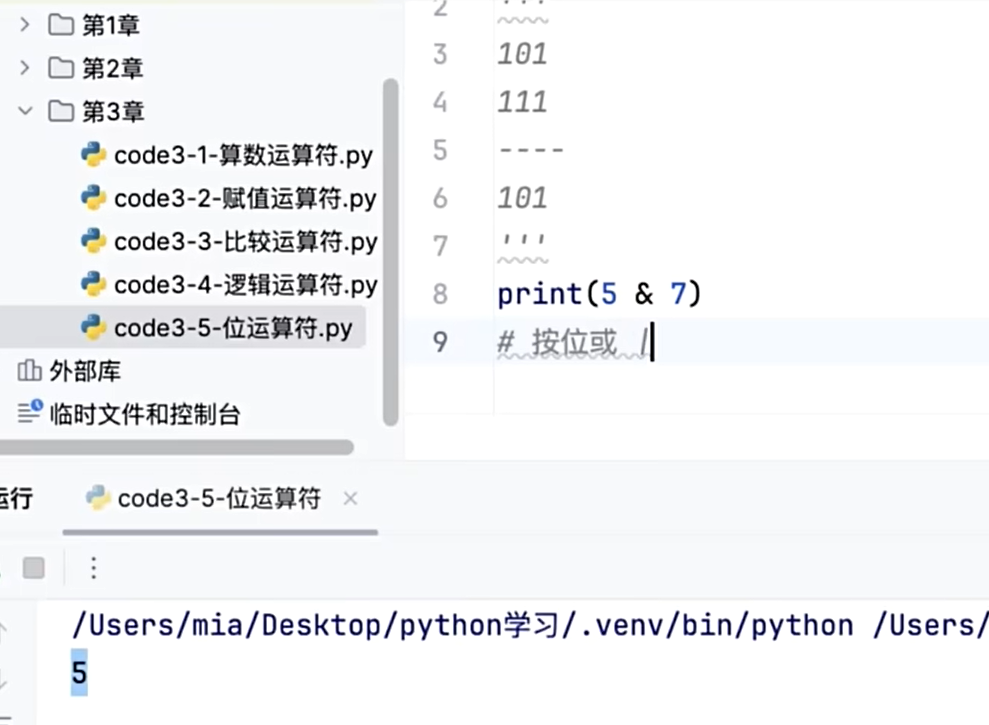
位运算符
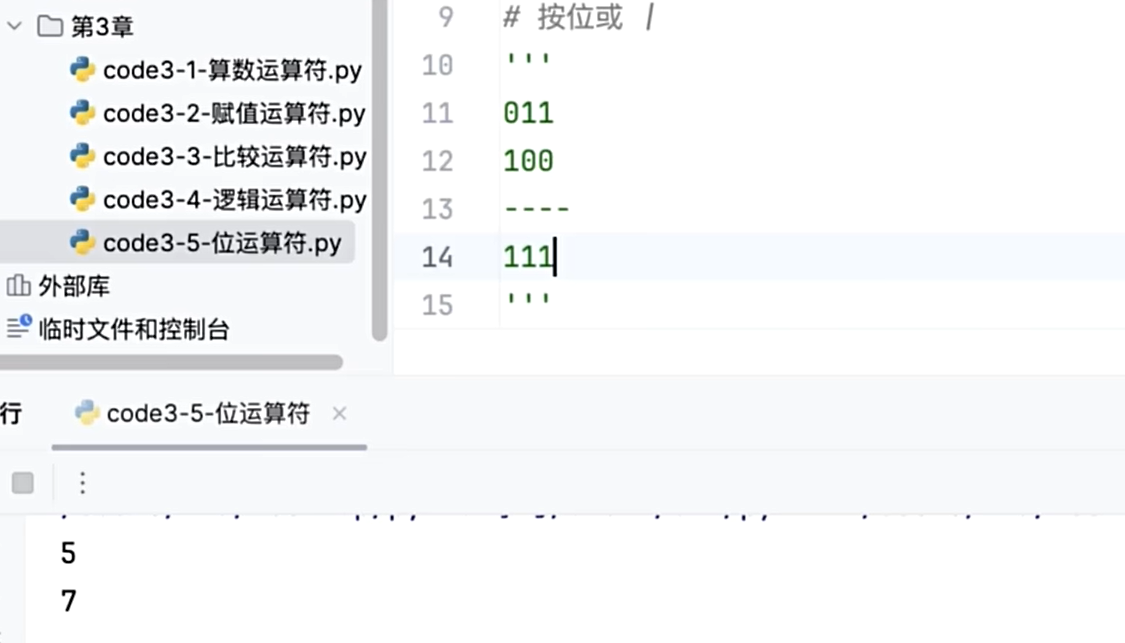
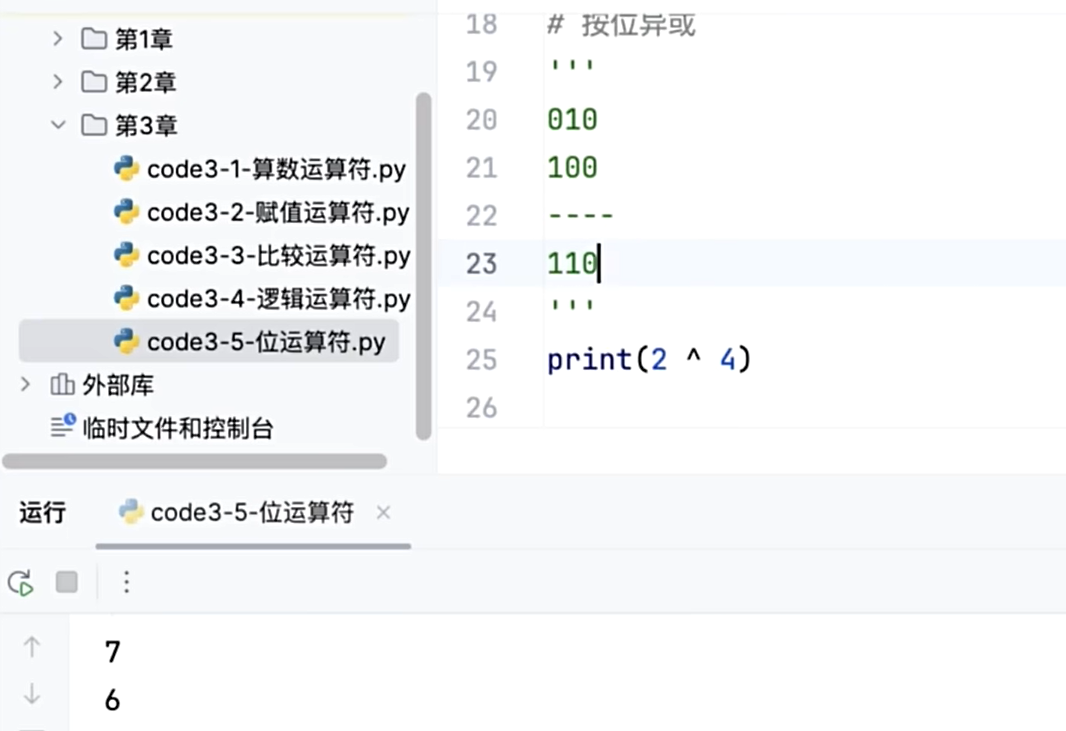
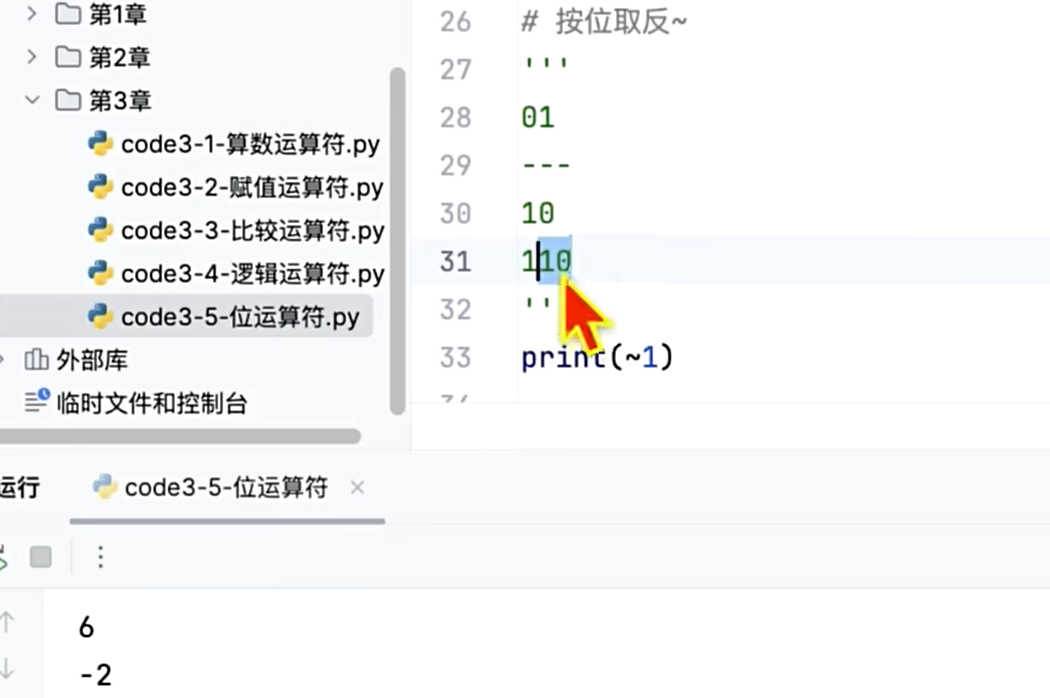
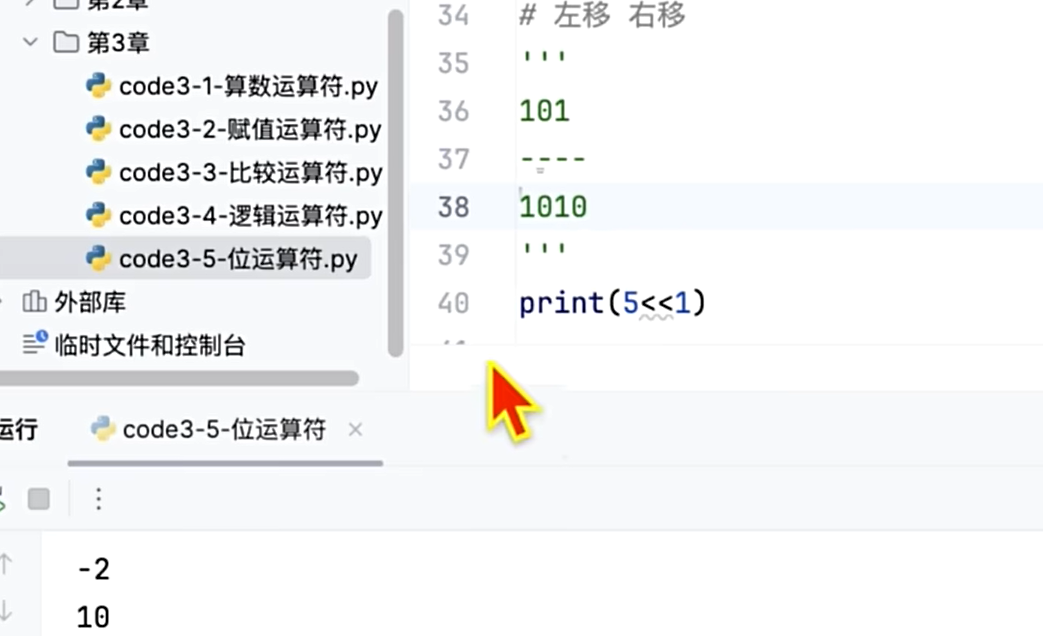
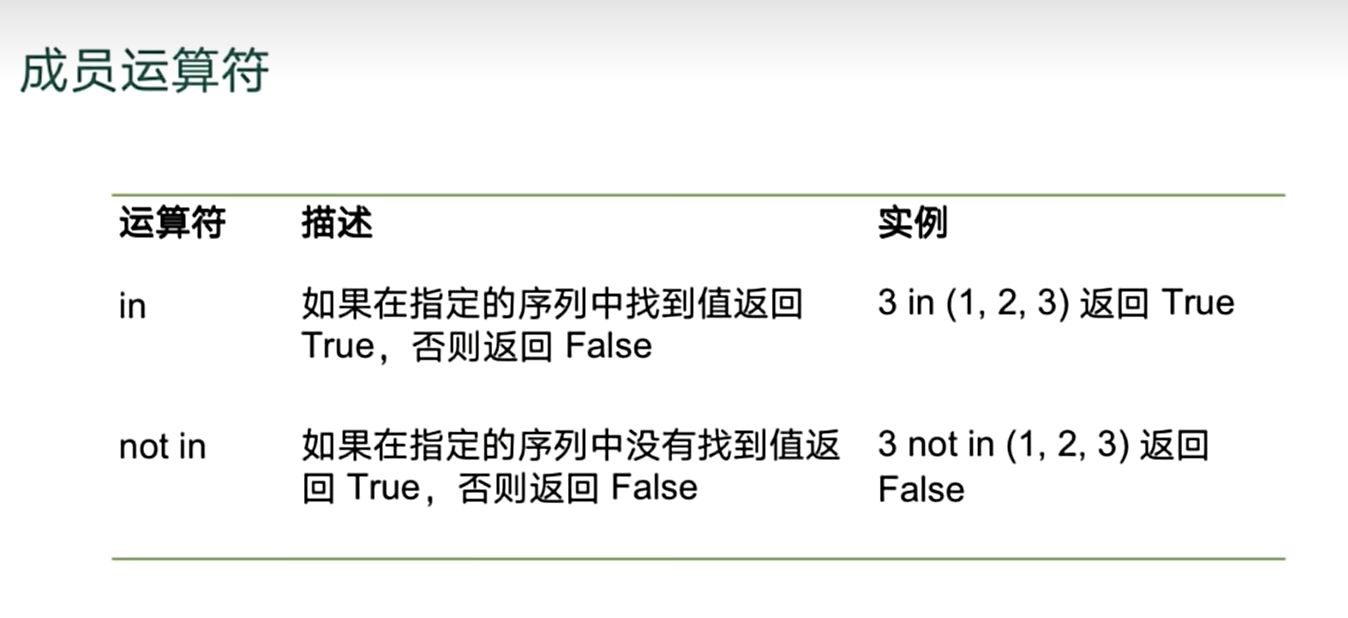
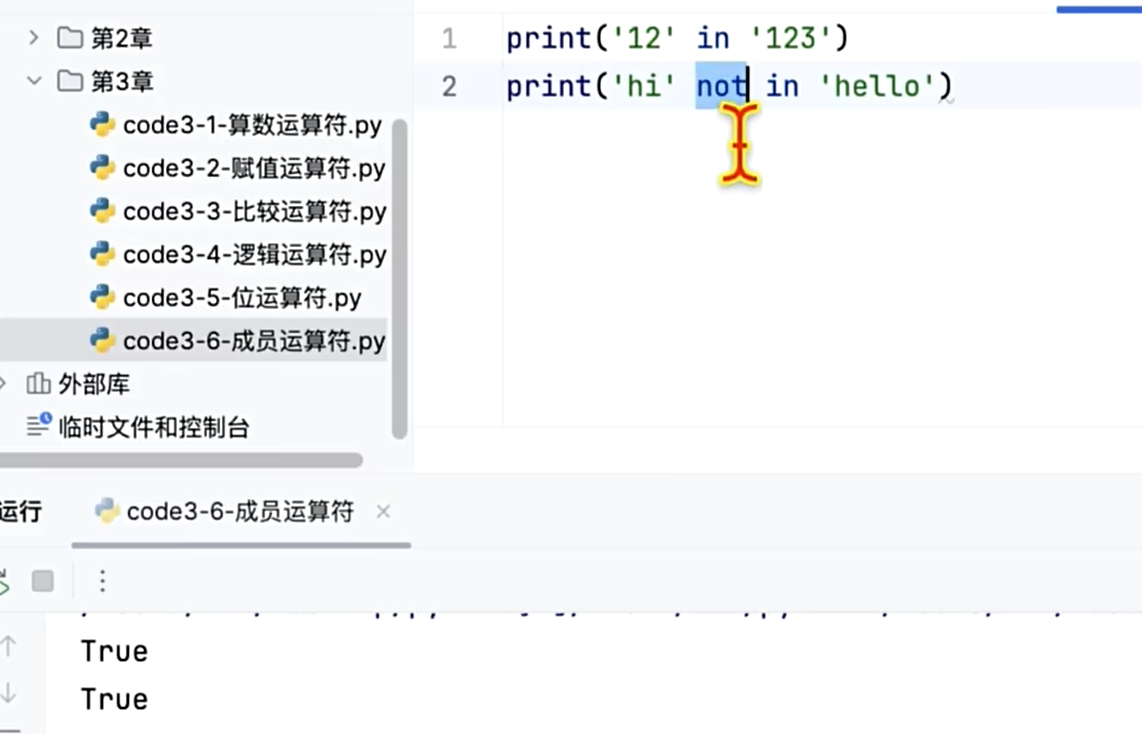
成员运算符(in)
身份运算符(is)
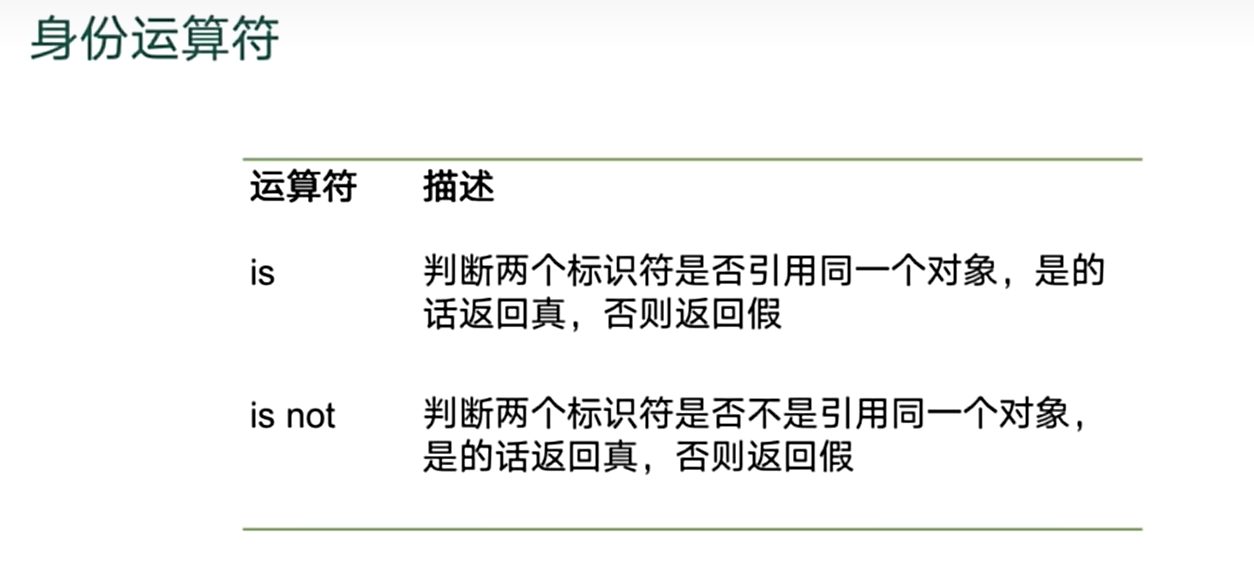
a=1
b=2
c=1
print(a is not b)
print(a is c)
True
True
优先级
练习
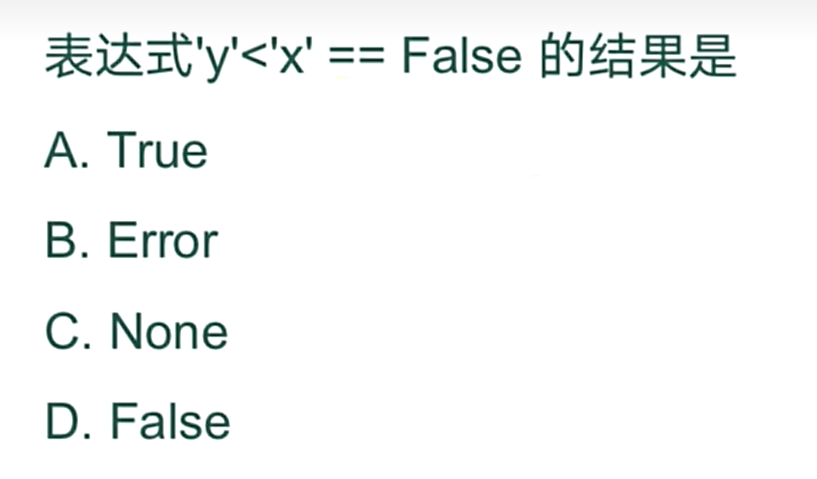
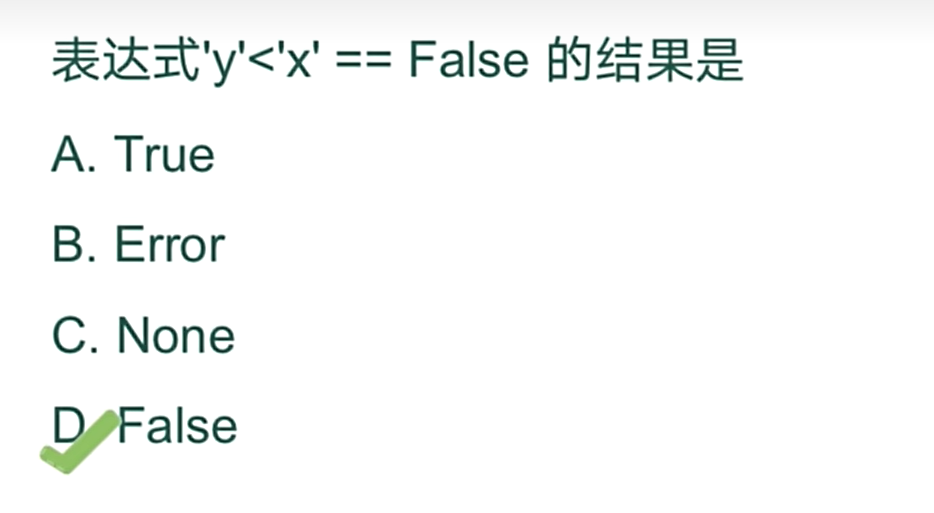
# 连续比较 隐含and

print(1<2<3)
print(1<2 and 2 <3)


print('y'<'x'==False)
print('y'<'x' and 'x' == False)
True
True
False
False
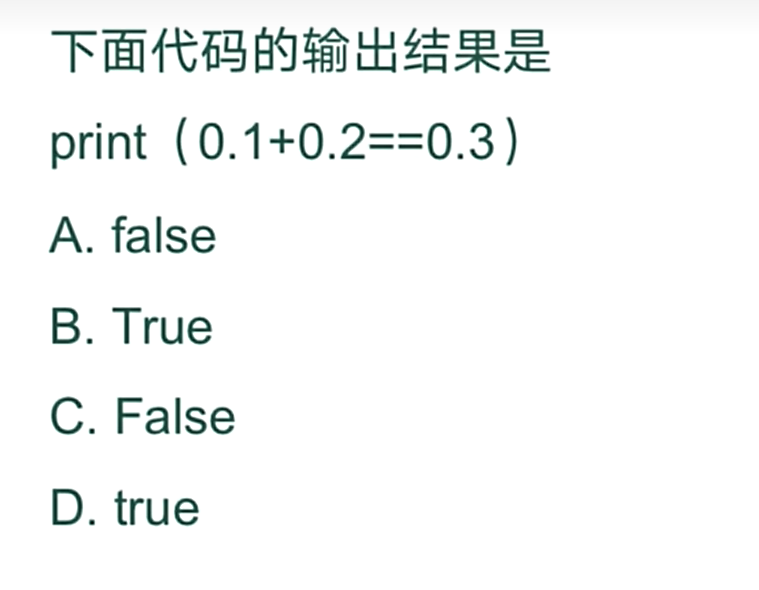
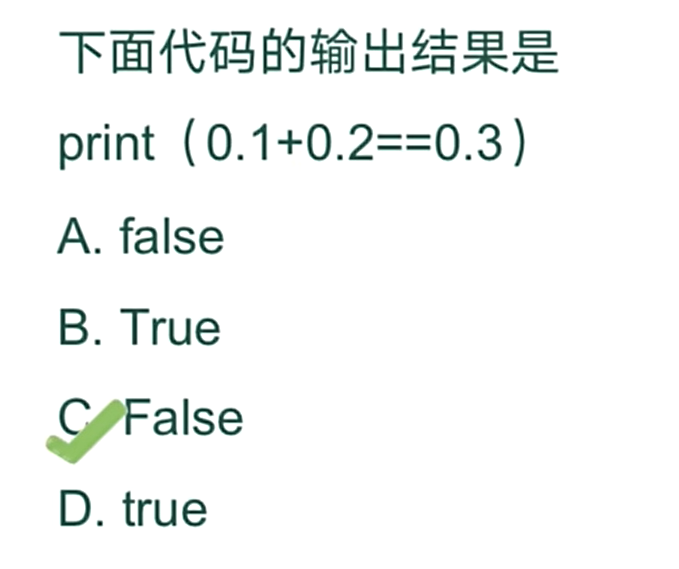
python 算不出 0.1+0.2!=0.3 而是为0.30000000000000004 得不到标准的0.3
四、第四章
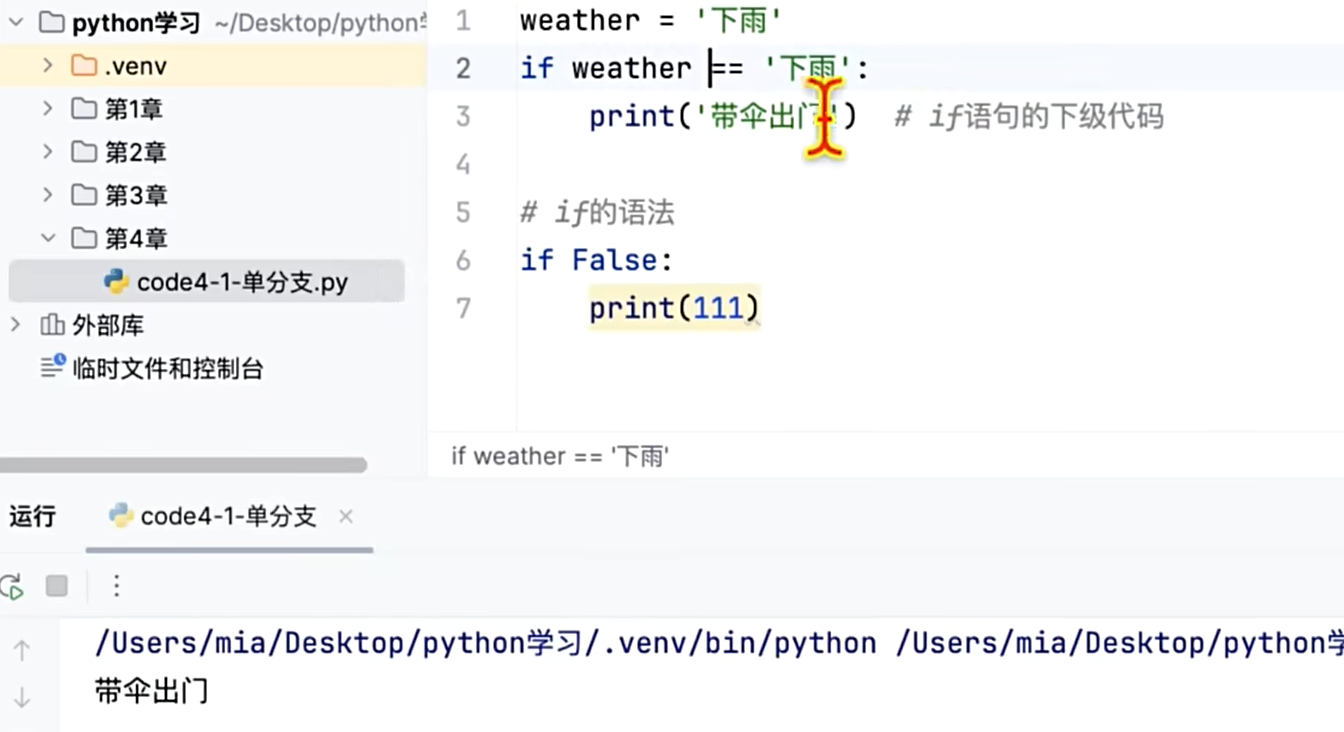
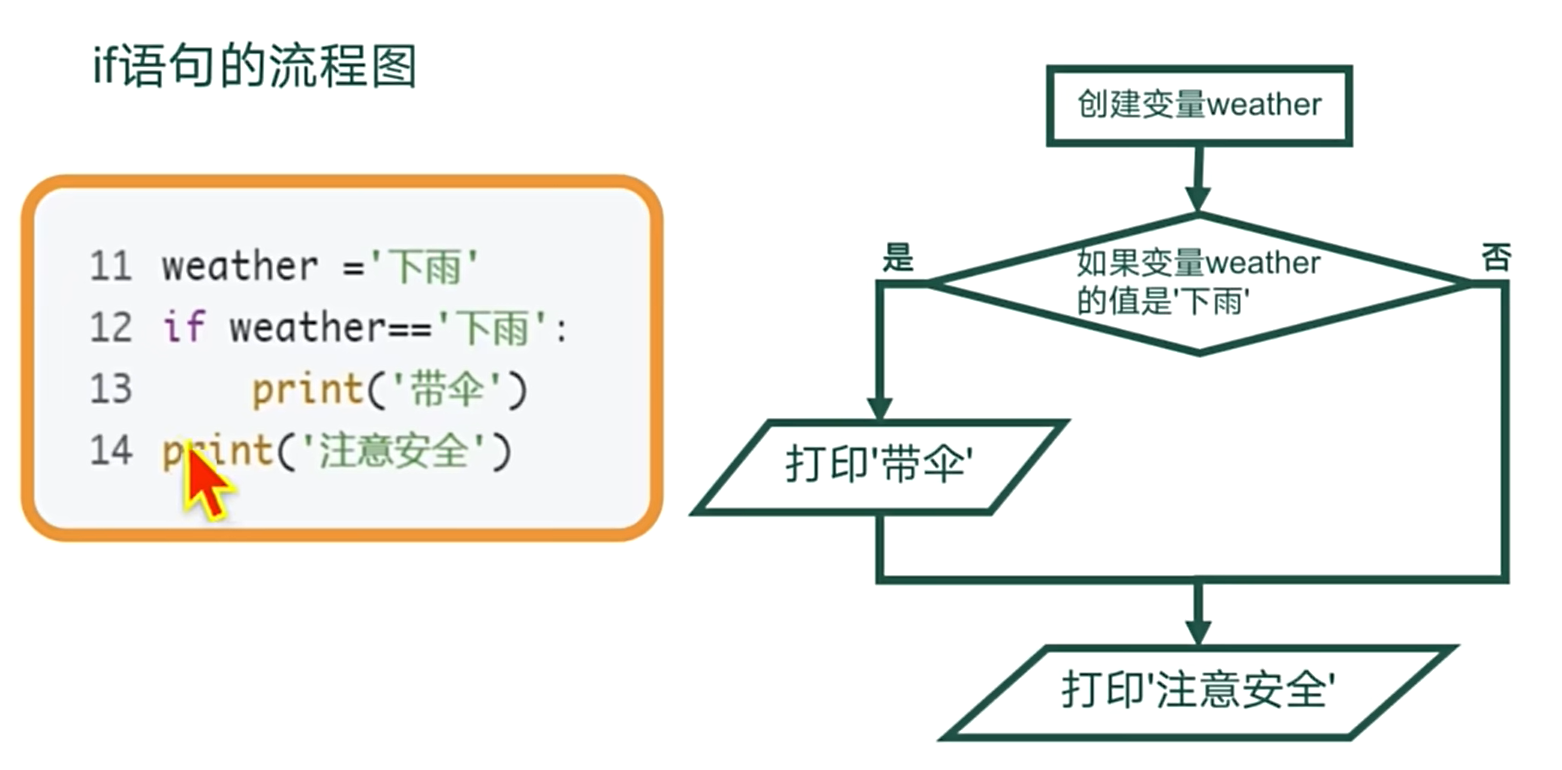
单分支
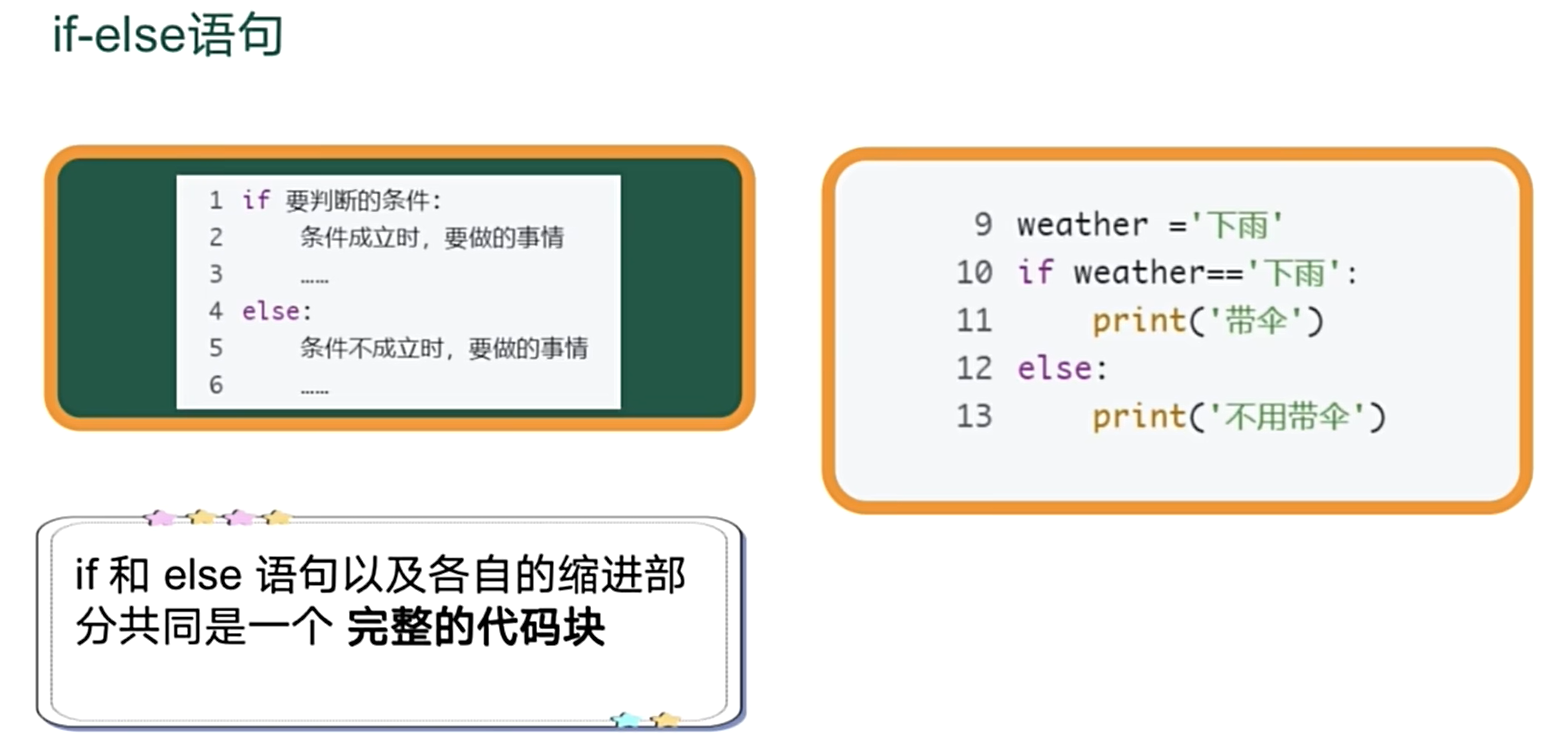
双分支
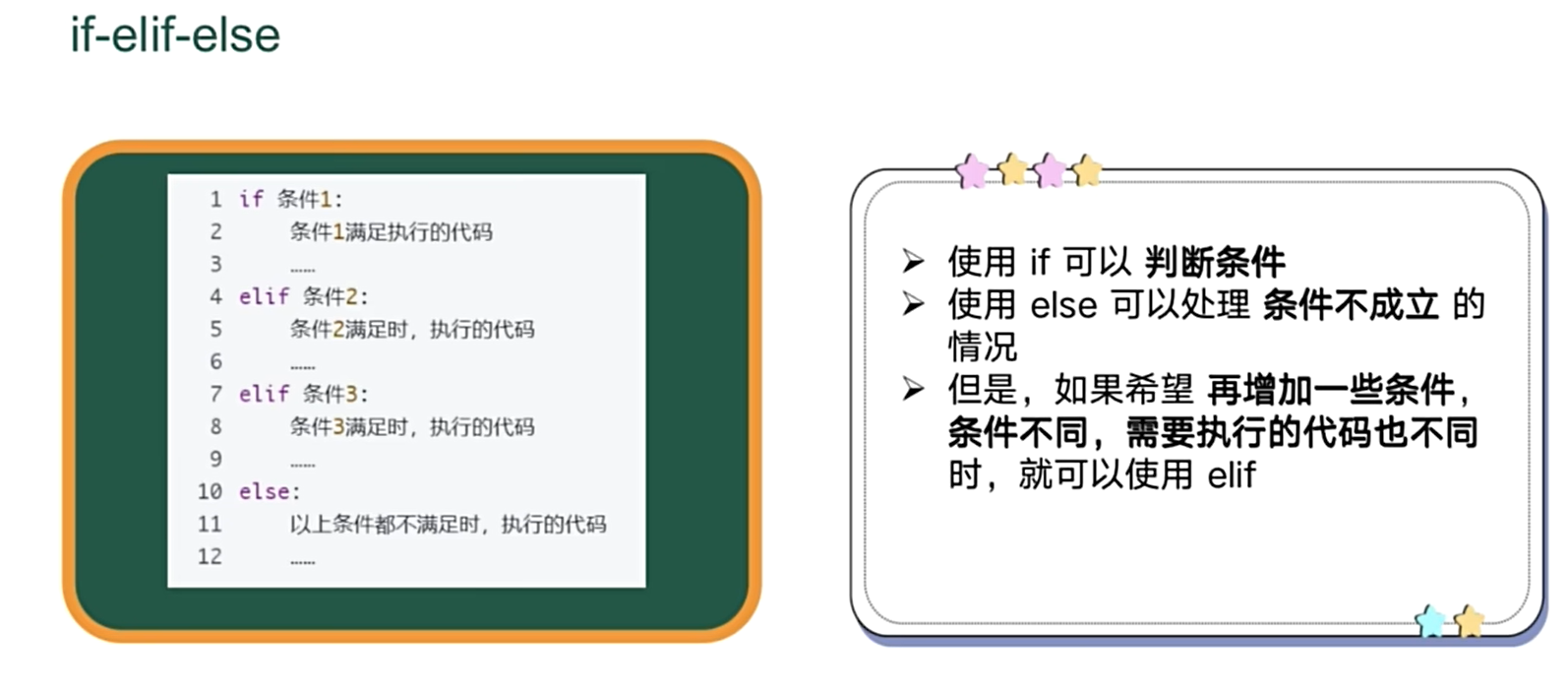
多分支
嵌套选择
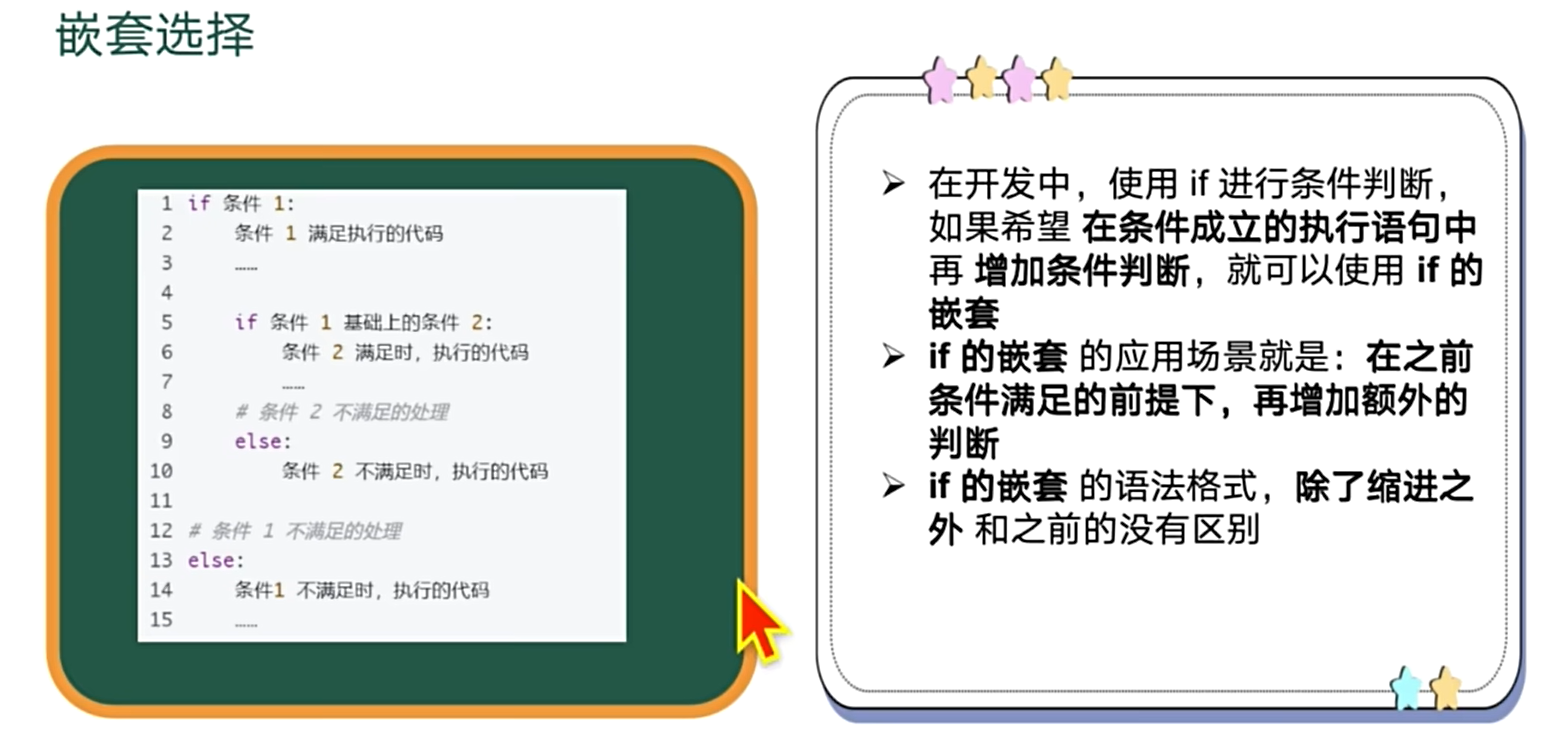
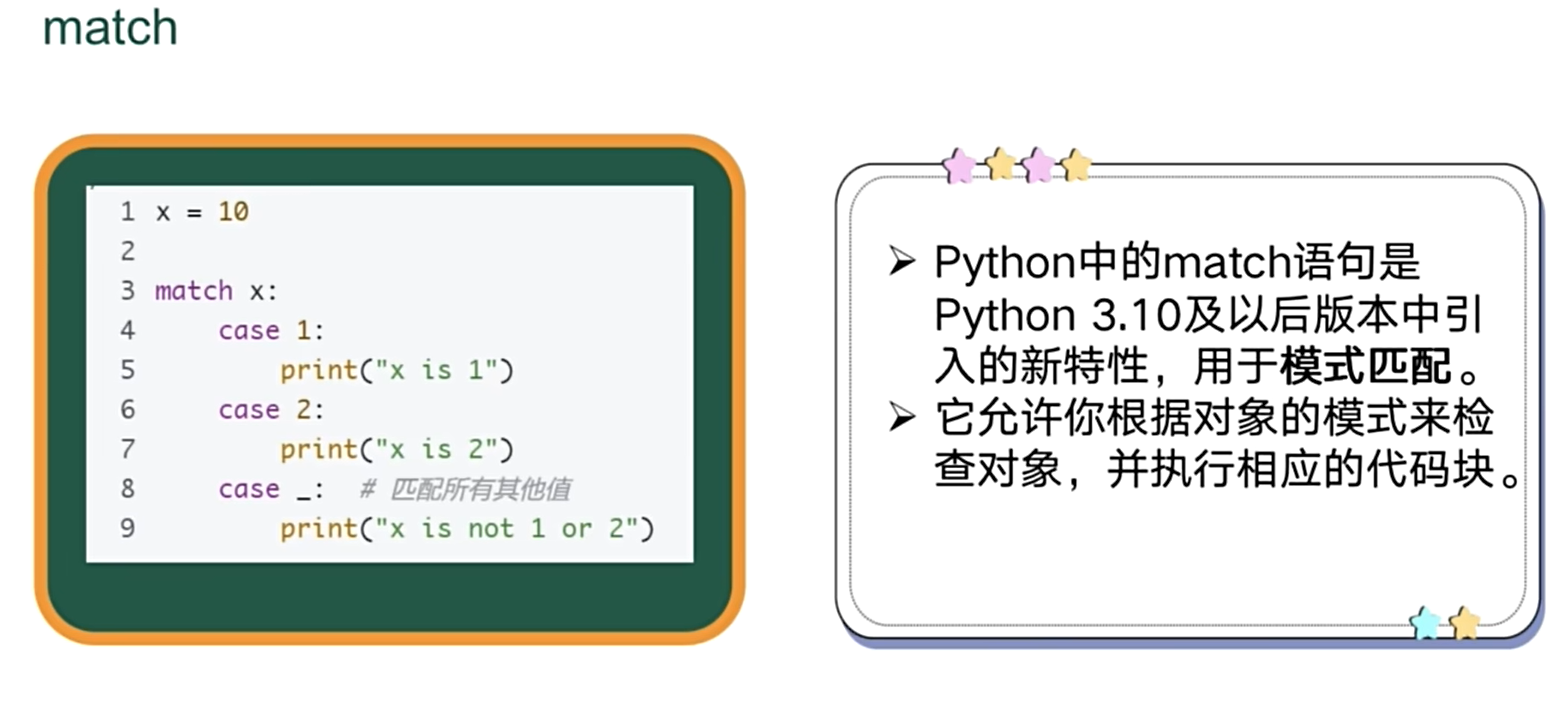
mach(3.10)
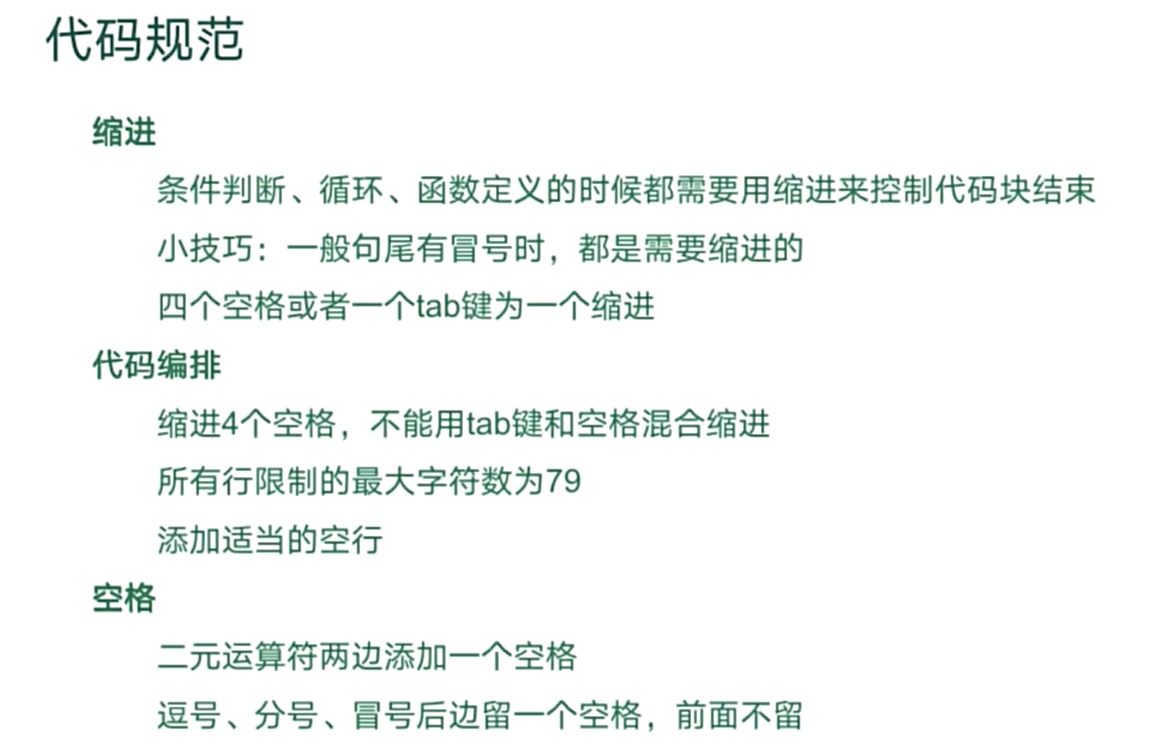
代码规范缩进
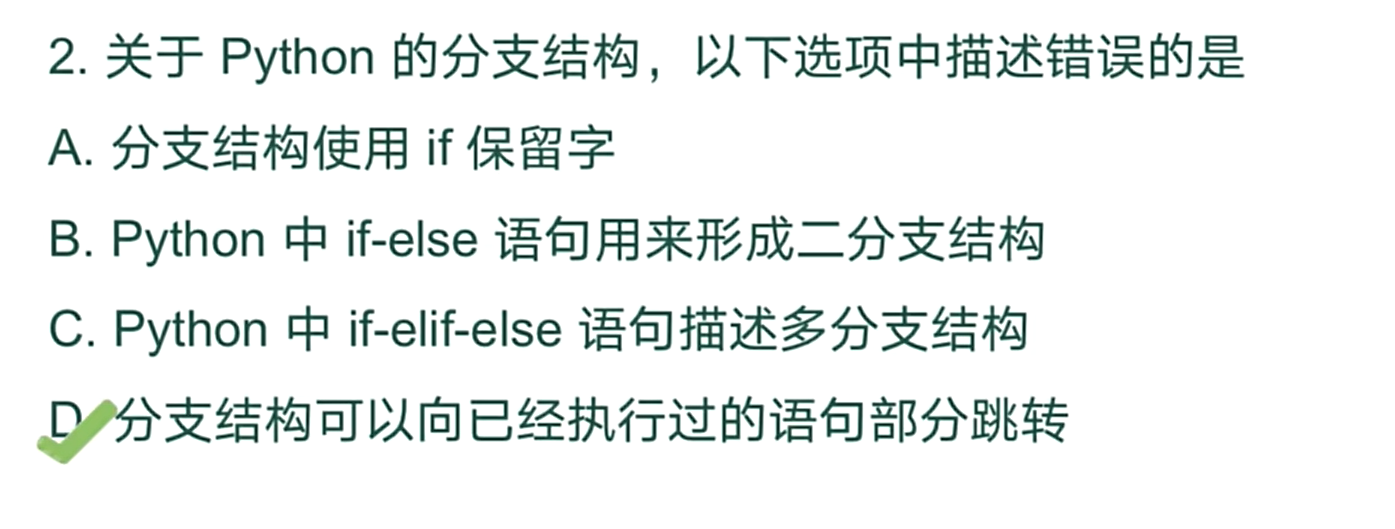
练习
五、循环
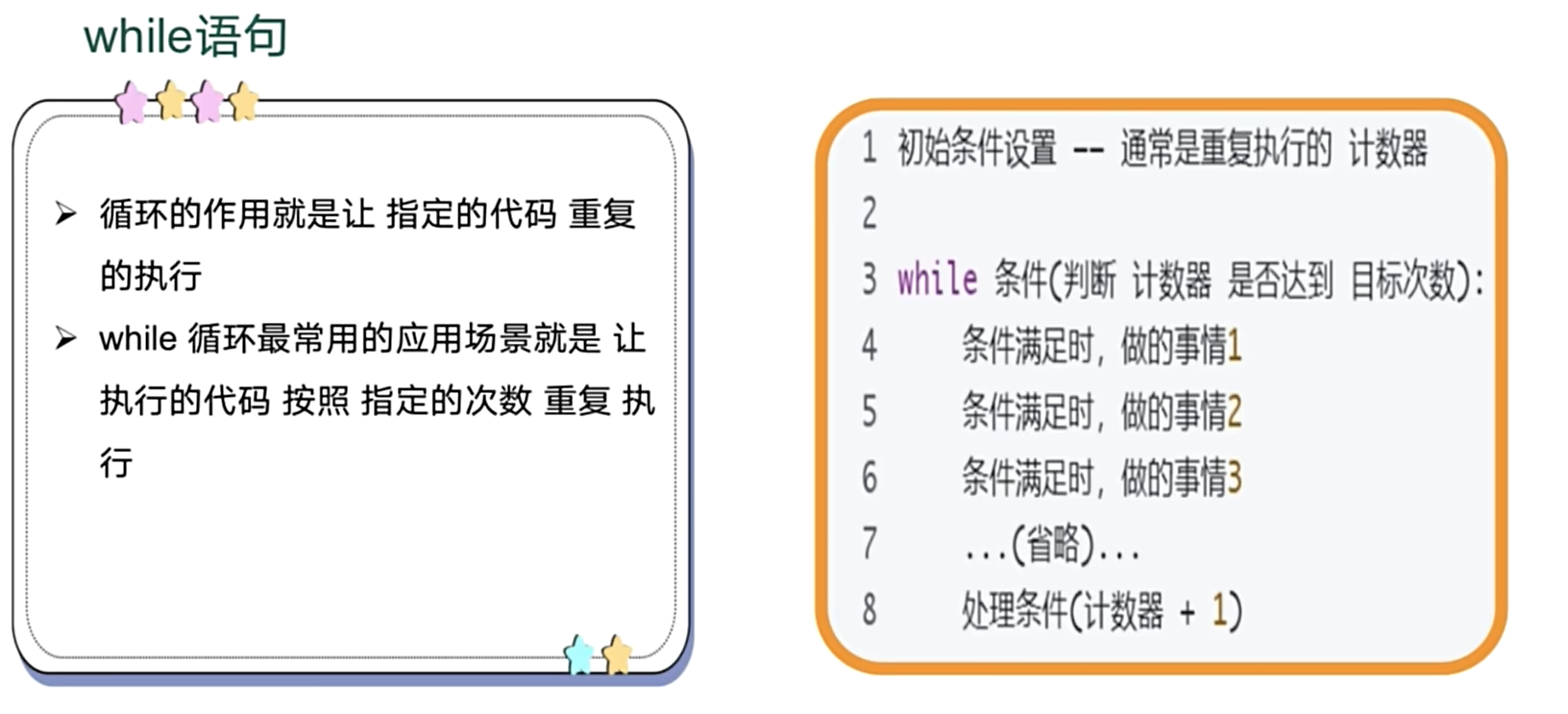
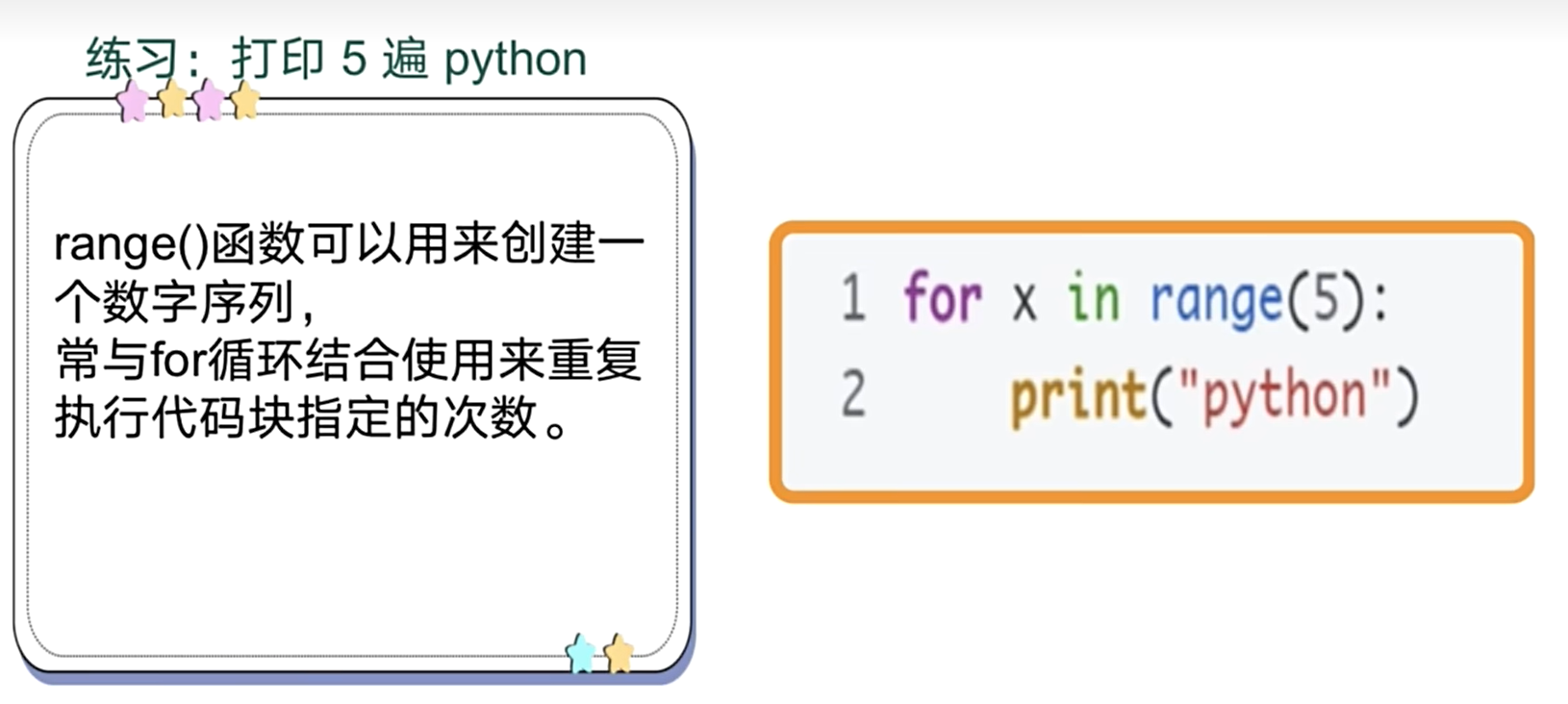
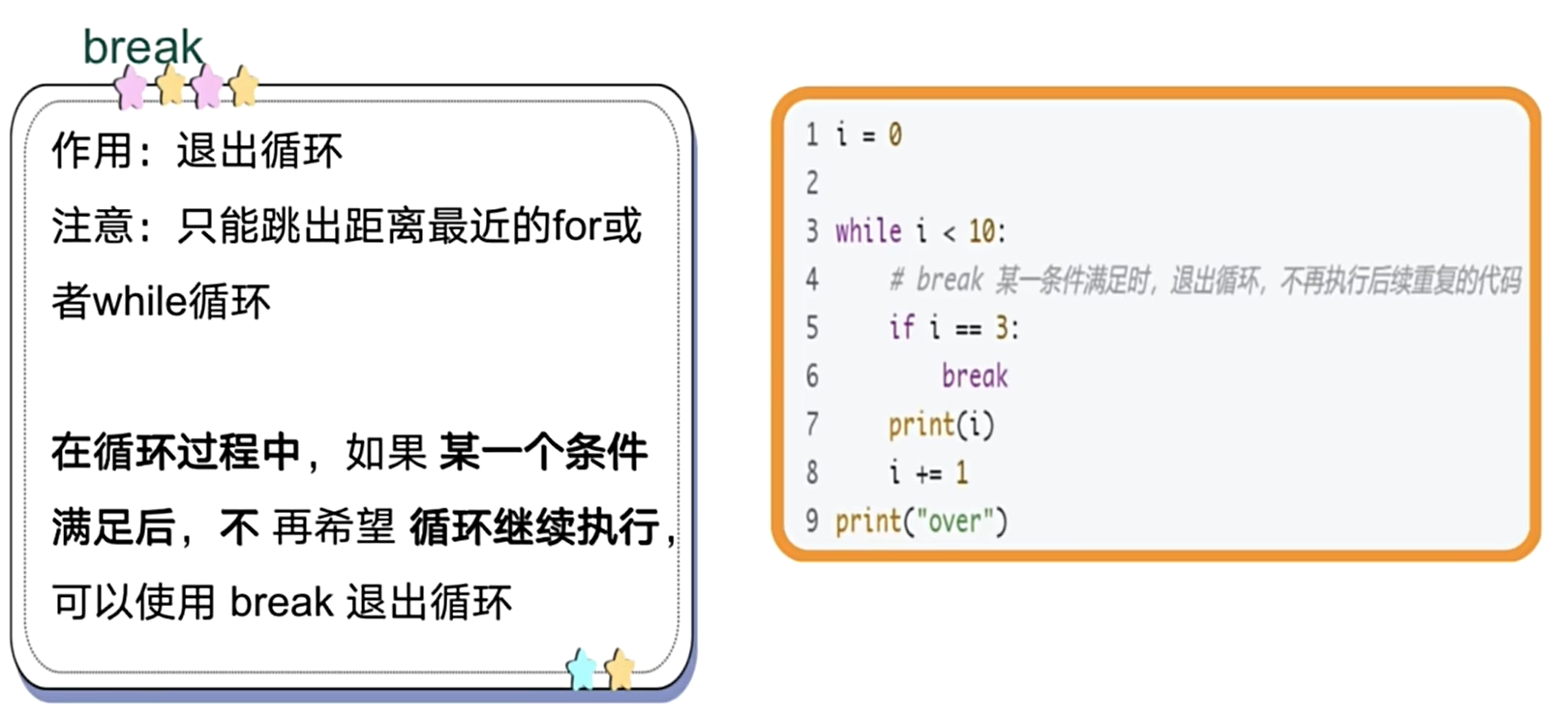
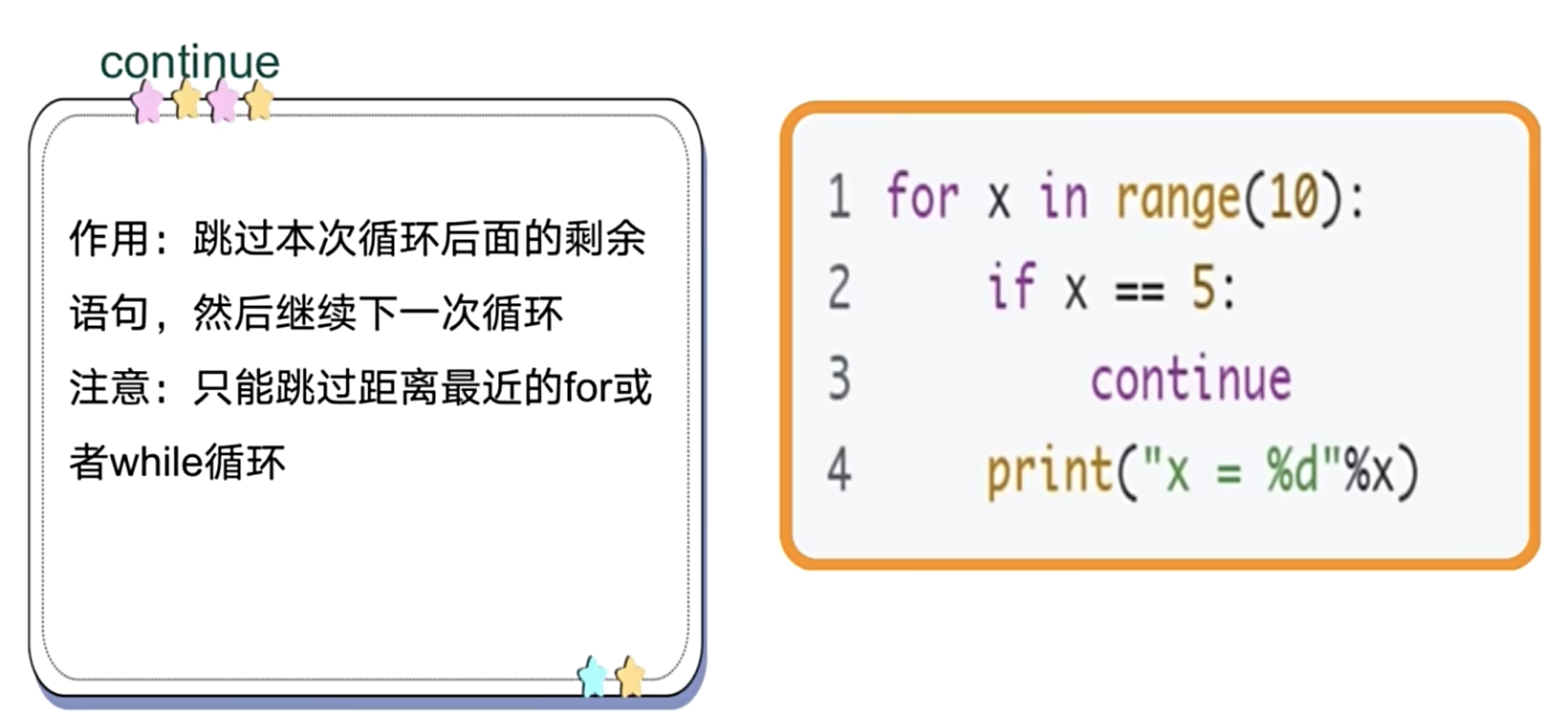
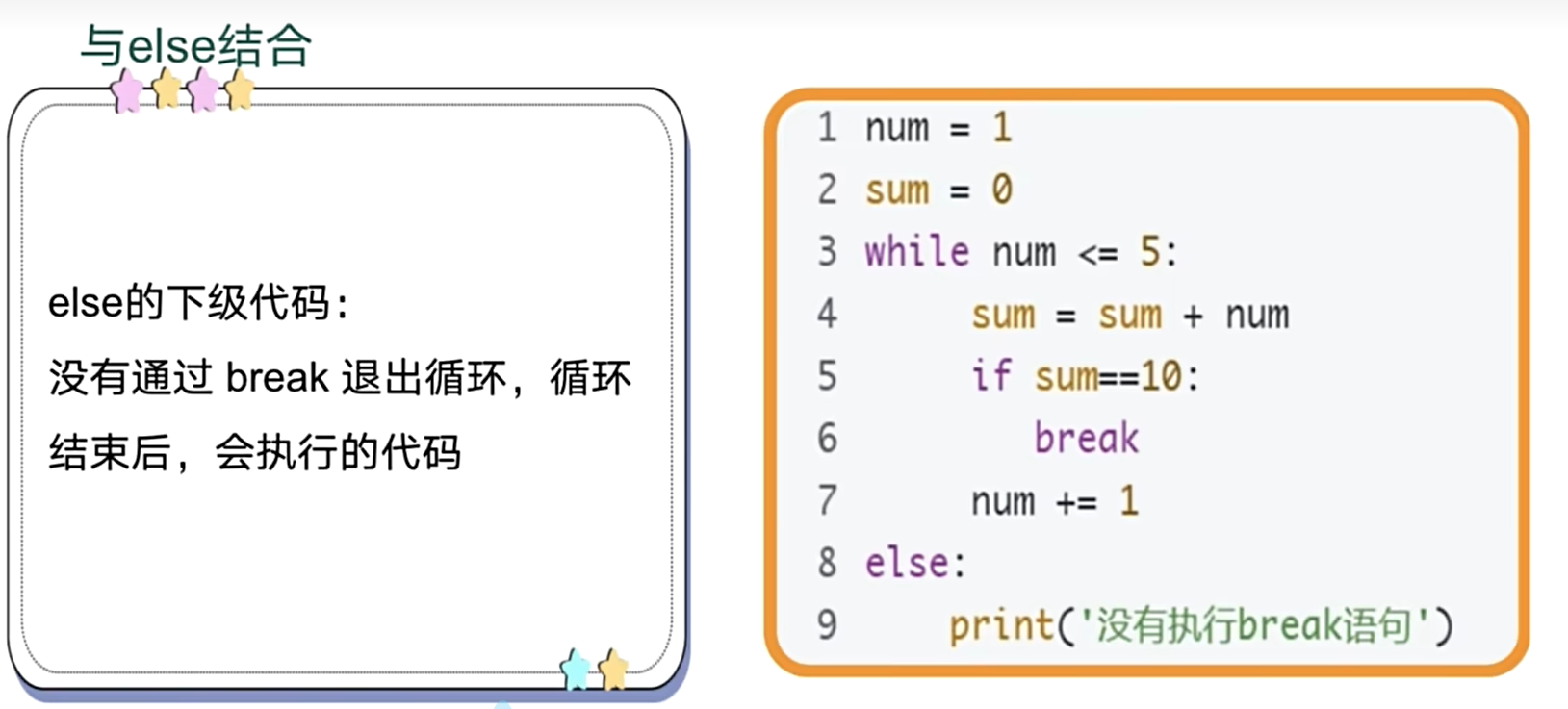
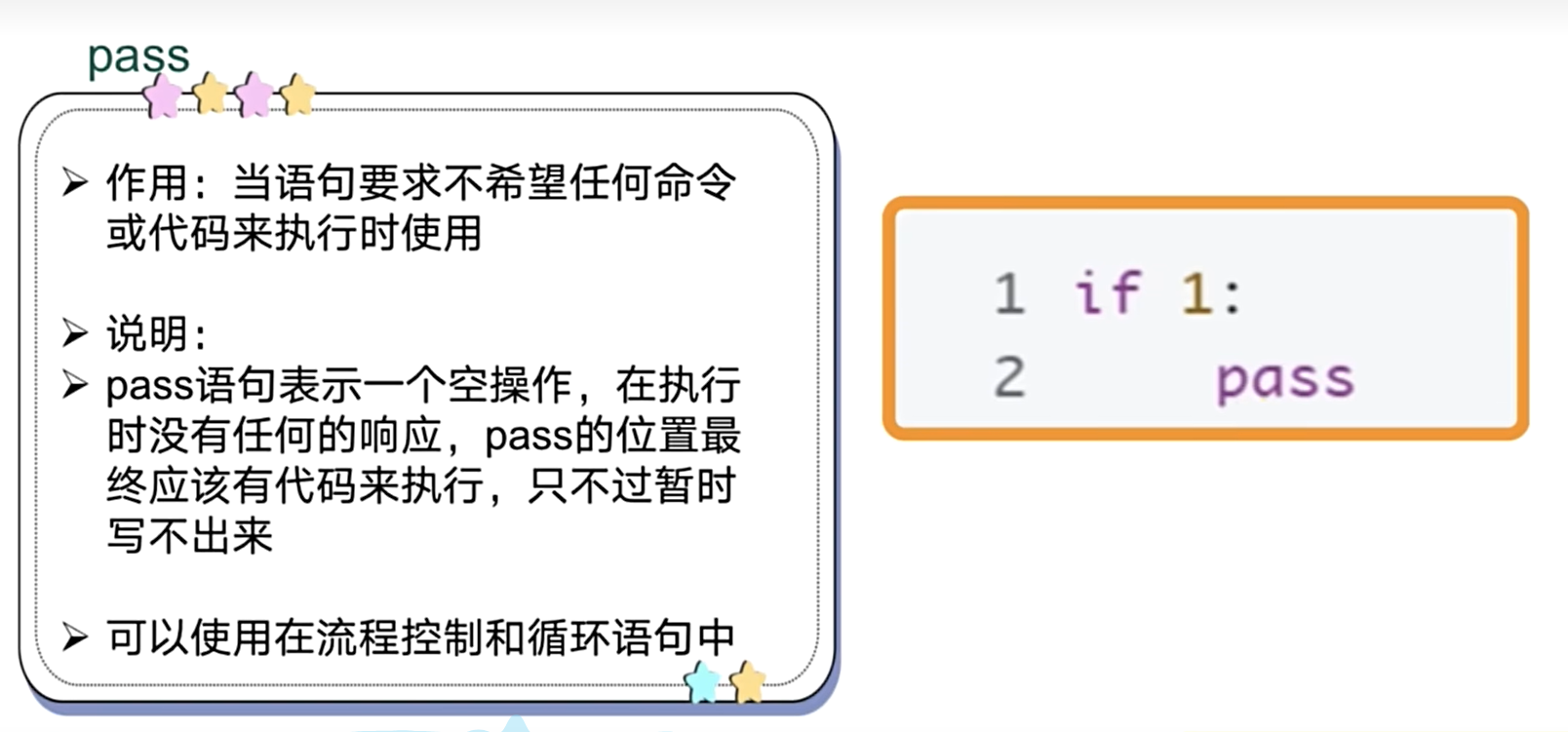
练习
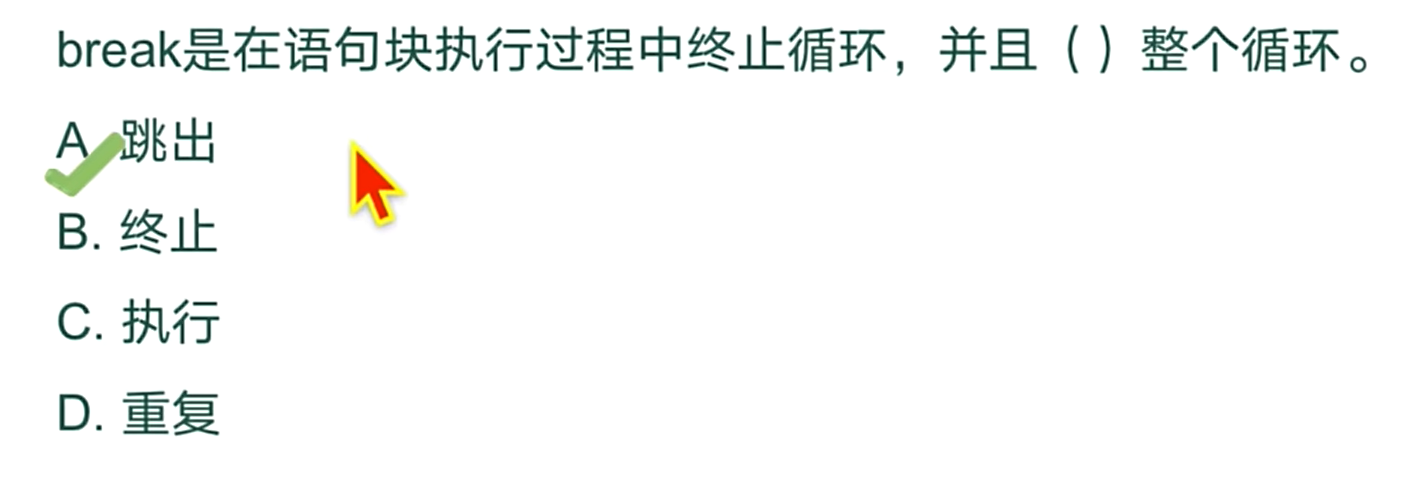
六、组合数据类型
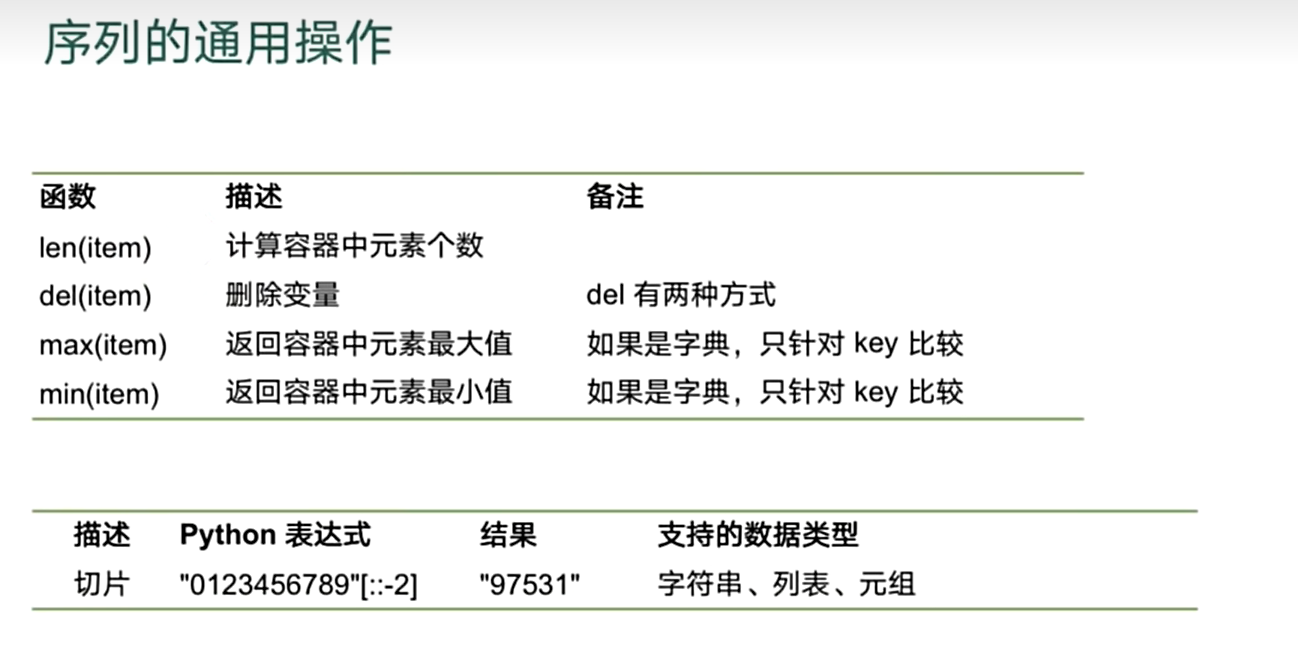
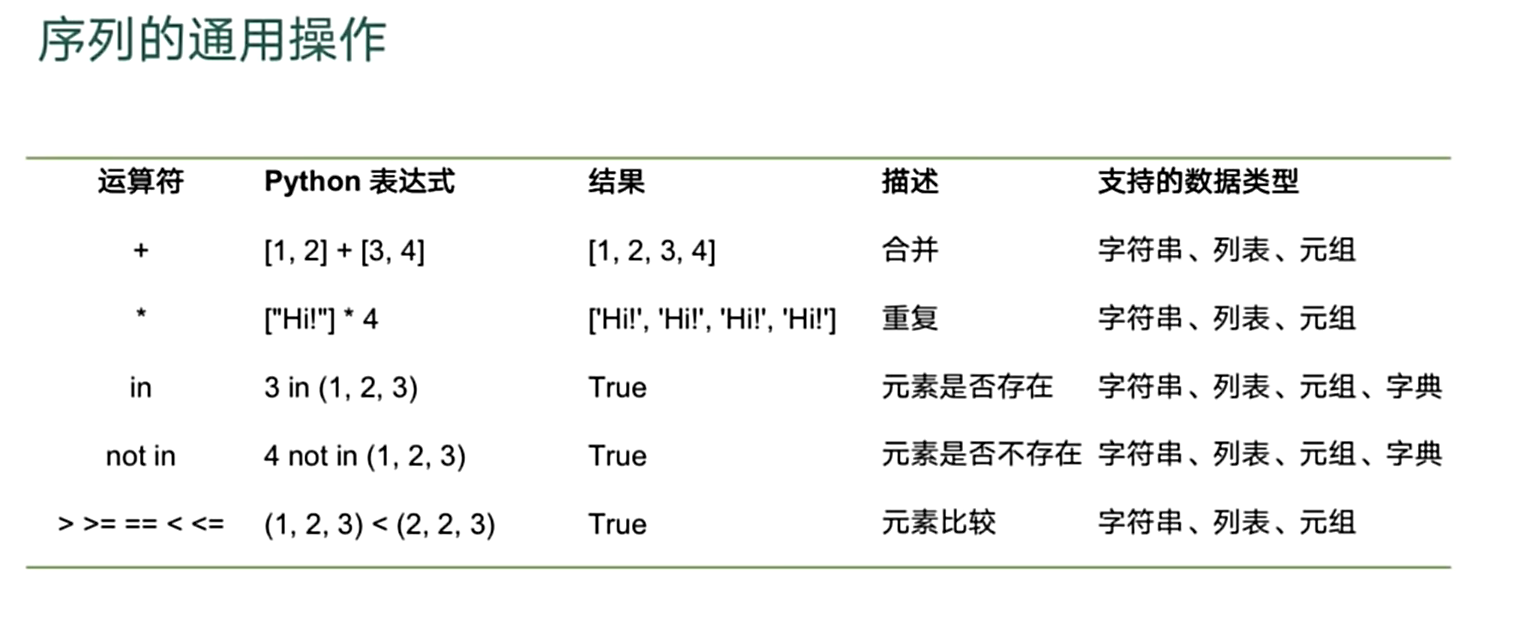
列表
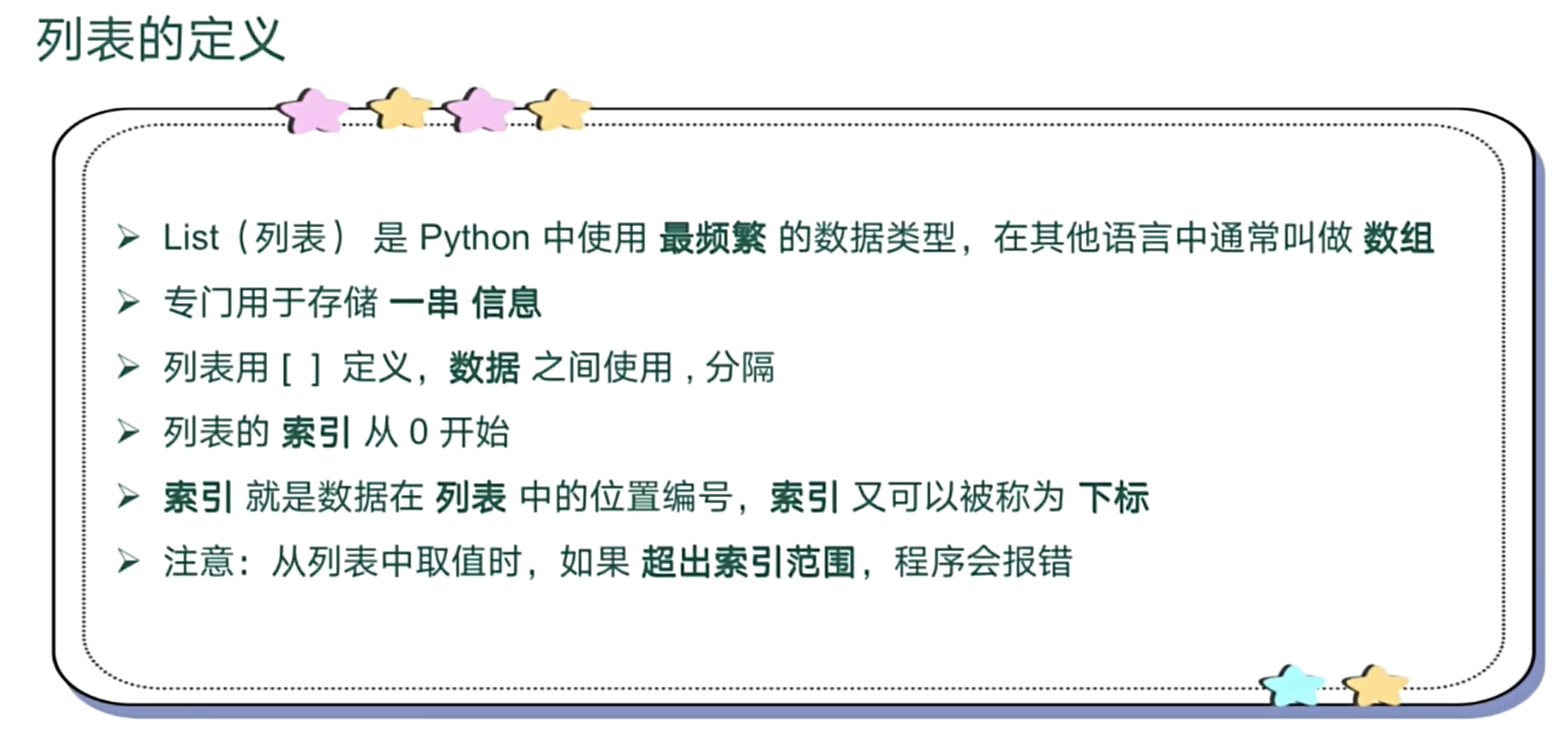
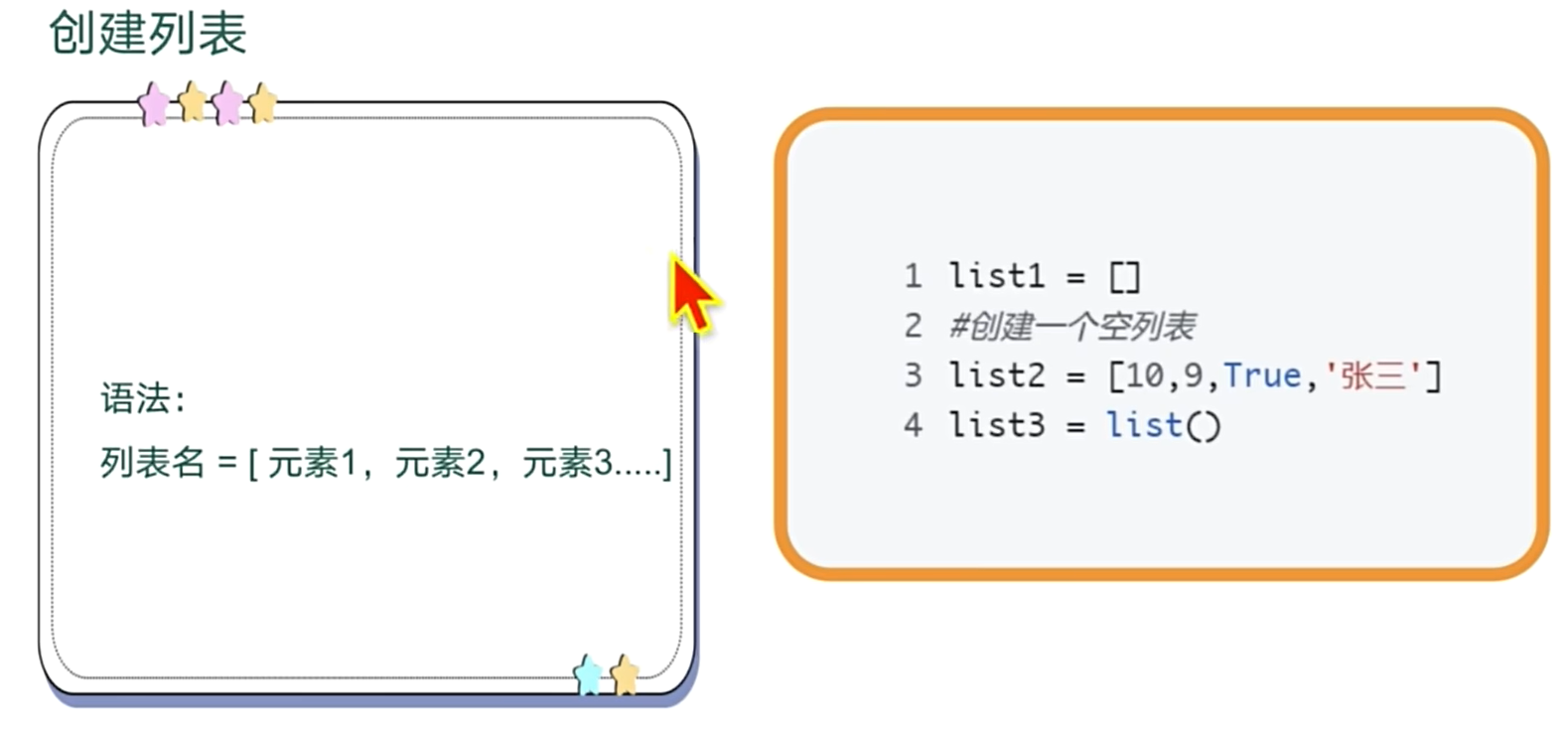
列表的创建
# 创建列表
list1=[]
list2=[1,2,3,"string",True,['1','2','3']]
list3=list() # 类型转换或者创建空表
list4=list("123") #字符串转列表
list5=[1,2,3]
列表的索引切片加减乘法
# 列表的索引
print(list2[2])
# 列表的切片
print(list2[1:3:2])
# 列表的加法
print(list2+list4)
# 列表的乘法
print(list4*2)
3
[2]
[1, 2, 3, 'string', True, ['1', '2', '3'], '1', '2', '3']
['1', '2', '3', '1', '2', '3']
列表的成员运算-内置函数
# 成员运算
print( list4 in list2)
print([3,2,5]<list2)

# 内置函数
print(len(list2))
# max min 只能纯字符串 或者纯数字  的类型才可以比较
print(max(list4))
print(min(list5))
True
False
6
3
1
列表的遍历
# 列表的遍历(不带索引)
for item in list2:
    print(item)
#带索引
for i,j in enumerate(list2):
    print(i,j)
# 访问遍历
for i in range(len(list4)):
    print(i,list4[i])
1
2
3
string
True
['1', '2', '3']
0 1
1 2
2 3
3 string
4 True
5 ['1', '2', '3']0 1
1 2
2 3
列表的常用方法(增删改查)
# 列表的常用方法
# 添加
list3.append('666') # 添加元素
list3.extend(list4) # 添加列表
# 插入
list3.insert(1,'777')
# 根据索引删除
list3.pop(1)
# 根据元素值删除
list3.remove('777')
# 清空列表
list3.clear()
# 复制列表
list6=list4.copy()
# 根据值查找 返回索引
list6.index('777')
# 列表逆序反转
list6.reverse()
# 统计 统计1在列表6中出现的次数
time=list6.count(1)
元组
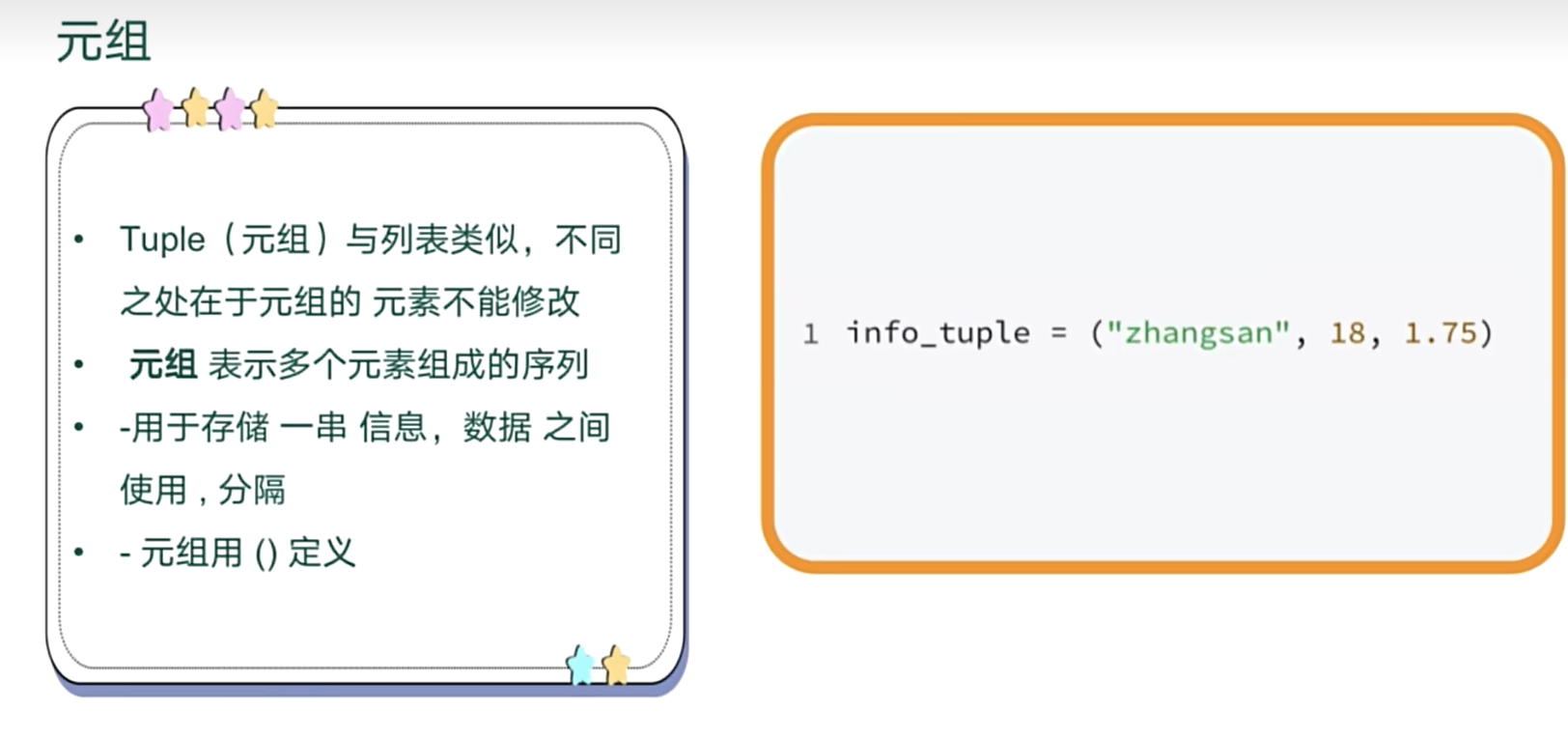
# 创建元组
tuple1=(1,2)
print(tuple1)
tuple2=(1)
print(tuple2) # 打印出来是一个数字
print(type(tuple2))  # 显示整型
# 因此元组里只有一个元素时  定义的时候要加一个逗号
tuple3=(1,)
print(tuple3)
print(type(tuple3))
# 做类型转换   无参数则为创建空元组
tuple4= tuple()
print(tuple4)

tuple5=tuple(["hello"])
print(tuple5)
(1, 2)
1
<class 'int'>
(1,)
<class 'tuple'>
()
('hello',)
range(快速 奇,偶)
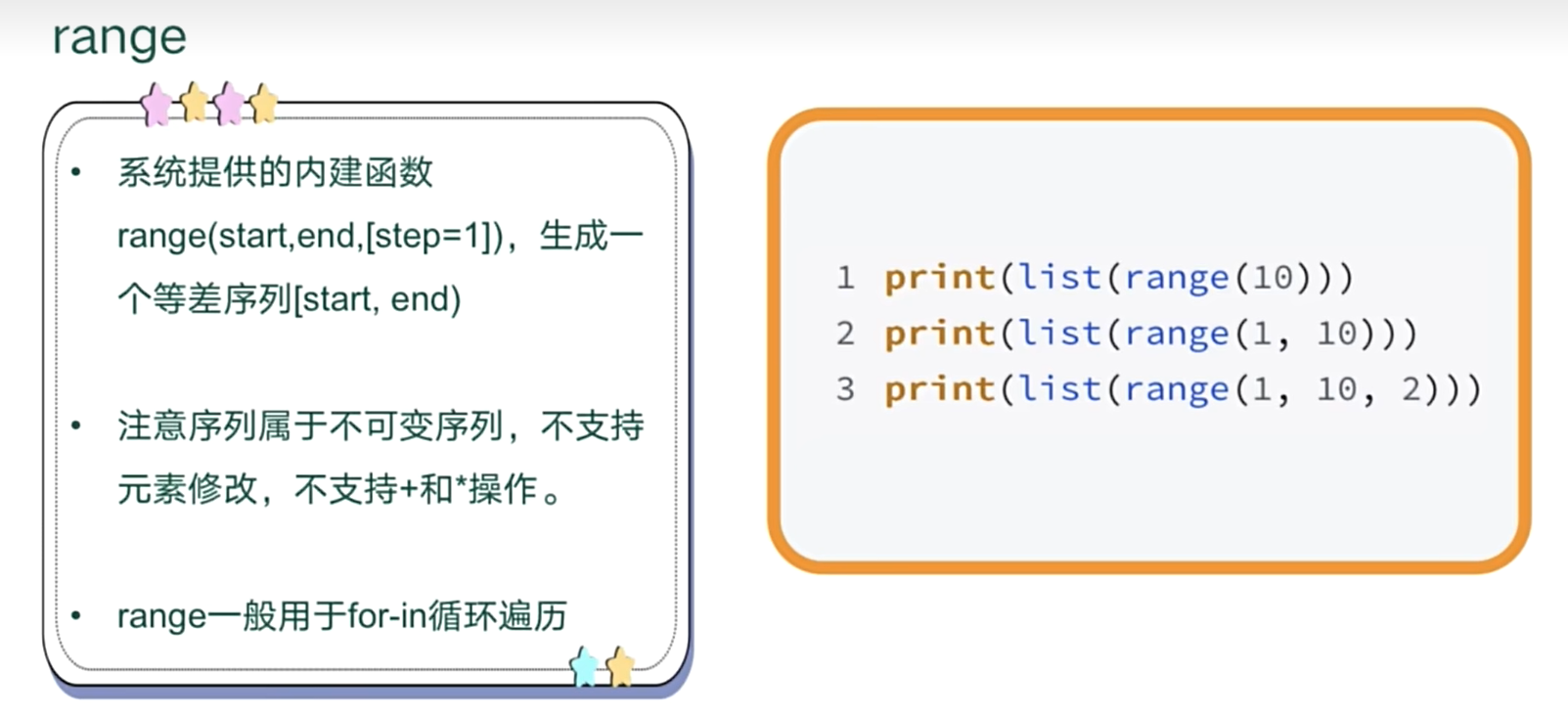
字符串
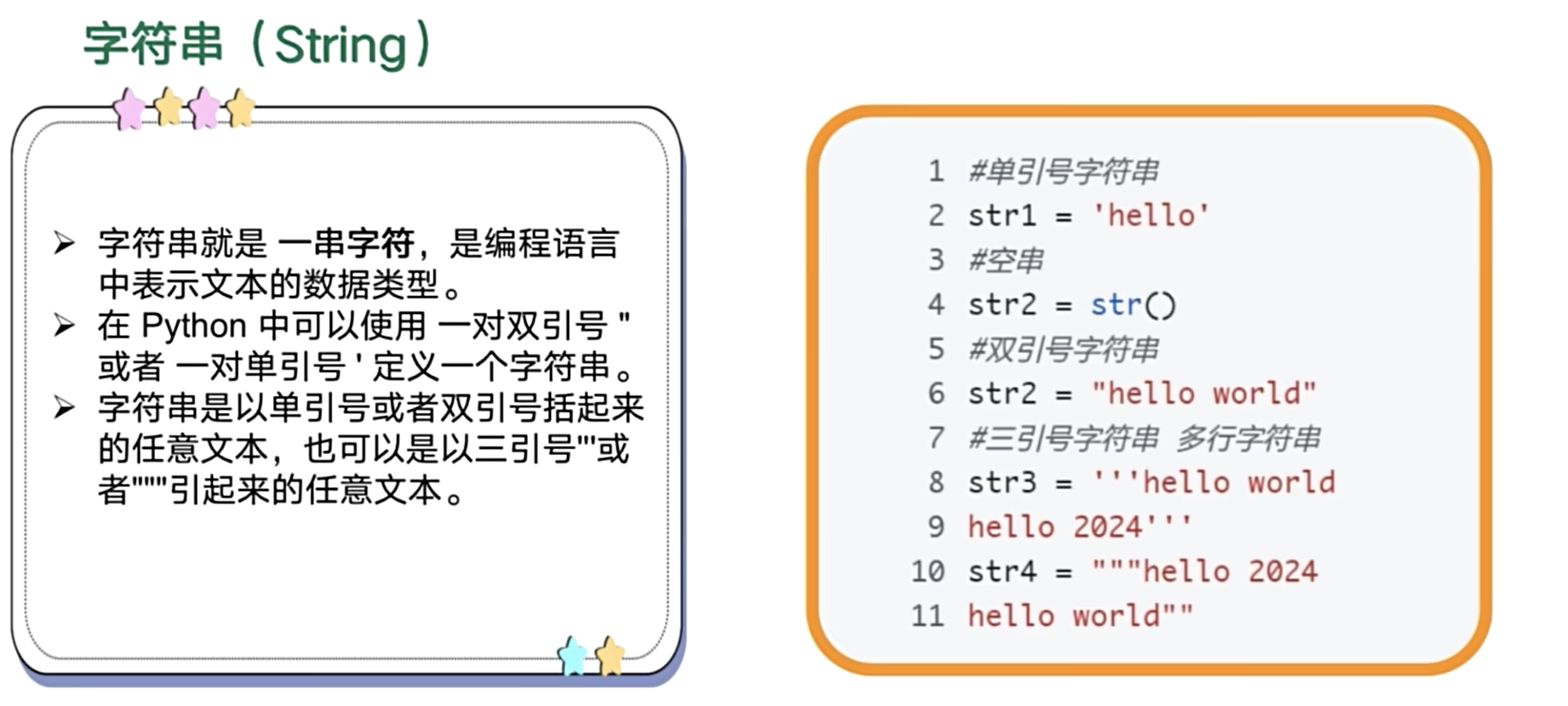
s1="hello word    "
# 求AS码值
ord('w')
# 判断大小写
print(s1.islower())
print(s1.isupper())
# 判断数字
print(s1.isdigit())
# 判断字母
print(s1.isalpha())
# 去掉字符串中前后的空格
print(s1)
print(s1.strip())
# 分割字符串
print(s1.split(' '))
print(s1.split(' ', 1)) # 最多切分一次
# 找从4开始的第一个o 包含4
print(s1.find('o',4))
# 连接
print("@".join(["1",'2','3']))
True
False
False
False
hello word
hello word
['hello', 'word', '', '', '', '']
['hello', 'word ']
4
1@2@3
字典
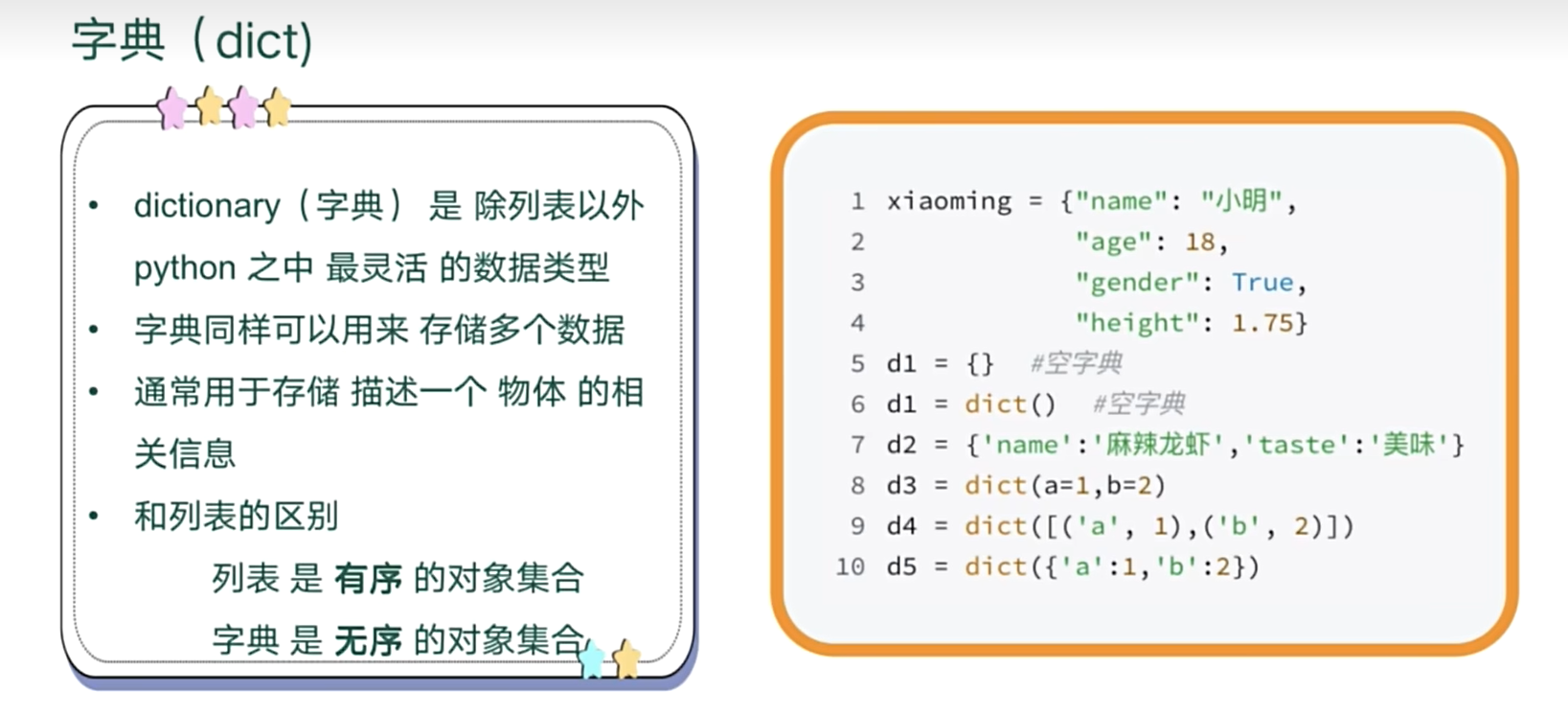
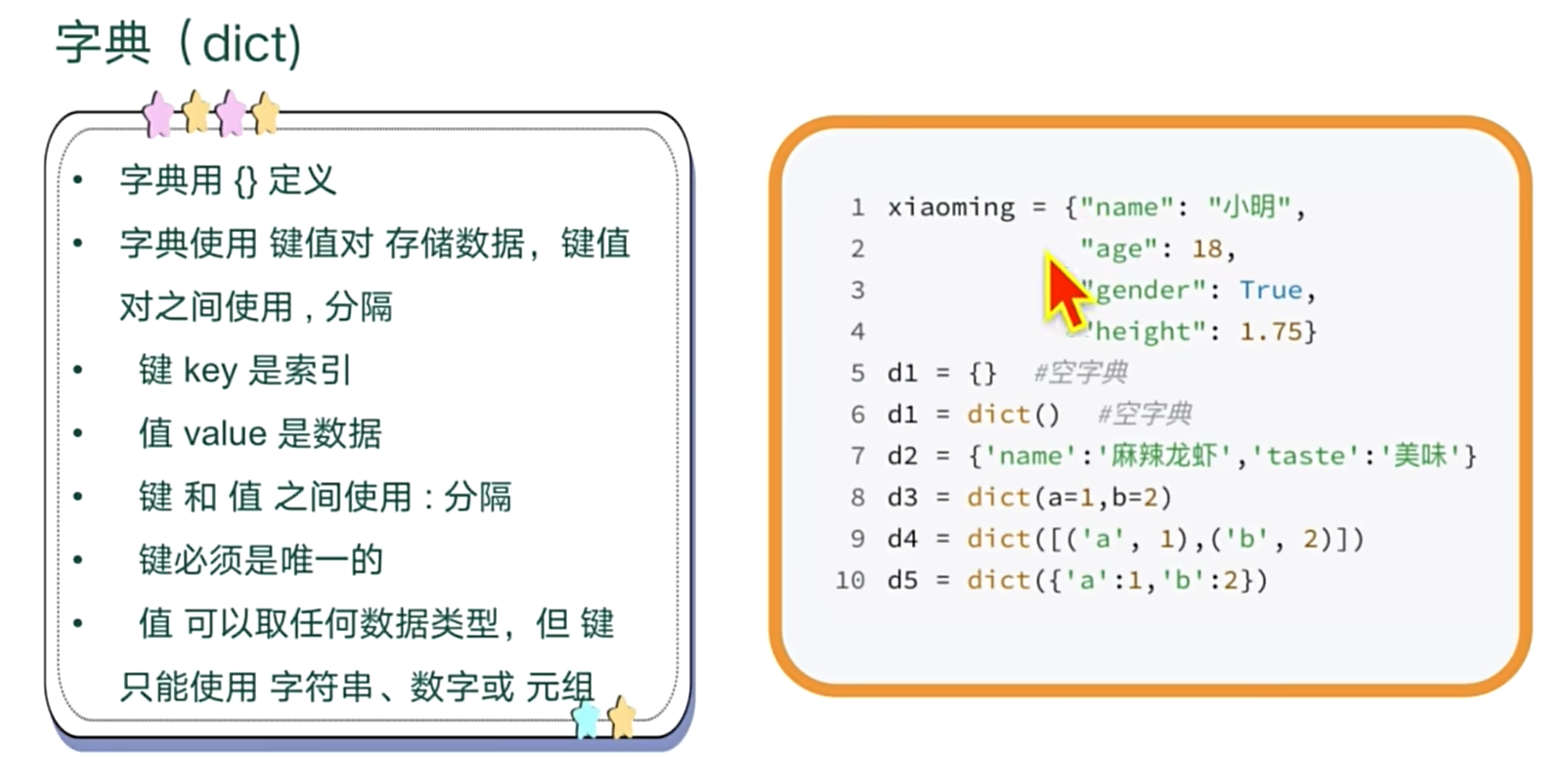
字典的常用操作
dict1={
    'name':"mia",
    'age':22,
    'sex':'male',
    'name':"jack" # 键要唯一 如果重复则会覆盖前面的键的值
}
print(dict1)
{'name': 'jack', 'age': 22, 'sex': 'male'}
# 根据键 修改新增删除 键值对
# 新增键值对
dict1['height']=160
print(dict1)
# 修改
dict1['height']=170
print(dict1)
# 删除
del dict1['age']
print(dict1)

# 遍历
for key,value in dict1.items():
    print(key,value)

for key in dict1.keys():
    print(key)

for value in dict1.values():
    print(value)
{'name': 'jack', 'age': 22, 'sex': 'male', 'height': 160}
{'name': 'jack', 'age': 22, 'sex': 'male', 'height': 170}
{'name': 'jack', 'sex': 'male', 'height': 170}
name jack
sex male
height 170
name
sex
height
jack
male
170
# 复制
a=dict1.copy()
print(a)
# 获取
print(dict1.get('name'))
# 删除
dict1.popitem() # 从后面删
print(dict1)
dict1.pop("name")# 根据key删
print(dict1)
# 清空
dict1.clear()
print(dict1)
{'name': 'jack', 'age': 22, 'sex': 'male'}
{'name': 'jack', 'age': 22, 'sex': 'male'}
jack
{'name': 'jack', 'age': 22}
{'age': 22}
{}
集合
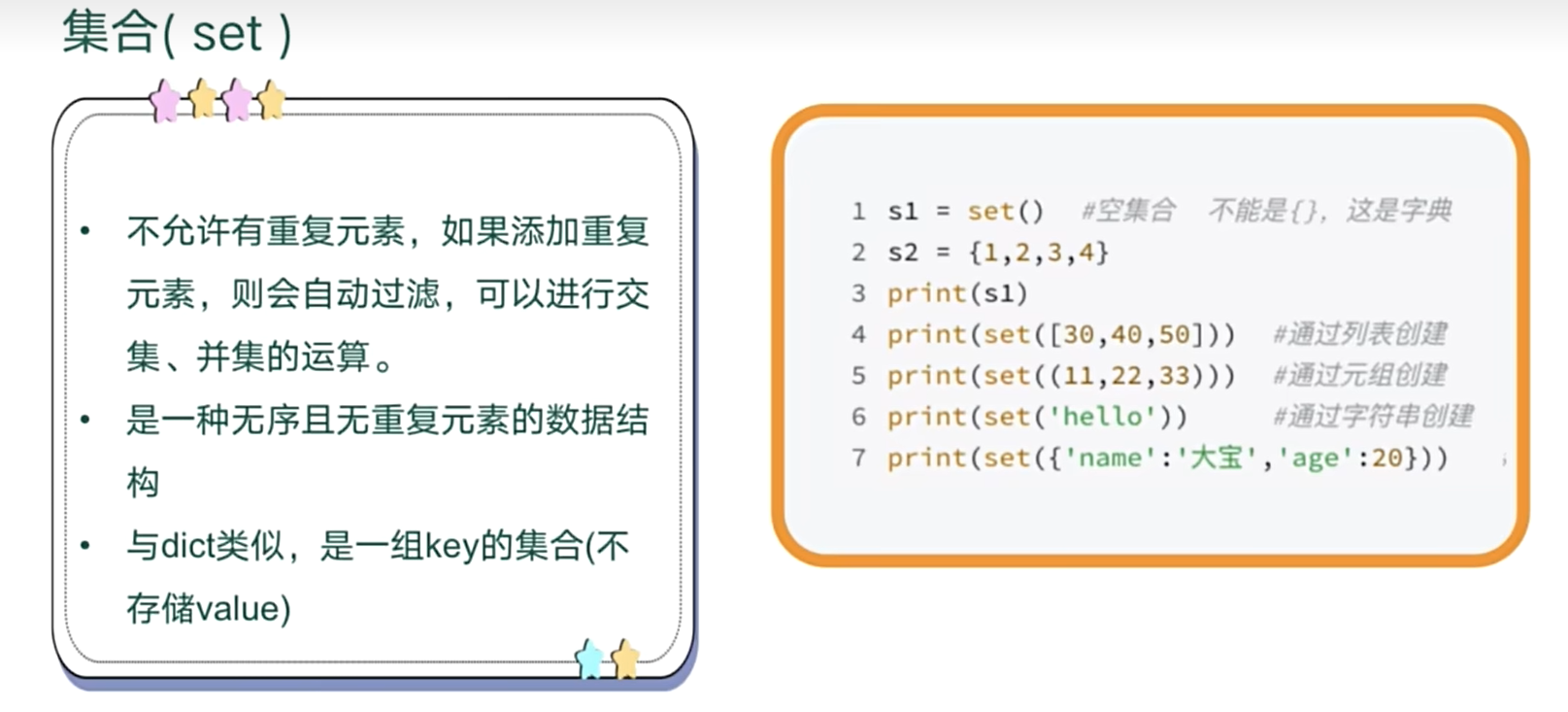
# 创建集合  无重复 输出无序
s1=set()
print(s1)
s2={1,1} # 有重复则输出仅打印一个
print(s2)
s3=set([1,4,3])
print(s3)
# 字符串转set   注意不可以重复
s=set('abcc')
print(s)
# 字典转set   只存key
d=set({1:2,3:4})
print(d)
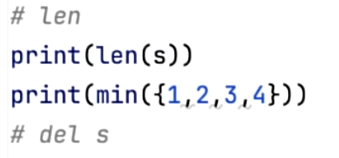
# len  min  max  del 都适用    集合不支持索引

# 交集 并集
ss1={1,2,3}
ss2={3}
print(ss1&ss2)
print(ss1|ss2)
set()
{1}
{1, 3, 4}{'b', 'a', 'c'}
{1, 3}
{3}
{1, 2, 3}
# 统计各个分数有多少人
score=[80,70,60,80,40]  #储存所有人的分数
print(score)
sscore=set(score)   # 储存遍历的各个分段分数
print(score)
d=dict()
for i in sscore:   # 遍历每个分段
    t=score.count(i) # 统计列表中的人数
    d[i]=t  # 存储为字典
    print(i)

for k,v in d.items():
    print(k,v)
[80, 70, 60, 80, 40]
[80, 70, 60, 80, 40]
80
40
60
70
80 2
40 1
60 1
70 1
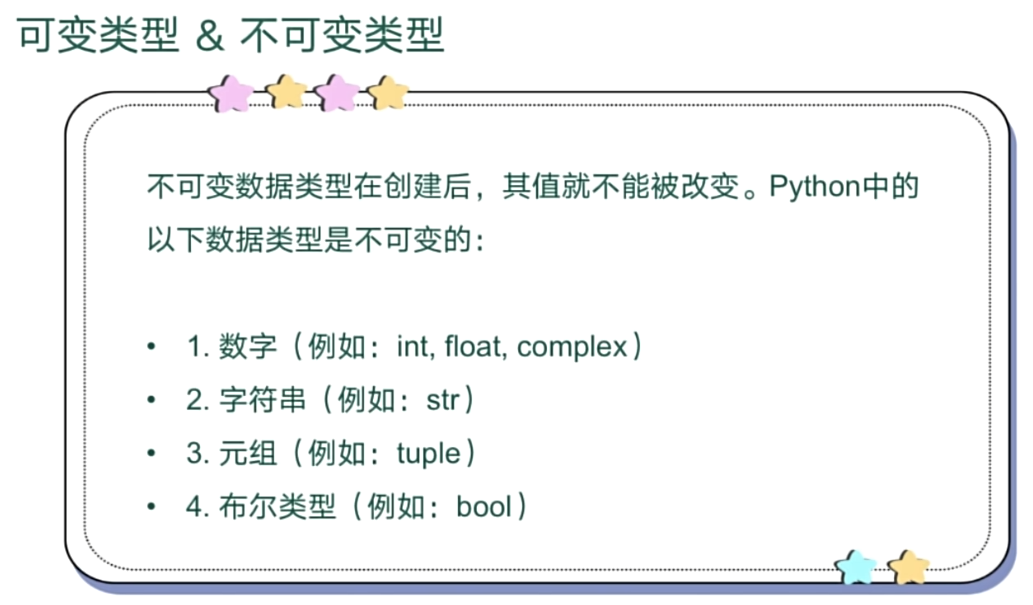
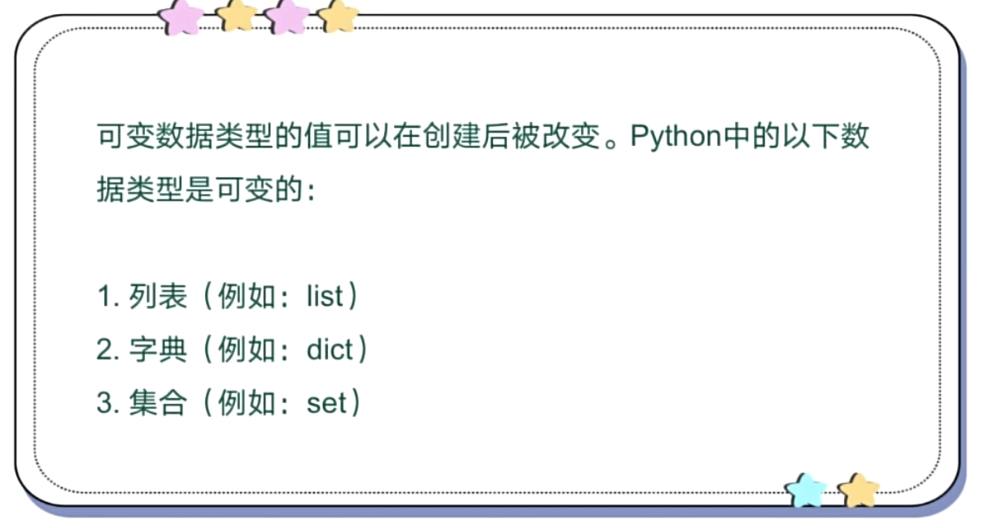
可变与不可变类型
七、异常相关
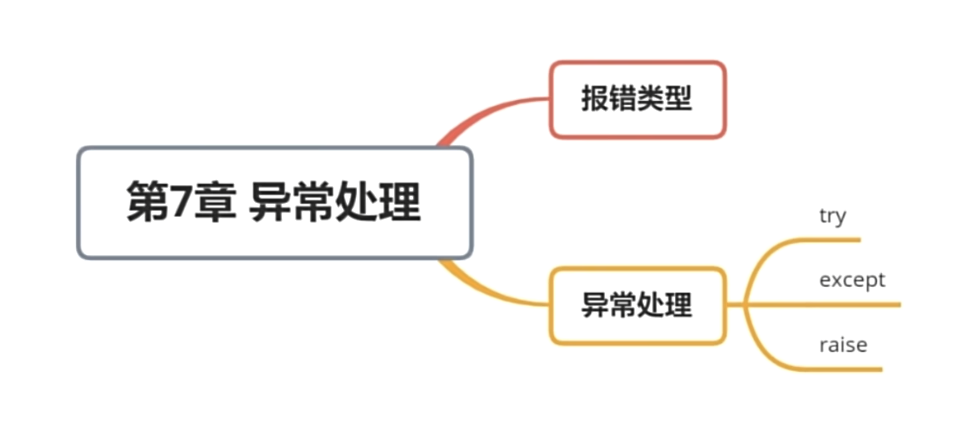
异常处理
# 异常处理
try:
    n=5/0
    print(n)
except ZeroDivisionError as e:
    print("can't divide by zero ")
    print(e.args)
except:
    print("error")
else:
    print("no erro else模块")
finally:
    print("一定执行finally模块")
can't divide by zero
('division by zero',)
一定执行finally模块
自定义异常处理
# 自定义抛出异常
try:
    pwd=input("请输入你的密码:")
    if(len(pwd)<8):
     raise Exception("密码长度不够 请输入八位数的密码")
except Exception as e:
    print(e.args)
请输入你的密码:123
('密码长度不够 请输入八位数的密码',)
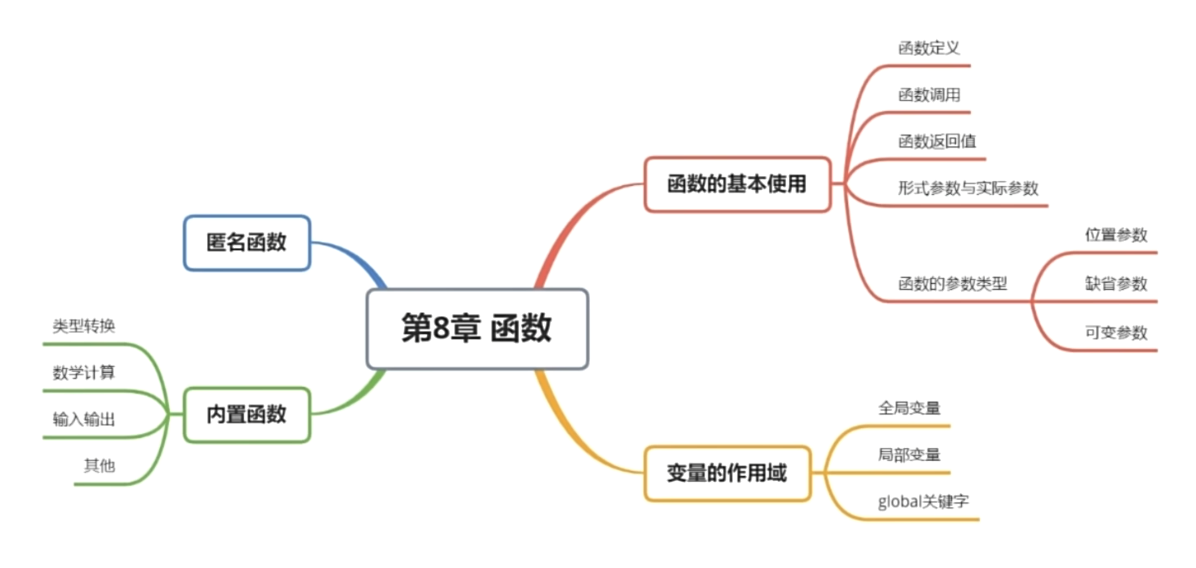
八、函数
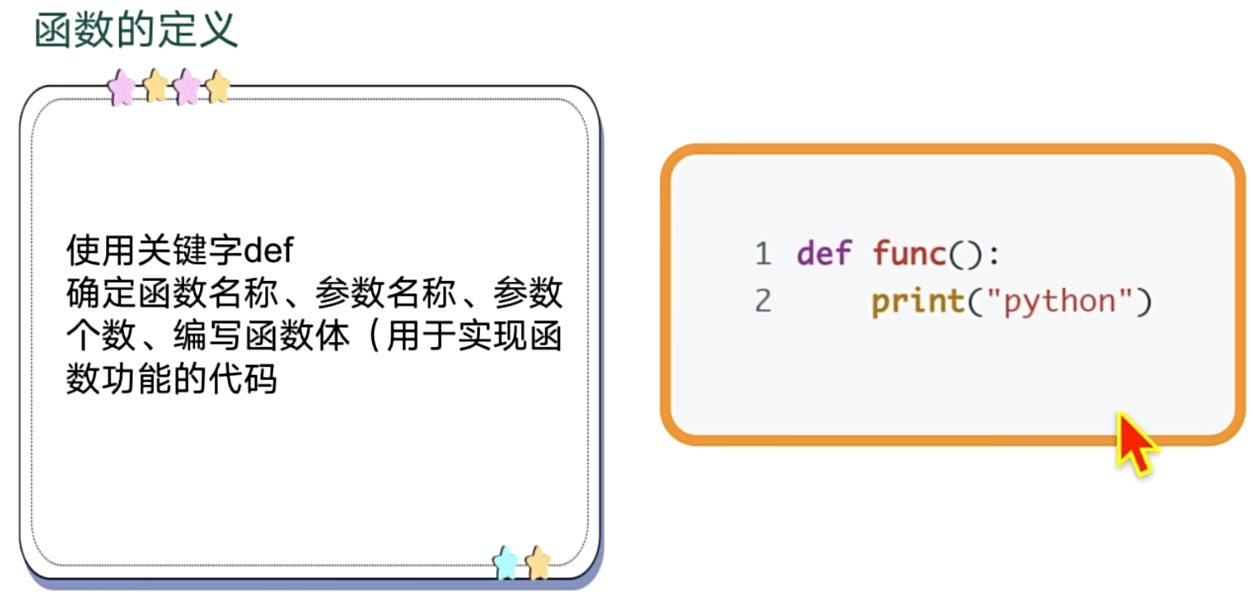
函数定义
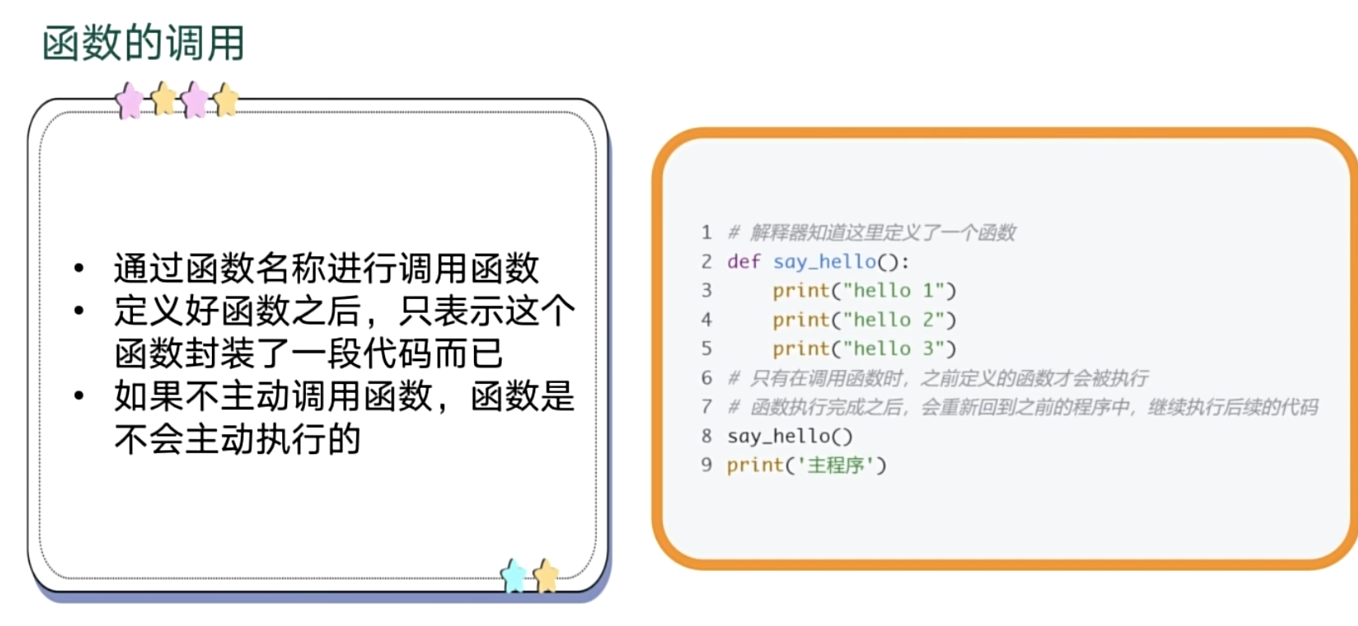
函数调用
参数类型
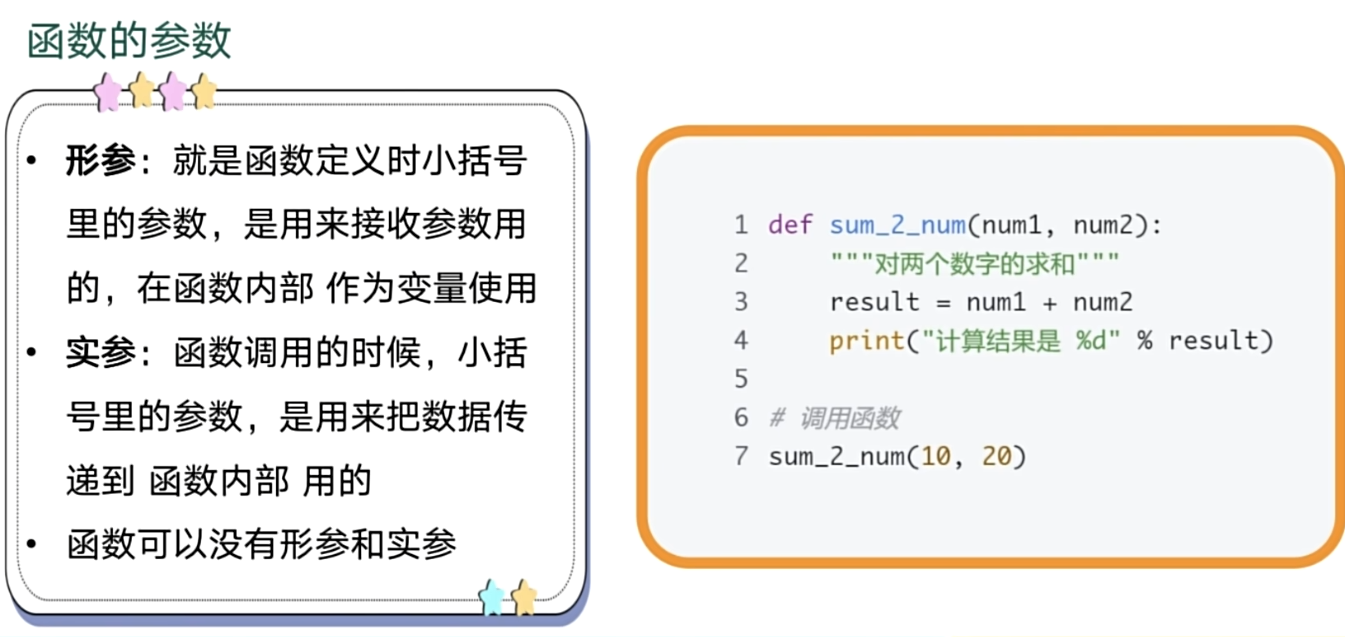
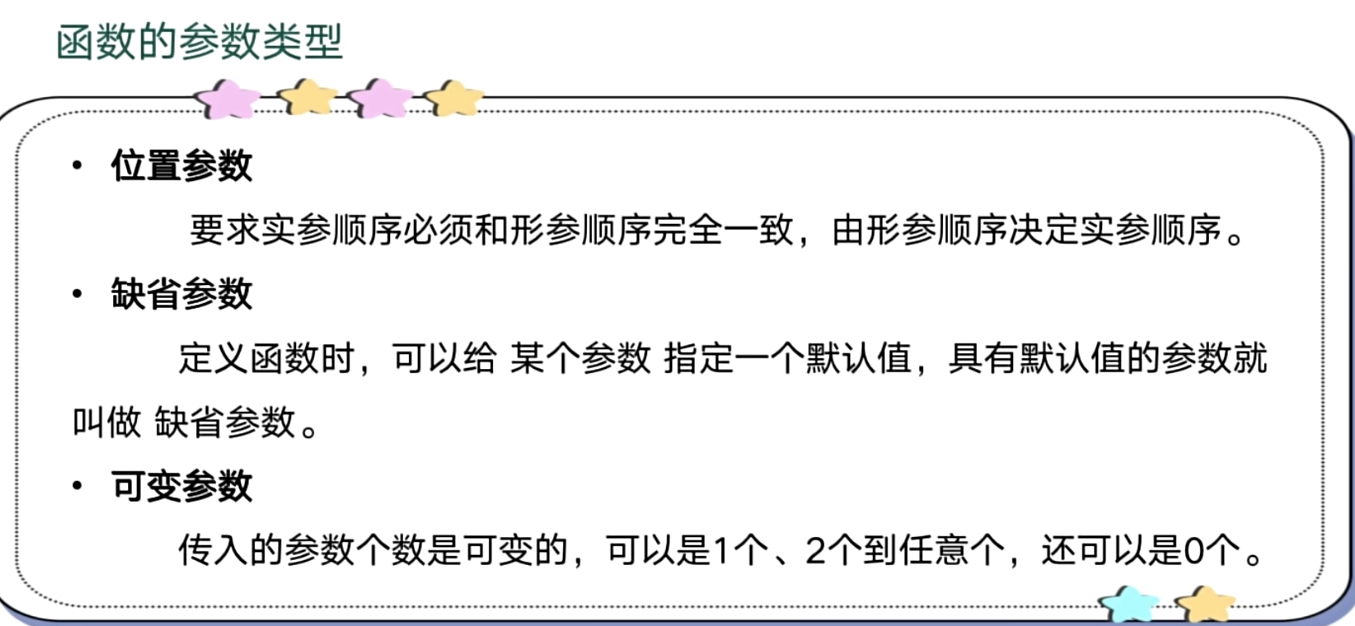
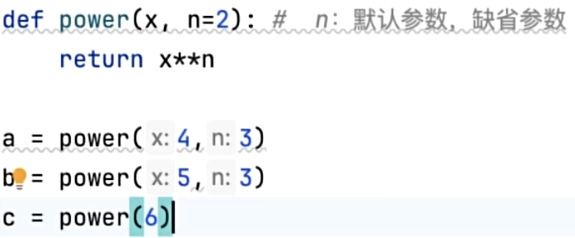
默认参数
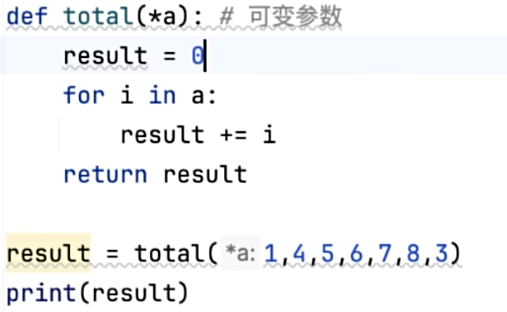
可变参数--(*a默认元组)
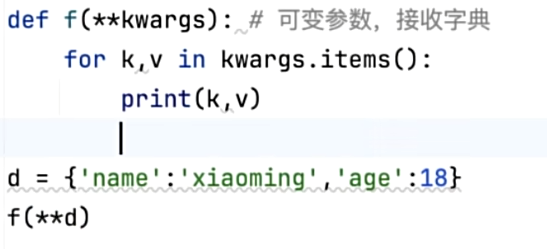
传递字典(**)
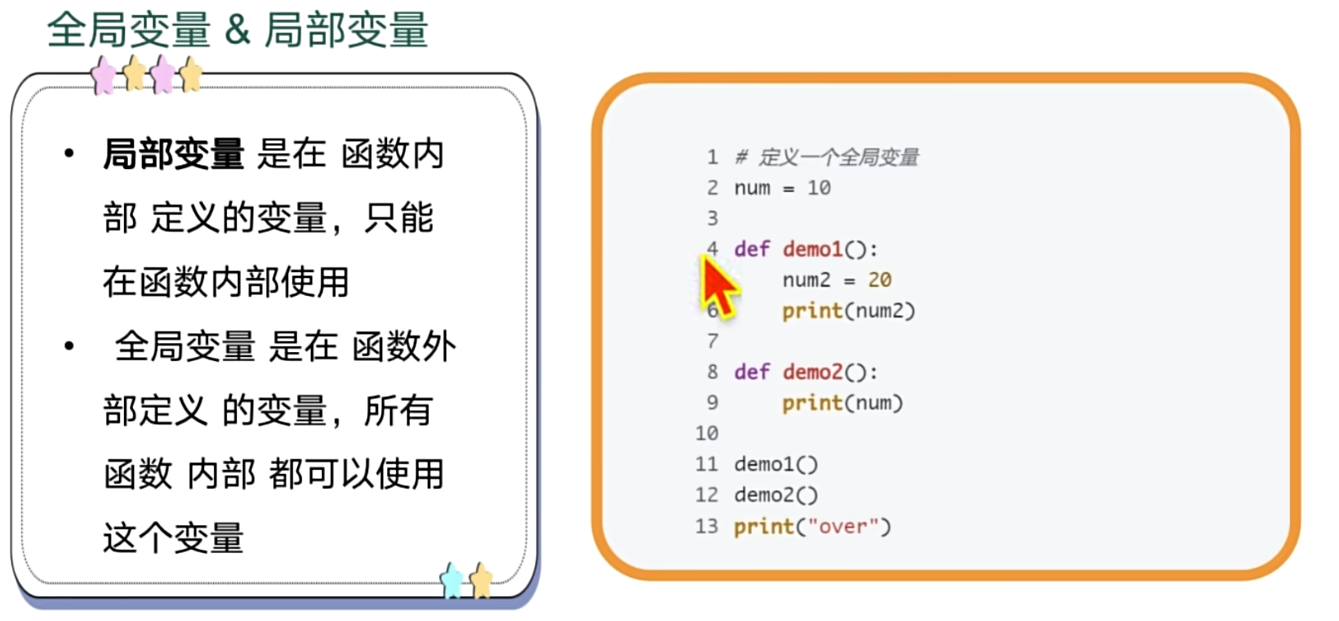
变量与作用域
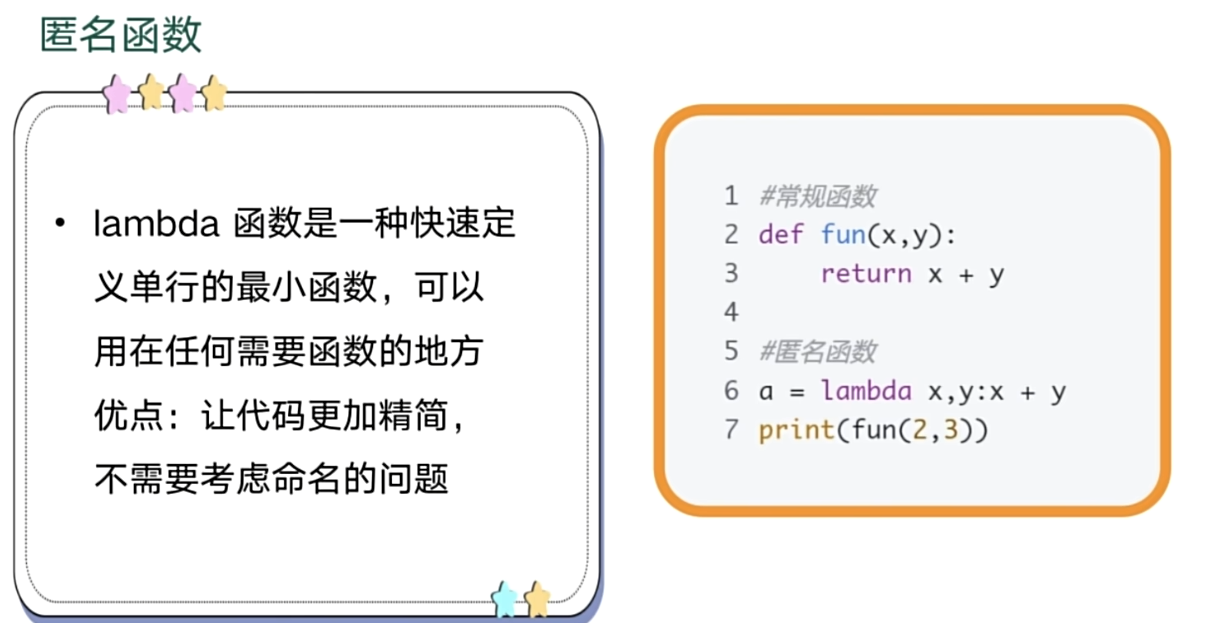
匿名函数
映射函数map
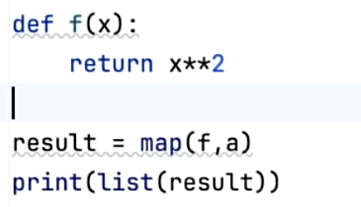
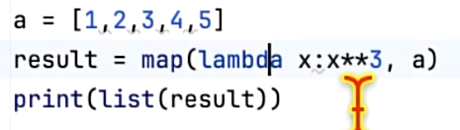
map(函数,数据集) a中的每个元素通过函数处理

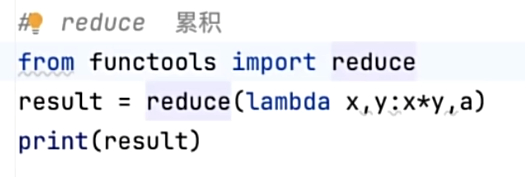
累积累加函数reduce
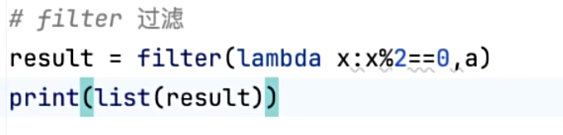
过滤函数filter
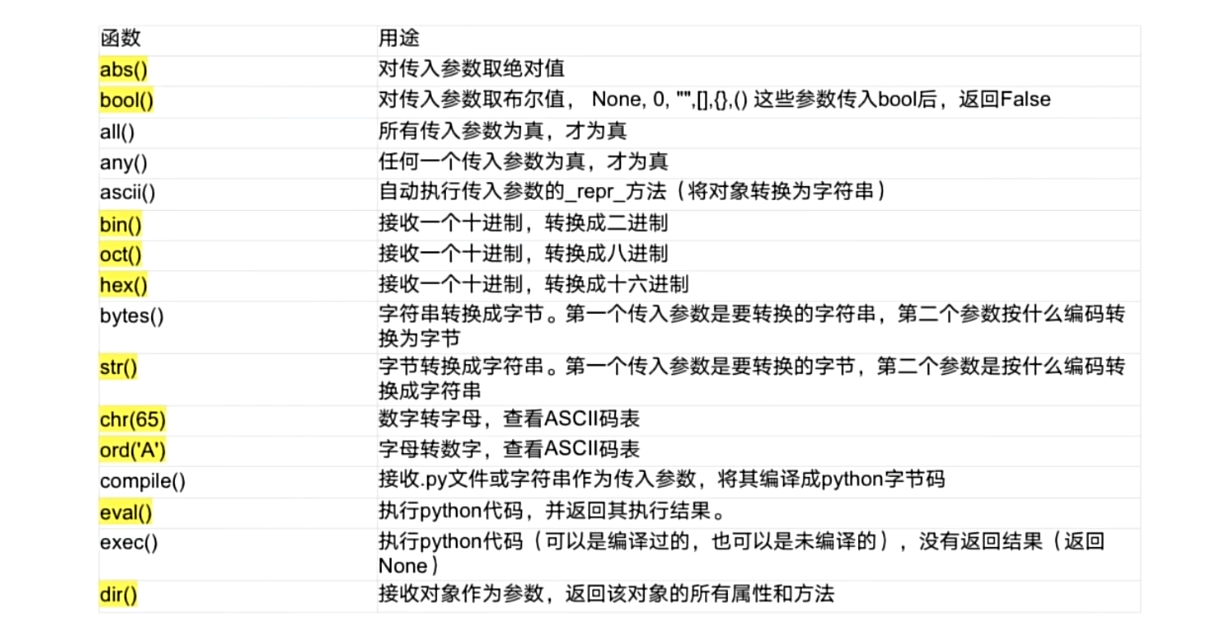
内置函数
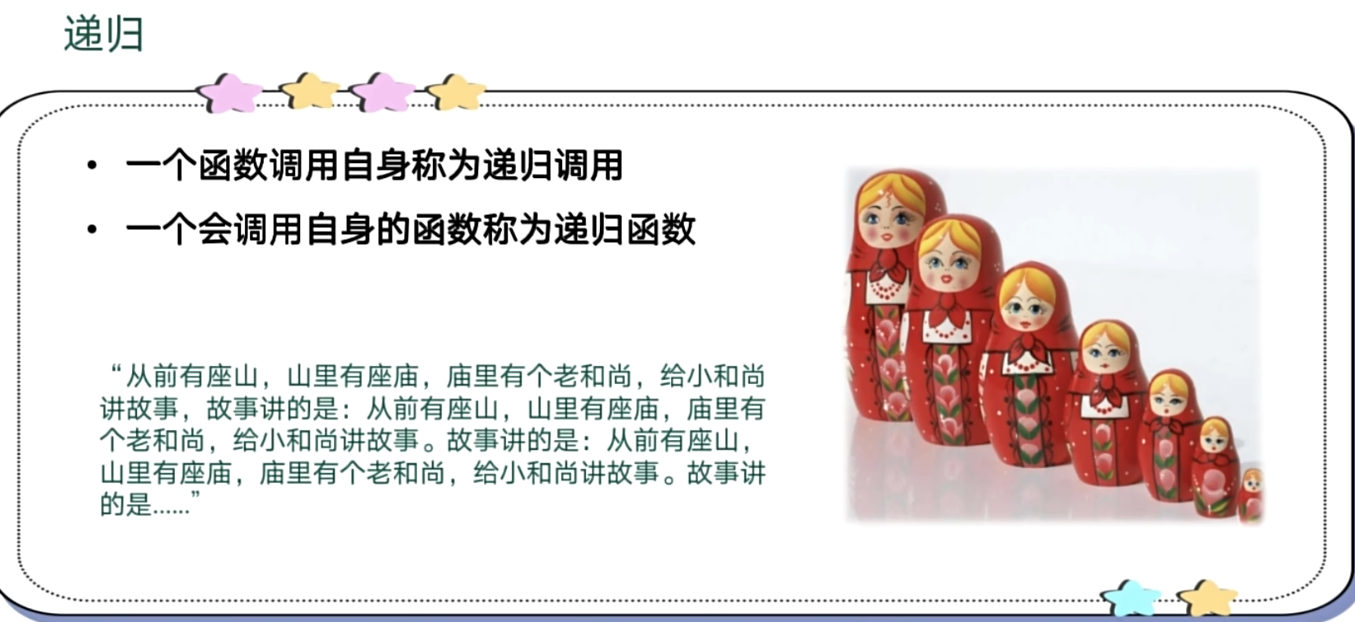
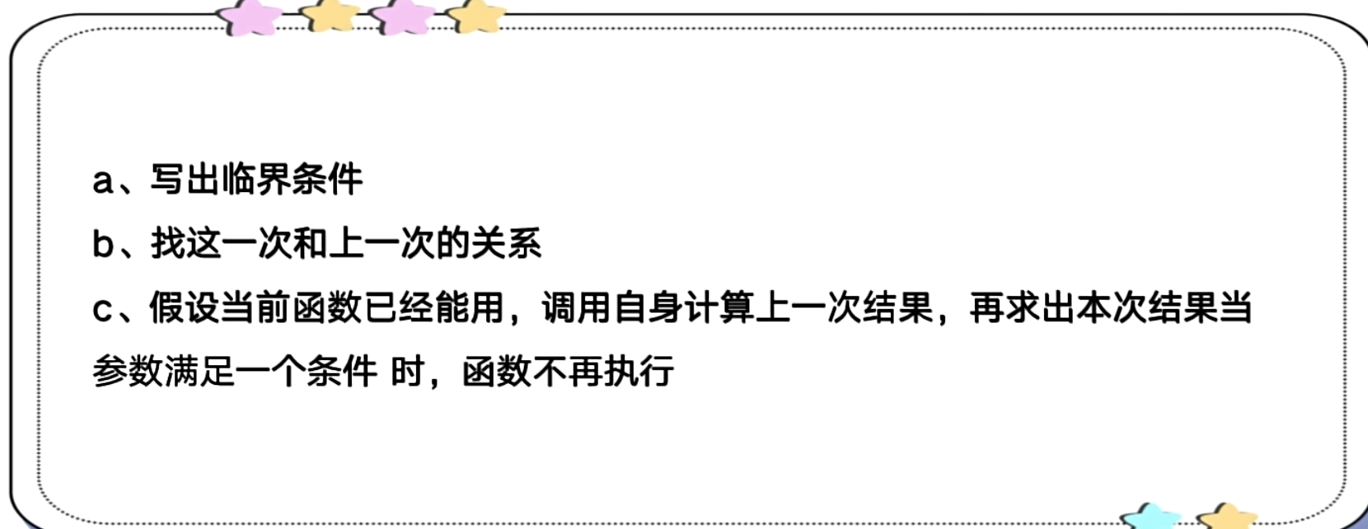
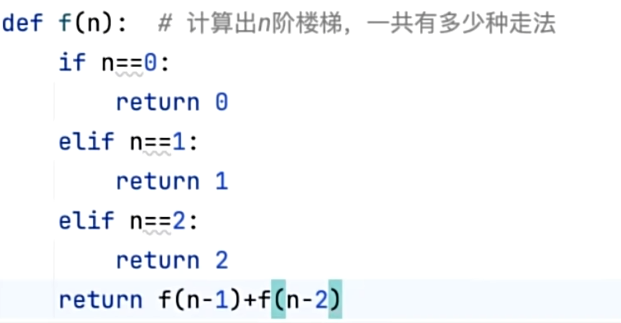
递归函数
九、面向对象
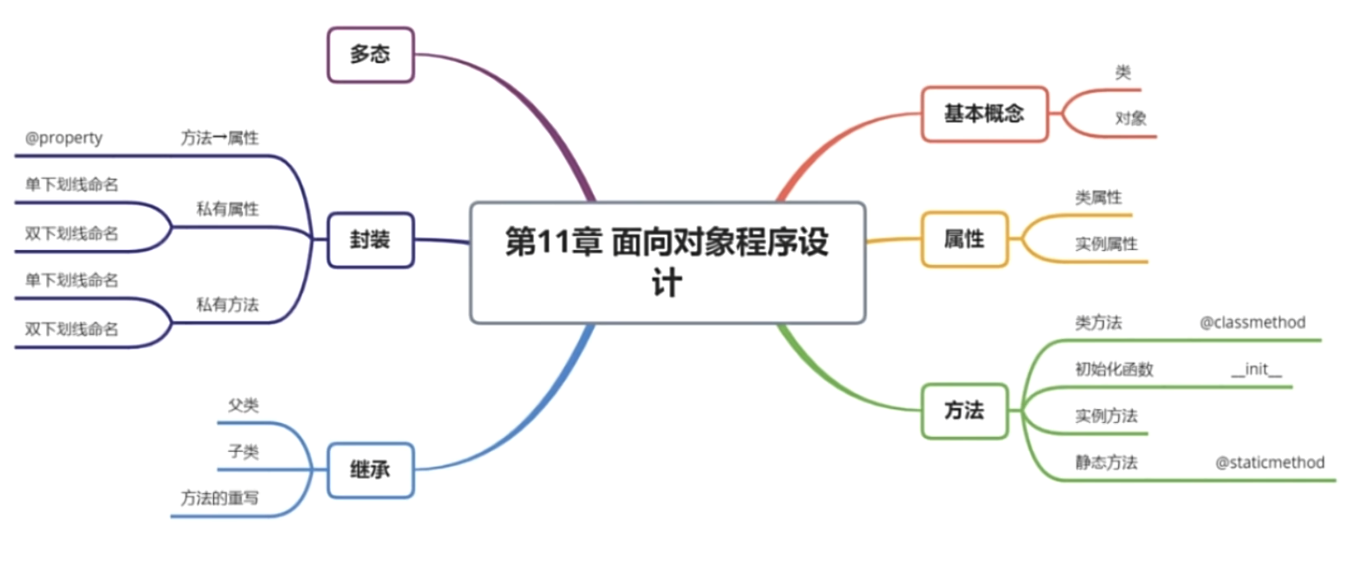
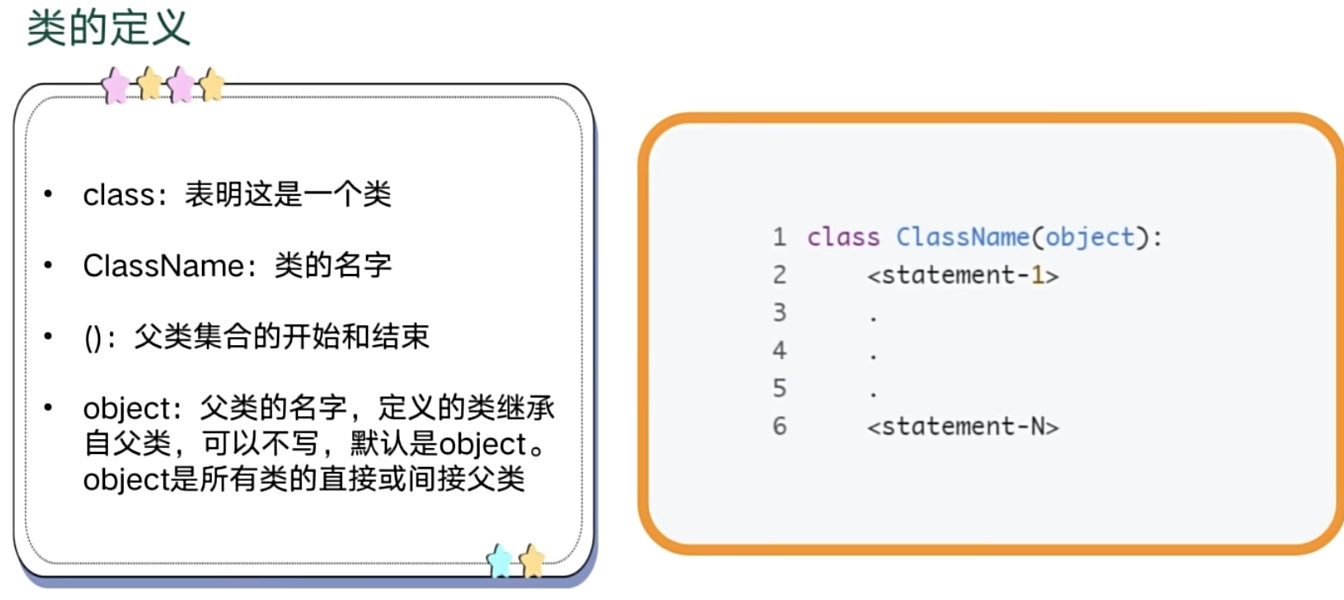
类的定义
类的实例及属性
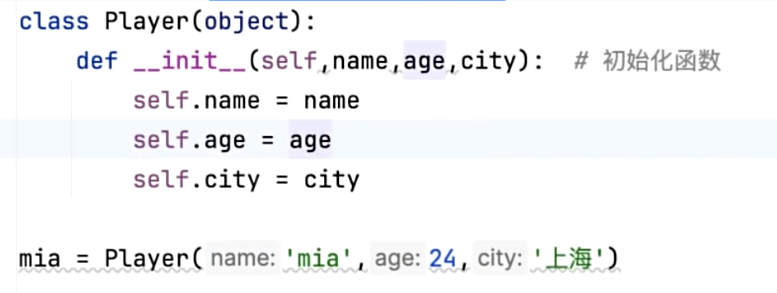
获取实例(对象)的所有属性
print(tom.__dict__)
类的属性
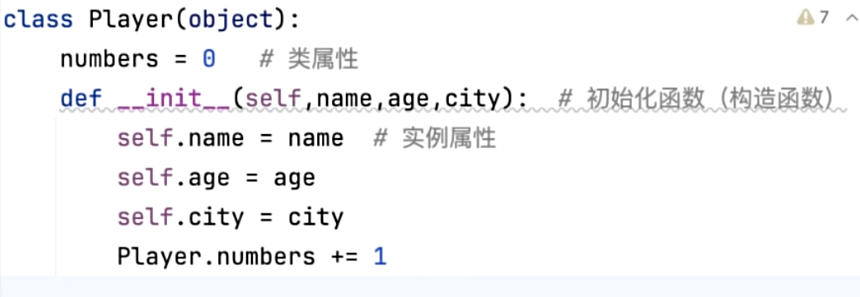
numbers 这个 只要创建一个对象实例就会+1 他是会累加的

实例方法
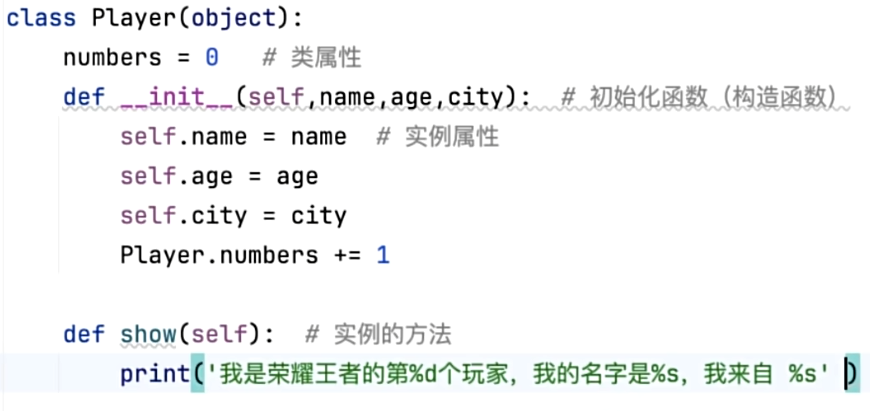
show(self) 调用直接对象点调用

类方法

@classmethod 参数为(cls)

静态方法
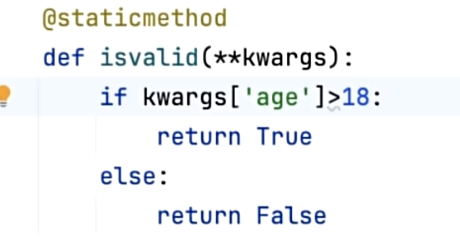
@staticmethod
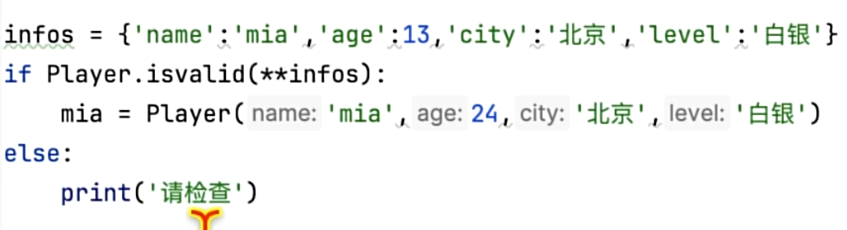
类的继承
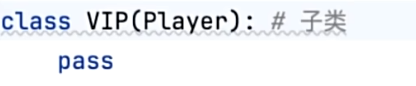
class player(object):
    def __init__(self, name, age):
        self.name = name
        self.age = age

class VIP(player):
    # 重写构造函数
    def __init__(self,name,age, coin):
        # 调用父类的构造函数
        super().__init__(name,age)
        self.coin = coin

mia=VIP(name="mia",age=20,coin=100)

print(mia.__dict__)
类似于Player(object)
其他都类似于类的定义 静态函数 实例方法 构造函数(必须调用父类构造函数)


类的多态
class Animal:
    def __init__(self,name):
        self.name=name
    def speak(self):
        print(self)

class Dog(Animal):
    def __init__(self,name):
        Animal.__init__(self,name)
    def speak(self):
        print(self.name+"汪汪汪")

class Cat(Animal):
    def __init__(self,name):
        Animal.__init__(self,name)
    def speak(self):
        print(self.name+"喵喵喵")

def speak(object):
    object.speak()

pupy = Dog("pupy")
ketty=Cat("ketty")
speak(pupy)
speak(ketty)
pupy汪汪汪
ketty喵喵喵
类的封装
class User(object):
    def __init__(self,name,age):
        # 单下划线  受保护的变量(但是还是可以被访问即可打印或者修改)
        self._name=name
        # 私有变量(不可以被访问  即不可打印或者修改)
        self.__age=age
    # 与变量一样  加单下划线被保护   双下划线则被隐藏
    def _show_infos(self):
        print(self.__dict__)

    # get获取变量   这个函数作为一个变量
    @property
    def age(self):
        return self.__age

    # 变量名.setter    set 修改变量
    @age.setter
    def age(self,age):
        if isinstance(age,int):
            self.__age=int(age)
        else:
            raise Exception('age error')

mia=User("Michael",19)
mia._show_infos()


# 调用
print(mia.age)
mia.age=20
print(mia.age)
{'_name': 'Michael', '_User__age': 19}
19
20
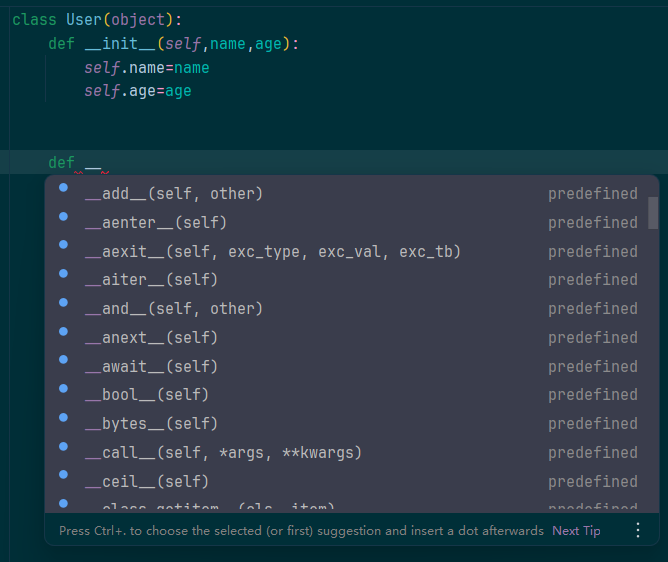
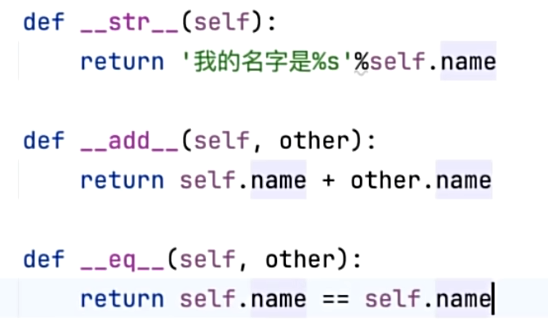
魔法方法
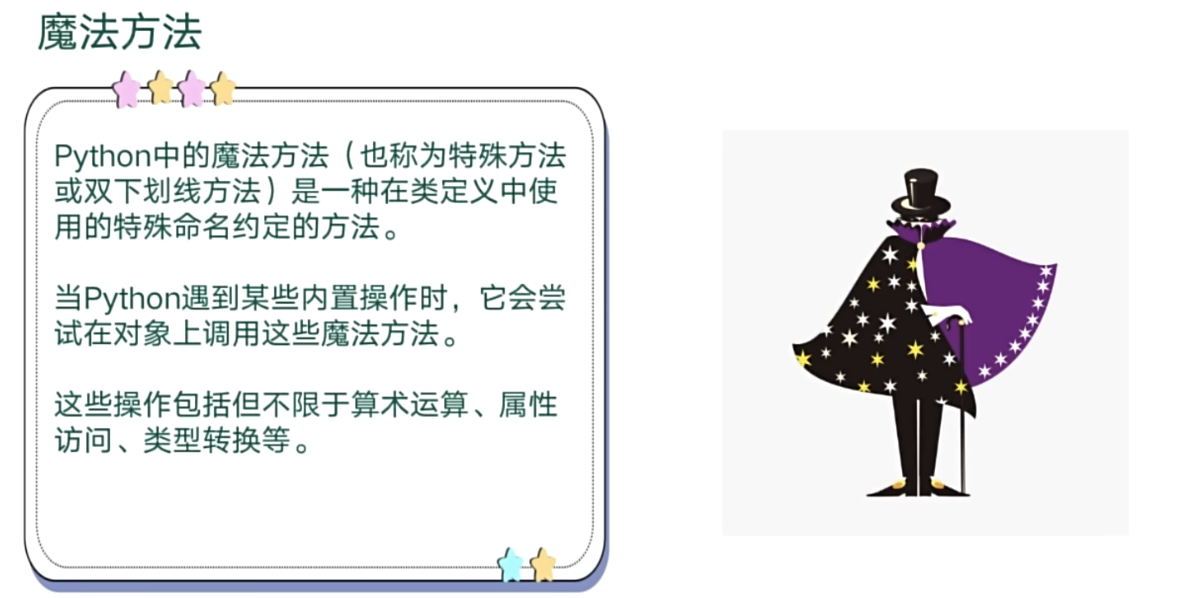
即 __开头的方法
十、文件
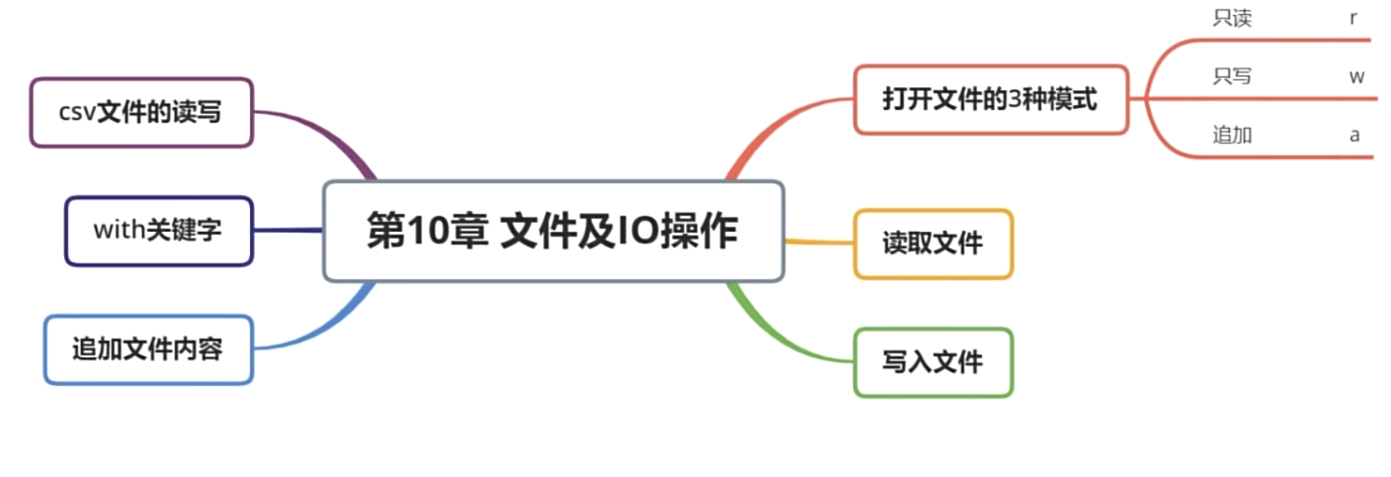
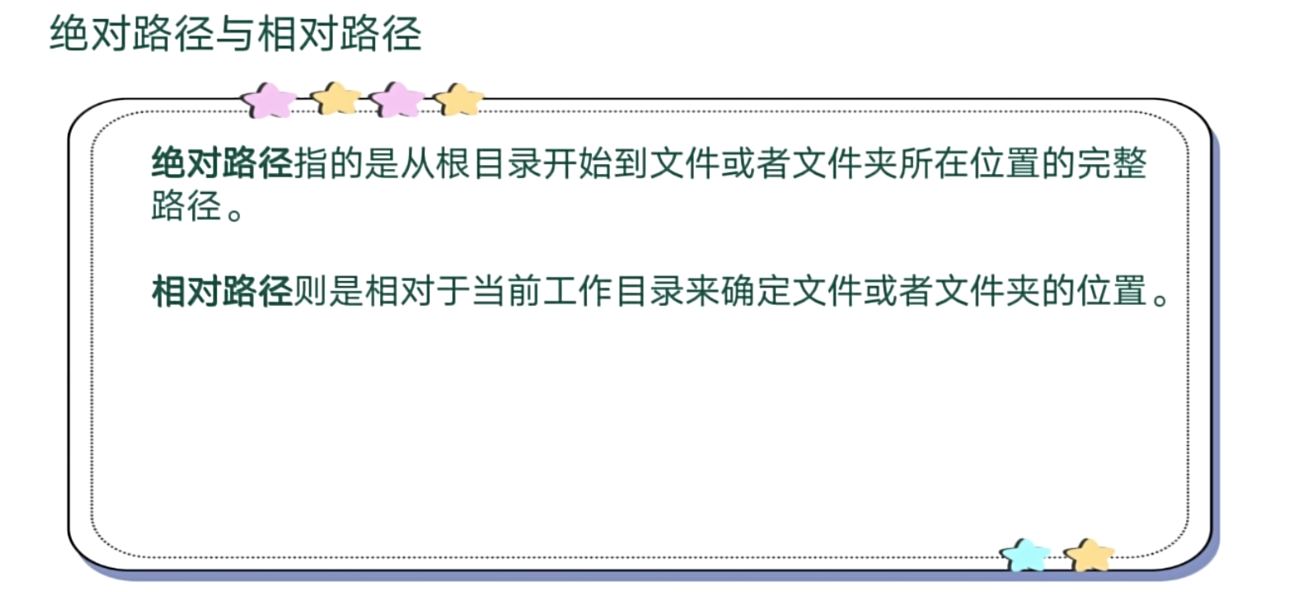
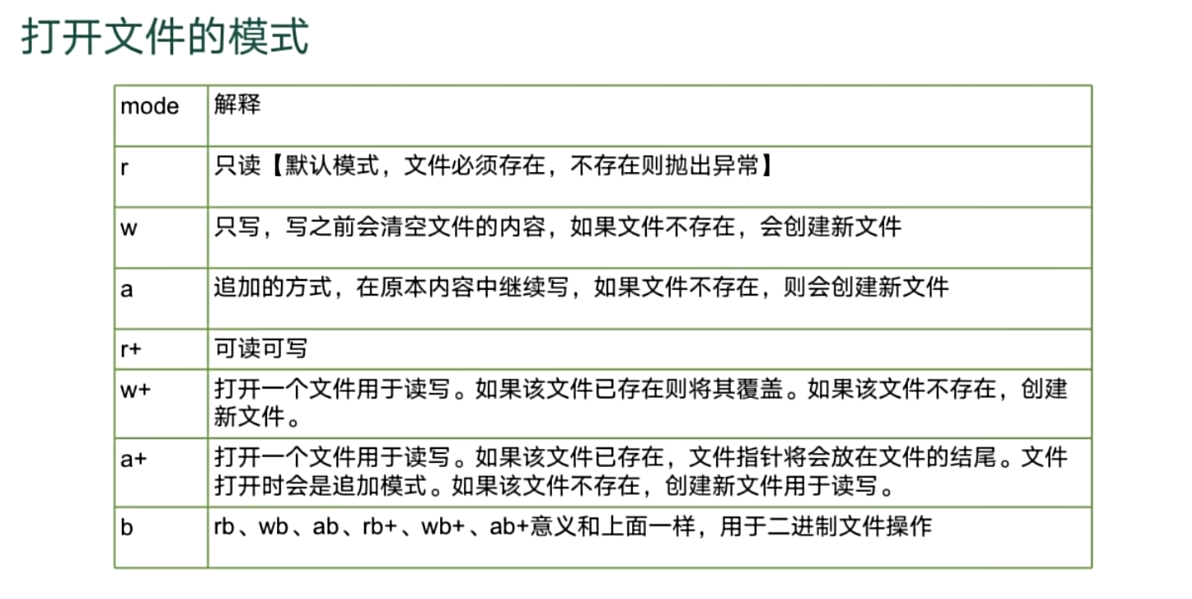
读取文件(只读模式r)
import os
path=os.getcwd()+'/data.txt'

# 打开文件

file=open(path,mode='r',encoding='utf-8')

# 读取文件

# 里面可以指定读取字符数  file.read(5)
# contex=file.read()
# 读取一行
line=file.readline()
# 将每行数据读取存储在字典里面  包含换行符
dictline=file.readlines()
# print(contex)
print(line)
print(dictline)

# 关闭文件

file.close()
# 同一个文件多次读  读完一行就少一行的数据
第一行
['第二行']
覆盖写入文件(只写模式w)
import os
path=os.getcwd()+'/data.txt'

# 打开文件

file=open(path,mode='w',encoding='utf-8')

# 写入文件

file.write("新增内容")
file.writelines(["新增第一行\n","新增第二行\n"])

# 关闭文件

file.close()
追加写入文件(追加模式a)
import os
path=os.getcwd()+'/data.txt'

# 打开文件

file=open(path,mode='a',encoding='utf-8')

# 写入文件

file.write("追加新增内容\n")
file.writelines(["追加新增第一行\n","追加新增第二行\n"])

# 关闭文件

file.close()
文件with
import os
path=os.getcwd()+'/data.txt'

# 自带 file.close()  帮助我们关闭文件

with open(path,mode='a',encoding='utf-8') as file:
    file.write("新增内容")
    file.writelines(["新增第一行\n", "新增第二行ssssshello\n"])
csv文件读取
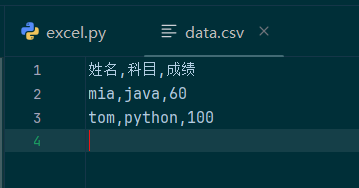
import csv
with open("data.csv",mode='r',encoding='utf-8') as file:
    csv_reader = csv.reader(file)
    # 去除表头信息
    # head=next(csv_reader)
    for row in csv_reader:
        print(row)
['姓名', '科目', '成绩']
['mia', 'java', '60']
['tom', 'python', '100']
csv文件写入
import csv

# newline=""   避免重复换行

with open("data.csv",mode='a',encoding='utf-8',newline="") as file:
    cw=csv.writer(file)
    cw.writerow(['jack','c++','60'])
    list=[['jack','python','70'],['jack','c','80']]
    cw.writerows(list)
有“AI”的1024 = 2048,欢迎大家加入2048 AI社区
更多推荐

 11
11 0
0- 0


 已为社区贡献1条内容

所有评论(0)