vue3项目实战——“微商城”前后台【004】之vue3项目配置搭建
·
上一篇讲到,新建vue3项目, 接下来就是,添砖加瓦。一步一步开发 H5 页面。
- 页面的有很多,就需要路由来管理。
- 还有我们是使用 vant4 来作为UI组件库的,这个也需要安装配置。
- H5页面,所以需要配置 媒体缩放。
meta 标签配置
修改 meta 标签,设置如下。
- width=device-width :确保页面宽度与设备屏幕宽度一致。
- initial-scale=1.0 :设置初始缩放比例为 1(不缩放)。
- user-scalable=no :禁止用户手动缩放页面。
<!doctype html>
<html lang="en">
  <head>
    <meta charset="UTF-8" />
    <link rel="icon" type="image/svg+xml" href="/vite.svg" />
    <meta name="viewport" content="width=device-width, initial-scale=1.0, user-scalable=no" />
    <title>微商城</title>
  </head>
  <body>
    <div id="app"></div>
    <script type="module" src="/src/main.js"></script>
  </body>
</html>
路由配置并测试
安装 Vue Router
npm install vue-router
配置路由
- 在 src 目录下创建 router/index.js 文件,配置路由规则。
import { createRouter, createWebHistory } from 'vue-router'

// 路由配置
const routes = [
    {
        path: '/',
        name: 'Home',
        component: () => import('@/views/Home.vue')
    },
]

// 创建路由实例
const router = createRouter({
    history: createWebHistory(),
    routes
})

export default router
main.js 使用路由
import { createApp } from 'vue'
import App from './App.vue'
import router from './router'


const app = createApp(App)
app.use(router)
app.mount('#app')
在src 目录下创建一个 views/Home.vue
<template>
    <div class="home">
        <h1>欢迎来到微商城首页</h1>
        <p>这里是首页内容区域。</p>
    </div>
</template>

<script setup>
</script>

<style scoped>
.home {
    padding: 40px;
    text-align: center;
}
</style>
路由出口
修改 src 目录下的 App.vue
删掉之前代码,留下一个 路由出口(Route View)
<script setup>
</script>

<template>
  <router-view></router-view>
</template>

<style scoped>
/* 全局样式预留 */
</style>
访问测试
访问测试,效果如下。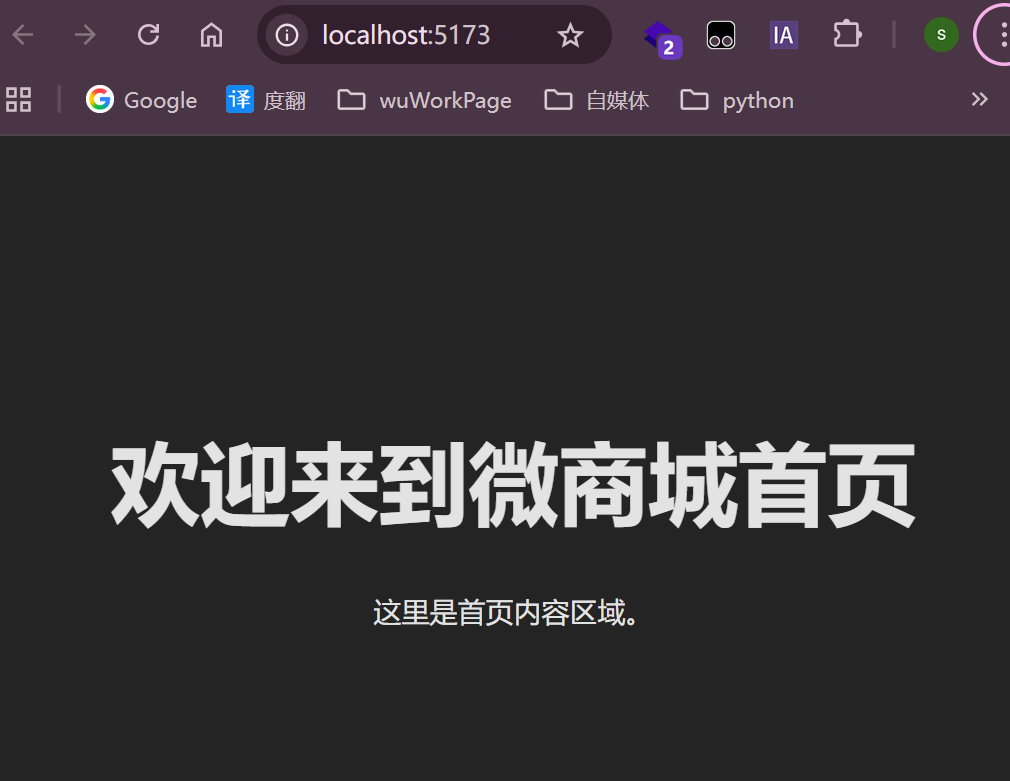
Vant安装使用
UI 组件库
1. 安装 Vant
npm install vant
2. 配置 Vant
在 main.js 中全局引入 Vant 组件库。
import { createApp } from 'vue'
import App from './App.vue'
import router from './router'
import Vant from 'vant'
import 'vant/lib/index.css'

const app = createApp(App)
app.use(router)
app.use(Vant)
app.mount('#app')
Home.vue 验证
src/views/Home.vue
<template>
  <div>
    <h1>Home Page</h1>
    <van-button type="primary">Vant Button</van-button>
  </div>
</template>

<script setup>
</script>

<style scoped>
</style>
验证效果
访问 http://localhost:5173/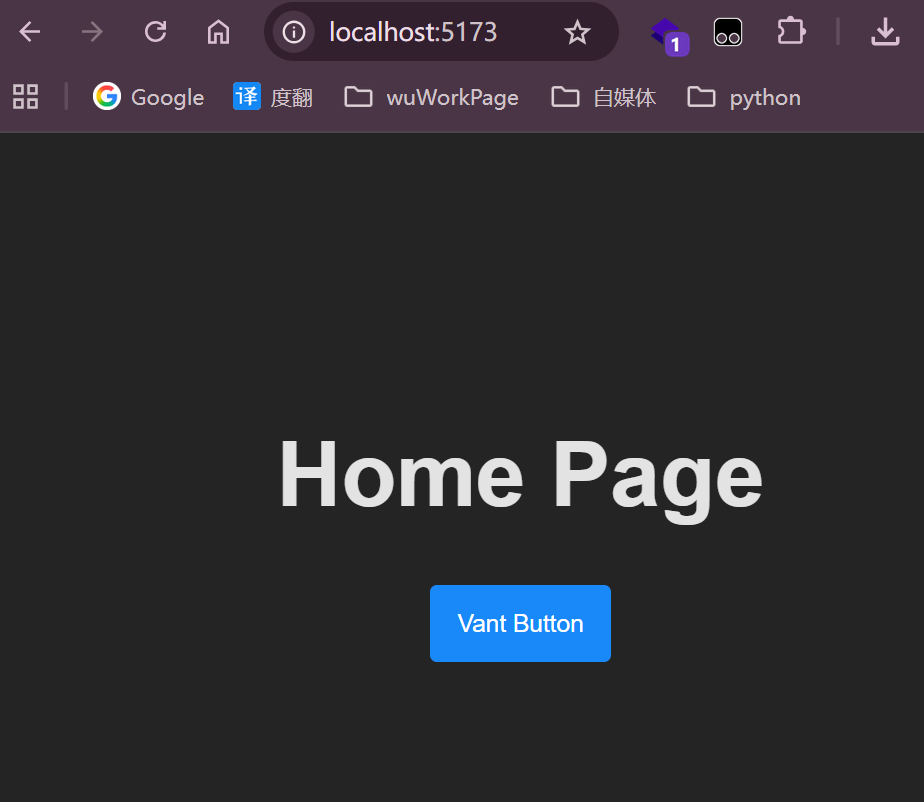

有“AI”的1024 = 2048,欢迎大家加入2048 AI社区
更多推荐


 13
13 0
0- 0


 已为社区贡献10条内容

所有评论(0)