OpenCV-Python——小项目1:实现文档扫描
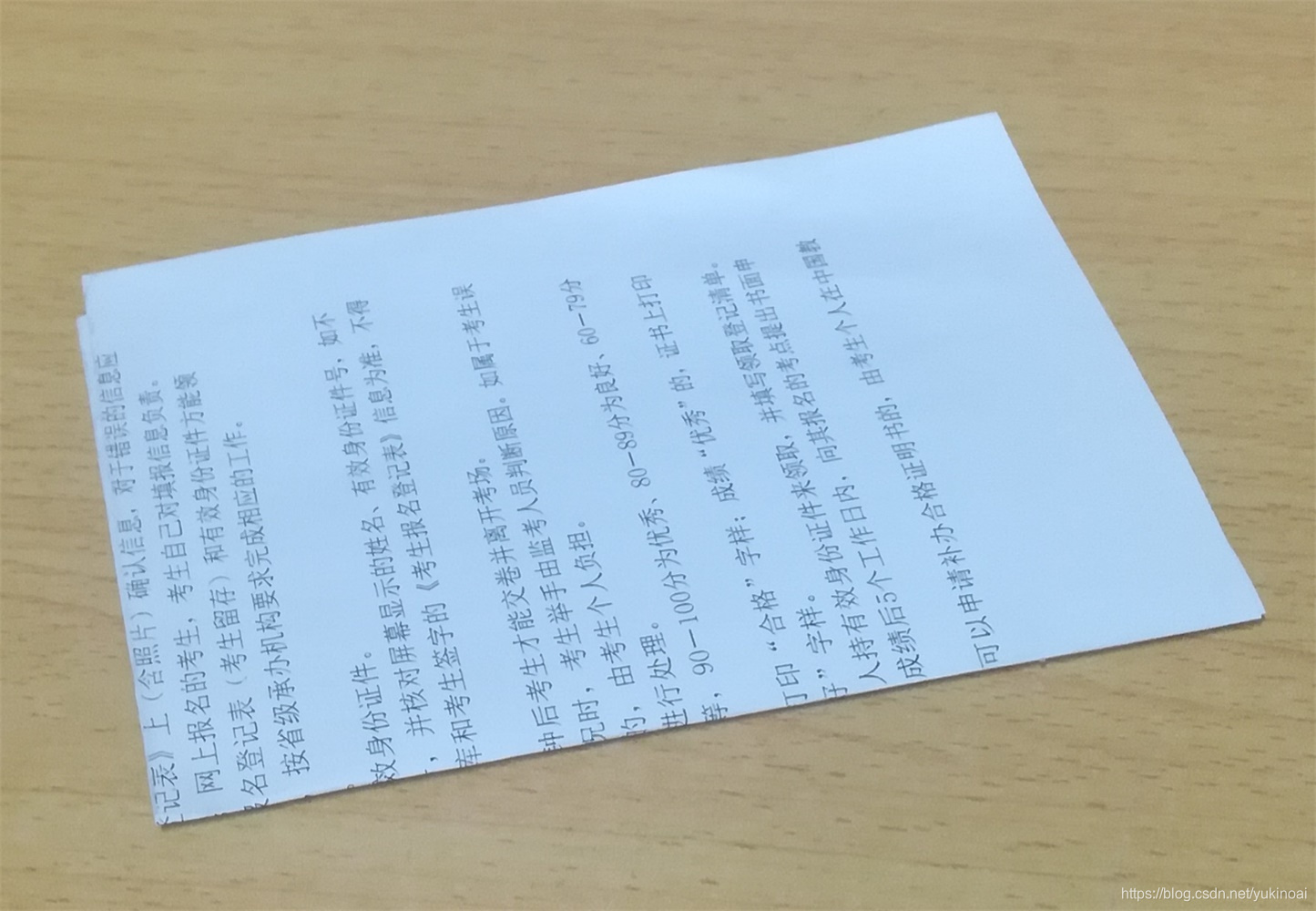
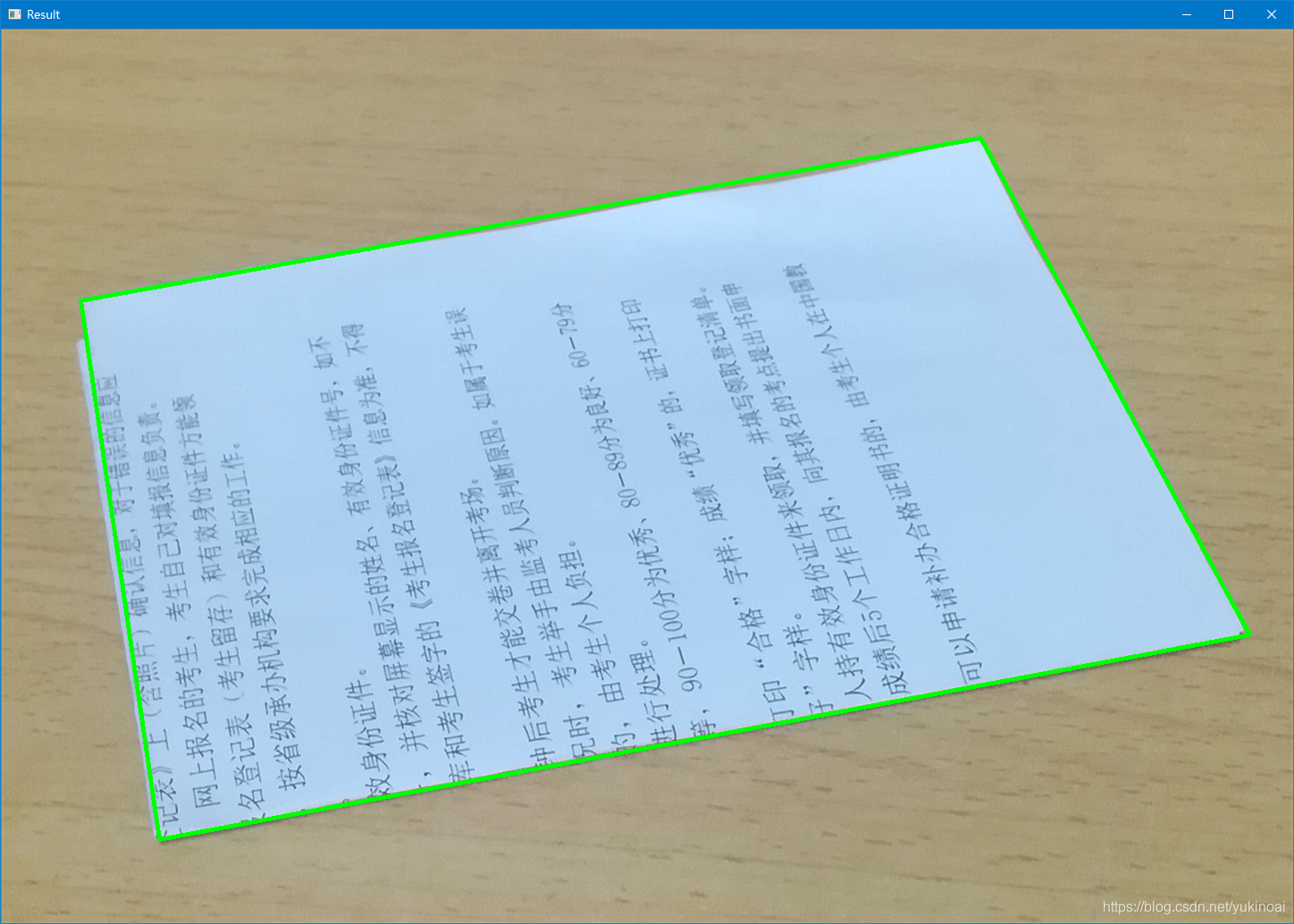
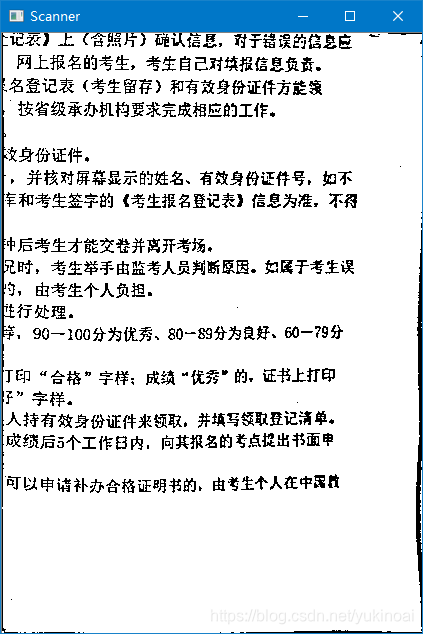
目标:1. 识别图片中的文档并矫正2. 可以旋转结果来调整3. 可以保存。注意:文档与背景差别越大越好。效果如下:原图像:识别结果:矫正结果:程序如下:import cv2import numpy as np# 文档长宽,下面是A4纸比例x = 420# 长y = 600# 宽def preProcessor(img):...
·
目标:
1. 识别图片中的文档并矫正
2. 可以旋转结果来调整
3. 可以保存。
注意:文档与背景差别越大越好。
效果如下:
原图像:
识别结果:
矫正结果:
程序如下:
import cv2
import numpy as np


# 文档长宽,下面是A4纸比例
x = 420  # 长
y = 600  # 宽

def preProcessor(img):
    """
    图片预处理
    """
    gray = cv2.cvtColor(img, cv2.COLOR_BGR2GRAY)  # 灰度
    blurred = cv2.bilateralFilter(gray, 2, 200, 200)  # 双边滤波降噪
    edged = cv2.Canny(blurred, 25, 200)  # 边缘识别
    edged = cv2.dilate(edged, cv2.getStructuringElement(cv2.MORPH_RECT, (3, 3)))  # 膨胀连接边缘
    cnts = cv2.findContours(edged.copy(), cv2.RETR_EXTERNAL, cv2.CHAIN_APPROX_SIMPLE)  # 寻找轮廓
    cnts = cnts[1]  # 最外轮廓
    docCnt = None  # 文档轮廓

    # 确保至少找到一个轮廓
    if len(cnts) > 0:
        # 按轮廓面积降序排列
        cnts = sorted(cnts, key=cv2.contourArea, reverse=True)
        for c in cnts:
            # 近似轮廓
            peri = cv2.arcLength(c, True)  # 获取轮廓周长
            approx = cv2.approxPolyDP(c, 0.02 * peri, True)  # 多边形拟合,输出多边形顶点
            # 如果我们的近似轮廓有四个顶点,则确定找到了文档
            if len(approx) == 4:
                docCnt = approx
                break
    cv2.polylines(img, [docCnt], True, (0, 255, 0), 3)  # 画出轮廓
    return [i[0] for i in docCnt]


def transform(img, mp, dp):
    """
    透视变换,mp:原图像点, dp:目标图像点
    """
    global x
    global y
    # 修改点的格式
    pts1 = np.float32(mp)
    pts2 = np.float32(dp)

    # 生成透视矩阵
    M = cv2.getPerspectiveTransform(pts1, pts2)

    # 转换
    dst = cv2.warpPerspective(img, M, (x, y))
    return dst


def enhance(img):
    """
    增强显示
    """
    dst = cv2.cvtColor(img, cv2.COLOR_BGR2GRAY)
    # 自适应阈值
    th = cv2.adaptiveThreshold(dst, 255, cv2.ADAPTIVE_THRESH_MEAN_C, cv2.THRESH_BINARY, 11, 5)
    return th


def show(img):
    """
    绘图
    """
    global x
    global y
    cv2.imshow('Scanner', img)
    k = cv2.waitKey(0)
    if k == 27:  # 按ESC退出
        cv2.destroyAllWindows()
    elif k == ord('r'):  # 按r旋转结果
        init = [[0, 0], [x, 0], [x, y], [0, y]]
        dstp = init[1:] + init[:1]
        img = transform(img, init, dstp)
        show(img)
    elif k == ord('s'):  # 按s保存图片
        cv2.imwrite('Scanned5.png')


if __name__ == "__main__":
    img = cv2.imread("doc2.jpg")
    src = img.copy()
    mp = preProcessor(img)
    cv2.imshow('Result', img)
    dp = [[0, y], [x, y], [x, 0], [0, 0]]
    docimg = transform(src, mp, dp)
    docimg = enhance(docimg)
    cv2.namedWindow('Scanner', cv2.WINDOW_NORMAL)
    show(docimg)
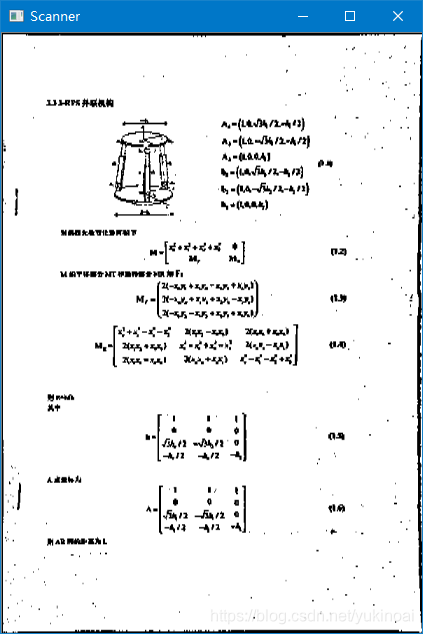
原图不清楚的话,扫描后也看不清:
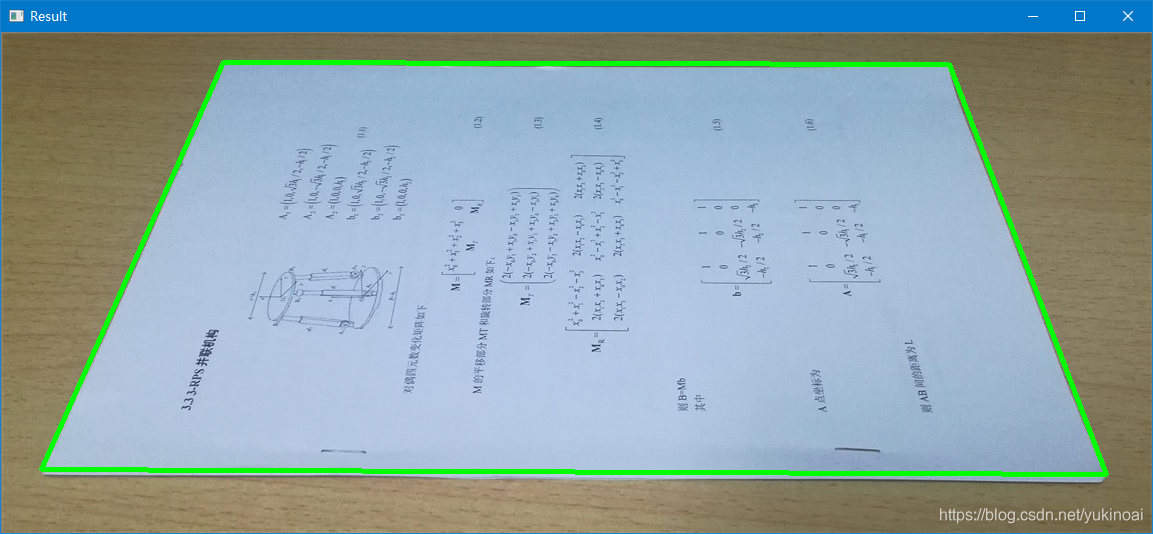
扫描结果,刚识别完方向不对,可以按r调整:

有“AI”的1024 = 2048,欢迎大家加入2048 AI社区
更多推荐


 8
8 0
0- 0


 已为社区贡献13条内容

所有评论(0)