Jupyter Notebook 闪退 + 报错cannot import name ‘Callable‘ from ‘traitlets‘
·
前言
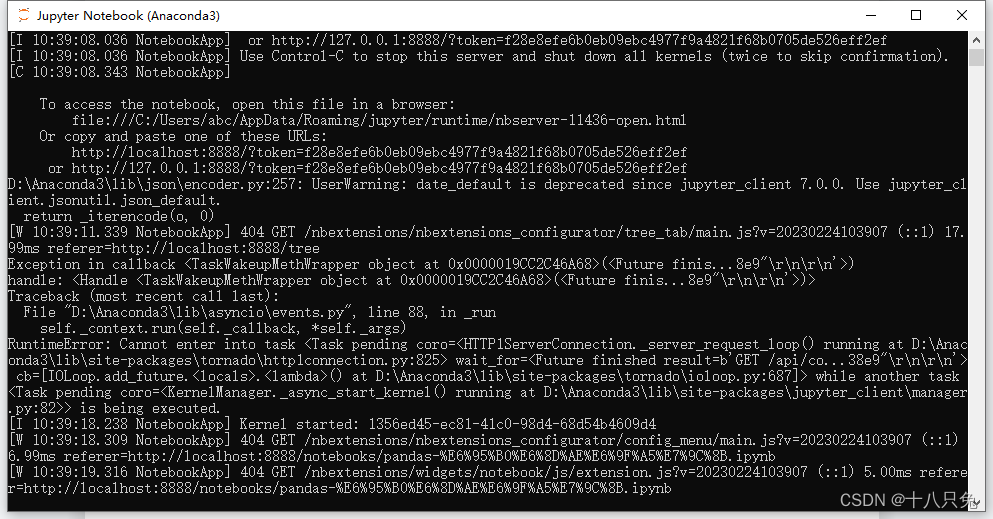
打开Jupyter Notebook的时候出现闪退:下面窗口的内容都没加载出来就闪退了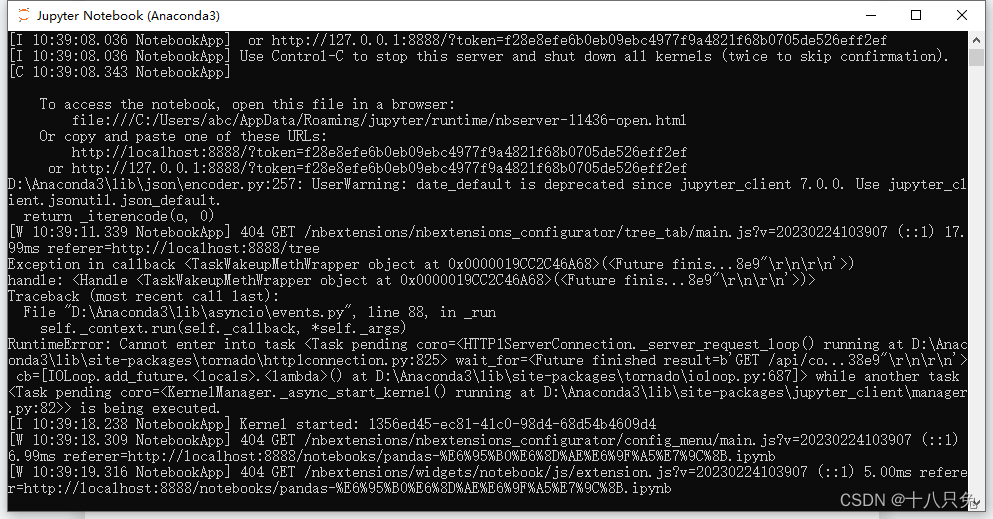
解决
step1:在cmd窗口输入jupyter notebook
jupyter notebook
报错:cannot import name ‘Callable’ from ‘traitlets’ (D:\Anaconda3\lib\site-packages\traitlets_init_.py)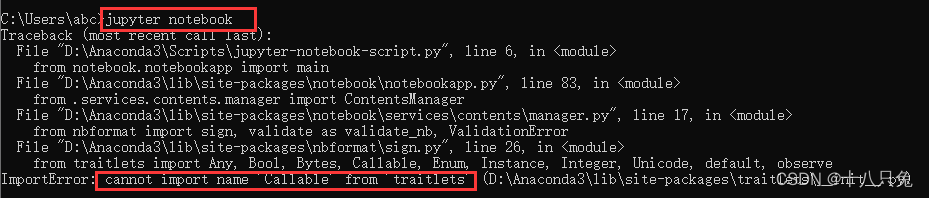
导入traitlets的内容报错,可以重新安装traitlets这个包
step2:使用pip重新安装traitlets
python -m pip install traitlets -U --force-reinstall
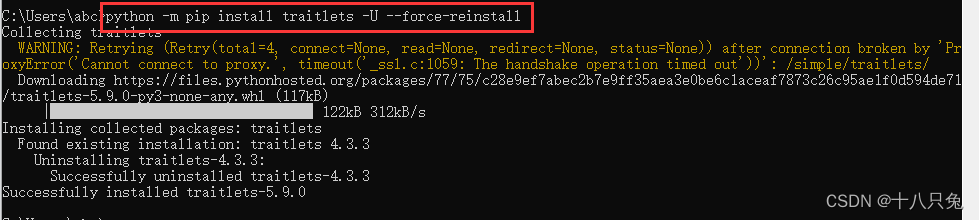
step3:重新打开Jupyter Notebook
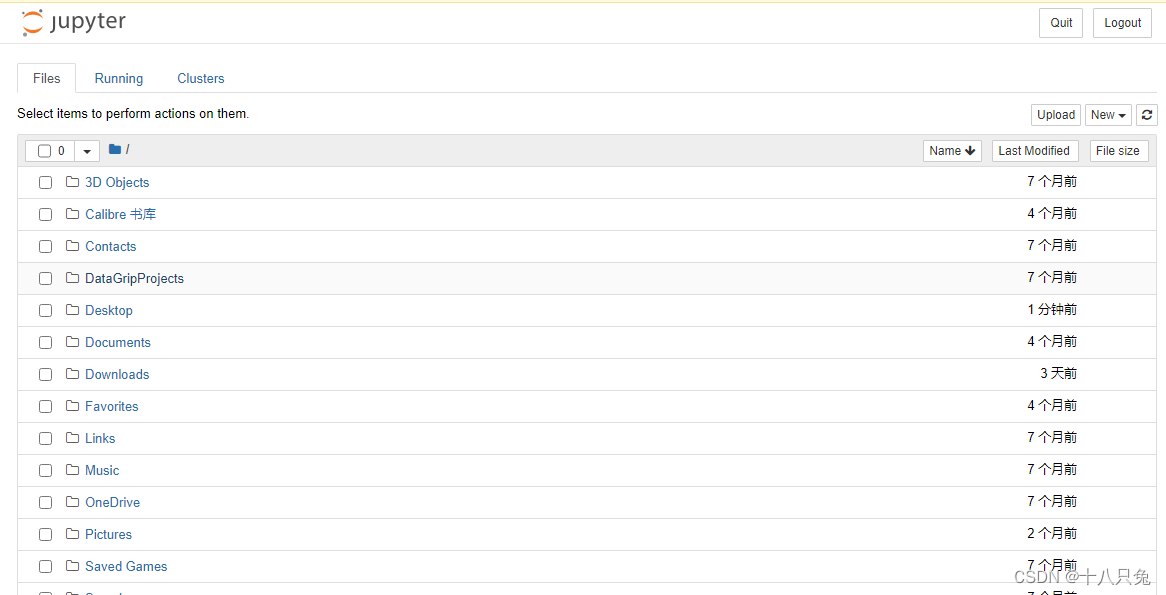
可以成功打开Jupyter Notebook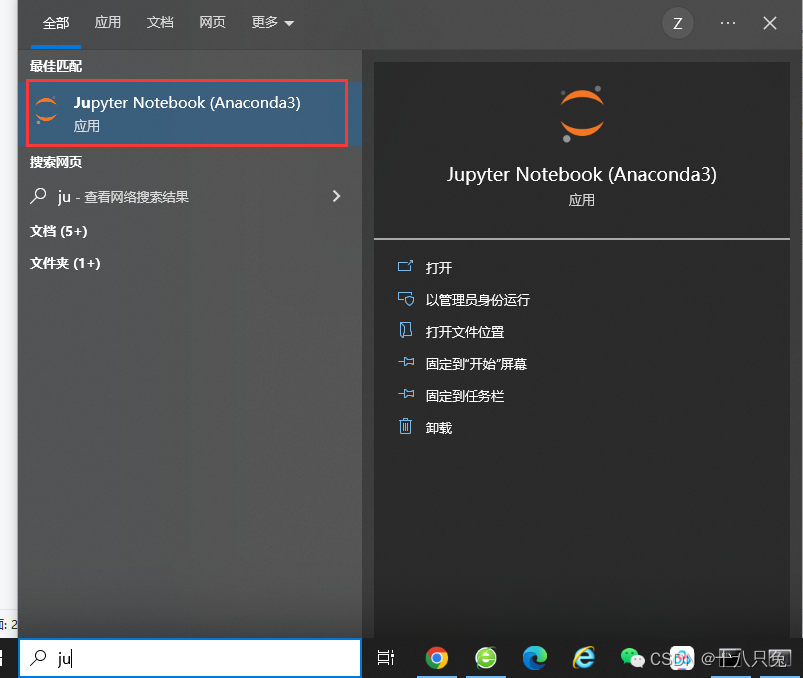

有“AI”的1024 = 2048,欢迎大家加入2048 AI社区
更多推荐


 8
8 0
0- 0


 已为社区贡献4条内容

所有评论(0)