uniapp转换markdown
4. 在dist目录下,把文件夹dist改名为towxml,在uni-app项目根目录中新建wxcomponents目录,将towxml复制进去。5.在towxml/decode.json中修改路径。2.需要克隆项目到本地或直接到项目地址下载压缩包。3.安装依赖后在本地执行build编译代码。AI智能体 微信小程序 流式。7.在需要页面加入下面代码。1.安装Node.js。6.在需要使用的页面。中
·
效果
AI智能体 微信小程序 流式
1.安装Node.js
参考:2024最新版Node.js下载安装及环境配置教程(非常详细)_node.js 安装-CSDN博客
2.需要克隆项目到本地或直接到项目地址下载压缩包。
参考:uniapp中解析markdown支持网页和小程序_uniapp markdown-CSDN博客
git clone https://github.com/sbfkcel/towxml.git
3.安装依赖后在本地执行build编译代码
npm install
npm run build
4. 在dist目录下,把文件夹dist改名为towxml,在uni-app项目根目录中新建wxcomponents目录,将towxml复制进去。
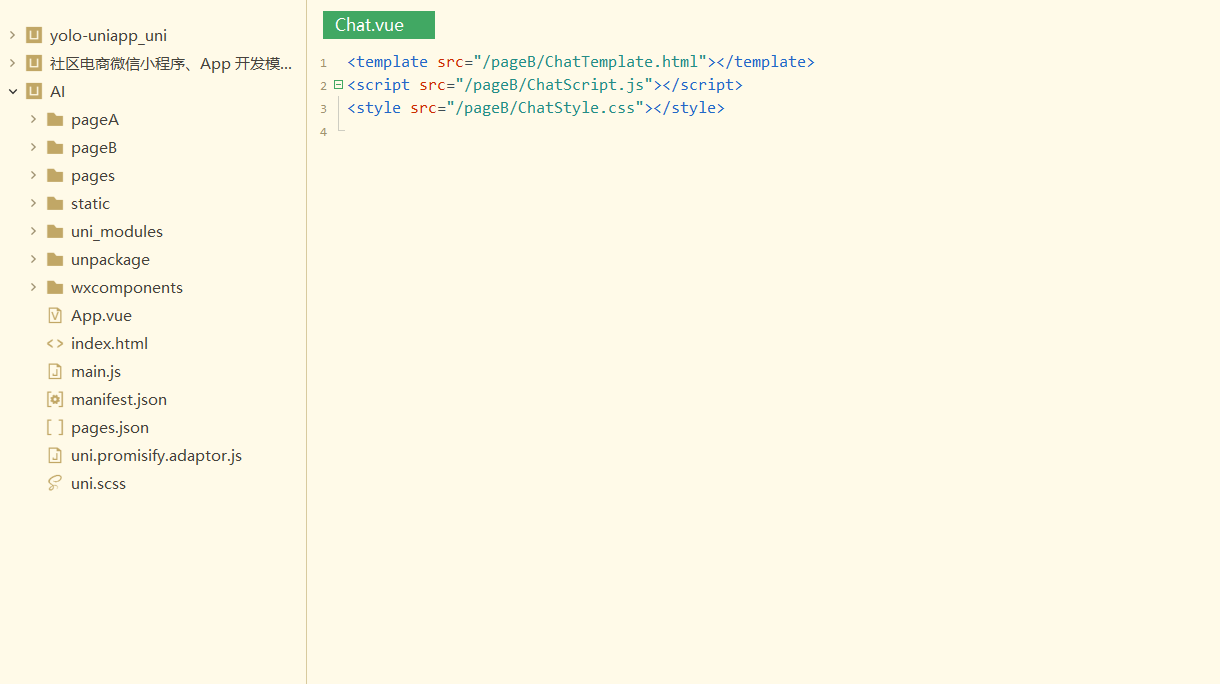
5.在towxml/decode.json中修改路径
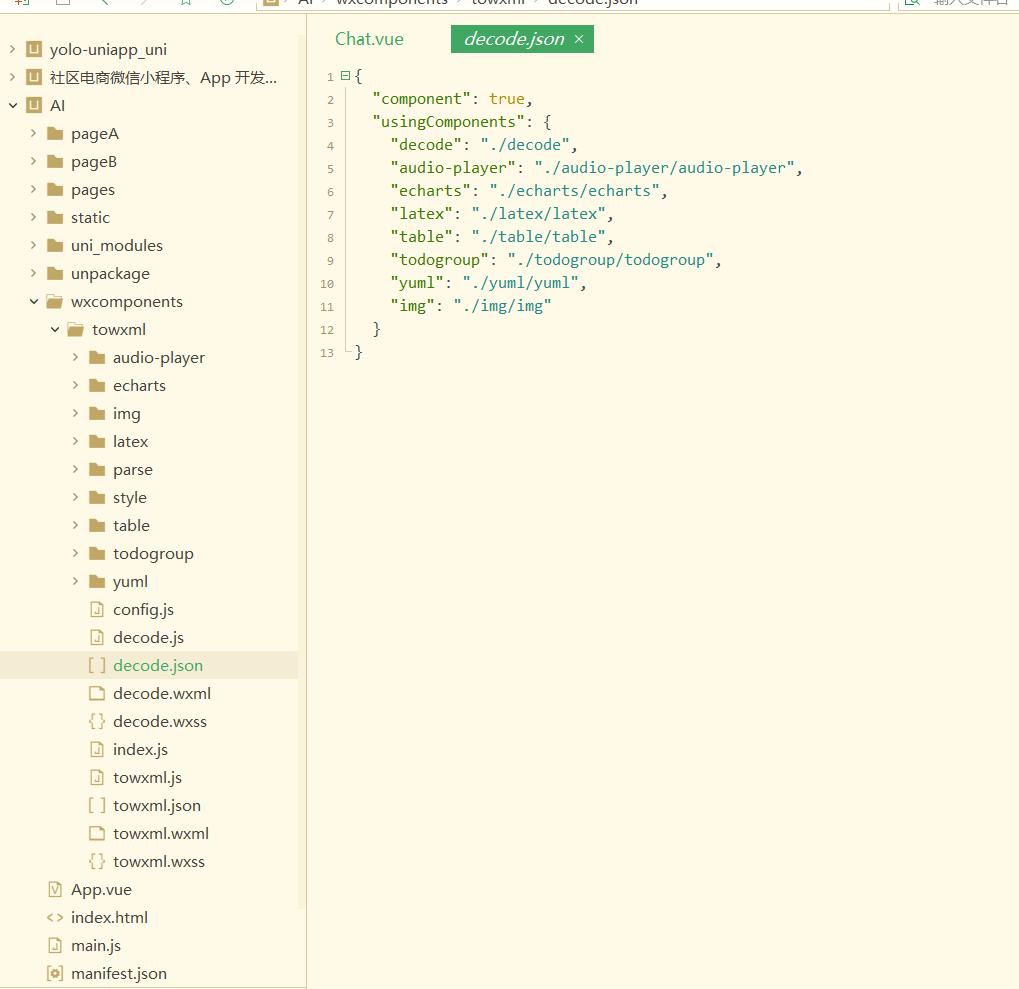
6.在需要使用的页面pages.json中添加组件配置,引入towxml组件
{
  "path": "pages/page/page",
  "style": {
  "usingComponents": {
  	"towxml": "/wxcomponents/towxml/towxml"
  }
}
7.在需要页面加入下面代码
const towxml = require("../wxcomponents/towxml/index.js");

<towxml  v-if="msg.html" :nodes="msg.html" />

"globalStyle": {
        "navigationBarTextStyle": "white",
        "navigationBarTitleText": "牛小智",
        "navigationBarBackgroundColor": "#00aa7f",
        "backgroundColor": "#ffffff",
        // #ifdef MP-WEIXIN
        "usingComponents": {
            "towxml": "/wxcomponents/towxml/towxml",
            "decode": "/wxcomponents/towxml/decode"
        }
        // #endif
    },
有“AI”的1024 = 2048,欢迎大家加入2048 AI社区
更多推荐


 3
3 0
0- 0


 已为社区贡献2条内容

所有评论(0)