Anaconda下载与安装
Anaconda解决了官方Python的两大痛点:(1)提供了包管理功能,Windows平台安装第三方包经常失败的场景得以解决。(2)提供环境管理功能,解决了多版本Python并存、切换的问题。1、下载https://www.anaconda.com/https://www.anaconda.com/download/#download2、安装等待一段时间3、配置国...
·
Anaconda解决了官方Python的两大痛点:
(1)提供了包管理功能,Windows平台安装第三方包经常失败的场景得以解决。
(2)提供环境管理功能,解决了多版本Python并存、切换的问题。
1、下载
https://www.anaconda.com/download/#download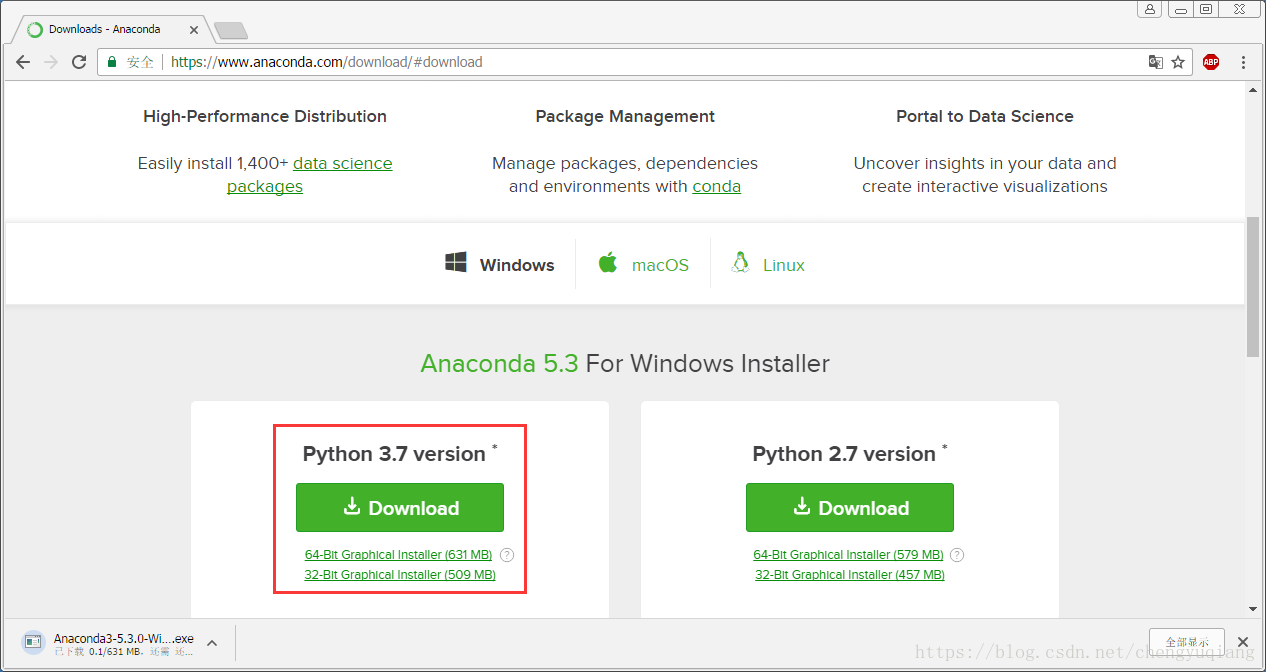
2、安装
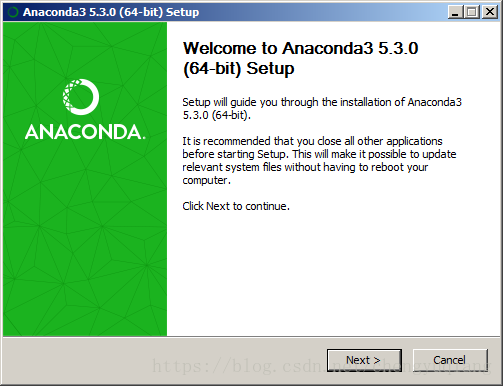
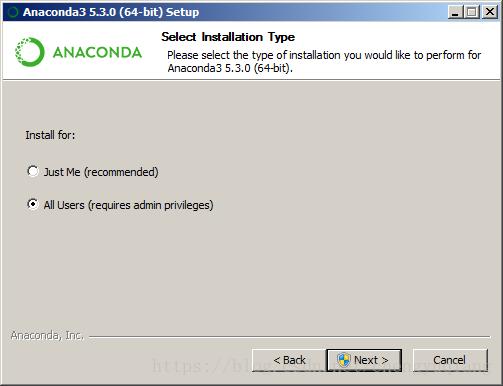
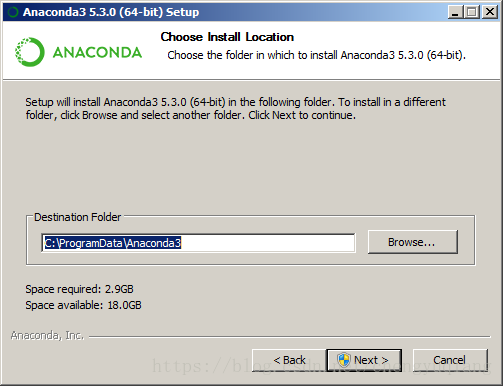
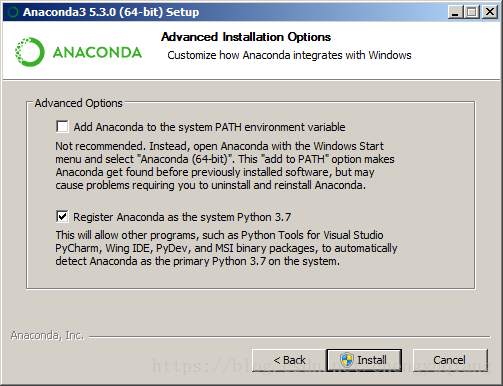
等待一段时间
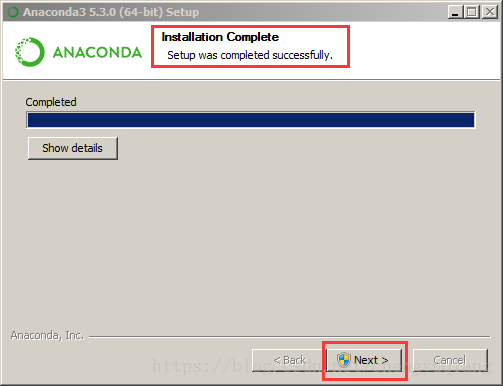
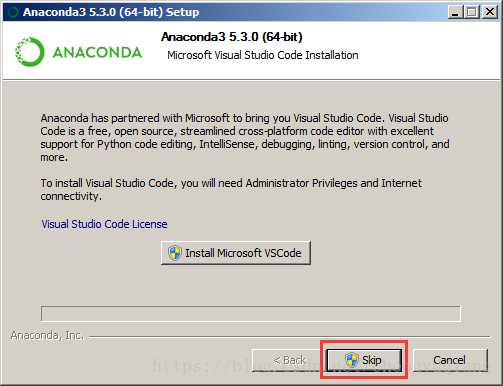
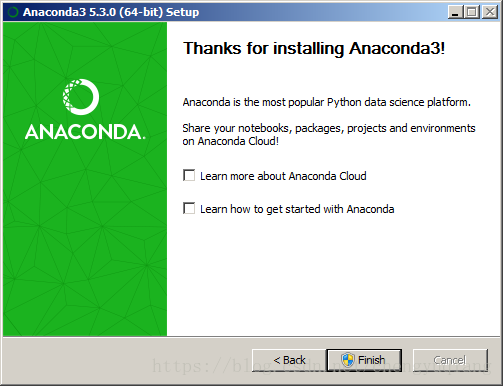
3、配置国内镜像
http://docs.anaconda.com/anaconda/user-guide/getting-started/
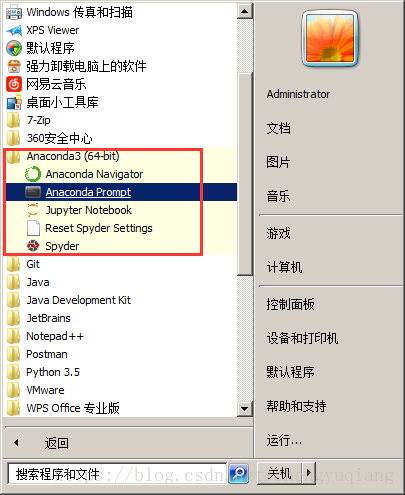
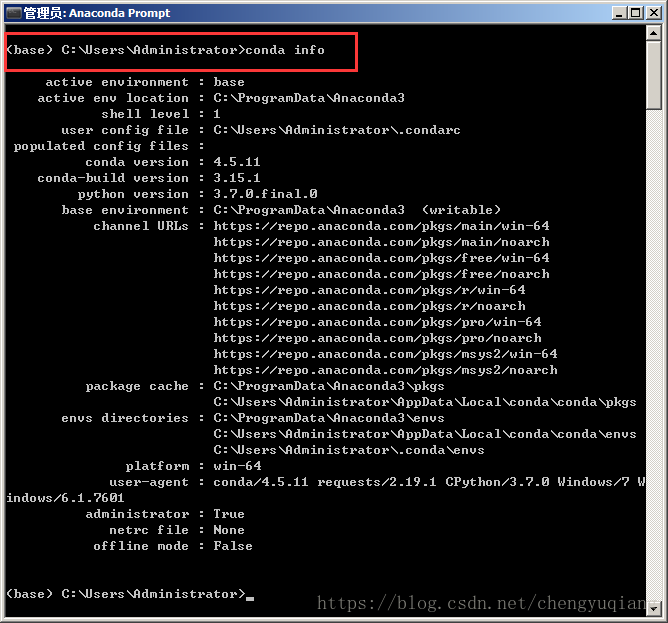
conda info
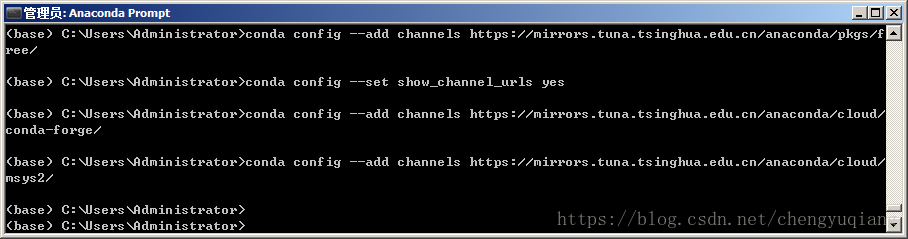
conda config --add channels https://mirrors.tuna.tsinghua.edu.cn/anaconda/pkgs/free/
conda config --set show_channel_urls yes
conda config --add channels https://mirrors.tuna.tsinghua.edu.cn/anaconda/cloud/conda-forge/
conda config --add channels https://mirrors.tuna.tsinghua.edu.cn/anaconda/cloud/msys2/
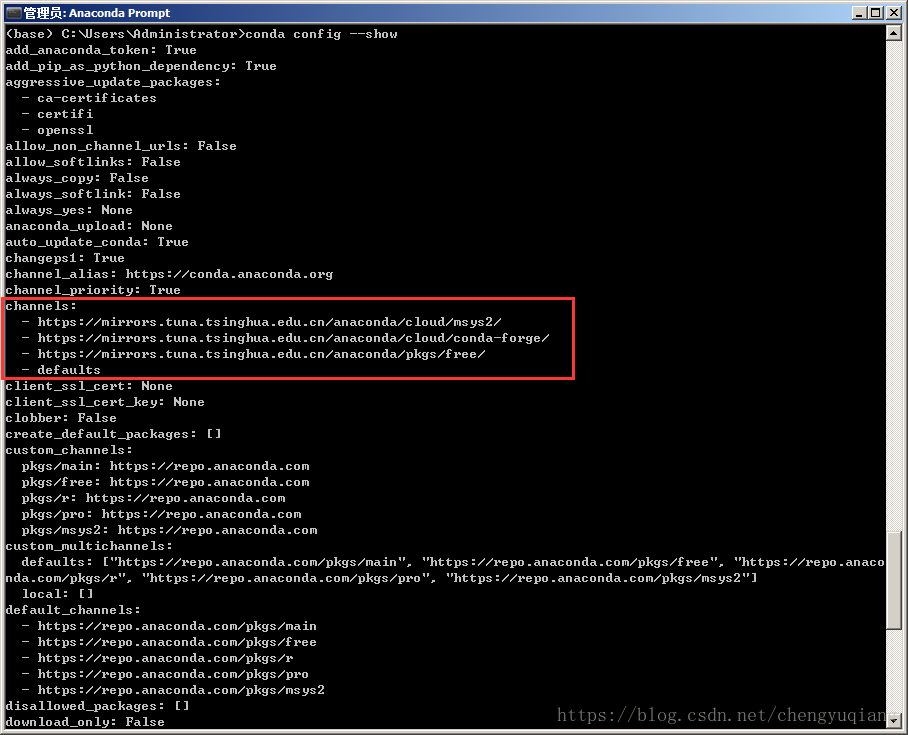
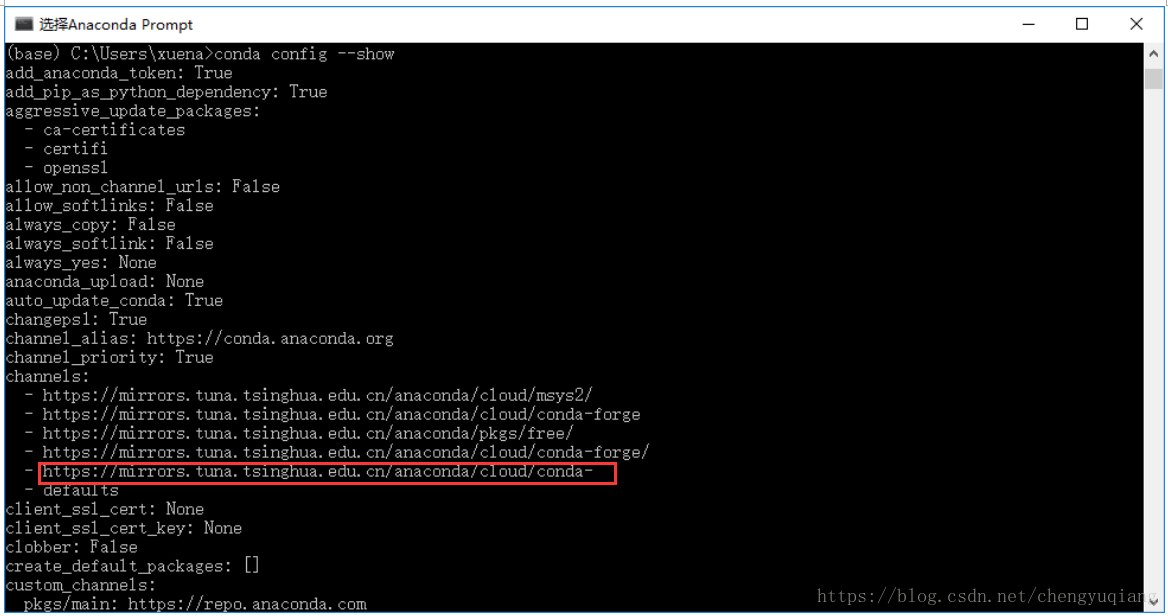
conda config --show
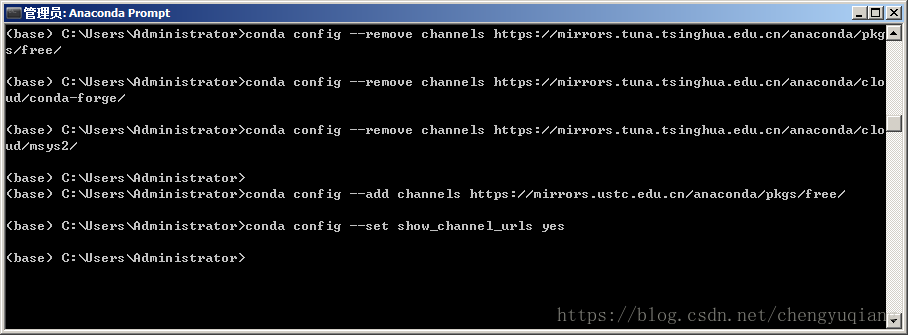
4、删除镜像
最近发现清华镜像有问题,改用科大镜像试试。
conda config --remove channels https://mirrors.tuna.tsinghua.edu.cn/anaconda/pkgs/free/
conda config --remove channels https://mirrors.tuna.tsinghua.edu.cn/anaconda/cloud/conda-forge/
conda config --remove channels https://mirrors.tuna.tsinghua.edu.cn/anaconda/cloud/msys2/
conda config --add channels https://mirrors.ustc.edu.cn/anaconda/pkgs/free/
conda config --set show_channel_urls yes
conda config --remove channels https://mirrors.tuna.tsinghua.edu.cn/anaconda/pkgs/free/


有“AI”的1024 = 2048,欢迎大家加入2048 AI社区
更多推荐

 2
2 0
0- 0


 已为社区贡献1条内容

所有评论(0)