windows ping长包命令显示时间、记录日志
windows 使用ping命令执行长包,进行网络监控,记录日志
·
windows ping长包命令显示时间、记录日志
写一个windows的bat脚本,可以执行网络状态监控,查看网站是否丢包,在后台一直执行,记录日志和时间
1、新建ping_test.txt文档,将以下命令粘贴进去
@echo off
set /p host=host:
set logfile=ping_%host%.log
echo Target Host=%host% > %logfile%

:loop
for /f "tokens=*" %%A in ('ping %host% -n 1') do (
echo %date:~0,-3% %time:~0,-3% %%A>>%logfile%
echo %date:~0,-3% %time:~0,-3% %%A
timeout /t 1 /nobreak>nul
goto loop
)
pause>nul
2、修改ping_test.txt文件后缀ping_test.bat
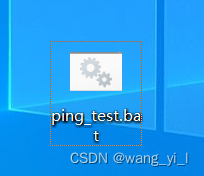
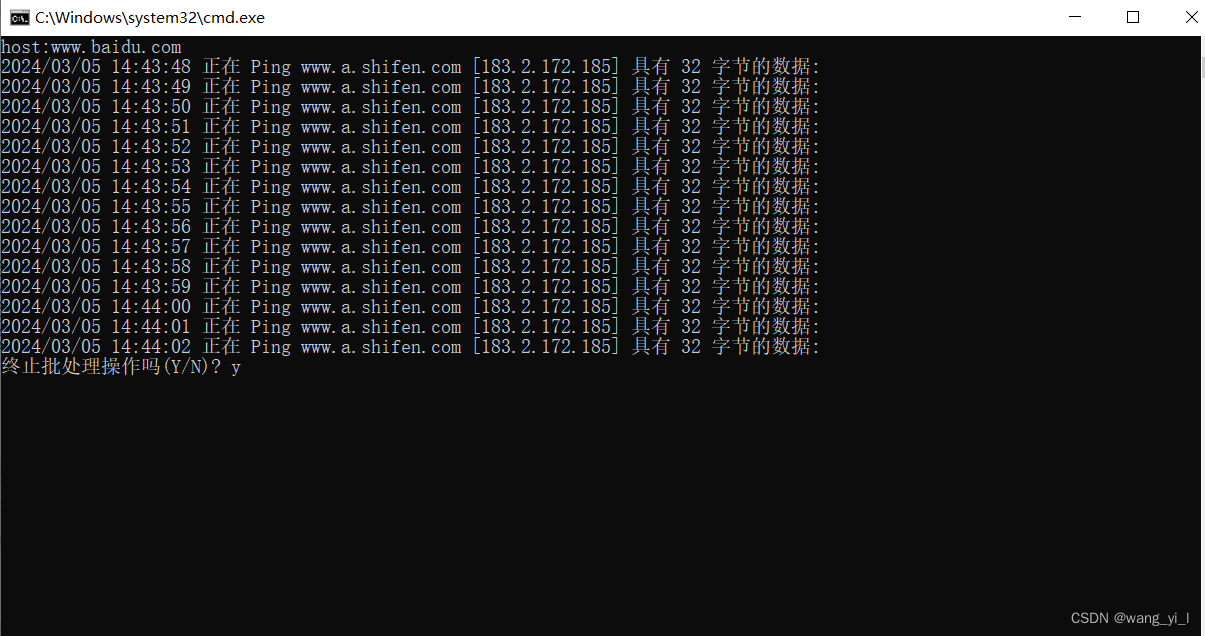
3、双击ping_test.bat,在弹框中输入要ping的网址然后回车
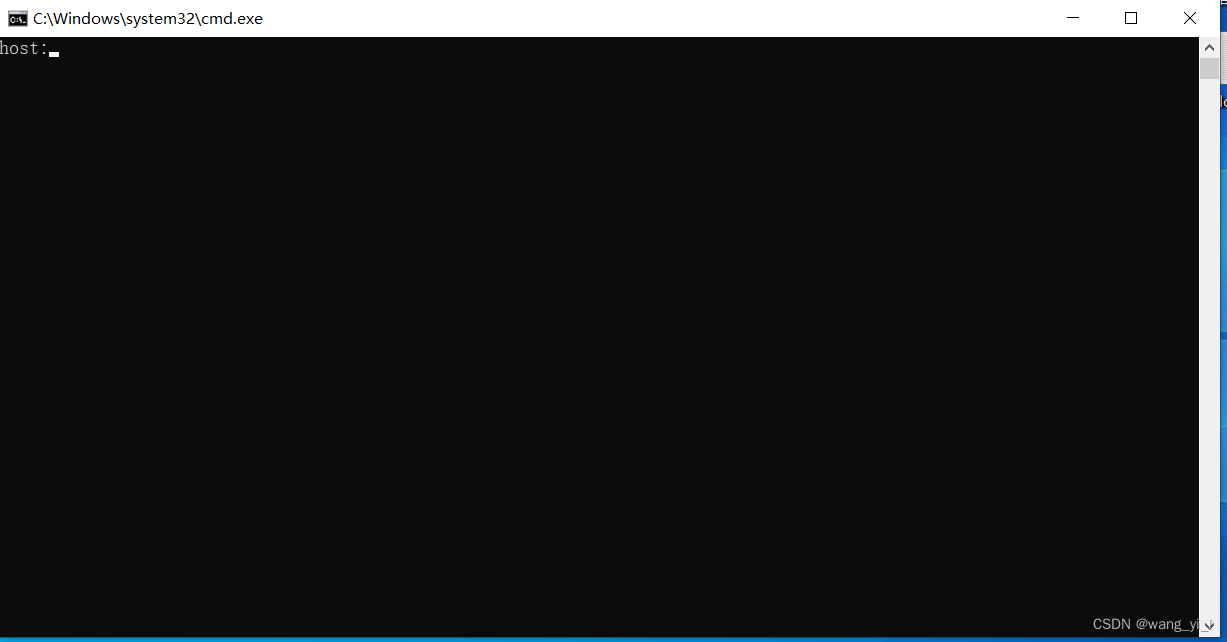
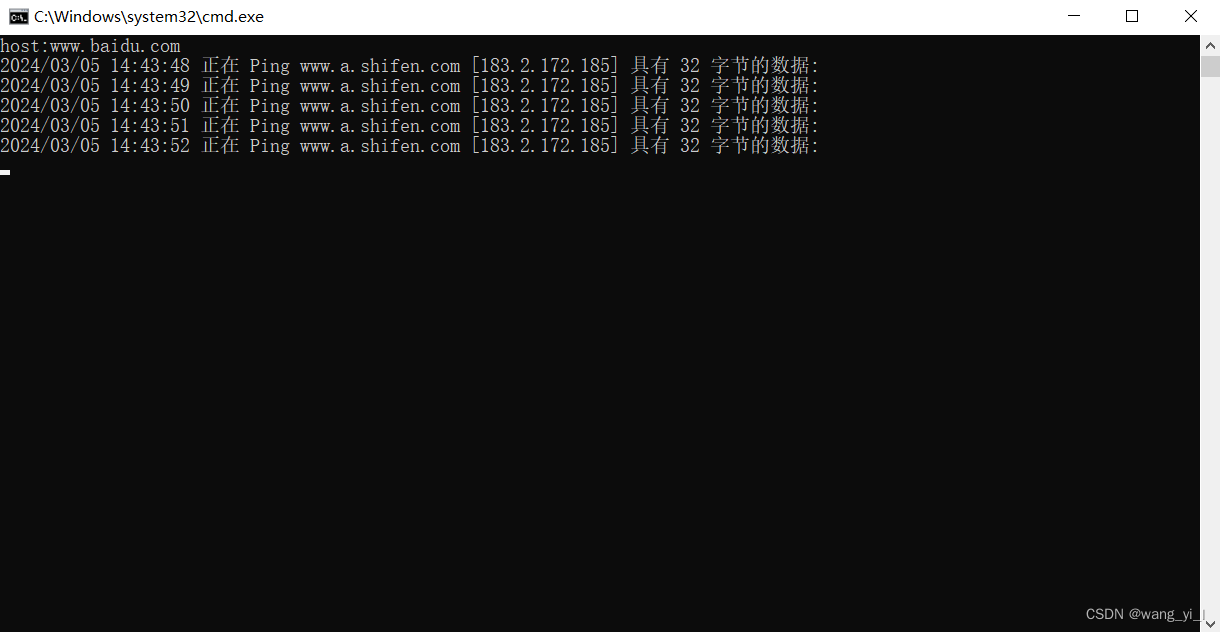
4、查看日志,日志的名称在ping_test.bat相同的文件夹下,日志的名称是ping_%host%.log,%host%为弹框输入的网址
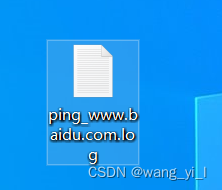
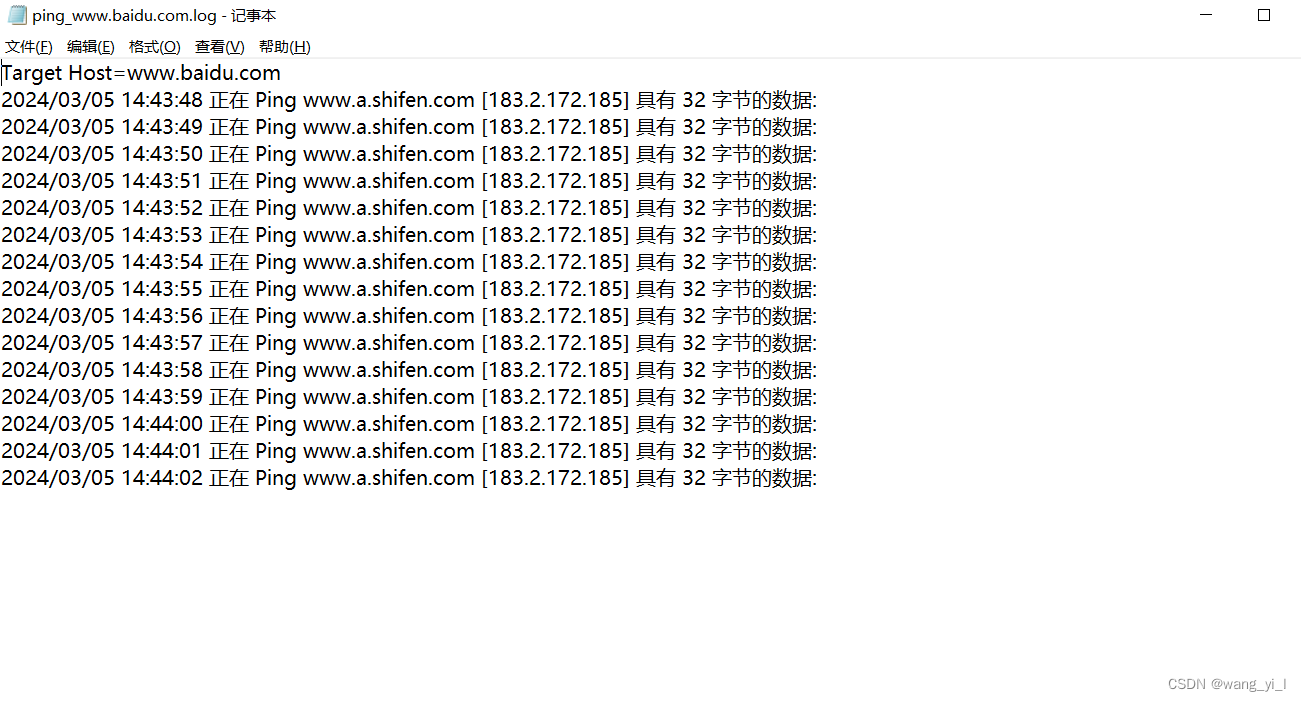
5、取消,按ctrl+c 输入y 或者关闭弹框

有“AI”的1024 = 2048,欢迎大家加入2048 AI社区
更多推荐



 9
9 0
0- 0


 已为社区贡献2条内容

所有评论(0)