OSM数据下载及两种格式转换方法(shp等格式)
OSM数据下载及两种常用的格式转换方法1、首先打开OSM官网:https://www.openstreetmap.org2、先注册账号,再选择左上角的 导出3、点击 手动选择不同的区域4、导出即可5、格式准换可以考虑以下两种方法,一是试用ArcGIS Editor for OpenStreetMap,是一个插件各版本下载地址为:10.2:http://www.a...
OSM数据下载及两种常用的格式转换方法
1、首先打开OSM官网:https://www.openstreetmap.org
2、先注册账号,再选择左上角的 导出
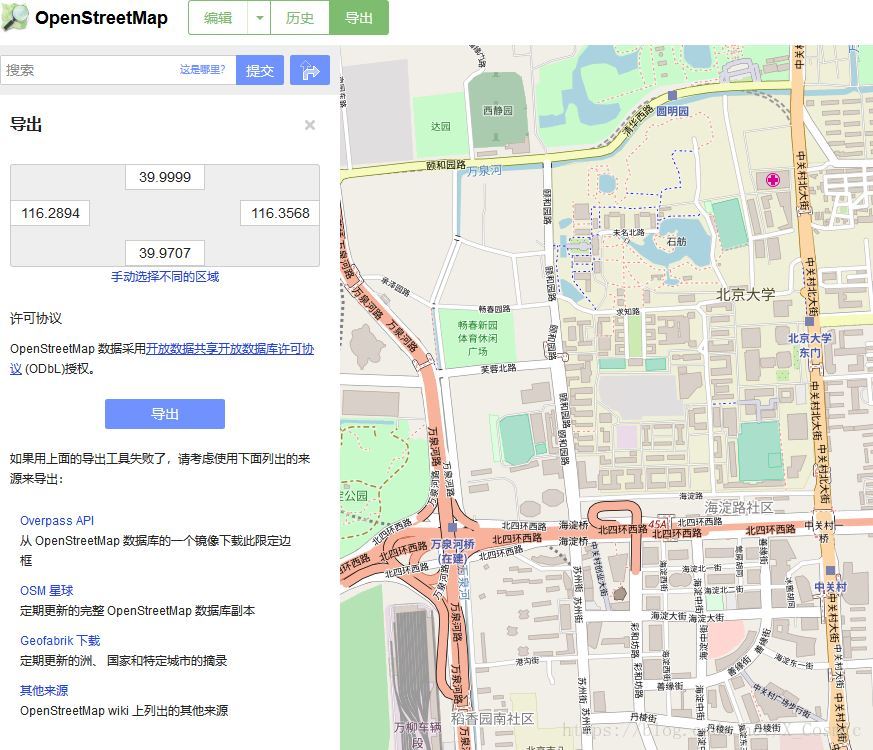
3、点击 手动选择不同的区域
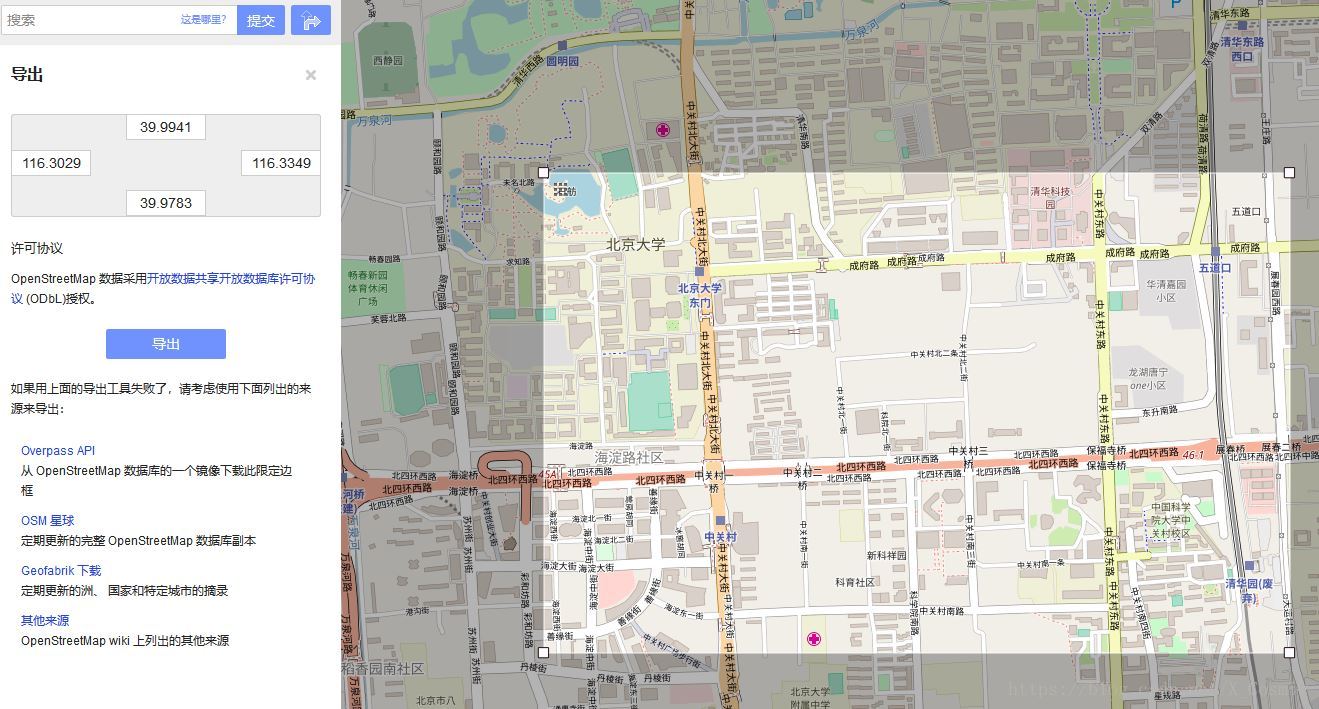
4、导出即可
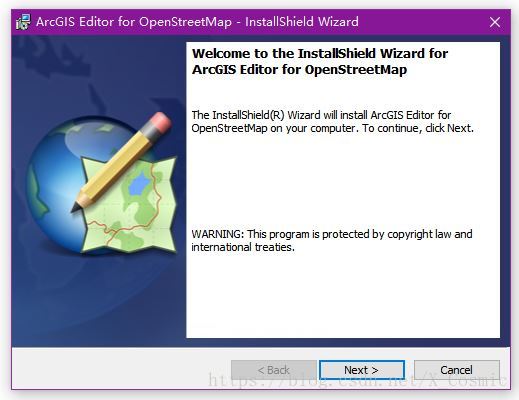
5、格式准换可以考虑以下两种方法,一是试用ArcGIS Editor for OpenStreetMap,是一个插件
各版本下载地址为:
10.2:http://www.arcgis.com/home/item.html?id=16970017f81349548d0a9eead0ebba39
10.3:https://www.arcgis.com/home/item.html?id=75716d933f1c40a784243198e0dc11a1
10.4:https://www.arcgis.com/home/item.html?id=c18d3d0d5c62465db60f89225fdd2698
10.5:https://www.arcgis.com/home/item.html?id=4533407decd94428817a228cb36964cf
10.6:https://www.arcgis.com/home/item.html?id=0c4b24608fc94542ba5d1130c0606802
10.7:http://www.arcgis.com/home/item.html?id=e646719bc3284a3d9d81e02b3d5abc53
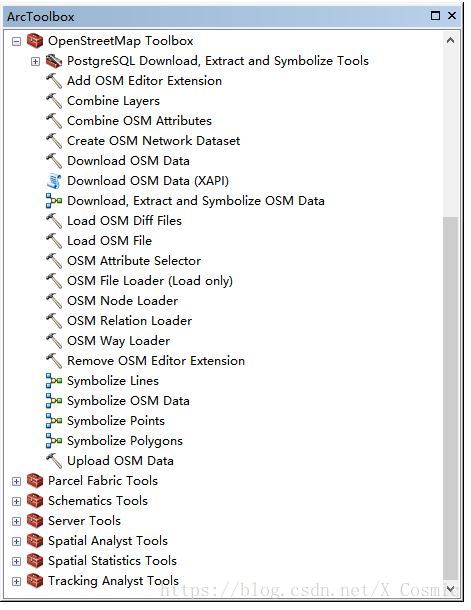
6、可以在Toolbox中找到
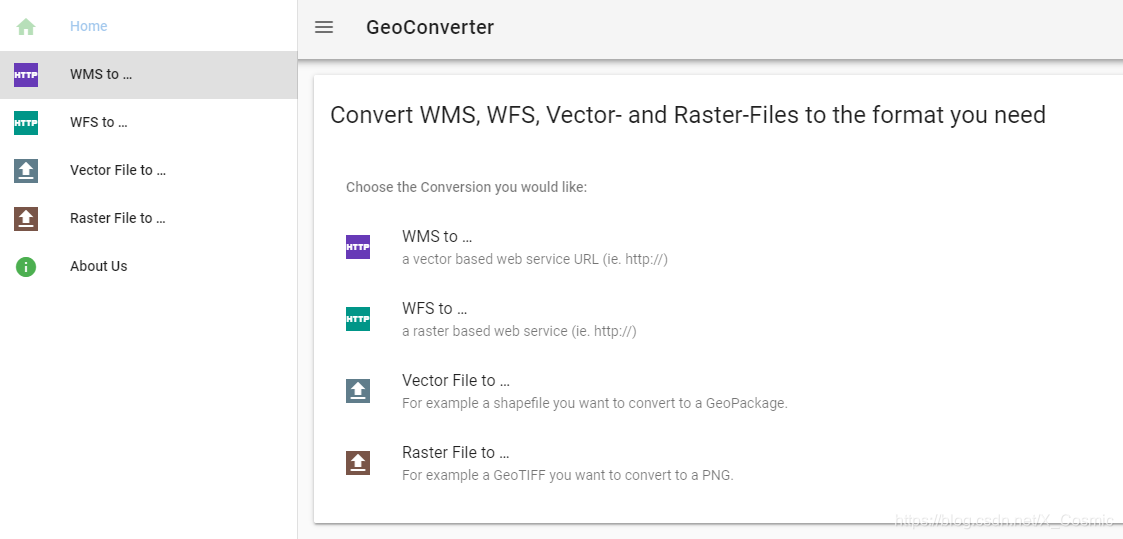
7、另一种方法是通过网页在线转,比较方便,网址为:https://geoconverter.hsr.ch/ 选择 “Vector File to…”
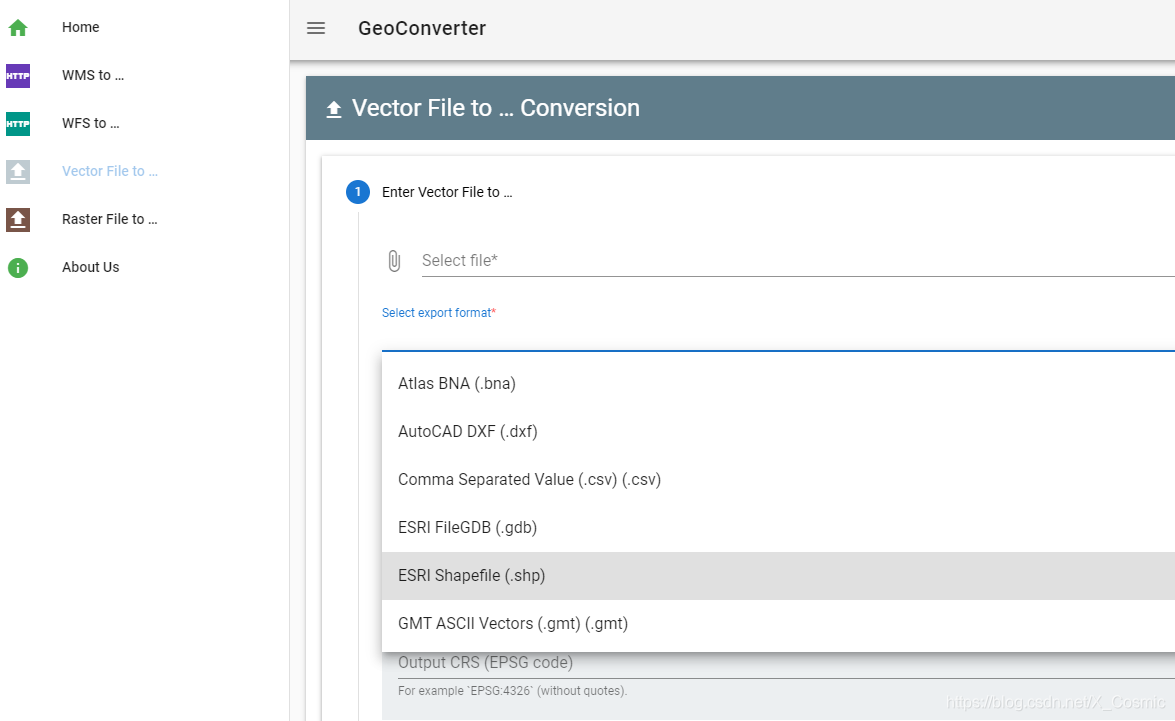
8、上传文件,选好输出格式,Run运行,结束后Download
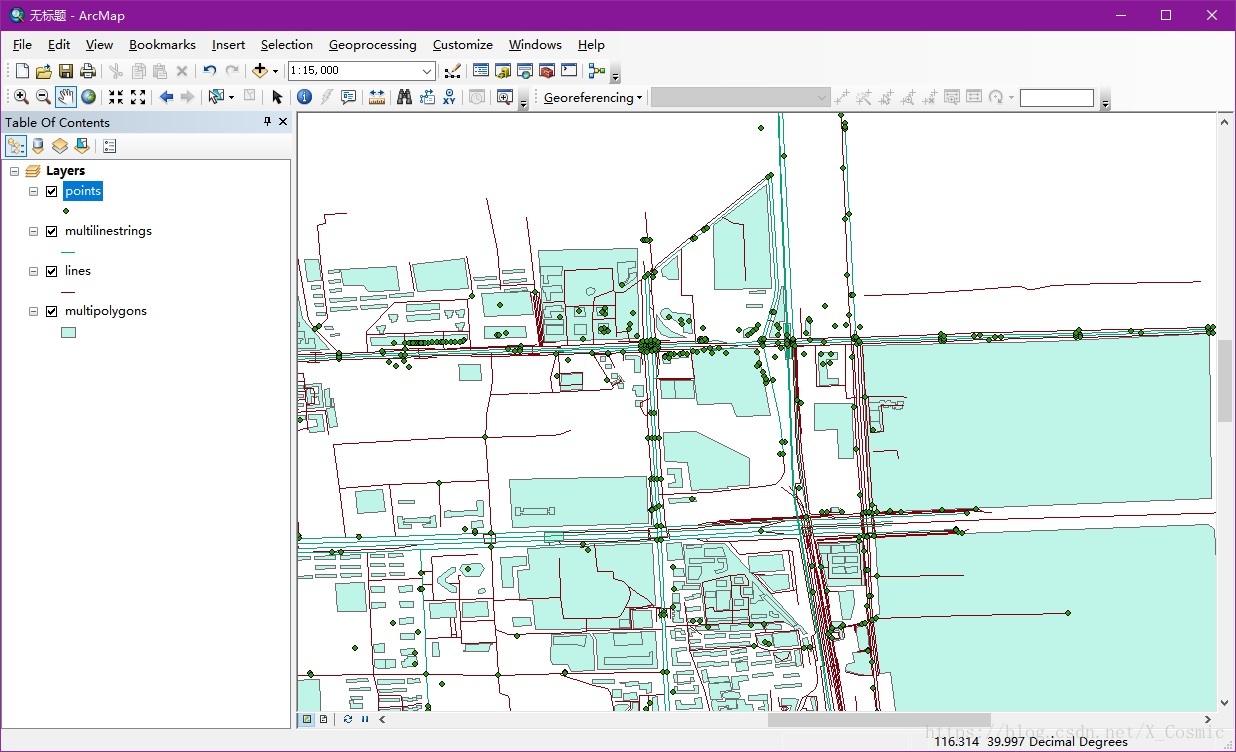
9、结果可直接再ArcGIS 中打开

有“AI”的1024 = 2048,欢迎大家加入2048 AI社区
更多推荐

 27
27 0
0- 0


 已为社区贡献5条内容

所有评论(0)