微信小程序中使用wx.getLocation获取实时经纬度,并使用经纬度获取当前定位信息
·
需在微信公众平台申请wx.getLocation接口,否则上线不可使用,申请需将图片/录屏资料准备齐全,需有配送/打车类的含地图实时绘制路线的功能通过率才大,其他简单文字展示信息不易通过。官方文档:位置 / wx.getLocation;
需在app.json文件内进行声明:
  "requiredPrivateInfos": [
    "getLocation",
    "chooseLocation",
    "chooseAddress",
    "choosePoi"
  ],
一、使用wx.getLocation获取当前经纬度:
  getCurrentLocation() {
    let that = this
    wx.getLocation({
      type: 'gcj02',
      success: function (res) {
//开发工具该接口无法打印出返回值,可使用真机调试查看
        const latitude = res.latitude
        const longitude = res.longitude
      },
      fail: function (err) {
//处理获取失败
      }
    })
  },
二、通过获取到的经纬度获取定位信息:
1、先申请一个腾讯地图的key,申请地址:我的应用;
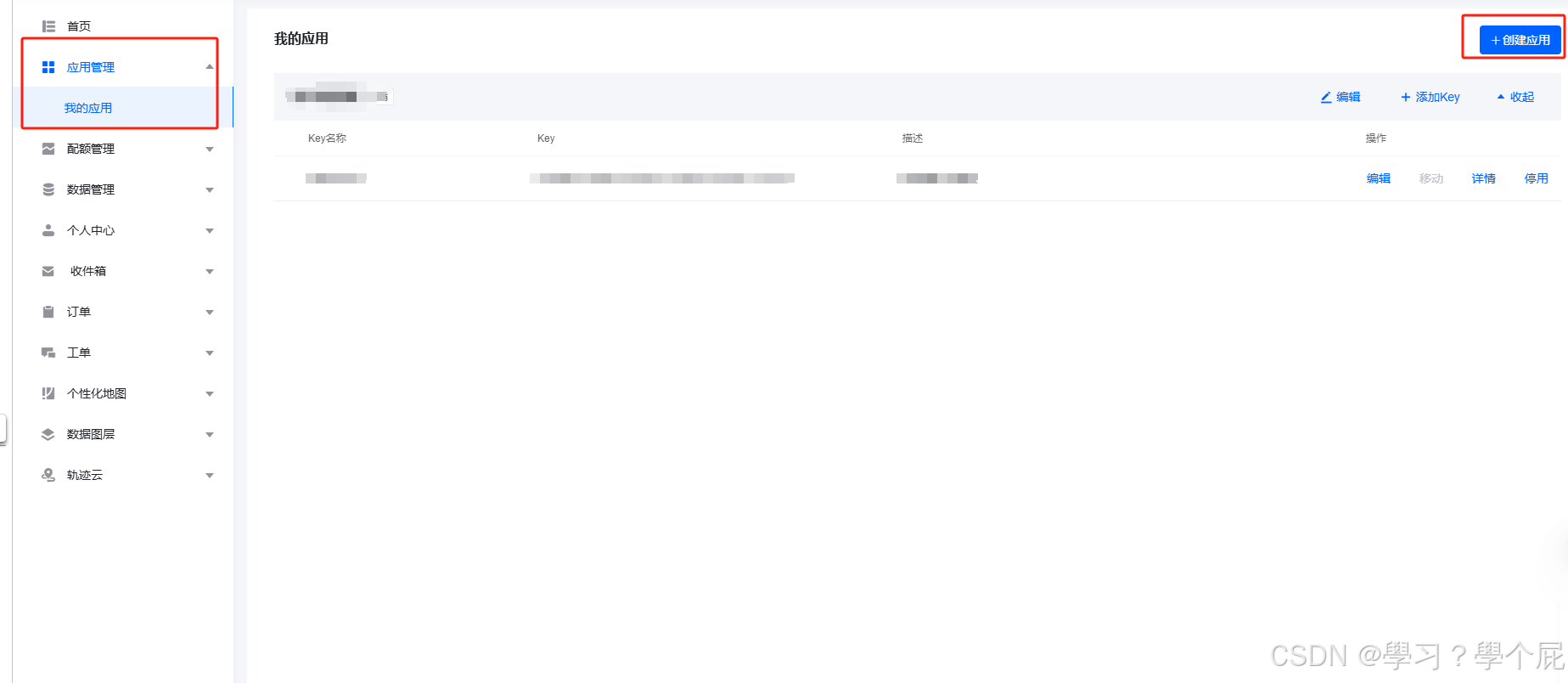
选择创建应用,创建成功之后就会生成一个key;
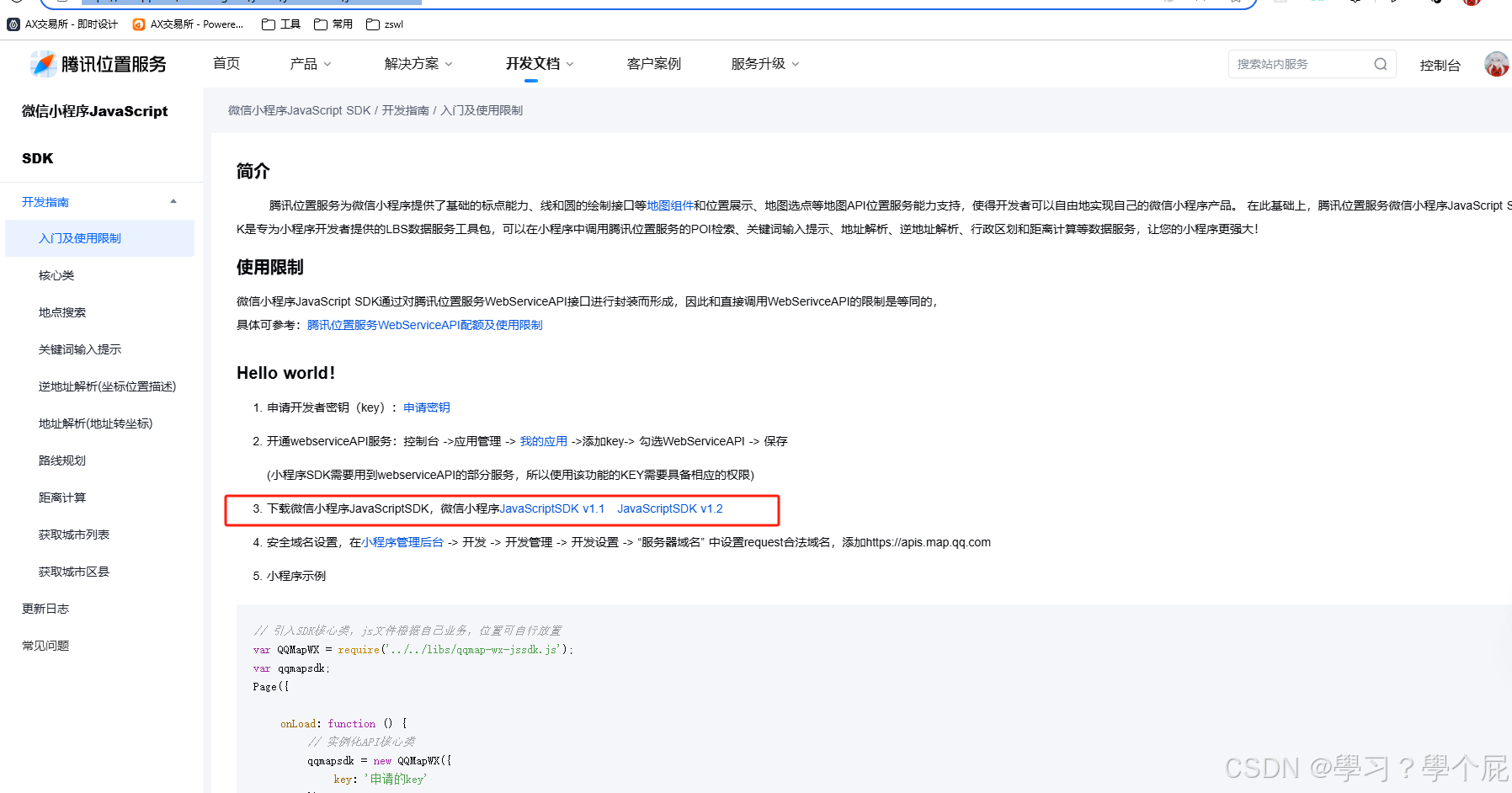
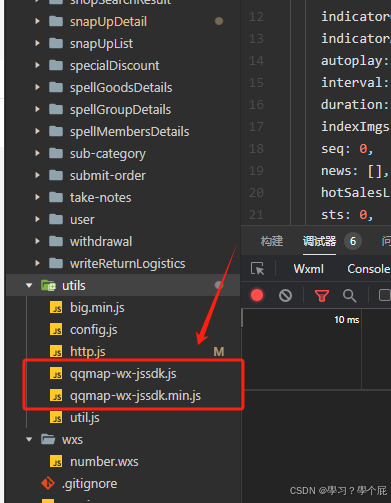
3、下载的是压缩包,解压后将两个文件保存到自己项目的工具类文件夹内;

4、在需要用到的页面引入:
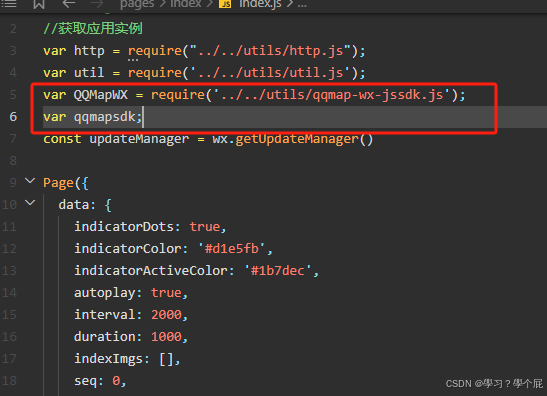
var QQMapWX = require('../../utils/qqmap-wx-jssdk.js');
var qqmapsdk;
5、在onLoad内实例化,也可以通过事件方法触发:
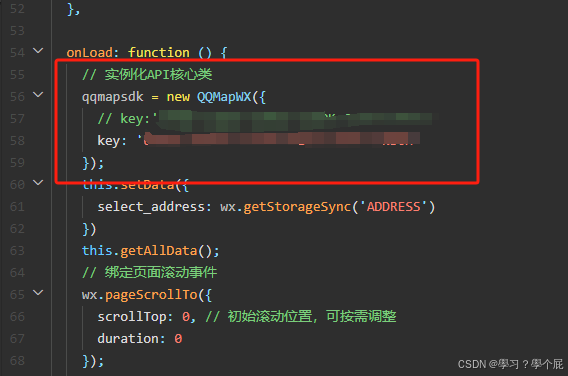
    // 实例化API核心类
    qqmapsdk = new QQMapWX({
      key: '' //申请的key
    });
6、调用腾讯地图api
        // 调用腾讯地图api获取当前位置
        qqmapsdk.reverseGeocoder({
          location: {
            latitude: latitude,//通过wx.getLocation获取的纬度
            longitude: longitude //通过wx.getLocation获取的经度
          },
          success: function (res) {
            wx.setStorageSync('ADDRESS', res.result.address_component.street)
            that.setData({
              select_address: res.result.address_component.street
            })
          },
          fail: function (res) {
            console.log(res, '---获取失败');
          },
          complete: function (res) {
            // console.log(res, '---callback');
          }
        });
完整代码:
  getCurrentLocation() {
    let that = this
    wx.getLocation({
      type: 'gcj02',
      success: function (res) {
        const latitude = res.latitude
        const longitude = res.longitude
        wx.setStorageSync('LATITUDE', res.latitude)
        wx.setStorageSync('LONGITUDE', res.longitude)
        // 调用腾讯地图api获取当前位置
        qqmapsdk.reverseGeocoder({
          location: {
            latitude: latitude,
            longitude: longitude
          },
          success: function (res) {
            wx.setStorageSync('ADDRESS', res.result.address_component.street)
            that.setData({
              select_address: res.result.address_component.street
            })
          },
          fail: function (res) {
            console.log(res, '---获取失败');
          },
          complete: function (res) {
            // console.log(res, '---callback');
          }
        });
      },
      fail: function (err) {
        wx.removeStorageSync('ADDRESS')
        console.log(err);
        if (err.errMsg === 'getLocation:fail:auth denied') {
          wx.showToast({
            title: '拒绝授权',
            icon: 'none'
          })
        } else if (err.errMsg === 'getLocation:fail:ERROR_NOCELL&WIFI_LOCATIONSWITCHOFF' ||
          err.errMsg === 'getLocation:fail system permission denied' ||
          err.errMsg === 'getLocation:fail:system permission denied' || err.errMsg === 'getLocation:fail auth deny') {
          wx.showModal({
            title: '您未开启地理位置授权',
            content: '请在系统设置中打开位置授权,以便我们为您提供更好的服务',
            success: (res) => {
              if (res.confirm) {
                wx.openSetting()
              }
            }
          })
        }
      }
    })
  },
有“AI”的1024 = 2048,欢迎大家加入2048 AI社区
更多推荐
 8
8 0
0- 0


 已为社区贡献1条内容

所有评论(0)