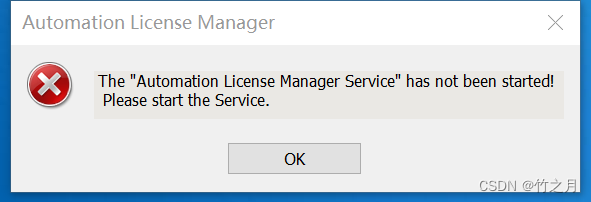
The “Automation License Manager Service“ has not been started!Please start the Service.
双击打开 “Automation License Manager” 软件时, 弹出The "Automation License Manager Service" has not been started!Please start the Service.弹窗。搜索 “服务”,找到 “Automation License Manager Service” ,双击 把启动类型 改为“自动”,并点击左
·
1.问题描述
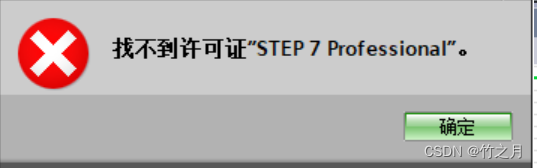
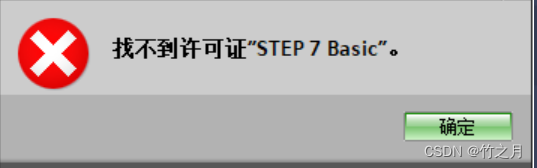
TIA 博途V16 的项目,打开“程序块”时,弹出 找不到许可证”STEP 7 Professional”。弹窗
双击打开 “Automation License Manager” 软件时, 弹出 The "Automation License Manager Service" has not been started!Please start the Service. 弹窗
2.问题解决
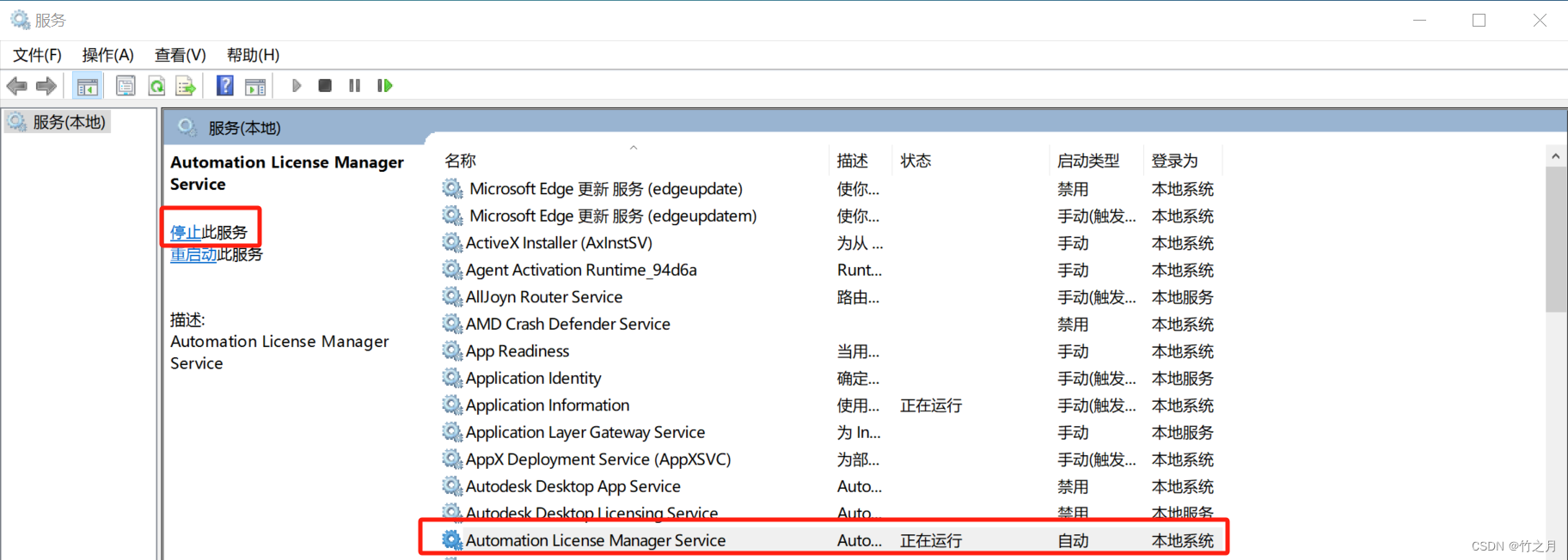
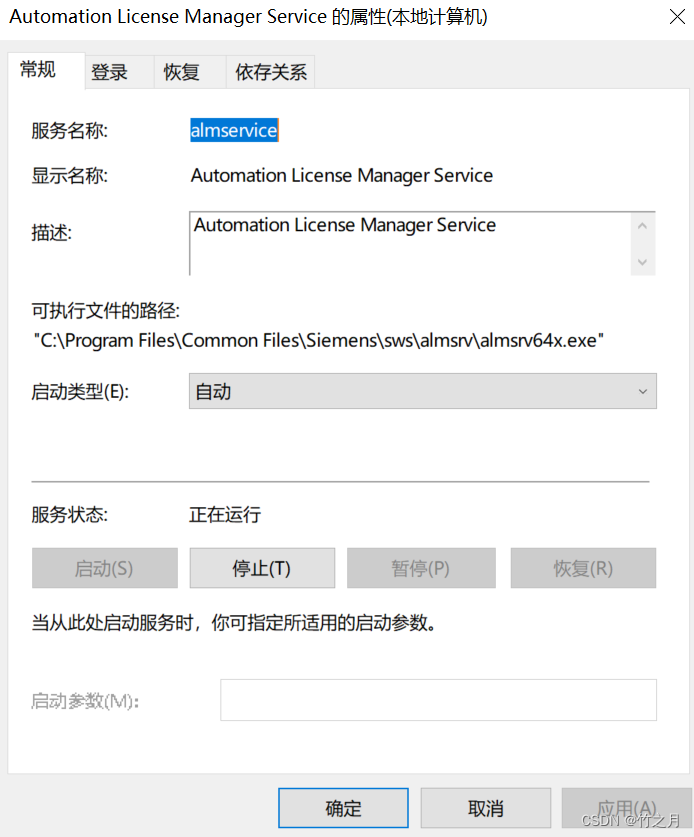
搜索 “服务”,找到 “Automation License Manager Service” ,双击 把启动类型 改为“自动”,并点击左上角的 “ 启动 此服务” ,状态转为 “正在运行”,再次打开项目的程序块,问题解决。

有“AI”的1024 = 2048,欢迎大家加入2048 AI社区
更多推荐

 26
26 0
0- 0


 已为社区贡献7条内容

所有评论(0)