MySQL 库表操作——授权
·
官方文档(MySQL :: MySQL 8.1 Reference Manual :: 13.7.1.6 GRANT Statement)
目录
命令:grant select,insert,update,delete,create,alter,drop on mydb.* to test1@'%';
命令:revoke create,drop,alter on mydb.* from test1@'%';
步骤:
1、创建账户及其密码
1)create user test1@'%localhost' identified by '123456', test2@'%localhost' identified by '123456';
2)create user test1@'%' identified by '123456';
查看数据库当前密码策略:
show VARIABLES like "%password%";
查看密码插件:
SHOW VARIABLES LIKE 'validate_password%';
官方文档策略定义:
| Policy | Tests Performed |
|---|---|
| 0 or LOW | Length |
| 1 or MEDIUM | Length; numeric, lowercase/uppercase, and special characters |
| 2 or STRONG | Length; numeric, lowercase/uppercase, and special characters; dictionary file |
设置密码策略:
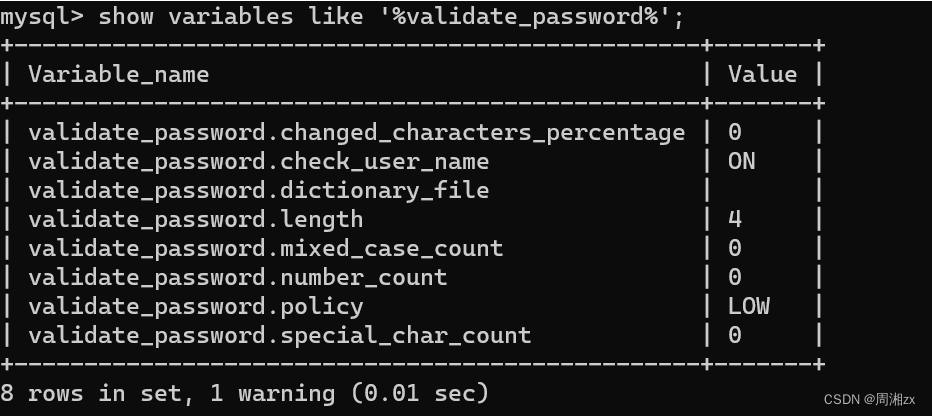
例如:
set global validate_password.length = 4;
set global validate_password.policy = 0;(0表示LOW,密码强度低)
2、查看账户信息
命令:select host, user, authentication_string from mysql.user;
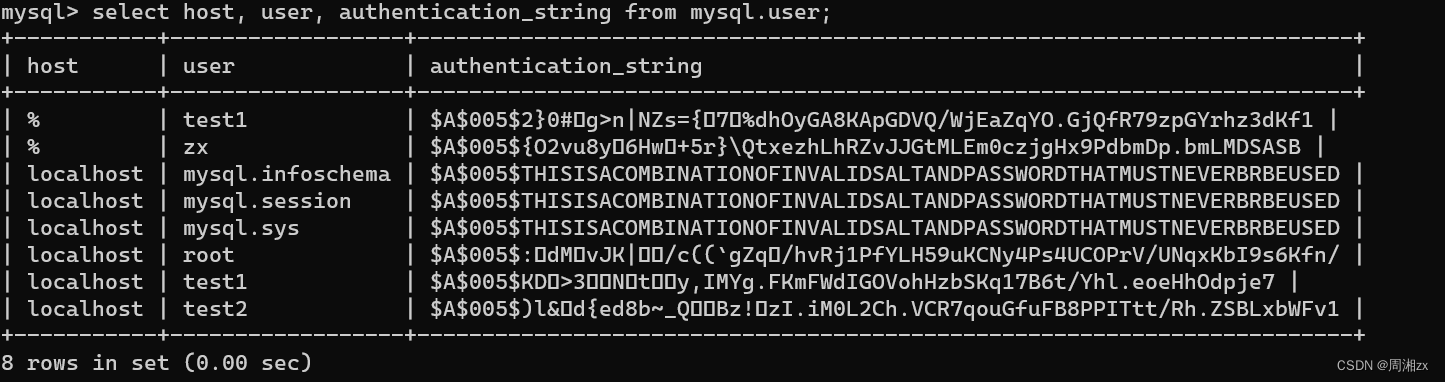
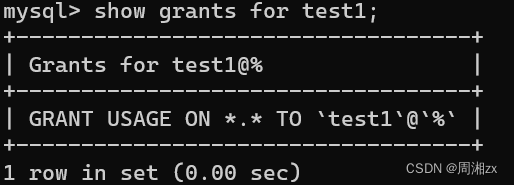
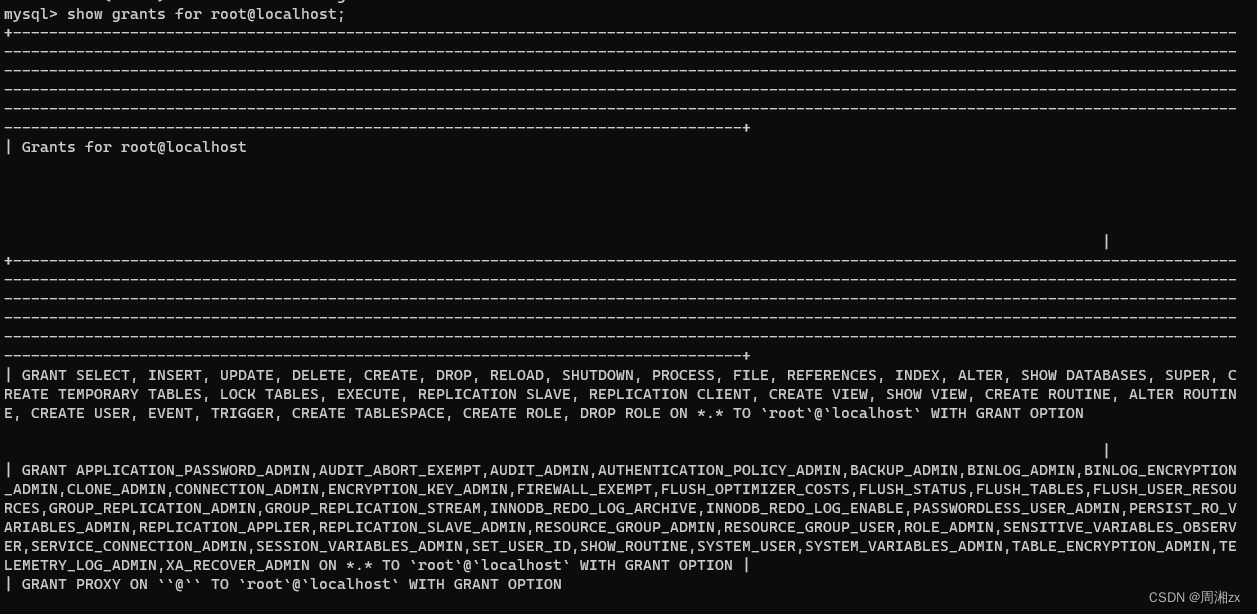
详细单个账户查询:
show grants for test1;
show grants for root@localhost;
3、授权用户
格式:grant 权限 on *.* to user
命令:grant select,insert,update,delete,create,alter,drop on mydb.* to test1@'%';

刷新权限:
flush privileges;

查看信息:
show grants for test1\G; 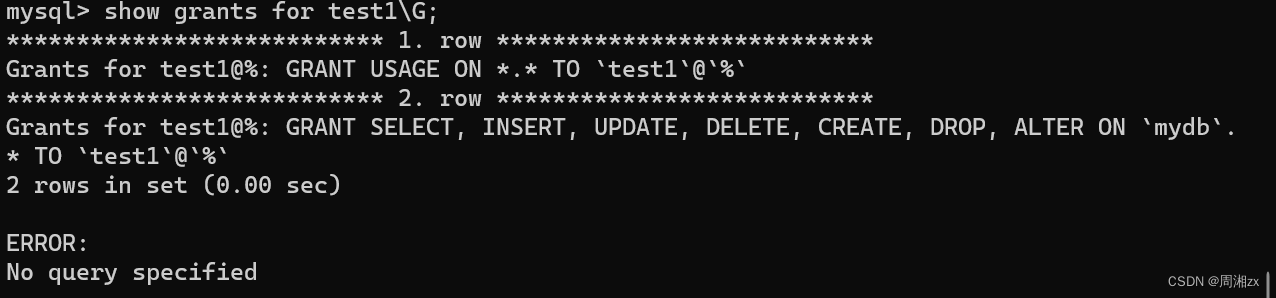
授权(所有):grant all privileges on *.* to test1@'%';
4、回收用户权限:
格式:revoke 权限 on *.* from user
命令:revoke create,drop,alter on mydb.* from test1@'%';


有“AI”的1024 = 2048,欢迎大家加入2048 AI社区
更多推荐


 1
1 0
0- 0


 已为社区贡献4条内容

所有评论(0)