图像标注开源小工具-labelImg
图像标注开源小工具-labelImg
·
github地址:https://github.com/tzutalin/labelImg
安装及使用:
Windows + Anaconda
Download and install Anaconda (Python 3+)
Open the Anaconda Prompt and go to the labelImg directory
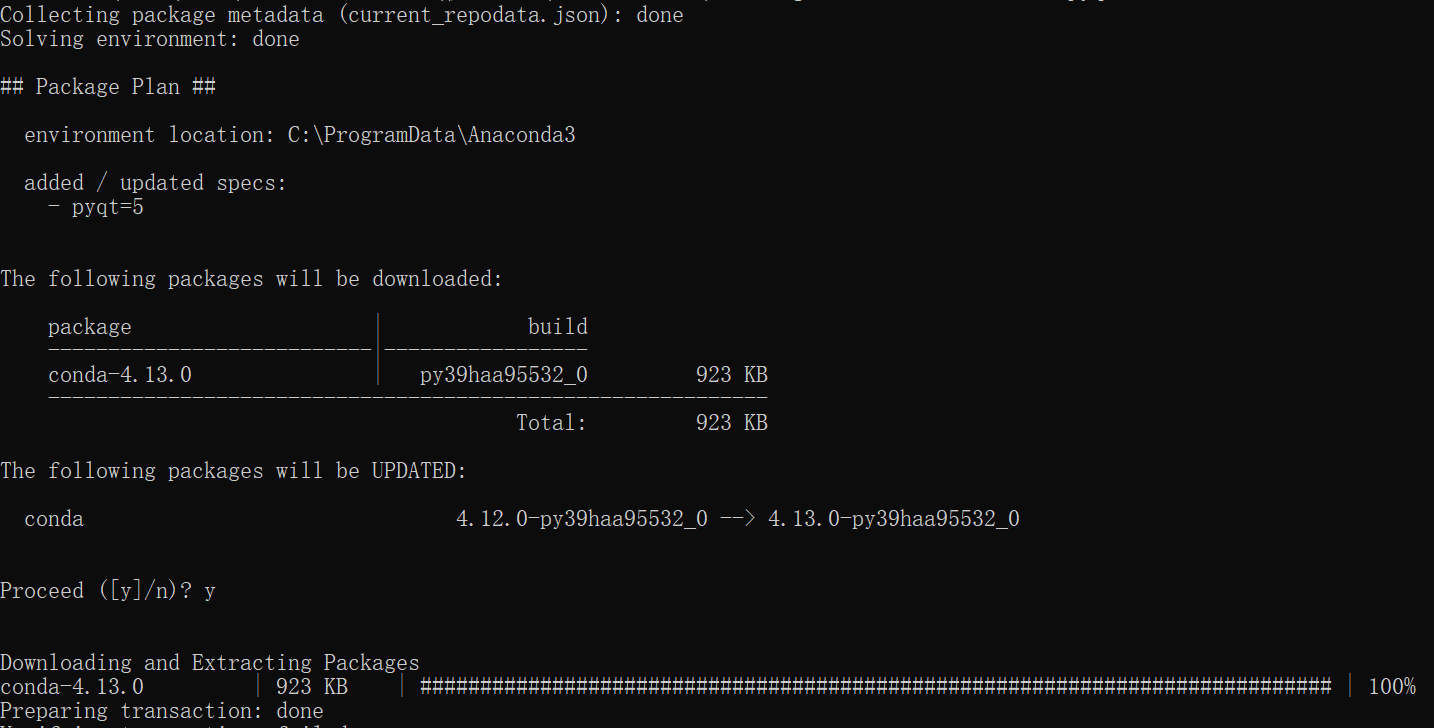
conda install pyqt=5
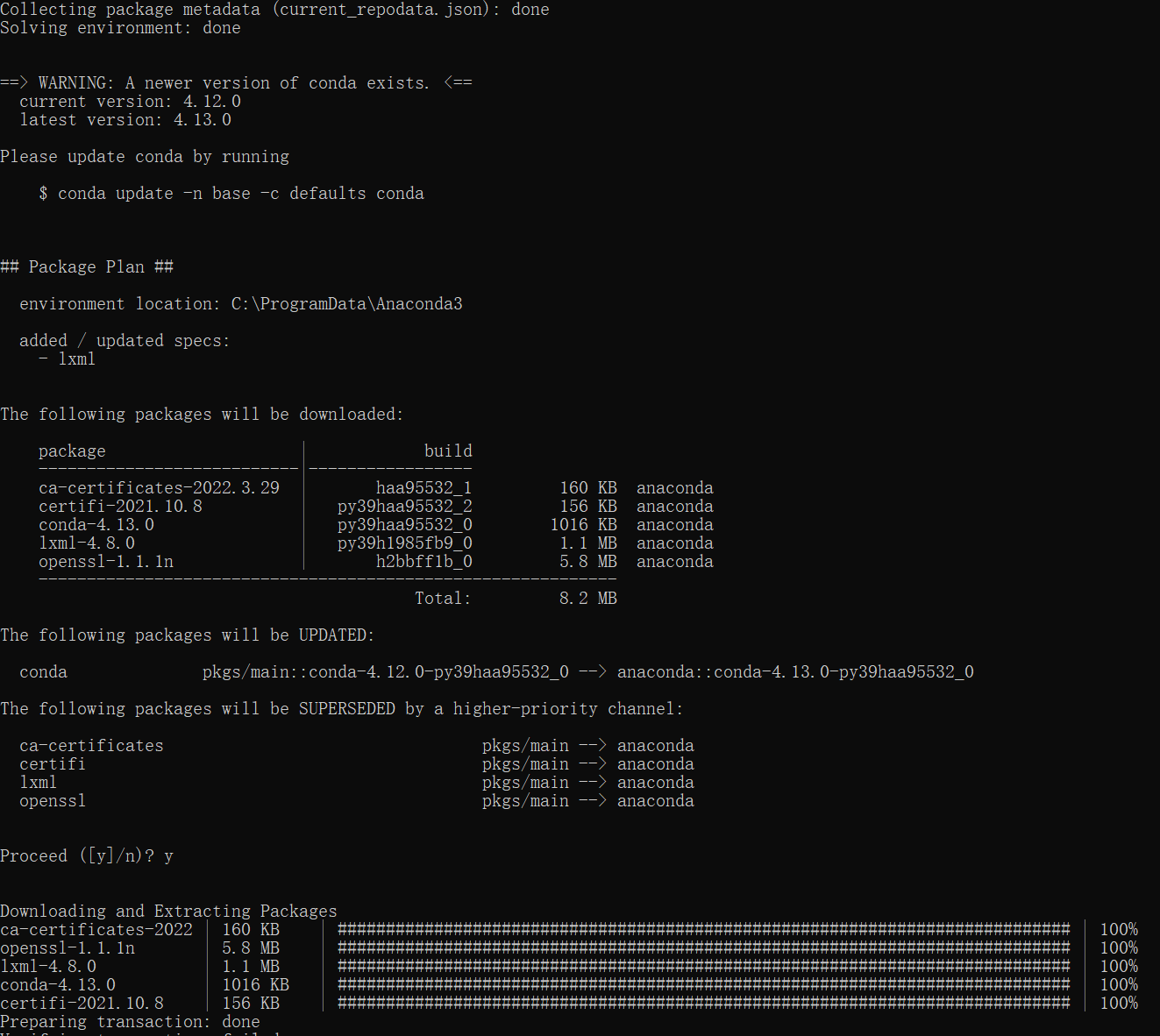
conda install -c anaconda lxml
pyrcc5 -o libs/resources.py resources.qrc python labelImg.py
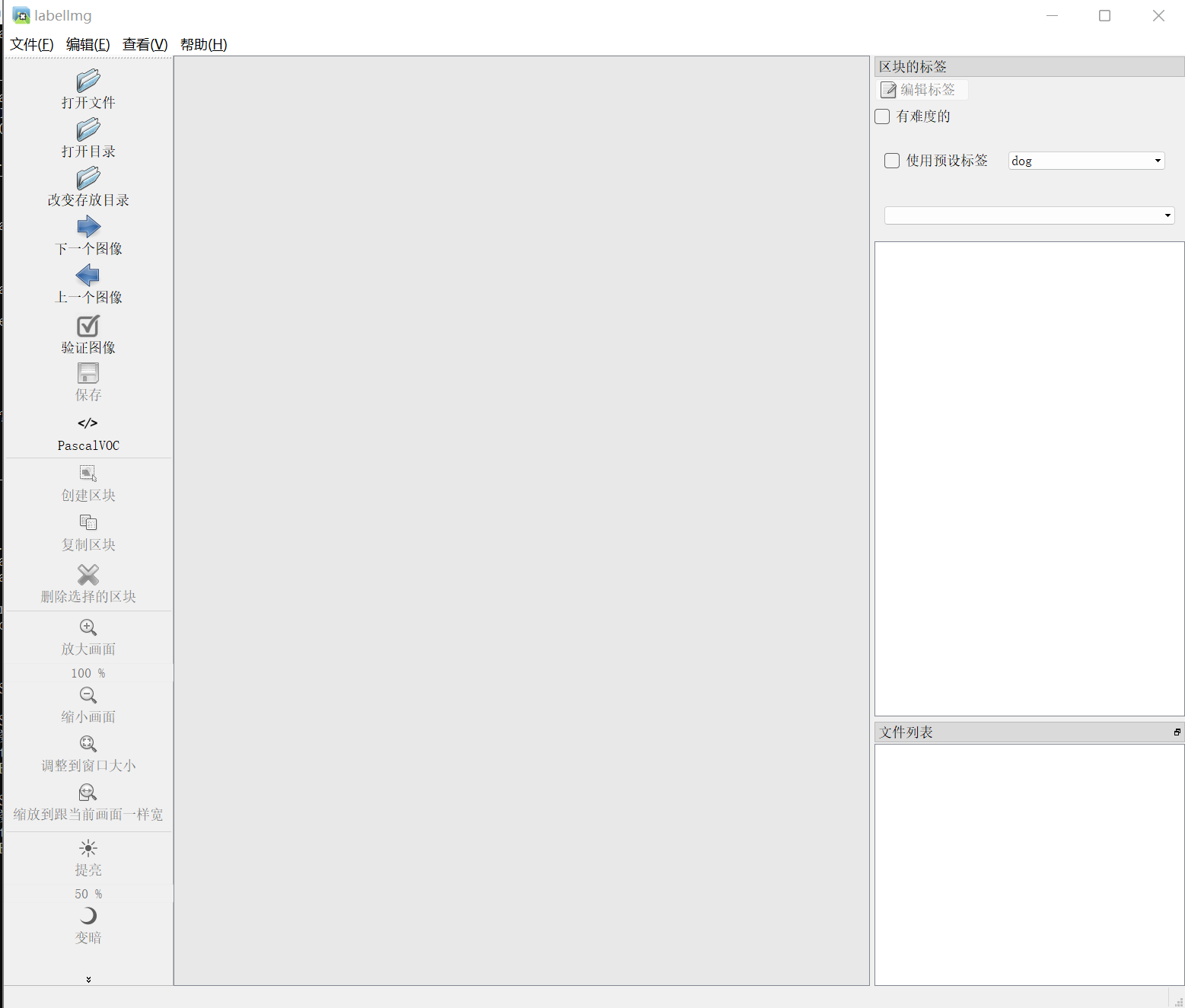
打开需要标注
pyrcc5 -o libs/resources.py resources.qrc python labelImg.py
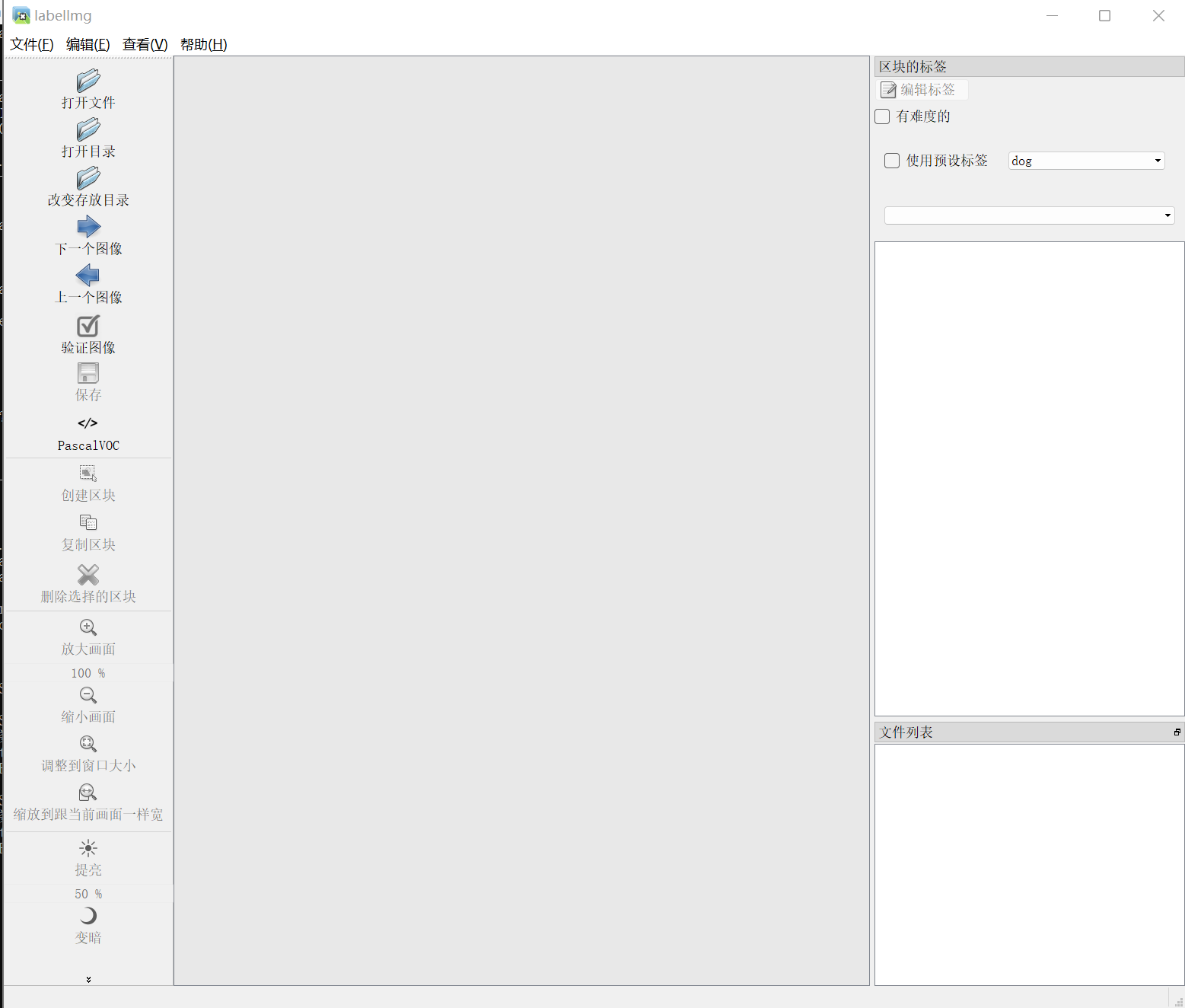
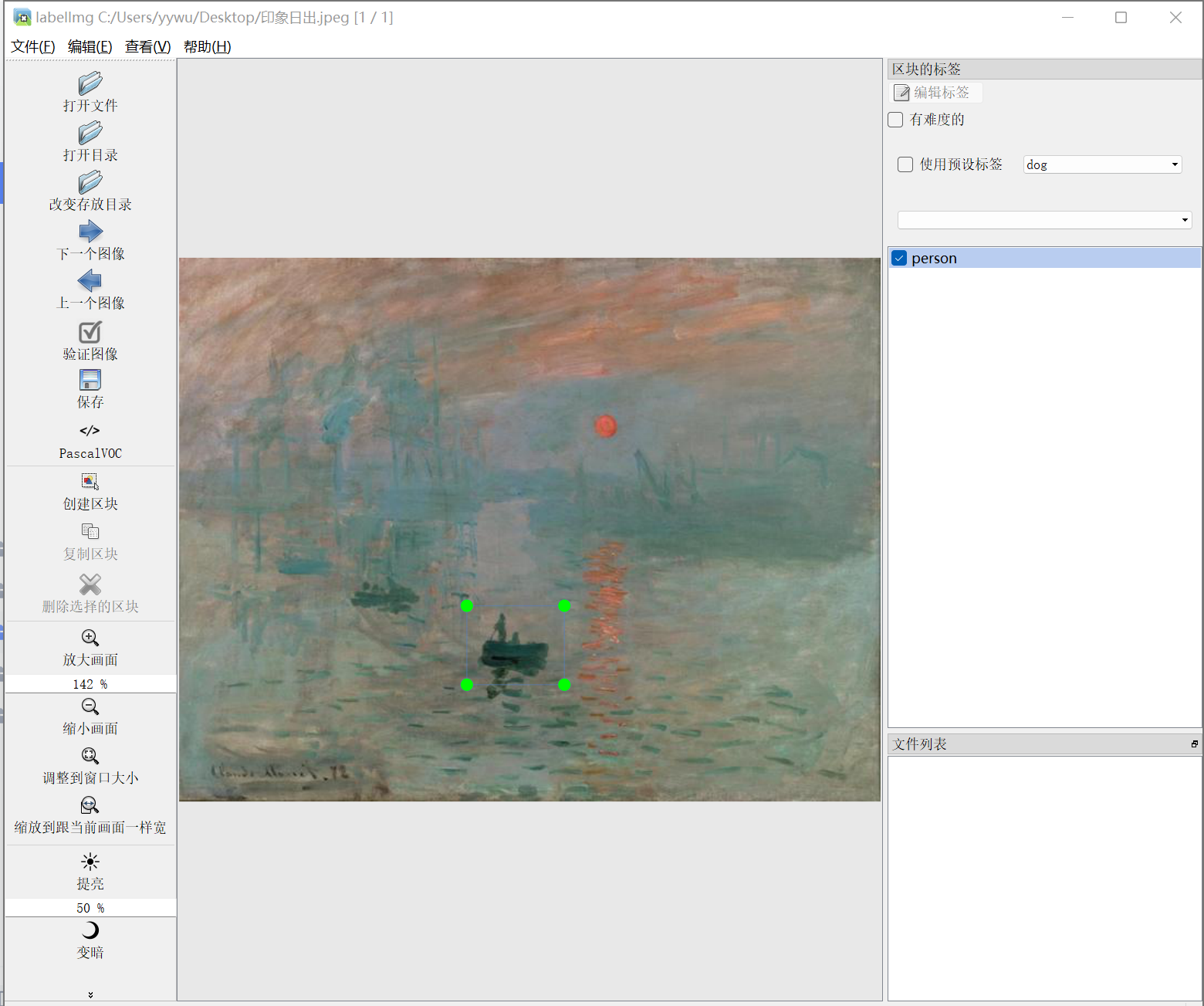
打开需要标注的图片进行标注即可。

有“AI”的1024 = 2048,欢迎大家加入2048 AI社区
更多推荐

 0
0 0
0- 0


 已为社区贡献1条内容

所有评论(0)